Histo!

Histo!

ダウンロード: App Store
ロゴ: Histo!

Histo! 微細解剖学をマスターして組織学試験で高得点を

2,179枚のインタラクティブな同定スライドと専門家監修のクイズを使って、何千人もの医学生や歯学生と一緒に組織同定をマスターしましょう。いつでも、どこでも、完全にオフラインで利用可能です。

ダウンロード: App Store

開発元

John Ash

カテゴリ

Medical

ダウンロード

22K+

ユーザー評価

5.0/5

評価数

0

対応言語

1

ミクロの世界をマスターする

このインターフェースを利用する 22K+ 人のユーザー.

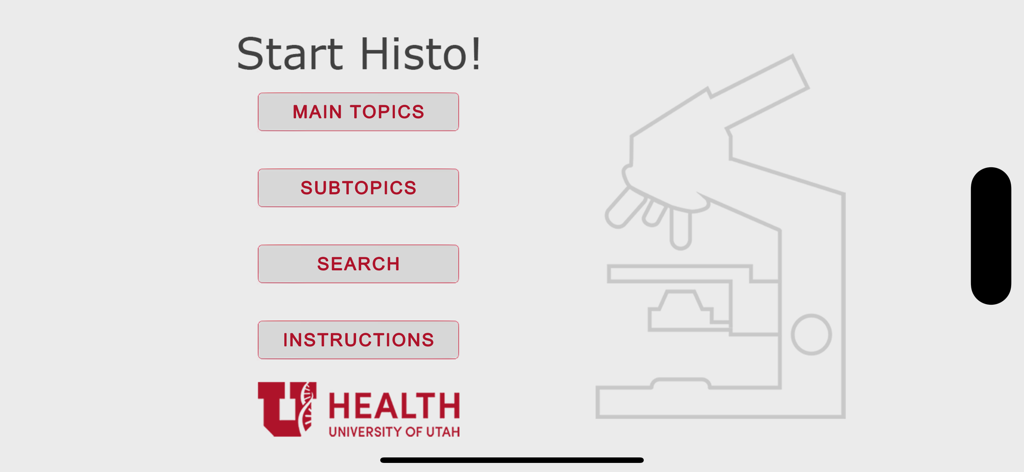
メインメニューとユタ大学ヘルスのロゴが表示されたHistoアプリのスタート画面
メインメニューとユタ大学ヘルスのロゴが表示されたHistoアプリのスタート画面

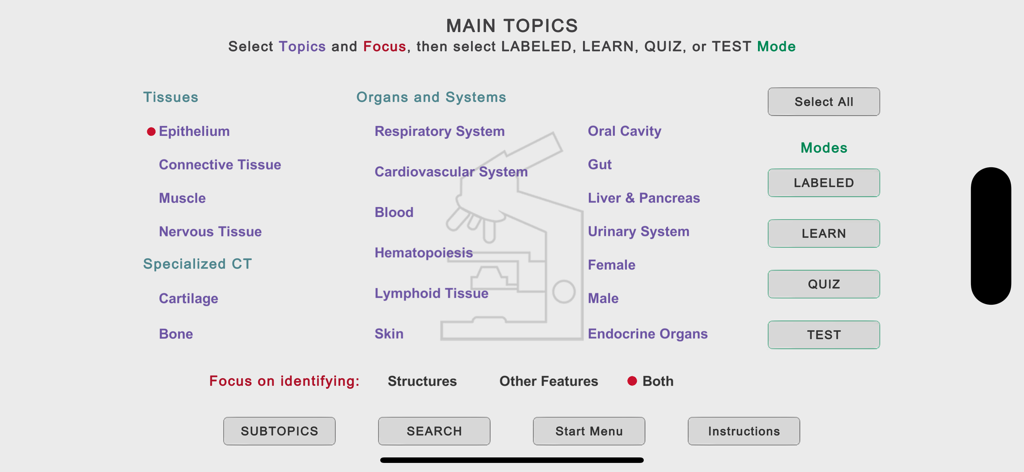
組織や器官系の学習カテゴリーが表示されたHistoアプリのメイン・トピック・メニュー。
組織や器官系の学習カテゴリーが表示されたHistoアプリのメイン・トピック・メニュー。

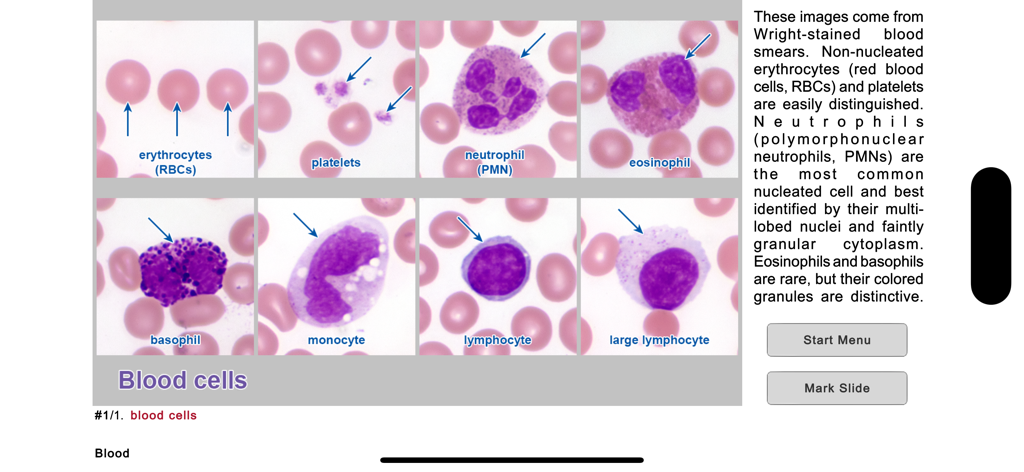
様々な血球のラベル付き顕微鏡画像を示す組織学学習スライド
様々な血球のラベル付き顕微鏡画像を示す組織学学習スライド

医療学習アプリ「Histo」に表示された重層扁平上皮の顕微鏡写真。
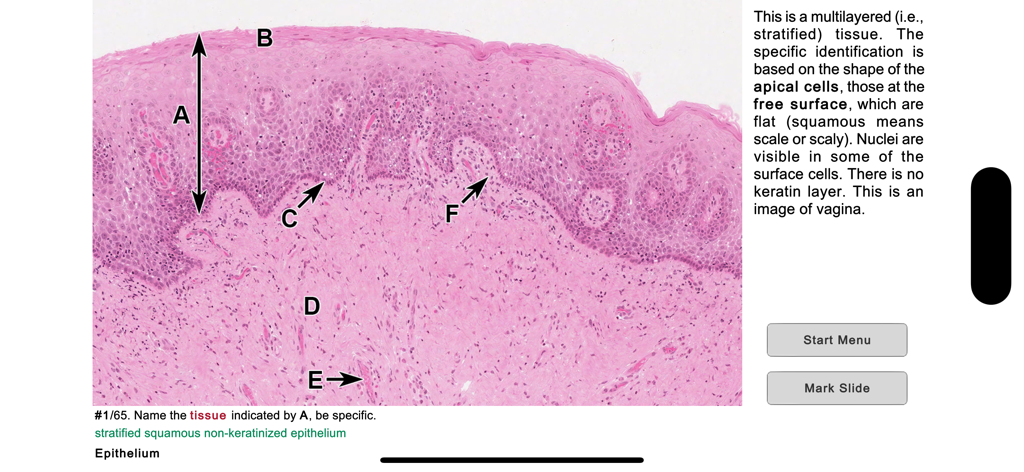
医療学習アプリ「Histo」に表示された重層扁平上皮の顕微鏡写真。

顕微鏡スライドと同定問題が表示された組織学クイズのインターフェース
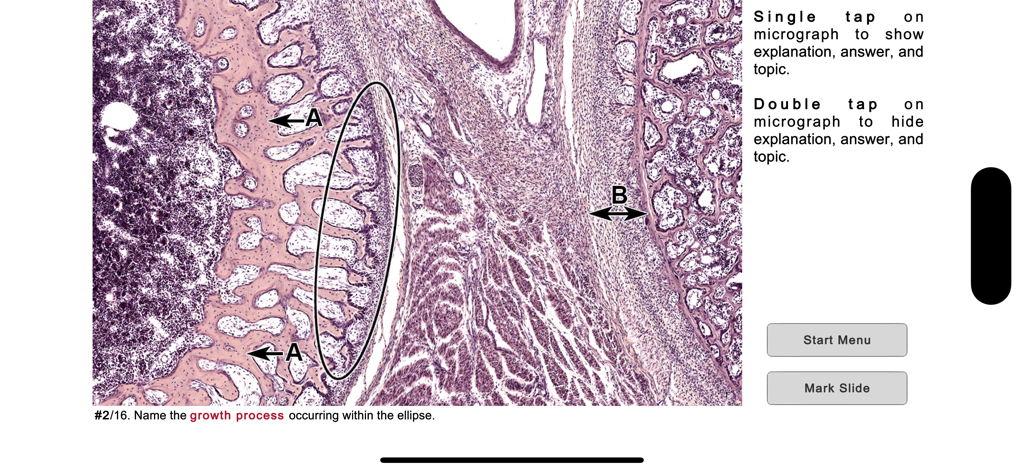
顕微鏡スライドと同定問題が表示された組織学クイズのインターフェース

ラベル付き組織スライドとキーボード入力が表示されたHistoアプリの組織学テスト問題
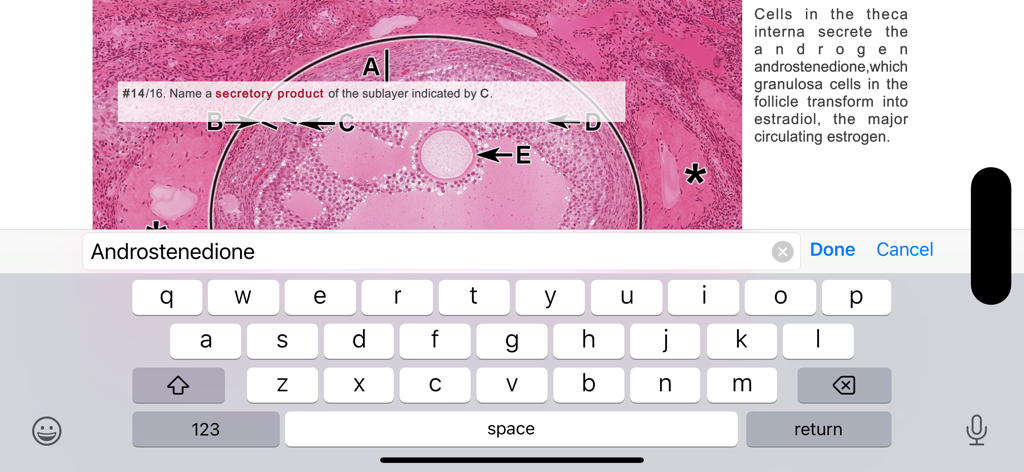
ラベル付き組織スライドとキーボード入力が表示されたHistoアプリの組織学テスト問題

血球や骨などのカテゴリーと学習モードが表示されたHistoアプリのサブトピック選択画面
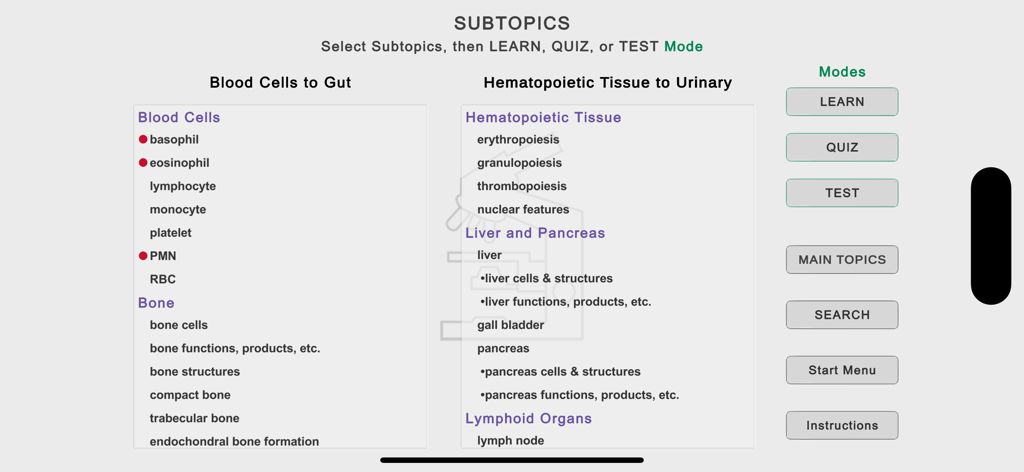
血球や骨などのカテゴリーと学習モードが表示されたHistoアプリのサブトピック選択画面

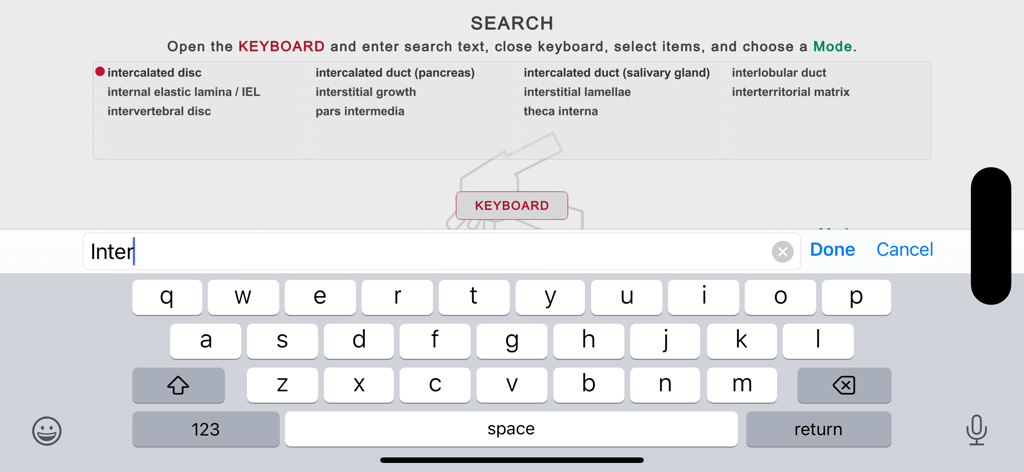
キーボードと医学的組織学用語のリストが表示されたHistoアプリの検索画面

キーボードと医学的組織学用語のリストが表示されたHistoアプリの検索画面

アカデミックな精度で組織学を極める

このアプリを際立たせるツール、 22K+ 人のユーザーが選択.

🔬

高解像度インタラクティブアトラス

ラベルの表示・非表示を切り替えられる2,179枚の同定スライドで、複雑な微細解剖学の自己テストを即座に行い、マスターしましょう。

🎓

アクティブリコールトレーニング

「学習」「クイズ」「テスト」の専用モードで実習と講義のギャップを埋め、アクティブリコールを活用して知識を定着させます。

🎯

効率的なミス復習

完全にオフラインで動作するスマートなマーキングシステムにより、間違えたスライドを自動的に追跡し、特定の弱点に集中できます。

アプリについて

について知っておくべきこと Histo!.

説明

Histo! helps you learn histology and test your knowledge. It is the favorite study aid of medical and dental students in histology courses at the University of Utah. The App currently contains 2179 identification slides, based on 547 photomicrographic images. It is organized into 19 Main Topics and 148 Subtopics. It does not require an internet connection. NAVIGATION •Three navigation menus are provided, one to choose among the Main Topics, a second to select Subtopics of the Main Topics, and a Search feature to find slides using 675 keywords. These meus allow you focus your study as broadly or narrowly as desired. •Once slides are displayed, a one-finger left or right swipe moves forward or backward by one slide, a two-finger swipe jumps 10 slides. LABELED SLIDE MODE •This mode presents 92 micrographs that cover the Main Topics. Important structural features are named, and short explanations are given. These micrographs provide an efficient way for anyone new to a topic to quickly learn the identifications and spatial relationships of the microanatomy that are key for identifying tissues and organs. •The labels can be turned on and off by tapping, allowing immediate self-testing while learning. LEARN, QUIZ, and TEST (LQT) MODES •These modes are based on 2087 questions and answers related to 455 micrographs. •In the Learn mode, each slide displays a question, the answer, and a short explanation. The slides are presented in a logical order that helps you learn the material. •In the Quiz mode, only the question is shown, and the order of presentation is randomized. You can tap to see the answer and explanation. A Quiz persists until the user deletes it. •In the Test mode, you tap to display the built-in keyboard to answer the question, then grade your response. Results for each Main Topic are shown when you have finished a Test. STRUCTURES AND ADDITIONAL FEATURES •Histo! addresses both microanatomy and functional histology. About 70% of the LQT slides ask for identification of structures, the remainder are related to other features of these structures, such as functions, molecular components, or diseases. •From the Main Topic menu, you choose whether to review structures or other features, or both. MARKING AND UNMARKING SLIDES •Slides in any mode may be marked for later review. This happens automatically when you miss a question in the Test mode, and by tapping a button in the Label, Learn, or Quiz modes. •Whenever you return to the Start screen, either during a session or later after exiting, you are offered the chance to review slides marked in any of the four modes. Buttons to review marked slides are also present on the Main and Subtopics menus. •Slides that have been marked can be unmarked during a review by scoring the question as completely correct in the Test mode or tapping a button in the Learn or Quiz modes. SHOWING SPECIFIC SLIDES •Identifiers for slides viewed in the Labeled, Learn or Quiz modes can be recorded and then distributed via electronic documents. Anyone importing these identifiers can view the slides in the Learn mode. •Students can ask for help with a structural or functional question related to a specific slide and instructors can present preselected examples to an individual or group.

最新バージョン

1.4.03

サイズ

455.9 MB

リリース日

2019年6月6日

組織学試験の準備はいいですか?

ユタ大学の最高峰の学習ツールを使用している22,000人以上の医学生や歯学生の仲間入りをしましょう。2,100枚以上のスライドをアクティブリコールでマスター。いつでも、どこでも、100%オフラインで。

ダウンロード: App Store

App information, icons, screenshots, and descriptions displayed on this page are sourced from the Apple App Store and are the property of their respective developers. Download estimates and rankings are based on MWM's proprietary models and may not reflect actual figures. This page is provided for informational and analytical purposes only.

Believe this page infringes your intellectual property? File a dispute