iDOS 3
iDOS 3
ダウンロード: App Store

このページはアプリまたはその開発者の公式ページではなく、情報提供および論評を目的として作成された独立した編集出版物です。明示的に別段の記載がない限り、アプリおよびその開発者は、MWM、Apple、Google Play、アプリのパブリッシャー、またはアプリの開発者と提携、承認、後援、認可、またはその他の公式的な関係はなく、このページのいかなる内容も、アプリがMWMのサービスを使用して開発されたことを意味するものではありません。すべての商標、ロゴ、スクリーンショット、その他のコンテンツはそれぞれの所有者の財産です。

ロゴ: iDOS 3
ダウンロード: App Store

iDOS 3

PCゲームと生産性の黄金時代を追体験しましょう。Bluetoothキーボード、マウス、ゲームコントローラーを完全にサポートし、伝説的なMS-DOSソフトウェアを実行できます。

主要数値

ダウンロード

50K+

ユーザー評価

4.3/5

評価数

100

開発元

潮激 李

カテゴリ

Utilities

対応言語

1

最新バージョン

3.3

サイズ

7.7 MB

リリース日

2024年8月9日
機能

ポケットの中のパワフルなPC

iDOS 3は、本物のMS-DOSエミュレーションと最新のハードウェアの多様性を融合させ、コンピューティングの黄金時代をiPhoneとiPadにもたらします。

正確なレトロゲーム

カスタマイズ可能な仮想ゲームパッド、8軸DPAD、外部Bluetoothコントローラーを完全にサポートし、クラシックを追体験しましょう。

完全な周辺機器サポート

Bluetoothキーボードとマウスを接続して、ゲーム、コーディング、または注意散漫にならない執筆のために、iPadを90年代のワークステーションに変えましょう。

以下のスクリーンショットと説明は、アプリの公式ストアリスティングから直接取得されたものであり、アプリ開発者の所有物です。

アプリストア

スクリーンショット
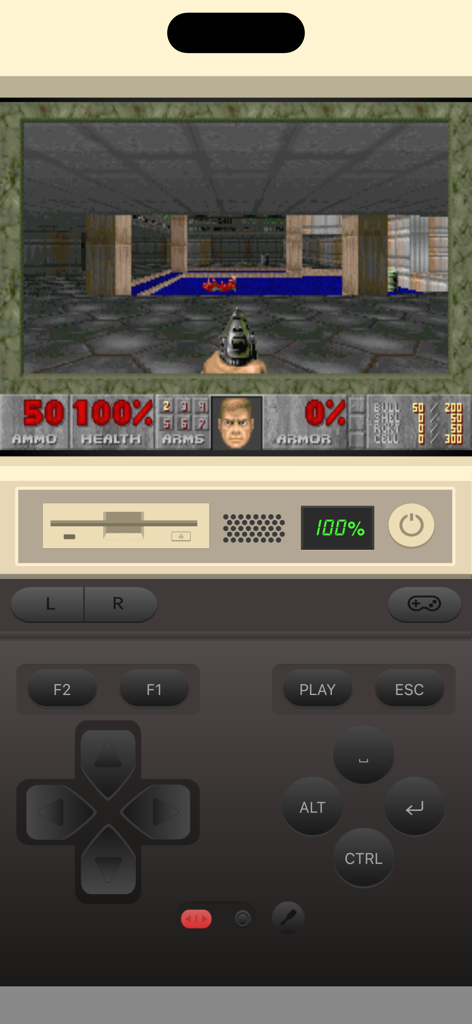
iDOS 3 - iPhoneで仮想ゲームパッドを使用してレトロなDOSゲームを実行しているiDOS 3アプリ
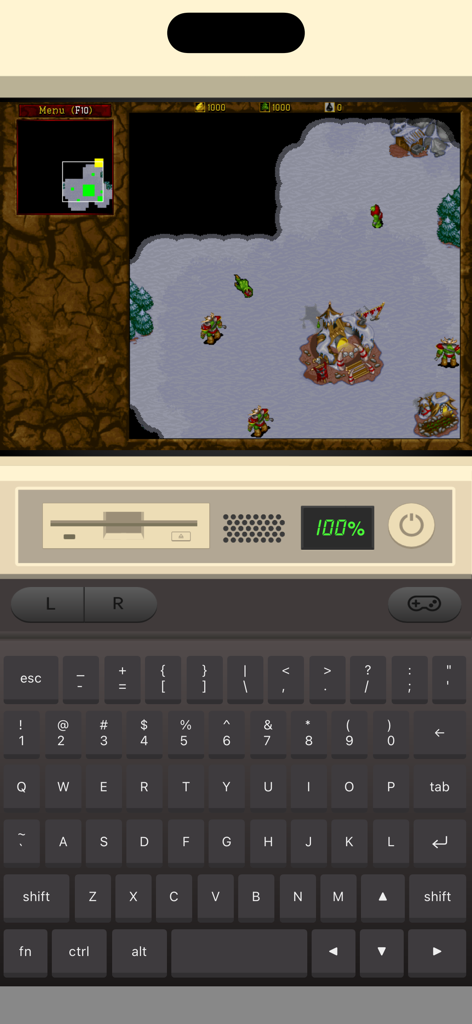
iPhoneで仮想ゲームパッドを使用してレトロなDOSゲームを実行しているiDOS 3アプリ

iDOS 3 - 仮想PCキーボードを使用してレトロなDOSゲームを実行しているiDOS 3アプリインターフェイス
仮想PCキーボードを使用してレトロなDOSゲームを実行しているiDOS 3アプリインターフェイス

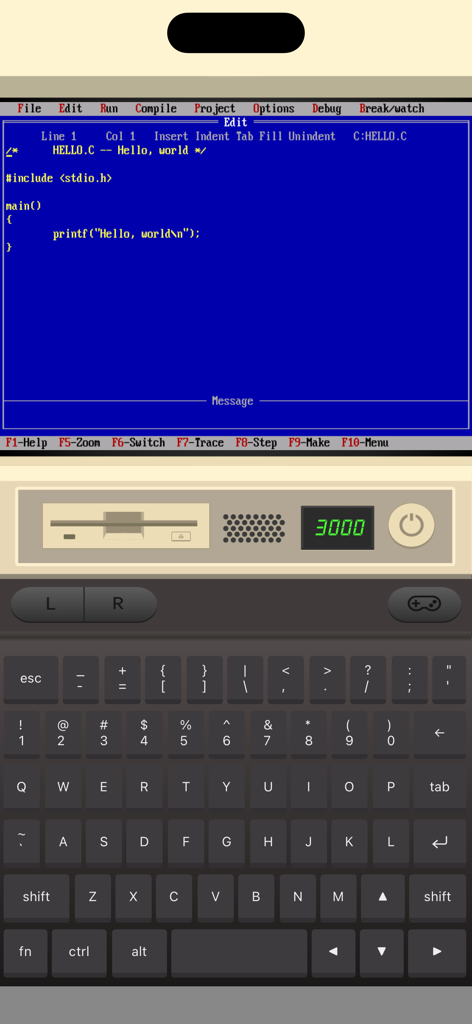
iDOS 3 - 仮想キーボードとビンテージPCインターフェイスを備えたクラシックMS-DOS環境でCプログラミングエディタを表示するiPhone上のiDOS 3アプリ
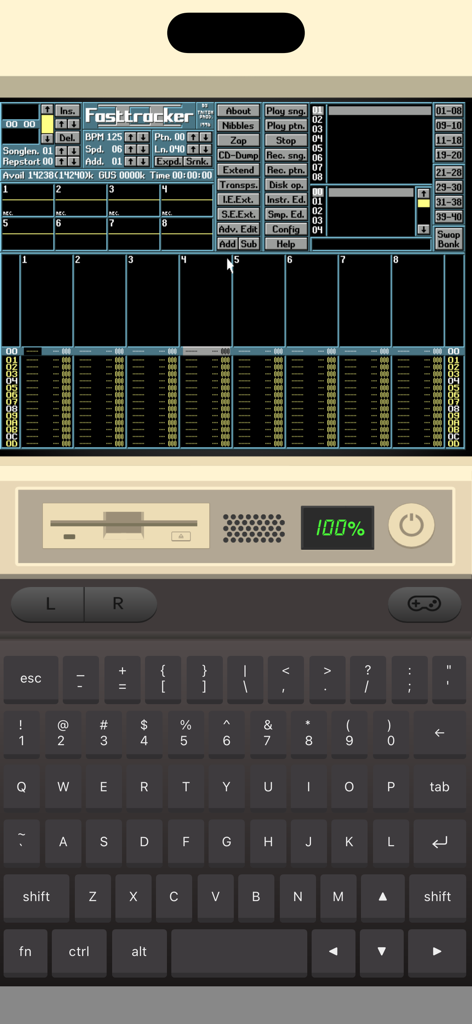
仮想キーボードとビンテージPCインターフェイスを備えたクラシックMS-DOS環境でCプログラミングエディタを表示するiPhone上のiDOS 3アプリ

iDOS 3 - 仮想キーボードとハードウェアコントロールを使用してレトロMS-DOSソフトウェアを実行しているiDOS 3モバイルアプリインターフェイス
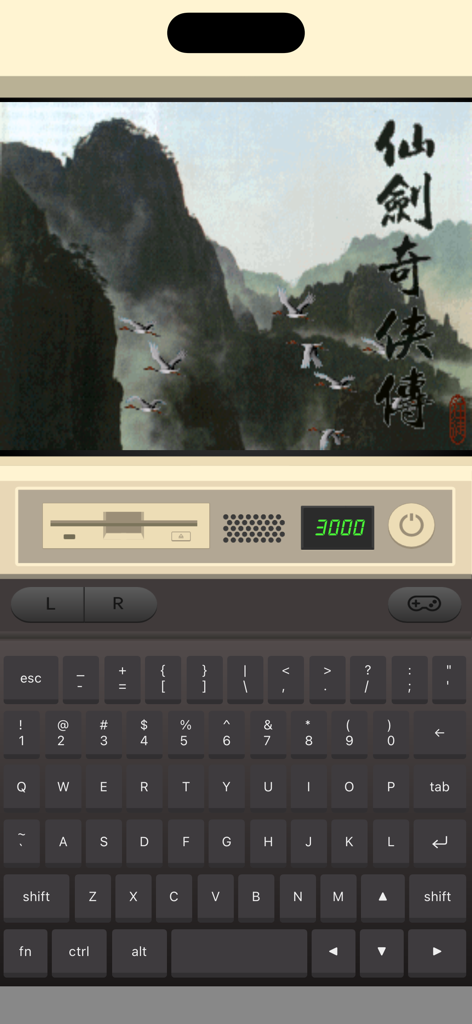
仮想キーボードとハードウェアコントロールを使用してレトロMS-DOSソフトウェアを実行しているiDOS 3モバイルアプリインターフェイス

iDOS 3 - iPhone上の仮想キーボードを使用してレトロなDOSゲームを実行しているiDOS 3アプリ

iPhone上の仮想キーボードを使用してレトロなDOSゲームを実行しているiDOS 3アプリ

説明

Play classic DOS games on your iPhone and iPad! iDOS turns your device right into a powerful DOS gaming PC, with modern game control to make your old favorites as playable as possible. You can also use iDOS for non-gaming purposes, such as word processing, casual programming. Apps in the DOS days are often simpler and surprisingly productive. KEYBOARD iDOS provides a PC compatible on-screen keyboard with carefully designed layouts for different devices and orientations. The keyboard has a sliding control in landscape mode so that you can keep it from covering critical part of the screen. Bluetooth keyboard is fully supported on iOS 14+. GAMEPAD iDOS provides a virtual gamepad with key bindings that are fairly common in DOS games. You can customize the bindings. The DPAD works in 8-axis way. It can also be toggled into a joystick. External bluetooth game controllers are supported. Make sure your game controller is connected (System Settings->Bluetooth). To customize button bindings, go to iDOS in landscape mode, tap on bluetooth icon on the auto-hiding top bar. MOUSE The screen area serves as a trackpad for moving mouse pointer. Tap on the screen for left click. If direct touch is enabled, the mouse pointer will move to where you tap. Hold one finger on the screen, and tap with another finger for right click. On-screen mouse buttons are also provided for your convenience. Bluetooth mouse are fully supported on iOS 14+. AUDIO iDOS supports mt32 emulation, MIDI sound fonts, cuesheet based CDimage with compressed audio tracks (ogg/mp3/flac). SUPPORT - Visit https://litchie.com/dospad for more information - Send email to idos@litchie.com - Follow the developer on Twitter: https://twitter.com/litchiedev - iDOS is open source, report issue on https://github.com/litchie/dospad

Download

ダウンロード: App Store

このページはアプリまたはその開発者の公式ページではなく、情報提供および論評を目的として作成された独立した編集出版物です。明示的に別段の記載がない限り、アプリおよびその開発者は、MWM、Apple、Google Play、アプリのパブリッシャー、またはアプリの開発者と提携、承認、後援、認可、またはその他の公式的な関係はなく、このページのいかなる内容も、アプリがMWMのサービスを使用して開発されたことを意味するものではありません。すべての商標、ロゴ、スクリーンショット、その他のコンテンツはそれぞれの所有者の財産です。








