
このページはアプリまたはその開発者の公式ページではなく、情報提供および論評を目的として作成された独立した編集出版物です。明示的に別段の記載がない限り、アプリおよびその開発者は、MWM、Apple、Google Play、アプリのパブリッシャー、またはアプリの開発者と提携、承認、後援、認可、またはその他の公式的な関係はなく、このページのいかなる内容も、アプリがMWMのサービスを使用して開発されたことを意味するものではありません。すべての商標、ロゴ、スクリーンショット、その他のコンテンツはそれぞれの所有者の財産です。


IFTTT - Automate work and home
退屈な繰り返し作業は過去の遺物になる。このアプリは、ユーザーをデジタル世界の操り人形師に変える。
ダウンロード
2.5M+ユーザー評価
評価数
176.6K開発元
カテゴリ
Productivity対応言語
18最新バージョン
4.108.1サイズ
106.2 MBリリース日
2013年7月11日効率化を追求するユーザーと中小企業向けの核心的価値
IFTTTの主要機能分析
直感的なノーコード自動化インターフェース
本ツールは、プログラミングスキルを必要としないシンプルなインターフェースを提供し、ユーザーは複雑な自動化を迅速に構築することが可能です。
1000以上のアプリとサービスの連携
このアプリは、1000を超える人気のデジタルサービスやスマートデバイスとの幅広い連携を提供し、多様なワークフローとデバイスを統合することを可能にします。
スマートホームの自動化と管理
ユーザーは、様々なスマートホームデバイスを接続し、照明、セキュリティ、家電などの動作を自動化することで、快適で効率的な居住空間を実現できます。
位置情報に基づいた自動化トリガー
この機能は、ユーザーの現在地に基づいて特定の自動化アクションを起動することを可能にし、外出先での作業やスマートホームの管理を効率化します。
AIを活用したコンテンツ生成と要約
本ツールは、AIサービスを利用してコンテンツの作成や要約を支援し、ユーザーの生産性向上と情報処理の効率化に貢献します。
ソーシャルメディアへの自動同時投稿
この機能により、ユーザーは一度コンテンツを作成するだけで、複数のソーシャルネットワークへ自動的に投稿することができ、時間と労力を節約します。
Webhooksによる高度な連携機能
このアプリはWebhooksを通じて、さらに多くのサービスやカスタムアプリケーションとの統合を可能にし、上級ユーザーに柔軟な自動化オプションを提供します。
自動通知とウィジェット
ユーザーは重要なイベントや情報の自動通知を受け取ることができ、またウィジェットを利用してアプリの主要機能へ素早くアクセスすることが可能です。
よくある質問
について知っておくべきこと IFTTT - Automate work and home
What is IFTTT?
IFTTT (If This Then That) is an automation platform that connects over 1000 apps and devices. It helps users automate tasks at home and work, saving time with a simple no-code interface.
Is IFTTT free to use?
Yes, IFTTT offers a free plan. It also provides a fully featured trial, allowing users to explore all capabilities before committing to a paid subscription.
How does IFTTT work to automate tasks?
IFTTT works by connecting different apps and devices through "Applets" using an "If This Then That" logic. Users define a trigger ("If This") from one service to initiate an action ("Then That") in another.
What types of automations can I create with IFTTT?
IFTTT allows creating automations for social media cross-posting, smart home control, content summarization with AI, location-based triggers, and connecting various business and home apps through Webhooks.
Can IFTTT connect with smart home devices?
Yes, IFTTT connects with numerous smart home devices. It integrates with brands like Philips Hue, Ring, Google Nest, LIFX, Arlo, and many others to create integrated smart home automations.
Does IFTTT offer AI features?
Yes, IFTTT offers various AI services. These include AI Content Creator, AI Prompt, AI Social Creator, AI Summarizer, and AI YouTube Assistant, enabling users to generate and summarize content.
How can IFTTT widgets save time?
IFTTT widgets save time by providing one-tap access to automations directly from your phone's home screen. Examples include taking a photo to send to Drive or turning lights on/off instantly.
What popular business applications integrate with IFTTT?
IFTTT integrates with over 40 popular business applications, including Google Sheets, Notion, Mailchimp, Slack, Stripe, WordPress, X (Twitter), and Zoom, to streamline workflows and productivity.
Can IFTTT sync my iOS Calendar with Google Calendar?
Yes, IFTTT can sync your iOS Calendar with your Google Calendar. This is one of the many automations available, helping users manage their schedules across different platforms efficiently.
Where can I find help or support for IFTTT?
Users can find help and support for IFTTT by visiting the official help center. The link is provided as help.ifttt.com, offering resources for troubleshooting and guidance.
以下のスクリーンショットと説明は、アプリの公式ストアリスティングから直接取得されたものであり、アプリ開発者の所有物です。
アプリストア
スクリーンショット
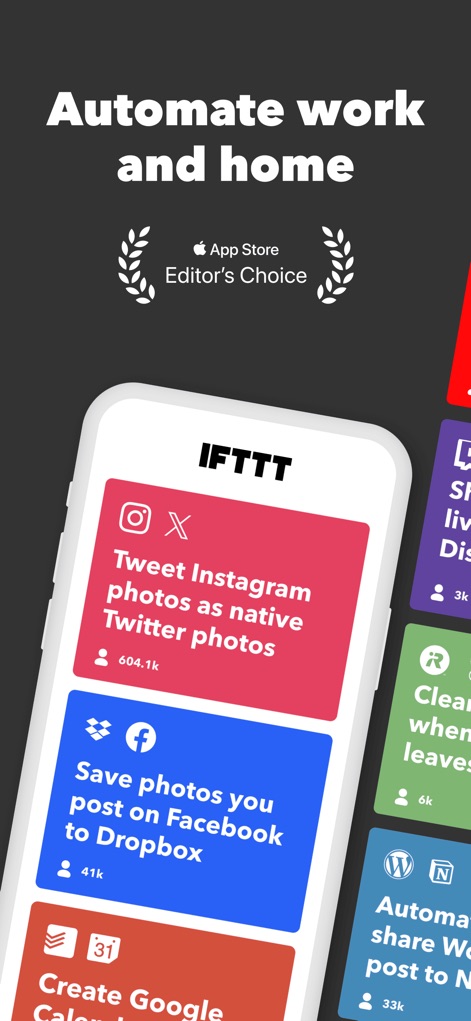
この画面では、Instagramの写真をTwitterに自動投稿する連携や、Facebookの写真をDropboxに保存する連携といった、人気のある複数の自動化例が表示されます。
賢い自動化の例
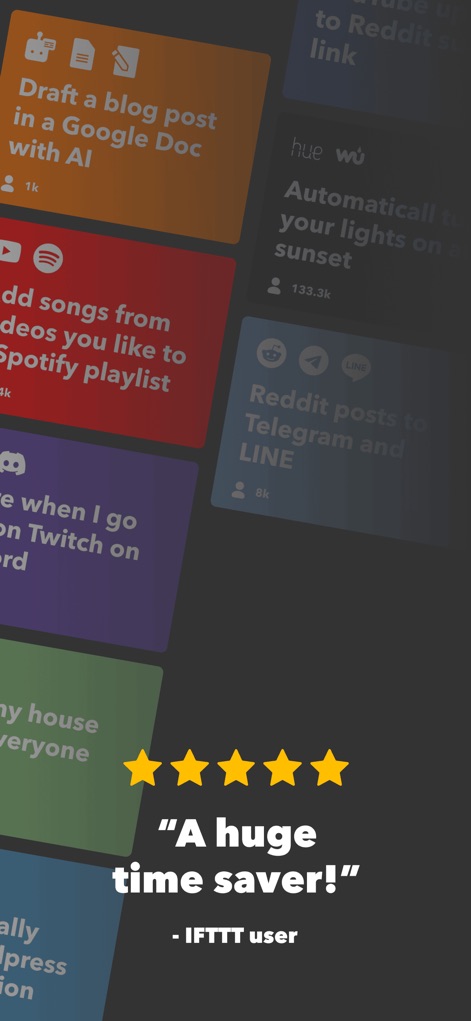
この画面は、AIを活用したブログ記事のドラフト作成や、お気に入りの動画からSpotifyプレイリストへの曲追加など、ユーザーの時間を節約する具体的な自動化オプションと、アプリに対する高いユーザー評価を示しています。
ユーザーの声と効果
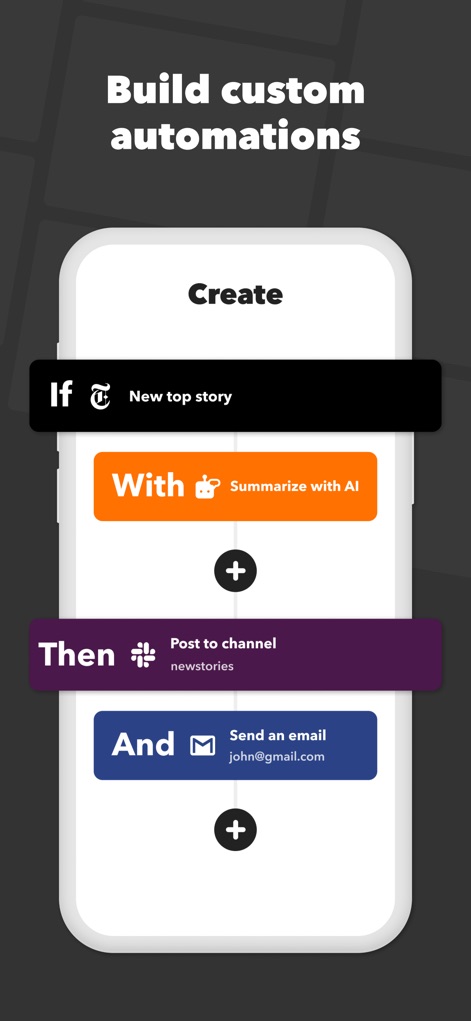
ユーザーは「If(もし)」と「Then(ならば)」のロジックを用いて、独自のカスタム自動化を構築できます。この例では、AIによるニュース記事の要約と、その結果をメールで送信するアクションが示されています。
カスタム連携を構築
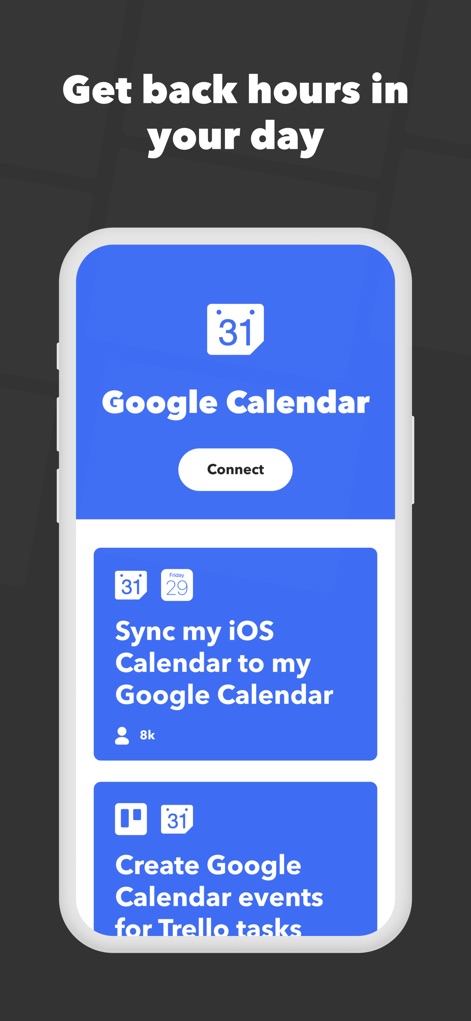
この画面は、GoogleカレンダーとiOSカレンダーの同期や、TrelloのタスクからGoogleカレンダーのイベントを自動作成するなど、カレンダー連携による効率化でユーザーが時間を節約できる様子を提示します。
時間を創出する連携

ユーザーは検索機能を通じて何十万ものアプレットを探索でき、スマートライトの自動点灯や、スマートホームデバイスのシーン起動など、多様なデバイス連携を簡単に見つけることができます。
無限のアプレット探索

本アプリはウィジェット機能を提供し、レシートをGoogle Driveに送信するアクションや、ワンタップでスマートライトを操作するなどの便利なショートカットをホーム画面から直接実行できます。
ウィジェットで効率化
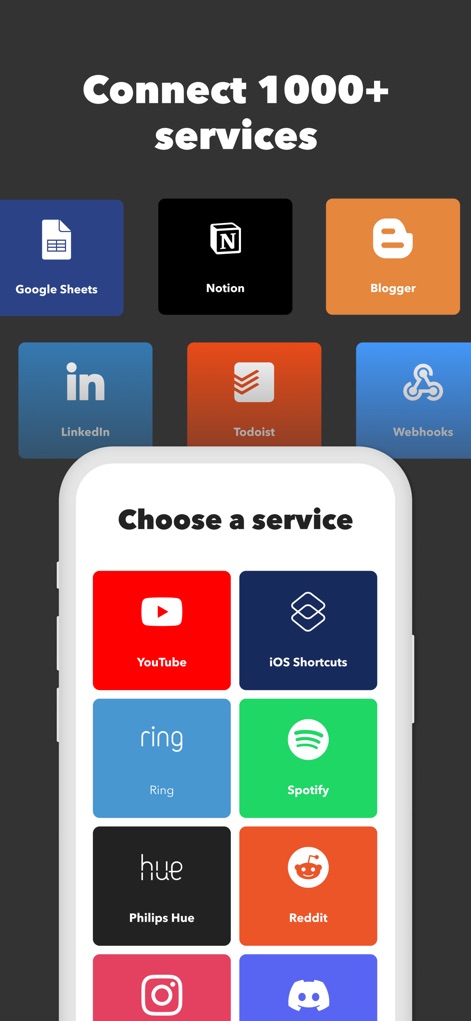
本アプリは、Google SheetsやNotionなどのビジネスツールから、YouTubeやSpotifyといったエンターテイメントサービスまで、1000以上のサービスとシームレスに連携できる広範な対応力を示しています。
1000以上のサービス
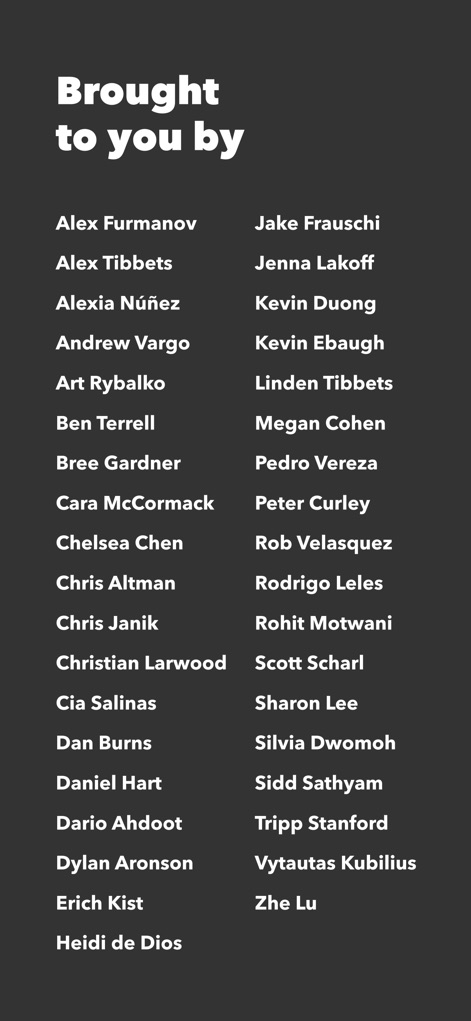
この画面は、IFTTTアプリの開発に貢献した多数の個人の名前がリストアップされており、Alex FurmanovやZhe Luといったチームメンバーの貢献が可視化されています。
開発者のご紹介
説明
Download



このページはアプリまたはその開発者の公式ページではなく、情報提供および論評を目的として作成された独立した編集出版物です。明示的に別段の記載がない限り、アプリおよびその開発者は、MWM、Apple、Google Play、アプリのパブリッシャー、またはアプリの開発者と提携、承認、後援、認可、またはその他の公式的な関係はなく、このページのいかなる内容も、アプリがMWMのサービスを使用して開発されたことを意味するものではありません。すべての商標、ロゴ、スクリーンショット、その他のコンテンツはそれぞれの所有者の財産です。