Interval Timer ++

Interval Timer ++

ダウンロード: App Store
ロゴ: Interval Timer ++

Interval Timer ++: 最高のパフォーマンスを引き出す、手間いらずのHIITタイマー

シンプルさを追求してデザインされた、受賞歴のあるタイマーを体験してください。ワンタッチセットアップ、シームレスなApple Watch統合、そして毎日のワークアウトを後押しする魅力的なデザイン。

開発元

Rong Liu

カテゴリ

Health & Fitness

ダウンロード

741K+

ユーザー評価

4.7/5

評価数

2K+

対応言語

3

スタイリッシュに汗を流す

このインターフェースを利用する 741K+ 人のユーザー.

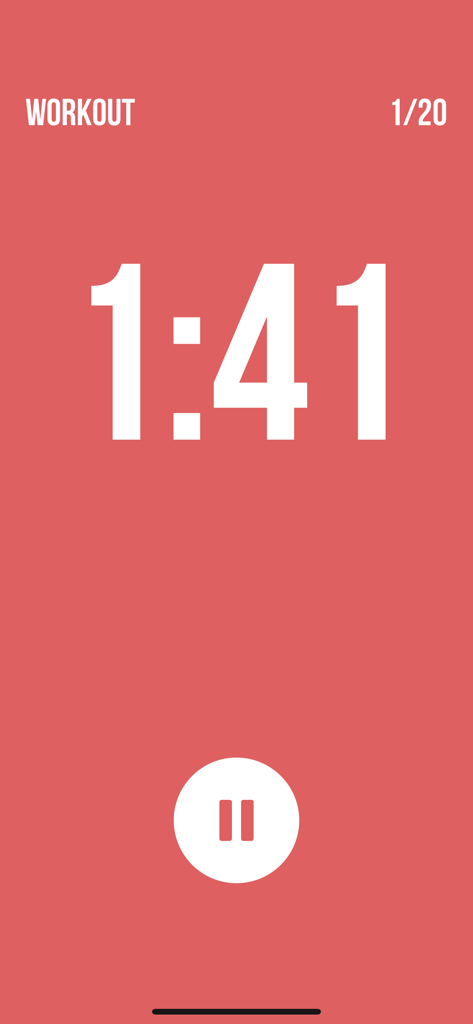
ミニマリストな赤いHIITワークアウトタイマー画面、カウントダウンクロックと一時停止ボタン付き
ミニマリストな赤いHIITワークアウトタイマー画面、カウントダウンクロックと一時停止ボタン付き

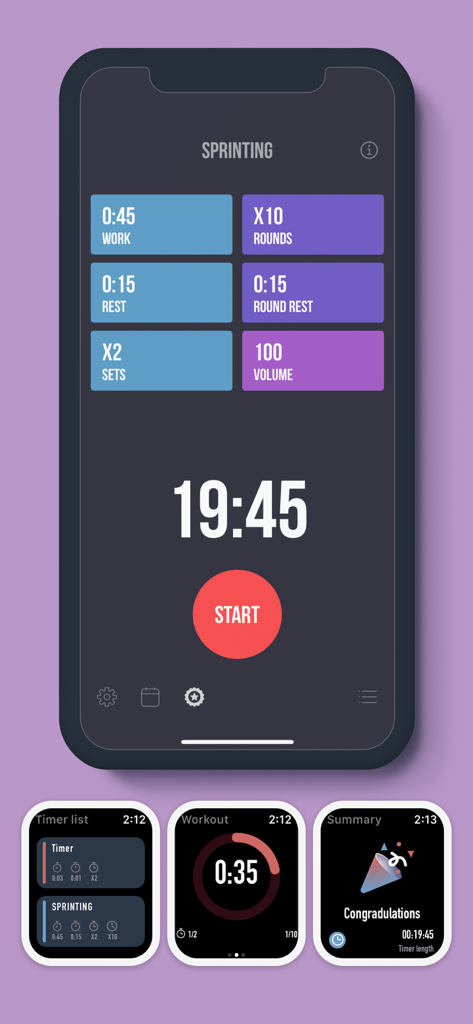
Interval Timer Plusアプリのインターフェース、iPhoneとApple Watch画面でワークアウト設定を表示
Interval Timer Plusアプリのインターフェース、iPhoneとApple Watch画面でワークアウト設定を表示

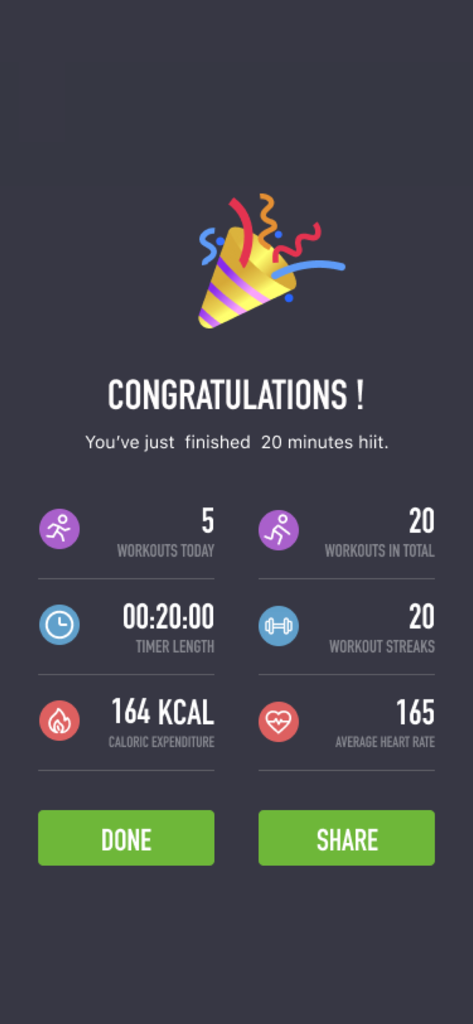
Interval Timerアプリのワークアウト完了画面、20分間のHIITセッションの統計を表示
Interval Timerアプリのワークアウト完了画面、20分間のHIITセッションの統計を表示

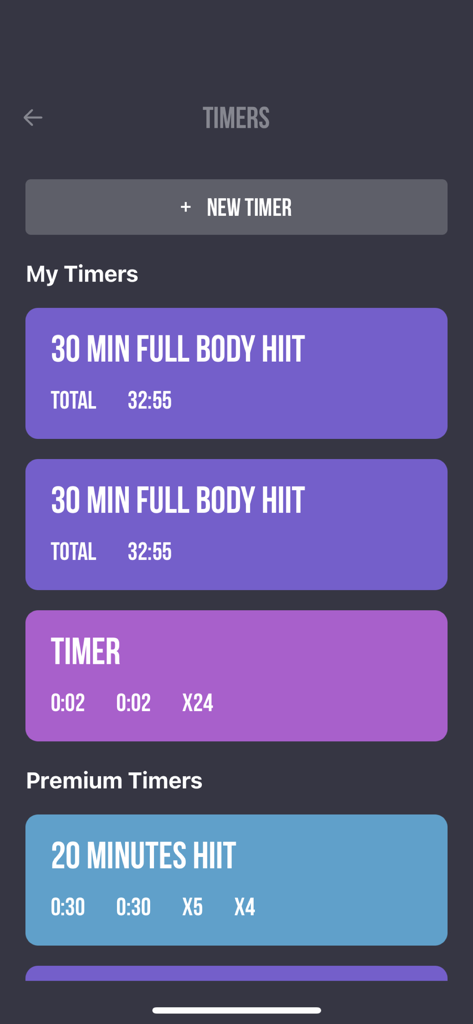
Interval Timer PlusのカスタムおよびプレミアムHIITワークアウトタイマーのリストを表示するモバイルアプリ画面、クリーンな紫と青のインターフェース
Interval Timer PlusのカスタムおよびプレミアムHIITワークアウトタイマーのリストを表示するモバイルアプリ画面、クリーンな紫と青のインターフェース

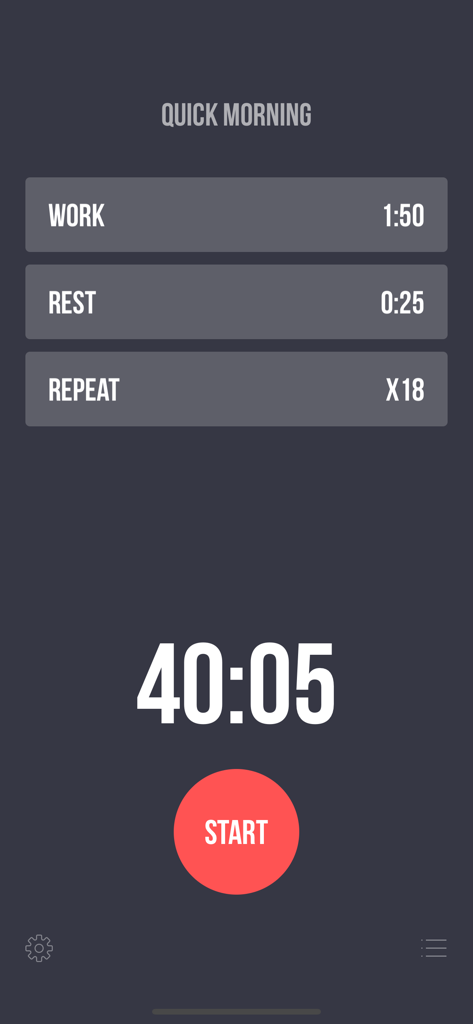
Interval Timer Plusのワークアウト設定画面、作業時間、休憩時間、繰り返し設定、開始ボタンを表示
Interval Timer Plusのワークアウト設定画面、作業時間、休憩時間、繰り返し設定、開始ボタンを表示

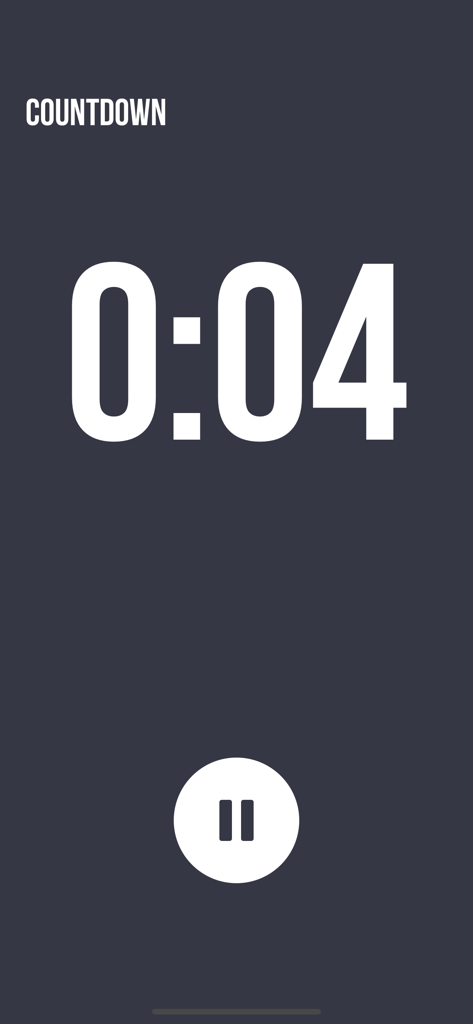
Interval Timer Plusアプリのミニマリストなワークアウトカウントダウン画面

Interval Timer Plusアプリのミニマリストなワークアウトカウントダウン画面

よりスマートに、よりハードにトレーニング

このアプリを際立たせるツール、 741K+ 人のユーザーが選択.

ワンタッチワークアウトセットアップ

決断疲れを解消。超高速で非常にシンプルなインターフェースで、HIIT、Tabata、またはカスタムサーキットを数秒で開始できます。

完全なApple Watch統合

携帯電話はポケットに入れたまま。手首から直接セットをコントロールし、触覚アラートを感じ、心拍数を追跡します。

🎵

スマートミュージックダッキング

エネルギーを維持。お気に入りの音楽は再生され続け、次のインターバルアラートのために音量が自動的に低下します。

アプリについて

について知っておくべきこと Interval Timer ++.

説明

Award-winning app for your daily workouts! Simple set up, intense workout: *** One touch to set up Workout, Rest, and Repeat. *** Supports both iPhone and Apple Watch *** Colorful design, to give you some eye candy while working hard *** Multiple timers for easy access and training *** Premium timers where different fitness types are mixed *** Background notification, so you can keep working out while browsing other apps, or even when screen is locked *** Listen to your favorite music while working out *** See your workout history in calendar view Health App Integration We integrate with the health app (HealthKit) to read and track your steps data and show them in a beautiful way. Feature details: - Workout duration: 2 seconds to 8 minutes - Rest duration: 0 seconds to 8 minutes - Repeat: 20 times (50 times if purchased Premium Subscription) - Premium timers: mix fitness types, including Planks, Jumping Jack, Push Ups, Sit Ups, High Knees, Side Planks, Butt Kicks, Side Lunges, Lunges, etc. - Multiple timers for quick access - Name your timers - Swipe-to-delete timers - Drag-n-drop to reorder custom timers - 10 seconds count down, so you can get into workout position - Count down sound before next workout starts, for you to recover position - Pause and resume workout at any time - Reset at any time if workout was interrupted - Calendar view: shows your work/rest/repeat sessions - Listen to your favorite music in background, while working out the Interval Timer in foreground - Background music will be tuned down when playing workout sounds - Vibration / Haptic feedbacks between workout and rest - Ability to mute all workout sound Users say good works after usage: "I love the simplicity and ease of use of this app. It is almost exactly what I am looking for." "No frills or gimmicks, this app gives it to you straight, which is how interval timers should work IMO." "An eye-candy for your tough workouts." "Mind-blowing on how easy it is to use." "Simple. Does EXACTLY what you need." Also checkout our awesome demo video on Youtube: https://www.youtube.com/watch?v=gO_z8mN1asU Interval Timer Pro (In App Purchase): - Create unlimited number of timers for easy access - Use our premium timers - Repeat workout for more than 20 times • You can subscribe for Interval Timer Pro inside the app; subscriptions are billed monthly or annually at the rate selected depending on the subscription plan. • Alternatively a one-time payment plan is available (this is not a subscription). • Payment will be charged to your iTunes account at confirmation of purchase. • Subscriptions will automatically renew unless auto-renew is cancelled at least 24 hours before the end of current period. • Your account will be charged according to your plan for renewal within 24 hours prior to the end of the current period. • You can manage or turn off auto-renew in your Apple ID account settings at any time after purchase. • To manage your subscriptions or turn off auto-renewal: - Go to Settings > iTunes & App Store - Tap your Apple ID at the top of the screen - Tap View Apple ID. You might need to sign in or use Touch ID. - Tap Subscriptions. - Tap the subscription you want to manage. - Use the options to manage your subscription. • No cancellation of the current subscription is allowed during the active subscription period. Once purchased, refunds will not be provided for any unused portion of the term. We take the security of our customers very seriously. Read our Terms of Service at https://sunnystudio.wordpress.com/2018/08/03/interval-timer-terms-of-us/ and our Privacy Policy at https://sunnystudio.wordpress.com/2018/07/31/interval-timer-privacy-policy/ Attributions: Lock by Maxim Kulikov from the Noun Project Premium by Gregor Cresnar from the Noun Project

最新バージョン

4.3.3

サイズ

86.5 MB

リリース日

2017年12月20日

次のワークアウトを成功させる準備はできましたか?

App Storeで最も直感的で魅力的なタイマーで、HIITとTabataのルーティンをシンプルにこなす741,000人以上のユーザーに仲間入りしましょう。タップ一つで開始、余計なものは一切なし。

ダウンロード: App Store

App information, icons, screenshots, and descriptions displayed on this page are sourced from the Apple App Store and are the property of their respective developers. Download estimates and rankings are based on MWM's proprietary models and may not reflect actual figures. This page is provided for informational and analytical purposes only.

Believe this page infringes your intellectual property? File a dispute