JavaScript Coding Editor IDE
ダウンロード: App Store

このページはアプリまたはその開発者の公式ページではなく、情報提供および論評を目的として作成された独立した編集出版物です。明示的に別段の記載がない限り、アプリおよびその開発者は、MWM、Apple、Google Play、アプリのパブリッシャー、またはアプリの開発者と提携、承認、後援、認可、またはその他の公式的な関係はなく、このページのいかなる内容も、アプリがMWMのサービスを使用して開発されたことを意味するものではありません。すべての商標、ロゴ、スクリーンショット、その他のコンテンツはそれぞれの所有者の財産です。


ロゴ: JavaScript Coding Editor IDE
ダウンロード: App Store

JavaScript Coding Editor IDE

デスクトップクラスの自動補完、カスタマイズ可能なテーマ、そしてモダンな開発者向けに設計された超高速エディタで、どこでもJavaScriptをコーディング、デバッグ、リリースできます。

主要数値

ダウンロード

49K+

ユーザー評価

4.4/5

評価数

100

開発元

HurryApp LTD

カテゴリ

Developer Tools

対応言語

1

最新バージョン

1.7

サイズ

20.3 MB

リリース日

2023年2月14日
機能

外出先でのプロフェッショナル開発

モダンなJavaScriptエコシステムのために設計されたデスクトップクラスの機能で、iPhoneやiPadを高パフォーマンスなワークステーションに変えましょう。

インテリジェントな自動補完

モバイルインターフェースでのコーディングを、流れるようで直感的に感じさせるスマートなコード提案とリアルタイムのシンタックスハイライトで、効率を最大化しましょう。

統合パワーデバッガ

推測をやめ、解決を始めましょう。モバイルIDEでは珍しいプロフェッショナルなステップバイステップデバッガを使用して、ロジックエラーを即座に見つけて修正します。

以下のスクリーンショットと説明は、アプリの公式ストアリスティングから直接取得されたものであり、アプリ開発者の所有物です。

アプリストア

スクリーンショット
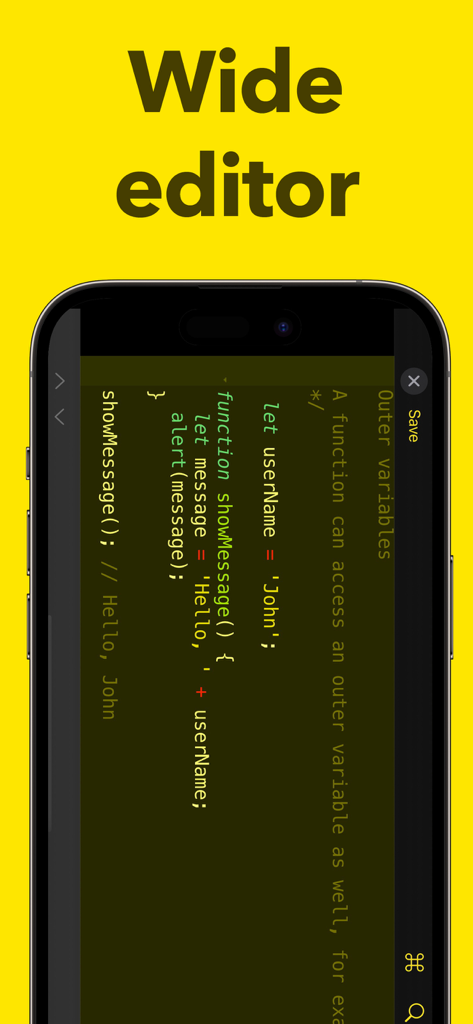
JavaScript Coding Editor IDE - スマートフォンで横向きモードのコードが表示されているJavaScriptコーディングエディタ
スマートフォンで横向きモードのコードが表示されているJavaScriptコーディングエディタ

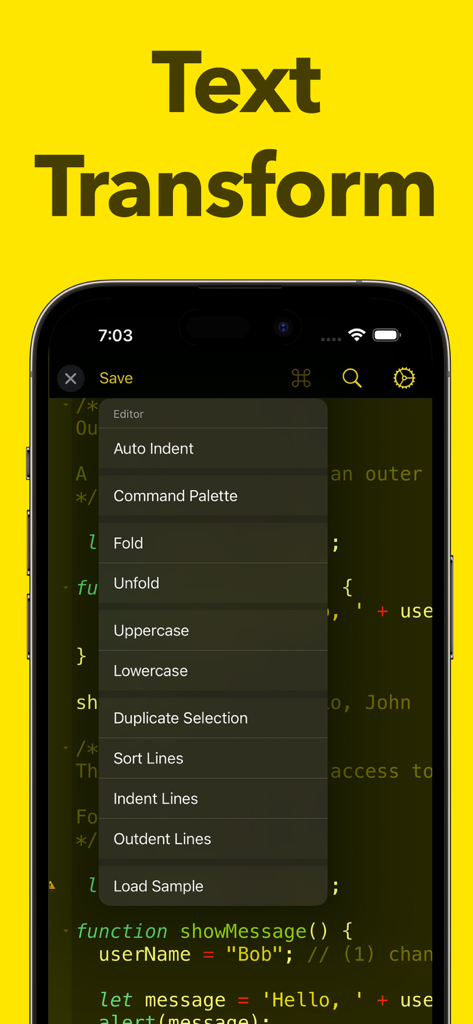
JavaScript Coding Editor IDE - テキスト変換とコード編集ツールのメニューを表示するモバイルJavaScriptエディタインターフェース
テキスト変換とコード編集ツールのメニューを表示するモバイルJavaScriptエディタインターフェース

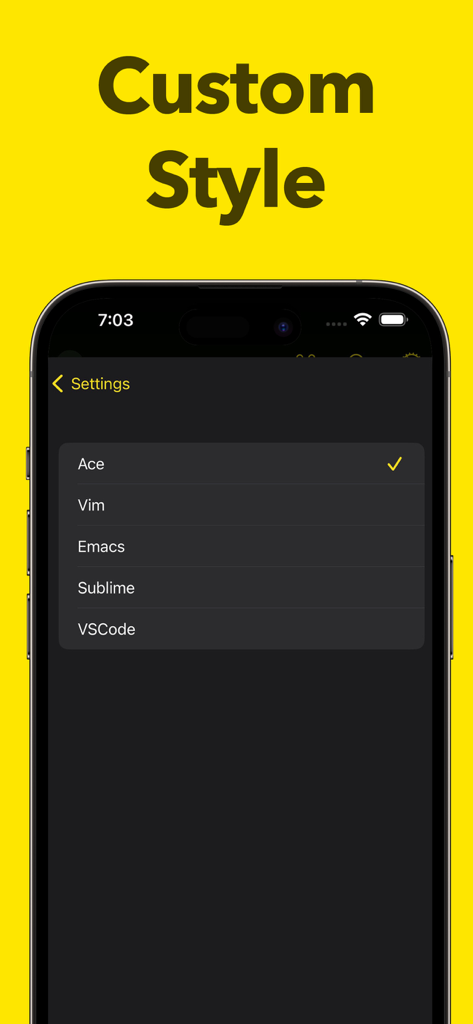
JavaScript Coding Editor IDE - Vim EmacsやVSCodeなどのカスタムスタイルオプションを表示するJavaScriptコーディングエディタアプリの設定画面

Vim EmacsやVSCodeなどのカスタムスタイルオプションを表示するJavaScriptコーディングエディタアプリの設定画面

説明

ntroducing Javascript Editor, the ultimate JavaScript editor ! Designed with the modern developer in mind, Javascript Editor provides you with a streamlined and efficient editing experience, helping you code faster and smarter. With Javascript Editor, you'll enjoy lightning-fast performance, thanks to its optimized code architecture. The app offers real-time syntax highlighting for JavaScript, making it easy for you to identify and fix errors in your code. Javascript Editor also features an advanced text editor that supports customizable themes and font styles, allowing you to personalize your coding environment and adjust it to your liking. Whether you're a seasoned developer or just starting out, Javascript Editor has everything you need to take your JavaScript coding to the next level. With its advanced code completion and autocompletion features, you can code faster and more accurately, reducing the time you spend on repetitive tasks. In addition to its advanced editing capabilities, Javascript Editor includes a powerful debugger that helps you quickly locate and fix bugs in your code. With its intuitive user interface and step-by-step debugging process, you'll be able to identify and fix issues in no time. And that's not all! Javascript Editor also includes a wide range of other tools and features, such as code folding, line numbers, code commenting, and more. Whether you're working on a small script or a large project, Javascript Editor has everything you need to get the job done. So what are you waiting for? Download Javascript Editor today and experience the future of JavaScript editing !

Download

ダウンロード: App Store

このページはアプリまたはその開発者の公式ページではなく、情報提供および論評を目的として作成された独立した編集出版物です。明示的に別段の記載がない限り、アプリおよびその開発者は、MWM、Apple、Google Play、アプリのパブリッシャー、またはアプリの開発者と提携、承認、後援、認可、またはその他の公式的な関係はなく、このページのいかなる内容も、アプリがMWMのサービスを使用して開発されたことを意味するものではありません。すべての商標、ロゴ、スクリーンショット、その他のコンテンツはそれぞれの所有者の財産です。








