Jellycuts
Jellycuts
ダウンロード: App Store

このページはアプリまたはその開発者の公式ページではなく、情報提供および論評を目的として作成された独立した編集出版物です。明示的に別段の記載がない限り、アプリおよびその開発者は、MWM、Apple、Google Play、アプリのパブリッシャー、またはアプリの開発者と提携、承認、後援、認可、またはその他の公式的な関係はなく、このページのいかなる内容も、アプリがMWMのサービスを使用して開発されたことを意味するものではありません。すべての商標、ロゴ、スクリーンショット、その他のコンテンツはそれぞれの所有者の財産です。


ロゴ: Jellycuts
ダウンロード: App Store

Jellycuts

ブロックのドラッグはもうやめ、コードを書き始めましょう。究極のパワーユーザーワークフローのために設計されたJelly Language、関数、マクロでiOSの全能力を解き放ちます。

主要数値

ダウンロード

69K+

ユーザー評価

3.8/5

評価数

100

開発元

Skyground Media Inc.

カテゴリ

Developer Tools

対応言語

1

最新バージョン

2.4.4

サイズ

46.7 MB

リリース日

2021年5月16日
機能

iOS自動化をさらに強化

ドラッグ&ドロップの限界から抜け出しましょう。Jelly Languageで効率的かつ強力なスクリプトを書き、Appleデバイスの可能性を最大限に引き出します。

思考の速さでコーディング

キャンバス疲労にさよならを。直感的なJelly Languageと、オートコンプリート、シンタックスハイライトを使って、数分ではなく数秒で複雑なワークフローを構築しましょう。

隠された機能を解放

標準のショートカットアプリでは隠されている強力なiOSアクションやシステム機能にアクセスできます。高度なAPIリクエストを作成し、Data JarやScriptableのようなプロレベルのツールと統合しましょう。

ポケットの中のプロフェッショナルIDE

60種類以上のエディタテーマとダークモードでワークスペースをカスタマイズ。iCloud経由でiPhoneとiPad間でスクリプトを同期し、どこにいてもワークフローを維持しましょう。

以下のスクリーンショットと説明は、アプリの公式ストアリスティングから直接取得されたものであり、アプリ開発者の所有物です。

アプリストア

スクリーンショット
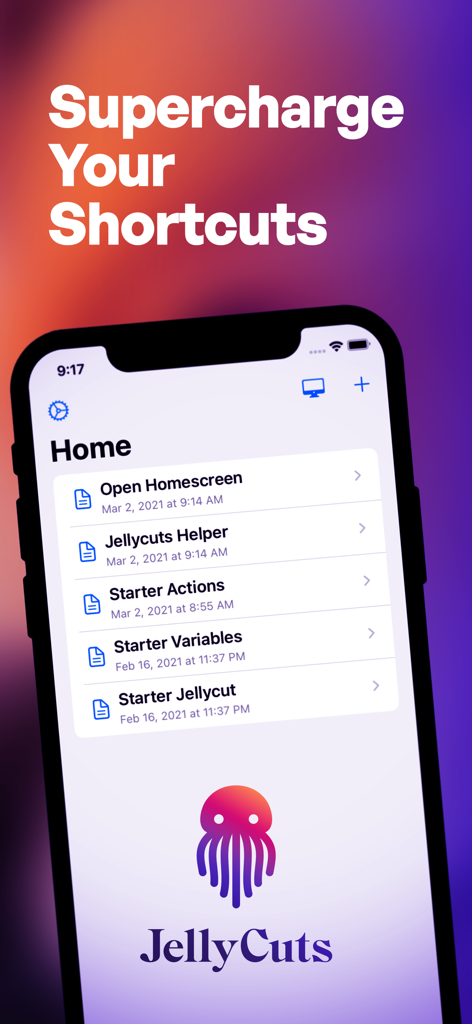
Jellycuts - Jellycutsモバイルアプリのホーム画面。スターターショートカットアクションと「Supercharge Your Shortcuts」の見出しがiPhoneに表示されています。
Jellycutsモバイルアプリのホーム画面。スターターショートカットアクションと「Supercharge Your Shortcuts」の見出しがiPhoneに表示されています。

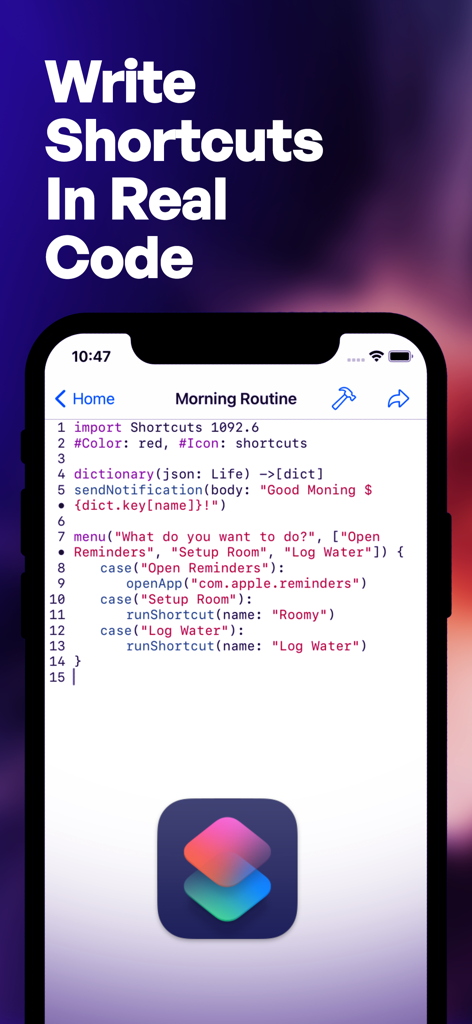
Jellycuts - Jellycutsアプリのコードエディタを表示するスマートフォン画面。朝のルーチンショートカット用のスクリプトが含まれています。
Jellycutsアプリのコードエディタを表示するスマートフォン画面。朝のルーチンショートカット用のスクリプトが含まれています。

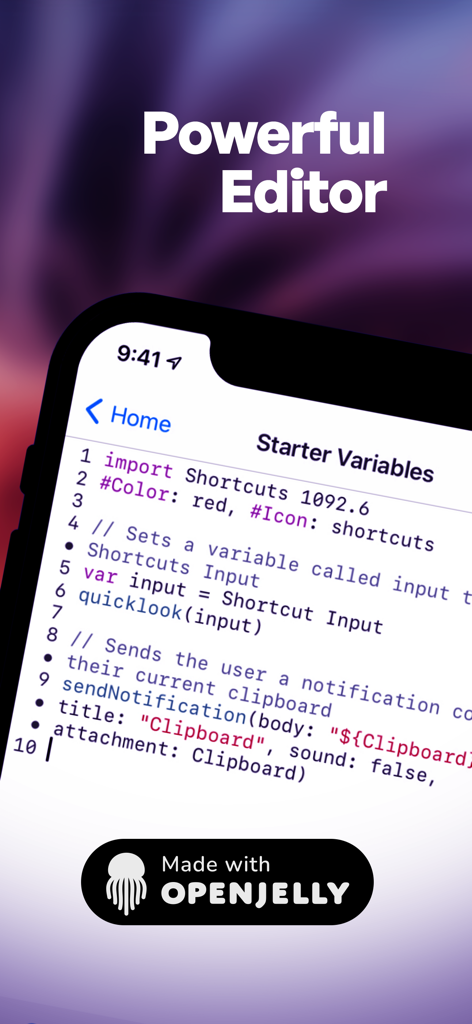
Jellycuts - Jellycutsのモバイルインターフェース。シンタックスハイライト付きのスクリプトエディタでiOSショートカットを編集しています。
Jellycutsのモバイルインターフェース。シンタックスハイライト付きのスクリプトエディタでiOSショートカットを編集しています。

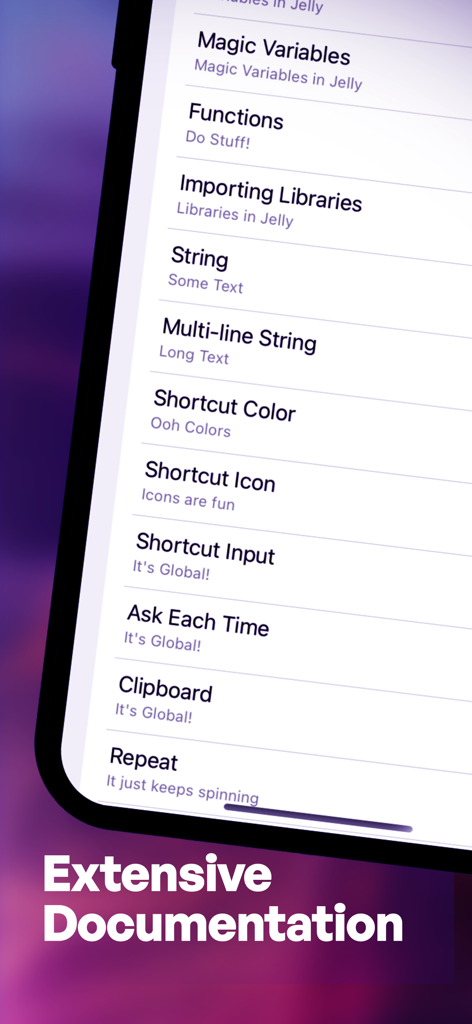
Jellycuts - Jellycutsアプリ内のドキュメンテーショントピックのリスト。変数、関数、文字列操作などが含まれています。
Jellycutsアプリ内のドキュメンテーショントピックのリスト。変数、関数、文字列操作などが含まれています。

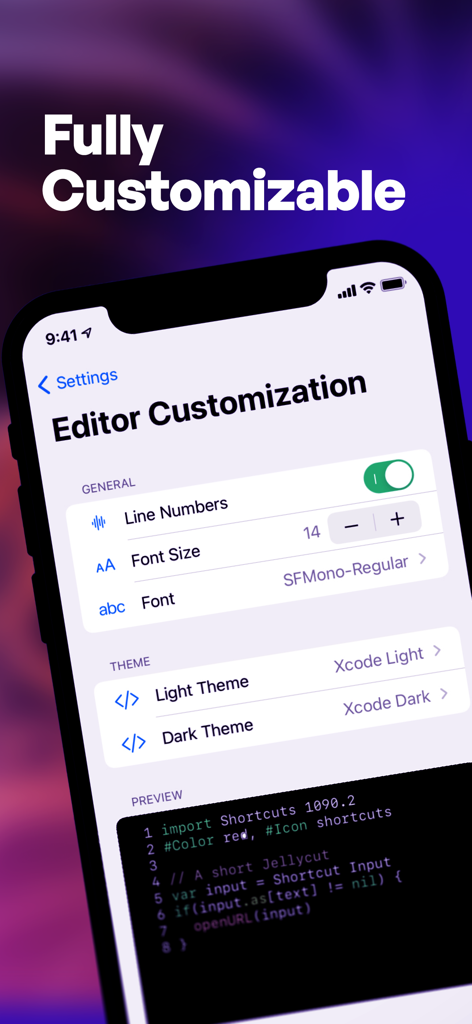
Jellycuts - Jellycutsエディタのカスタマイズ画面。行番号、フォントサイズ、テーマの設定が表示されています。
Jellycutsエディタのカスタマイズ画面。行番号、フォントサイズ、テーマの設定が表示されています。

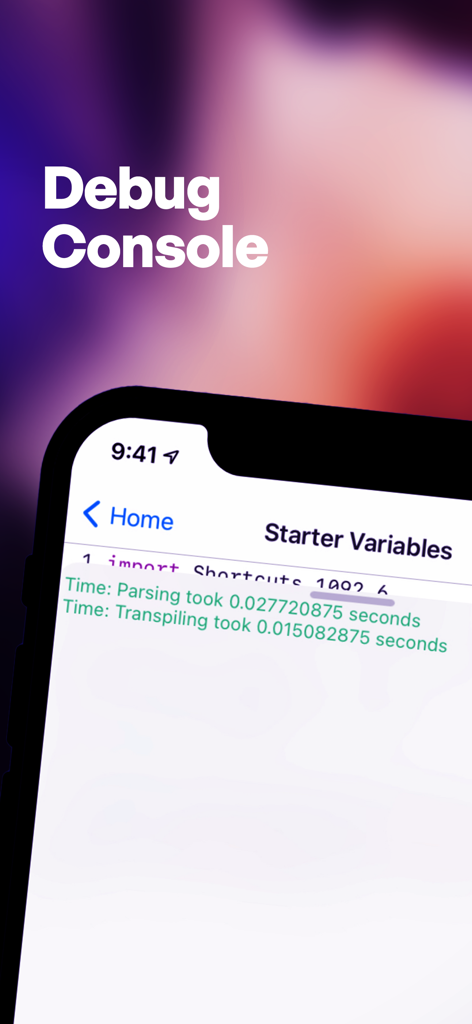
Jellycuts - Jellycutsデバッグコンソールインターフェース。iPhoneにコード実行時間が表示されています。
Jellycutsデバッグコンソールインターフェース。iPhoneにコード実行時間が表示されています。

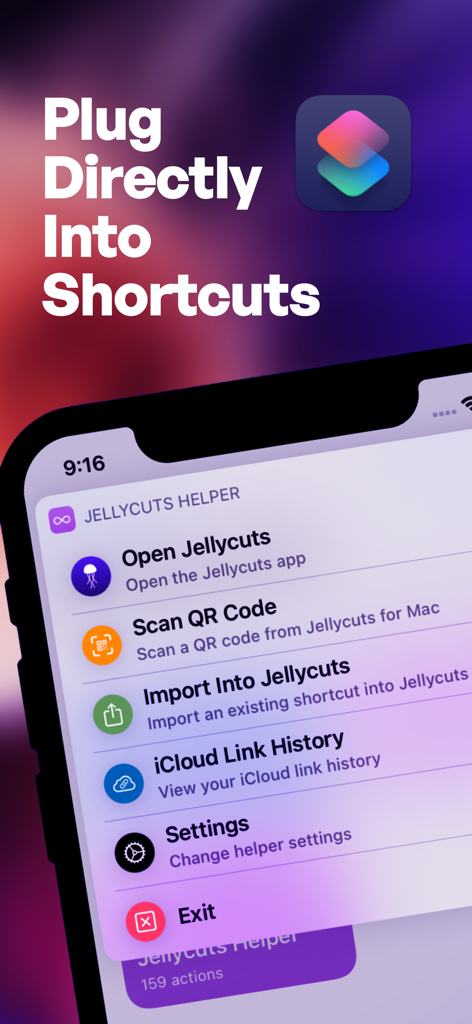
Jellycuts - Appleショートカットとの連携オプションを含むJellycutsヘルパーメニューを表示するiPhone。

Appleショートカットとの連携オプションを含むJellycutsヘルパーメニューを表示するiPhone。

説明

Ever wish your iPhone or iPad could do more with shortcuts? Meet Jellycuts: your pocket-sized script wizard, making automation magical and fun. It's concise and intuitive—think of it as coding without the headaches. Switching from Shortcuts to Jellycuts is like upgrading from a tricycle to a Tesla. With functions, macros, and magic actions, Jellycuts leaves the standard Shortcuts app in the dust. Access iOS features like files, calendars, reminders, contacts, photos, and location without the hassle of app store reviews or arbitrary gatekeepers. Auto-complete as you type with Jelly Language, which is lean, mean, and free from JavaScript’s quirks. It’s like giving your phone a PhD in awesome. Seamlessly integrate actions from a variety of apps including Toolbox Pro, Actions, Scriptable, Data Jar, a-shell, a-shell mini, Apollo, Carrot Weather, Drafts, Focused Work, GizmoPack, LinkBin, Budget, An Otter RSS, Progress, Recurrence, Rubyist, The Wallpaper App, and WidgetPack. Need inspiration? Dive into our growing script gallery on our website. Here are a few tricks you can teach Jellycuts: - Wind Down: Dim your screen, turn off notifications, and prepare for bedtime serenity. - Live Photos to GIFs: Transform your live photos into fun, eye-popping GIFs. - Date and Time Formatting: Master date and time in your shortcuts. - Photo Management: Automate the chaos of managing photos and screenshots. - Extract EXIF Data: Pull detailed data from your photos. - QR Code Generator: Create a simple QR code in just 3 lines of code. - RoutineHub & UpdateKit: Keep your shortcuts updated seamlessly. - GET Requests: Retrieve user lists in JSON format with a GET request. - POST Requests: Easily create and send POST requests. Why Jellycuts is Your New Best Friend: - Work Anywhere: Sync scripts across devices with iCloud Drive. Your scripts, everywhere you go. - Unleash Limitless Possibilities: Access hidden actions not available in the Shortcuts app. - Supercharge Your Workflow: Enhance shortcuts with functions and macros for efficiency. - Effortless Transitions: Export Jellycuts into Shortcuts and import existing ones back. - Powerful Tools: Use the JSON Dictionary Builder and Icon Creator for easy shortcut creation. - Quick Learning Curve: Comprehensive documentation. - Work Anytime: Dark mode for comfortable coding in any lighting. Editor Features That Make Coding Fun: - Clarity: Syntax highlighting. - Customization: Over 60 editor themes, including dark mode. Because coding in the dark is cool. - Speed: Auto-completion for fast coding. - Troubleshooting: Built-in debug console. Terms of use: https://www.apple.com/legal/internet-services/itunes/dev/stdeula/

Download

ダウンロード: App Store

このページはアプリまたはその開発者の公式ページではなく、情報提供および論評を目的として作成された独立した編集出版物です。明示的に別段の記載がない限り、アプリおよびその開発者は、MWM、Apple、Google Play、アプリのパブリッシャー、またはアプリの開発者と提携、承認、後援、認可、またはその他の公式的な関係はなく、このページのいかなる内容も、アプリがMWMのサービスを使用して開発されたことを意味するものではありません。すべての商標、ロゴ、スクリーンショット、その他のコンテンツはそれぞれの所有者の財産です。








