
このページはアプリまたはその開発者の公式ページではなく、情報提供および論評を目的として作成された独立した編集出版物です。明示的に別段の記載がない限り、アプリおよびその開発者は、MWM、Apple、Google Play、アプリのパブリッシャー、またはアプリの開発者と提携、承認、後援、認可、またはその他の公式的な関係はなく、このページのいかなる内容も、アプリがMWMのサービスを使用して開発されたことを意味するものではありません。すべての商標、ロゴ、スクリーンショット、その他のコンテンツはそれぞれの所有者の財産です。


Kaspersky Passwords & Docs
ゼロ知識暗号化により、パスワード、銀行カード、機密文書を安全に保存します。すべてのデバイス間でシームレスに同期し、Face IDですぐにすべてにアクセスできます。
ダウンロード
899K+ユーザー評価
評価数
13K+開発元
カテゴリ
Productivity対応言語
30最新バージョン
9.2.88サイズ
134.5 MBリリース日
2013年9月19日デジタルIDを1か所で保護
パスワード、銀行カード、必須ドキュメントのためのオールインワン暗号化保管庫。すべてのデバイス間でシームレスに同期されます。
ゼロ知識プライバシー
お客様のデータは、お客様のみが知っているマスターパスワードで暗号化されます。Kasperskyでさえ、お客様の機密情報にアクセスすることはできません。
シームレスなクロスデバイス同期
どこにいても、iPhone、Mac、PCで保管庫にすぐにアクセスでき、生体認証ログインで簡単にセキュリティを確保できます。
よくある質問
について知っておくべきこと Kaspersky Passwords & Docs
Kaspersky Password Managerとは何ですか?
Kaspersky Password Managerは、パスワード、住所、クレジットカード情報、プライベートメモ、機密文書の画像を安全に保管します。このデータはすべてのデバイス間で同期され、オンラインアカウントや重要な情報に素早くアクセスできます。
Kaspersky Password Managerはどのようにデータを保護しますか?
Kaspersky Password Managerは、マスターパスワードでのみ解除できる暗号化されたボールトでデータを保護します。ゼロナレッジセキュリティを採用しており、Kasperskyはあなたのデータにアクセスできません。AES-256暗号化を使用しています。
Kaspersky Password Managerにはどのような種類の情報を保存できますか?
Kaspersky Password Managerは、パスワード、住所、クレジットカード情報、プライベートメモ、パスポートや運転免許証などの機密文書の画像を保存します。また、医療文書やその他の機密性の高い画像も保護します。
Kaspersky Password Managerはログイン情報を自動入力しますか?
はい、Kaspersky Password Managerはパスワードの自動入力機能を備えています。アカウントやアプリへのログイン情報を自動的に入力するため、手入力の手間が省けます。
Kaspersky Password Managerは強力なパスワードを生成できますか?
はい、Kaspersky Password Managerにはパスワード生成機能が搭載されています。弱いパスワードや重複したパスワードを通知し、強力で安全な代替パスワードを即座に生成します。
Kaspersky Password Managerの無料版はありますか?
はい、Kaspersky Password Managerには無料版があります。このバージョンはプレミアム版のすべての機能を提供しますが、保存できるエントリは最大5件に制限されています。
Kaspersky Password Managerは複数のデバイス間でデータを同期しますか?
はい、Kaspersky Password Managerは保存されているすべてのパスワードとプライベートデータを同期します。これにより、モバイルデバイス、PC、Mac、ブラウザ間で簡単にアクセスできます。
Kaspersky Password Managerはユーザーのプライバシーをどのように保護しますか?
Kaspersky Password Managerはゼロナレッジセキュリティを採用しており、あなたのデータにアクセスできるのはあなただけです。Kasperskyはマスターパスワードをデバイスやクラウドストレージに保存しません。
パスポートのような機密文書をKaspersky Password Managerに保存できますか?
はい、Kaspersky Password Managerでは、パスポート、運転免許証、医療文書などの機密文書の画像を保存して保護することができます。これらは暗号化されたボールトに保管されます。
Kaspersky Password ManagerはFace IDやTouch IDのような生体認証をサポートしていますか?
はい、Kaspersky Password ManagerはApple Face IDまたはApple Touch IDを使用してボールトを解除することをサポートしています。この機能は、特定のiPhoneおよびiPadモデルで利用可能です。
以下のスクリーンショットと説明は、アプリの公式ストアリスティングから直接取得されたものであり、アプリ開発者の所有物です。
アプリストア
スクリーンショット
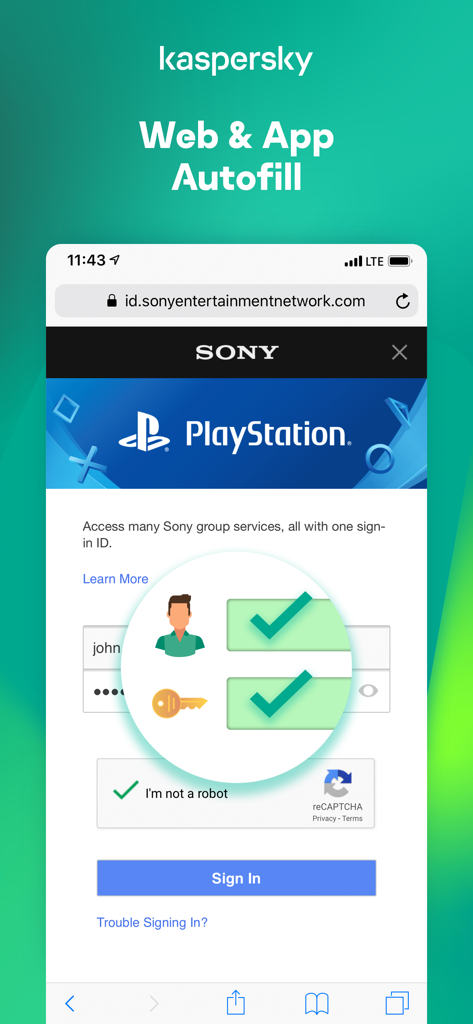
Kaspersky Passwords and Docsアプリのインターフェース。モバイルログイン画面でのWebおよびアプリの自動入力機能を例示しています。
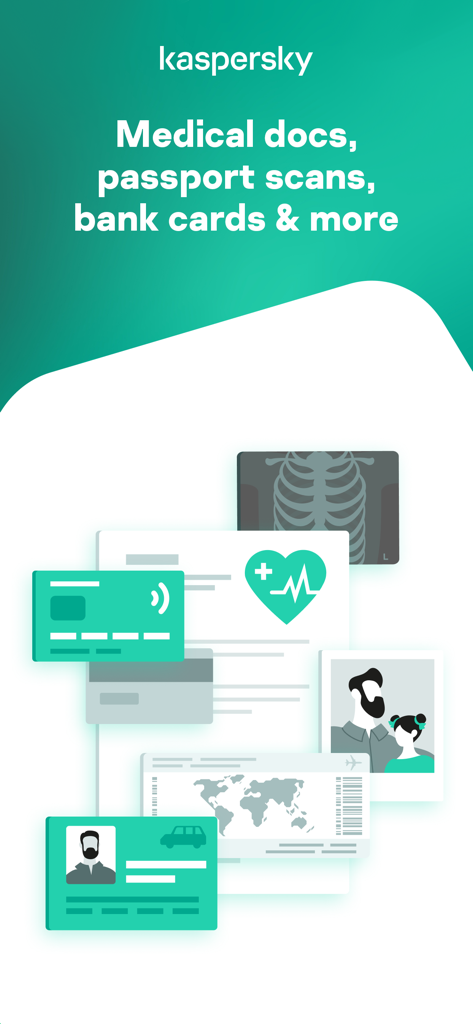
Kasperskyアプリのインターフェース。医療文書、パスポートスキャン、銀行カードの安全な保存を表示しています。
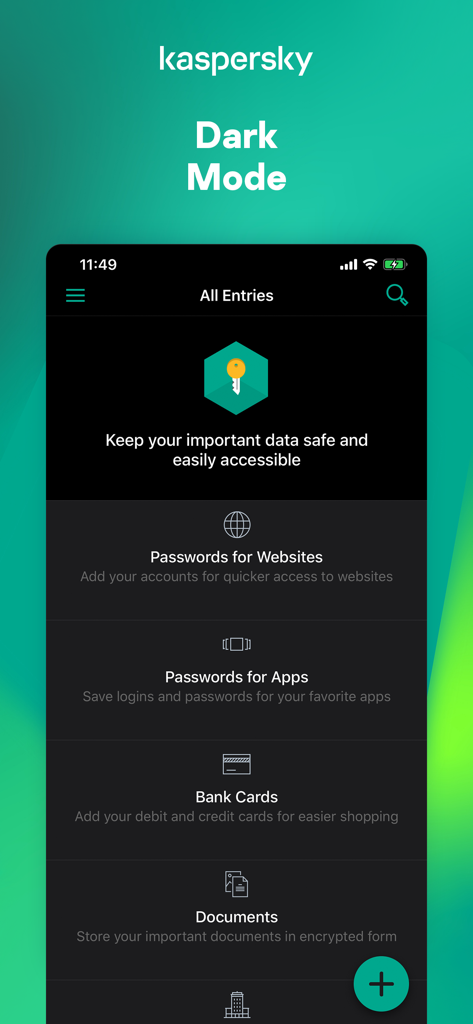
Kaspersky Password Managerモバイルアプリのダークモードのインターフェース。パスワードとドキュメントのカテゴリを表示しています。
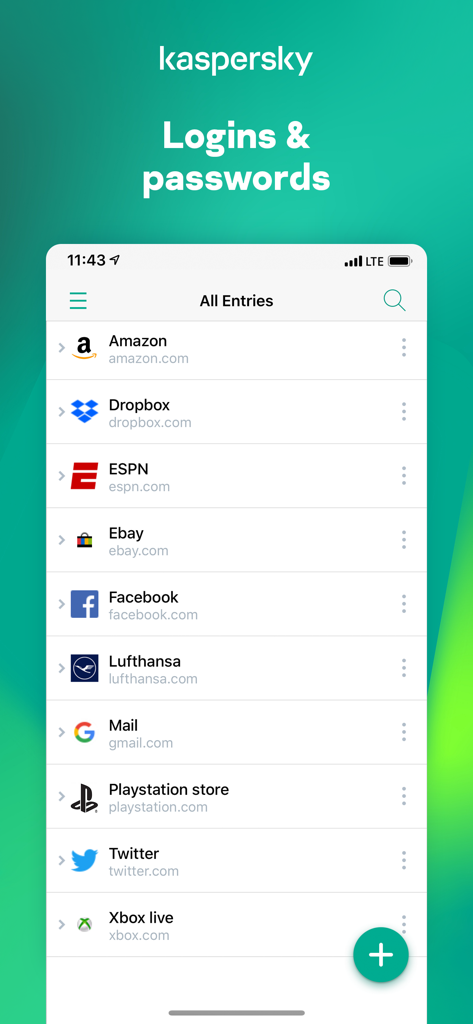
Kaspersky Passwords and Docsアプリのインターフェース。さまざまなアカウントの保存されたログインとパスワードのリストを表示しています。
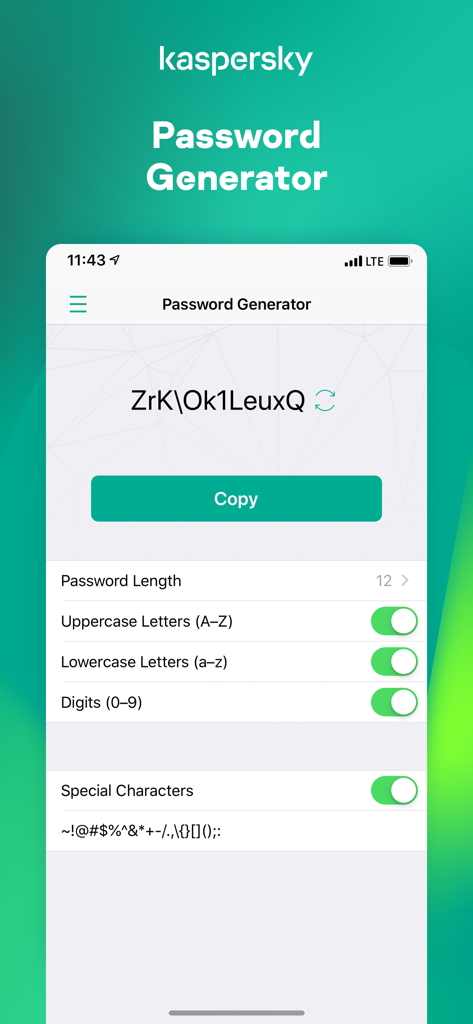
Kaspersky Passwords and Docsアプリ。文字と長さのカスタマイズオプションを備えたパスワードジェネレーター画面を表示しています。
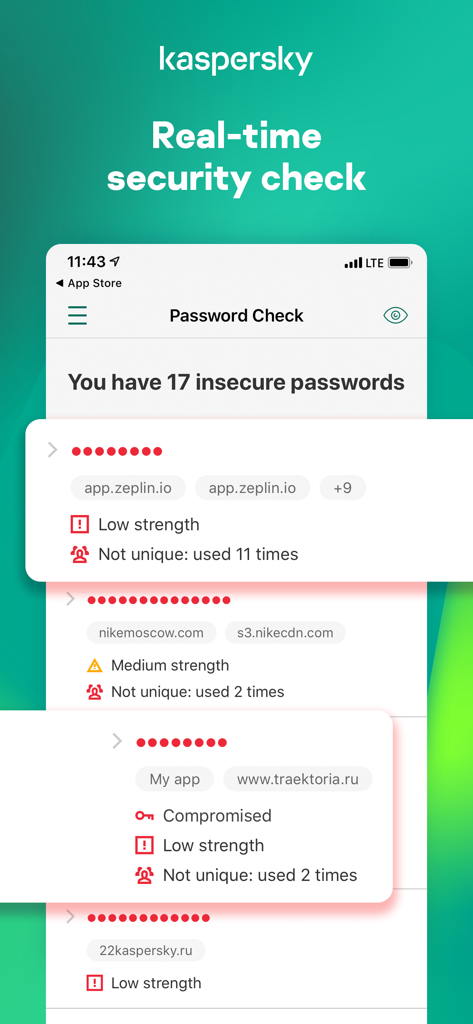
Kaspersky Password Managerのリアルタイムセキュリティチェック機能を示すスクリーンショット。安全でない、または侵害されたパスワードを識別しています。
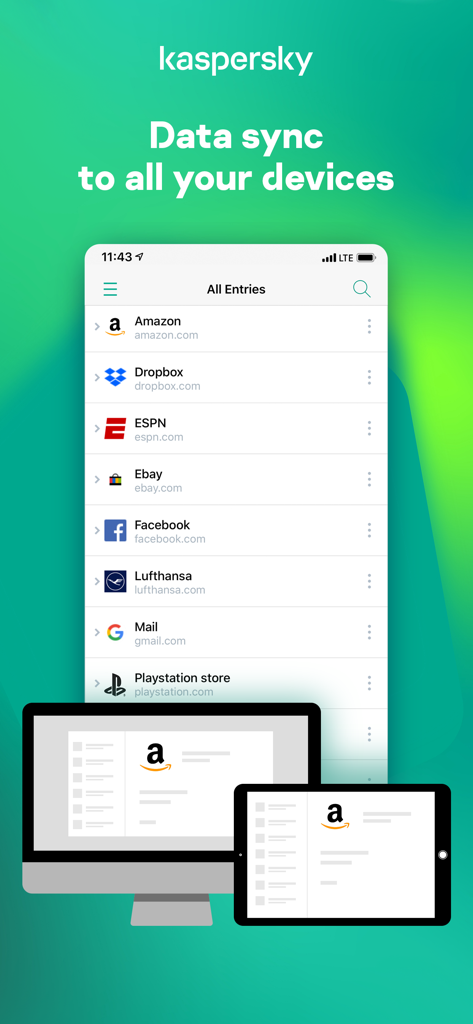
Kasperskyアプリ。スマートフォン、デスクトップ、タブレットデバイス間でのパスワード同期を表示しています。
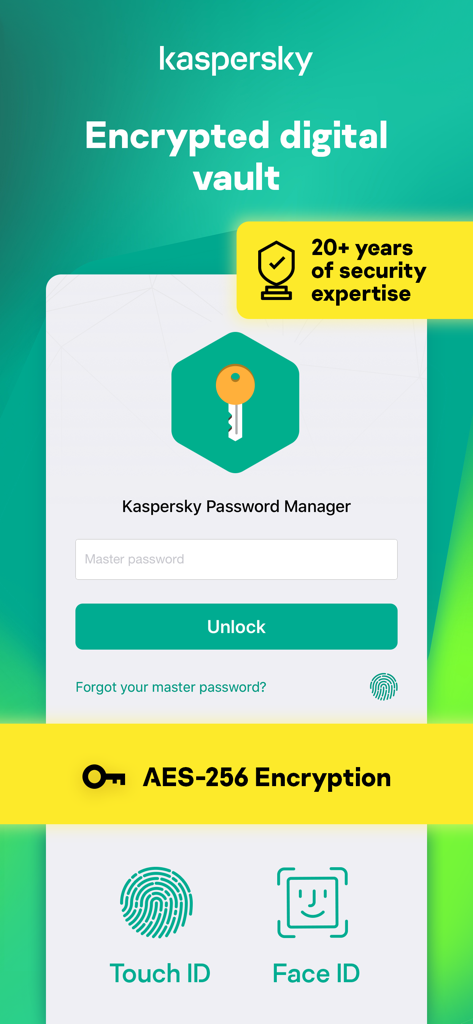
Kaspersky Password Managerアプリのインターフェース。AES-256暗号化やFace IDおよびTouch IDなどの生体認証ログインオプションを備えた暗号化されたデジタル保管庫を表示しています。
説明
Download
類似アプリ
似た機能とユーザー体験を持つアプリ

Proton Pass - Password Manager
Proton AG

Dashlane Password Manager
Dashlane

Password Manager - mSecure
mSeven Software, LLC

Kepttor Password Manager
MACREL SRL SEMPLIFICATA

DataVault Manager - Encrypted
MIKHAIL SHERSHNEV

Authenticator ·
SMM service, s.r.o.

Bitwarden Password Manager
Bitwarden Inc

Authenticator App ⁸
AGILE CODE LIMITED

Authenticator App ℗
RHO DEVELOPERS LLC
このページはアプリまたはその開発者の公式ページではなく、情報提供および論評を目的として作成された独立した編集出版物です。明示的に別段の記載がない限り、アプリおよびその開発者は、MWM、Apple、Google Play、アプリのパブリッシャー、またはアプリの開発者と提携、承認、後援、認可、またはその他の公式的な関係はなく、このページのいかなる内容も、アプリがMWMのサービスを使用して開発されたことを意味するものではありません。すべての商標、ロゴ、スクリーンショット、その他のコンテンツはそれぞれの所有者の財産です。