KidsLink Kids
KidsLink Kids
ダウンロード: App Store

このページはアプリまたはその開発者の公式ページではなく、情報提供および論評を目的として作成された独立した編集出版物です。明示的に別段の記載がない限り、アプリおよびその開発者は、MWM、Apple、Google Play、アプリのパブリッシャー、またはアプリの開発者と提携、承認、後援、認可、またはその他の公式的な関係はなく、このページのいかなる内容も、アプリがMWMのサービスを使用して開発されたことを意味するものではありません。すべての商標、ロゴ、スクリーンショット、その他のコンテンツはそれぞれの所有者の財産です。


ロゴ: KidsLink Kids
ダウンロード: App Store

KidsLink Kids

高度な画面ミラーリング、ソーシャルメディア監視、GPS追跡で、お子様をオンラインのリスクから守ります。これらすべてが、強力なペアレンタルコントロールアプリに統合されています。

主要数値

ダウンロード

2K+

ユーザー評価

1.9/5

評価数

0

開発元

Yqjc Technology Co., Ltd.

カテゴリ

Utilities

対応言語

20

最新バージョン

1.21

サイズ

52.2 MB

リリース日

2025年1月13日
機能

デジタル世界での完全な安心

使用状況を監視し、サイバーいじめを防ぎ、学業への集中を促すために設計された高度なツールで、ペアレンタル管理を強化します。

ライブ画面ミラーリング

お子様のデバイスで何が起こっているかをリアルタイムで正確に確認し、責任あるデジタル習慣へと導きます。

ソーシャルメディア監視

Instagram、Facebook、Messengerのメッセージを監視することで、お子様を捕食者やいじめから守ります。

以下のスクリーンショットと説明は、アプリの公式ストアリスティングから直接取得されたものであり、アプリ開発者の所有物です。

アプリストア

スクリーンショット
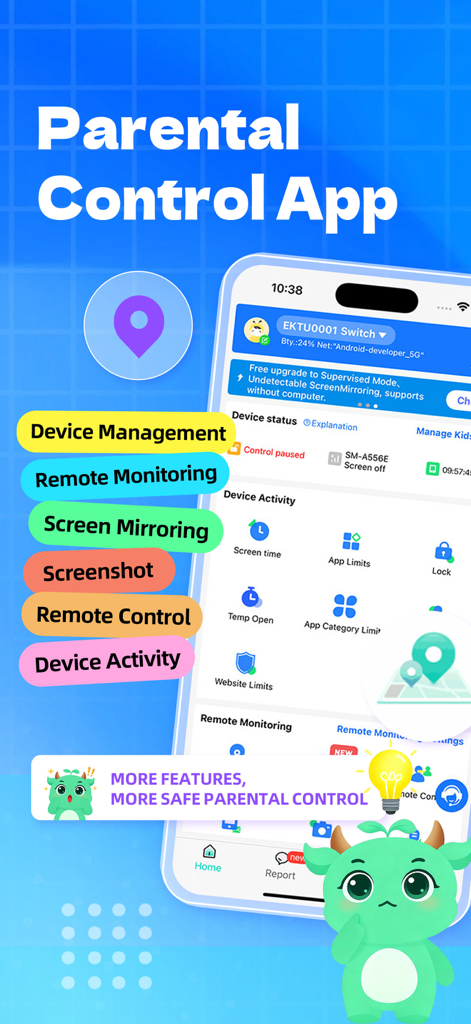
KidsLink Kids - KidsLinkペアレンタルコントロールアプリのインターフェース。リモート監視とデバイス管理機能が表示されています。
KidsLinkペアレンタルコントロールアプリのインターフェース。リモート監視とデバイス管理機能が表示されています。

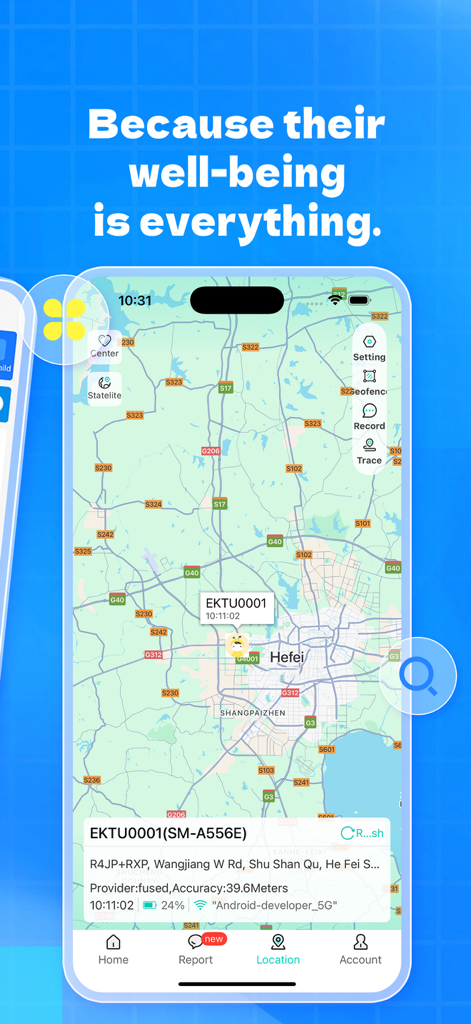
KidsLink Kids - KidsLinkアプリのインターフェース。地図上に子供のデバイスのリアルタイムGPS位置追跡が表示されています。
KidsLinkアプリのインターフェース。地図上に子供のデバイスのリアルタイムGPS位置追跡が表示されています。

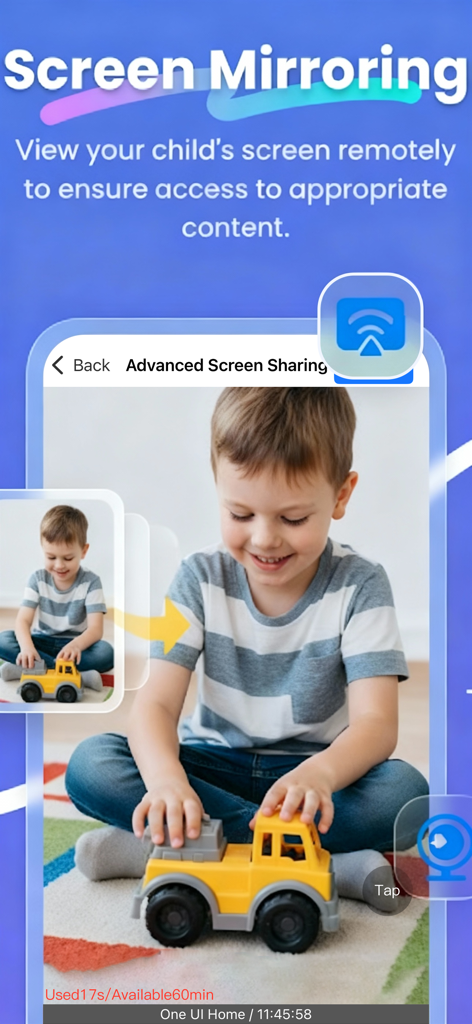
KidsLink Kids - KidsLink Kidsアプリの画面ミラーリング機能。ペアレンタルリモート監視用。
KidsLink Kidsアプリの画面ミラーリング機能。ペアレンタルリモート監視用。

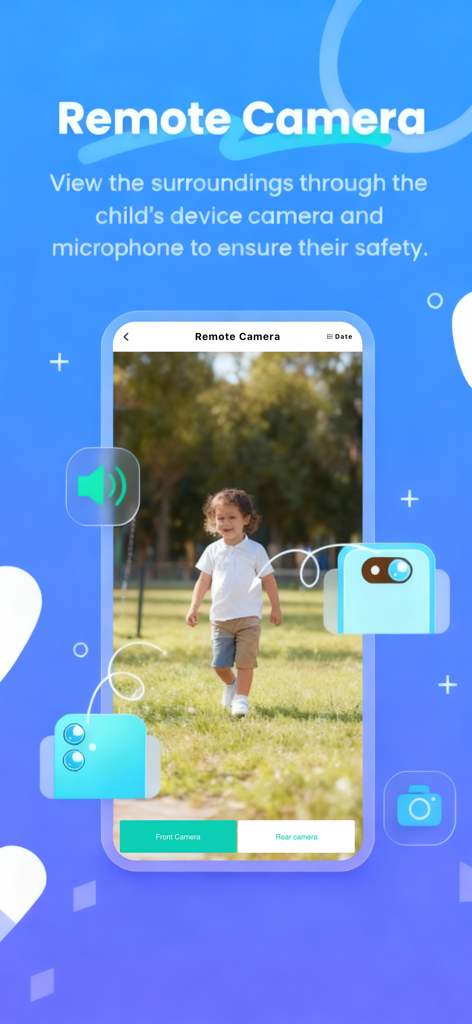
KidsLink Kids - スマートフォンインターフェース。KidsLink Kidsのリモートカメラ機能が表示され、屋外にいる子供の安全を確認しています。
スマートフォンインターフェース。KidsLink Kidsのリモートカメラ機能が表示され、屋外にいる子供の安全を確認しています。

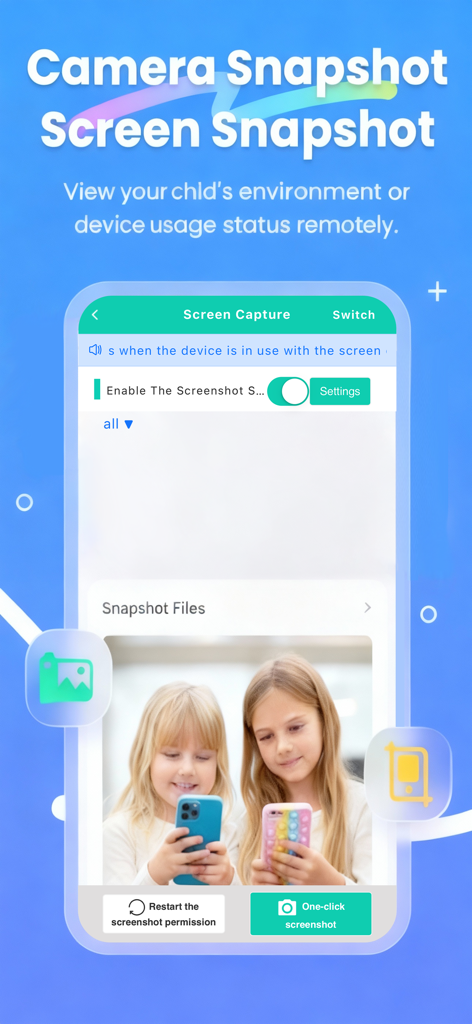
KidsLink Kids - KidsLink Kidsアプリのインターフェース。リモートペアレンタル監視のためのカメラと画面スナップショット機能が表示されています。
KidsLink Kidsアプリのインターフェース。リモートペアレンタル監視のためのカメラと画面スナップショット機能が表示されています。

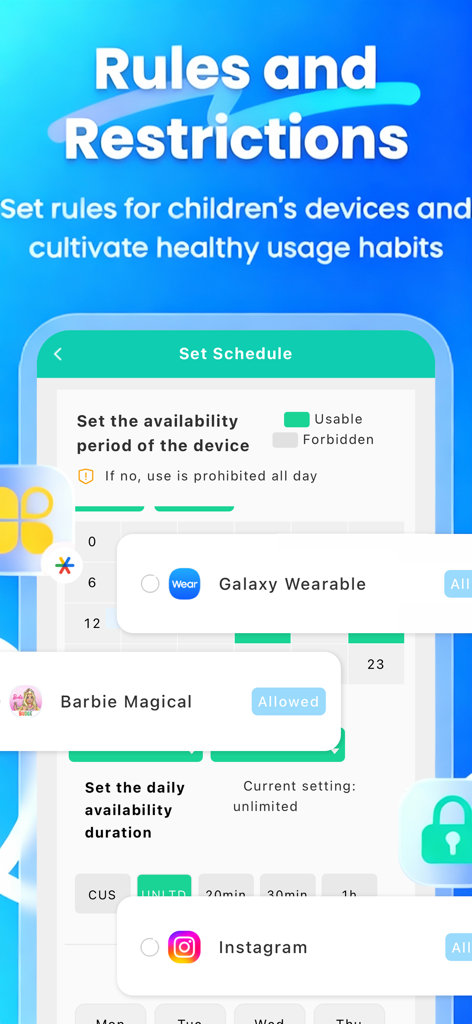
KidsLink Kids - モバイルアプリの画面。子供向けの毎日の利用可能時間スケジュール設定とアプリ制限管理オプションが表示されています。

モバイルアプリの画面。子供向けの毎日の利用可能時間スケジュール設定とアプリ制限管理オプションが表示されています。

説明

KidsLink Parental Control helps parents track their child’s location, monitor screen time, view the device screen, record video and audio, check app downloads, and block websites. It helps ensure children’s safety and encourages healthy device usage habits. Why Choose KidsLink Parental Control: ◆ Real-Time Monitoring & Remote Control – Mirror your child’s device screen to your phone in real time. See which apps they use at school and how often, helping prevent phone addiction. You can also remotely control the child’s device from your own phone, guiding them toward responsible device usage. ◆ App Notification Sync – Real-time sync allows you to monitor your child’s social media messages on platforms like Facebook, Instagram, and Messenger, helping protect them from cyberbullying and online scams. ◆ Screen Time Management – Set screen time schedules to ensure your child uses their device at appropriate times. ◆ Website & App Blocker – Filter inappropriate websites and block adult apps (such as pornography, dating apps, and certain gaming apps) to help guide children toward age-appropriate content. ◆ GPS Location Tracker – Monitor your child’s location on the map and view their daily route history. This helps ensure their safety and prevents them from entering high-risk areas. ◆ Screenshot Capture – Capture your child’s screen remotely to monitor and enforce proper device usage. ◆ One-Way Recording & Video – Record audio and camera video from your child’s device to ensure their safety when they are out. ◆ Mode Switching – Switch between Normal Mode and Study Mode. In Study Mode, only parent-approved apps can be viewed or used, reducing distractions and improving study focus. Start Protecting Your Child 1.Download the parental control app KidsLink on your phone. 2.Download KidsLink Kids on your child’s device. 3.Link your child’s device by scanning the QR code or entering the pairing code to complete setup. KidsLink Parental Control offers a 3-day free trial with full features. A subscription is required after the trial period. No ads included. A parent account can connect up to 3 child devices and invite additional parents for shared monitoring. ---POLICIES & TERMS OF USE--- Privacy Policy: https://ossfiles.kidslink.info/mp-configs/SXB/htmls/privacy.html Terms of Use: https://ossfiles.kidslink.info/mp-configs/SXB/htmls/user.html Website: https://www.kidslink.info/ Contact US: support@kidslink.info The app asks for the following permissions: 1.Display over other apps - to block applications when time limit rules occur 2.Accessibility services - to Restrict modifications to system settings and app permissions, and automatically grant certain permissions. 3.VpnService - to Restrict access to designated unhealthy websites. 4.Usage access - to collect statistics about the application uptime. 5.Autostart - for constant operation of the application tracker on the device. 6.Device admin apps - to protect against unauthorized deletion.

Download

ダウンロード: App Store

このページはアプリまたはその開発者の公式ページではなく、情報提供および論評を目的として作成された独立した編集出版物です。明示的に別段の記載がない限り、アプリおよびその開発者は、MWM、Apple、Google Play、アプリのパブリッシャー、またはアプリの開発者と提携、承認、後援、認可、またはその他の公式的な関係はなく、このページのいかなる内容も、アプリがMWMのサービスを使用して開発されたことを意味するものではありません。すべての商標、ロゴ、スクリーンショット、その他のコンテンツはそれぞれの所有者の財産です。








