Kiosk Pro Plus
Kiosk Pro Plus
ダウンロード: App Store

このページはアプリまたはその開発者の公式ページではなく、情報提供および論評を目的として作成された独立した編集出版物です。明示的に別段の記載がない限り、アプリおよびその開発者は、MWM、Apple、Google Play、アプリのパブリッシャー、またはアプリの開発者と提携、承認、後援、認可、またはその他の公式的な関係はなく、このページのいかなる内容も、アプリがMWMのサービスを使用して開発されたことを意味するものではありません。すべての商標、ロゴ、スクリーンショット、その他のコンテンツはそれぞれの所有者の財産です。


ロゴ: Kiosk Pro Plus
ダウンロード: App Store

Kiosk Pro Plus

トラフィックの多い環境向けに設計されたプロフェッショナルなロックダウンブラウザ。小売店やイベントのデバイス群に対し、リモートコンテンツ更新、堅牢なセキュリティ制御、オフラインでの信頼性により、シームレスな訪問者体験を提供します。

主要数値

ダウンロード

174K+

ユーザー評価

4.2/5

評価数

0

開発元

Kiosk Group, Inc.

カテゴリ

Business

対応言語

30

最新バージョン

11.3

サイズ

35.9 MB

リリース日

2011年10月14日
機能

iPadをプロフェッショナルキオスクに変える

トラフィックの多い環境向けに設計された、集中管理と高度なオフライン機能により、安全でブランディングされたインタラクティブディスプレイを展開します。

完全なロックダウンセキュリティ

特定のウェブサイトまたはプレゼンテーションにデバイスをロックし、ナビゲーションを制限することで、不正なブラウジングや個人データの漏洩を防ぎます。

集中型リモート更新

Dropboxまたは独自の remot eserver を介してコンテンツと設定を即座に更新することで、デバイス群全体を1か所から管理します。

以下のスクリーンショットと説明は、アプリの公式ストアリスティングから直接取得されたものであり、アプリ開発者の所有物です。

アプリストア

スクリーンショット
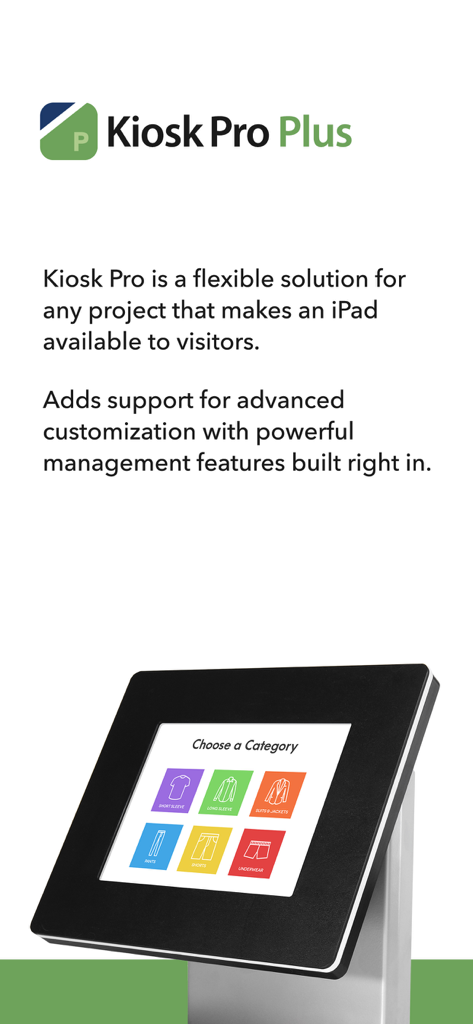
Kiosk Pro Plus - Kiosk Pro Plusアプリのプロモーション画面。プロフェッショナルなキオスクスタンドに設置されたiPadに、小売インターフェースが表示されています。
Kiosk Pro Plusアプリのプロモーション画面。プロフェッショナルなキオスクスタンドに設置されたiPadに、小売インターフェースが表示されています。

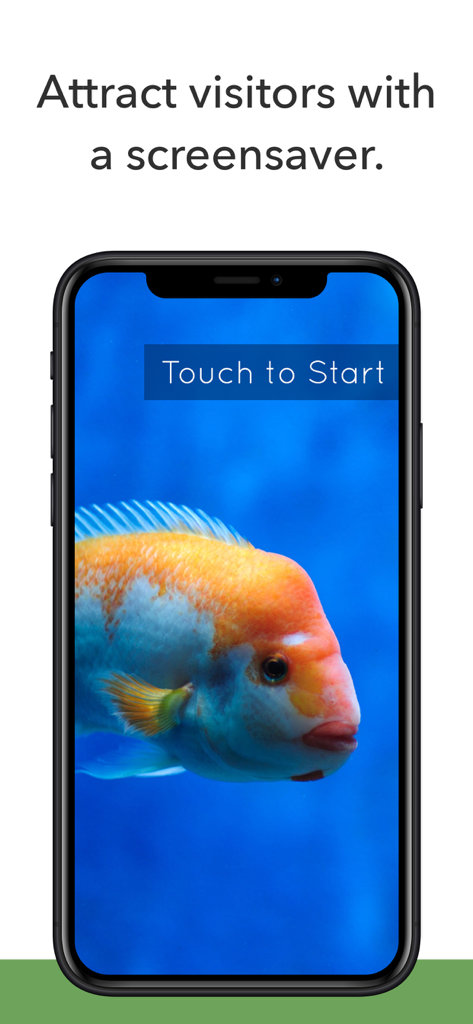
Kiosk Pro Plus - スマートフォンにKiosk Pro Plusのスクリーンセーバー機能が表示されており、オレンジ色の魚と「Touch to Start」ボタンがあります。
スマートフォンにKiosk Pro Plusのスクリーンセーバー機能が表示されており、オレンジ色の魚と「Touch to Start」ボタンがあります。

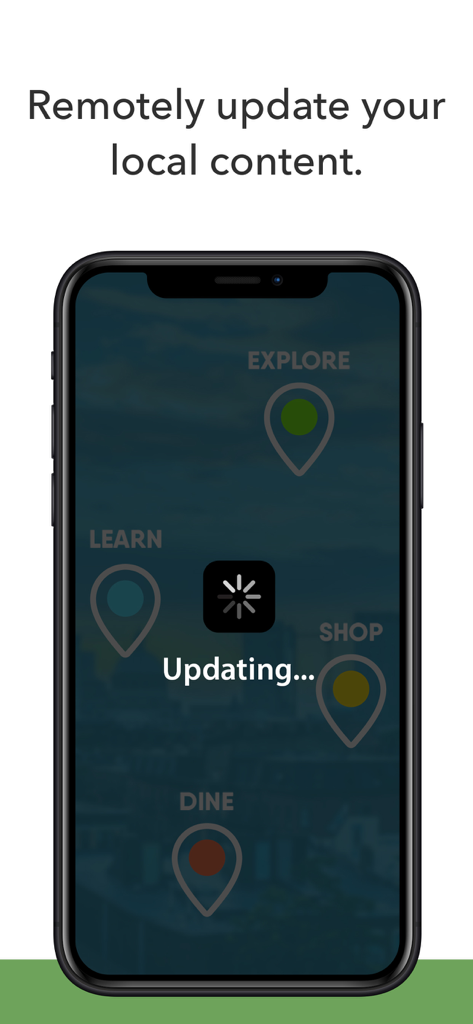
Kiosk Pro Plus - リモートコンテンツ更新中のスマートフォンの画面。「Updating」ステータスとローディングスピナーアイコンが表示されています。
リモートコンテンツ更新中のスマートフォンの画面。「Updating」ステータスとローディングスピナーアイコンが表示されています。

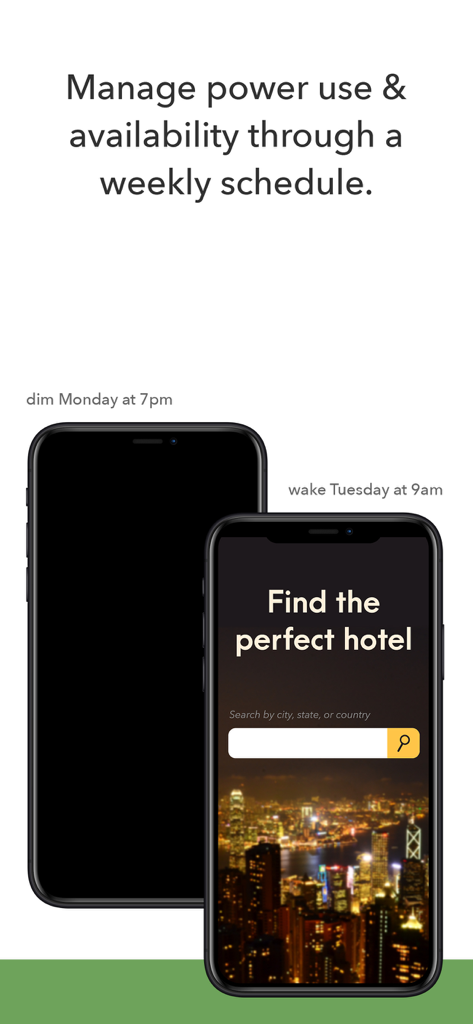
Kiosk Pro Plus - Kiosk Pro Plusの電源管理とキオスクデバイスの週次スケジューリングを示すグラフィック
Kiosk Pro Plusの電源管理とキオスクデバイスの週次スケジューリングを示すグラフィック

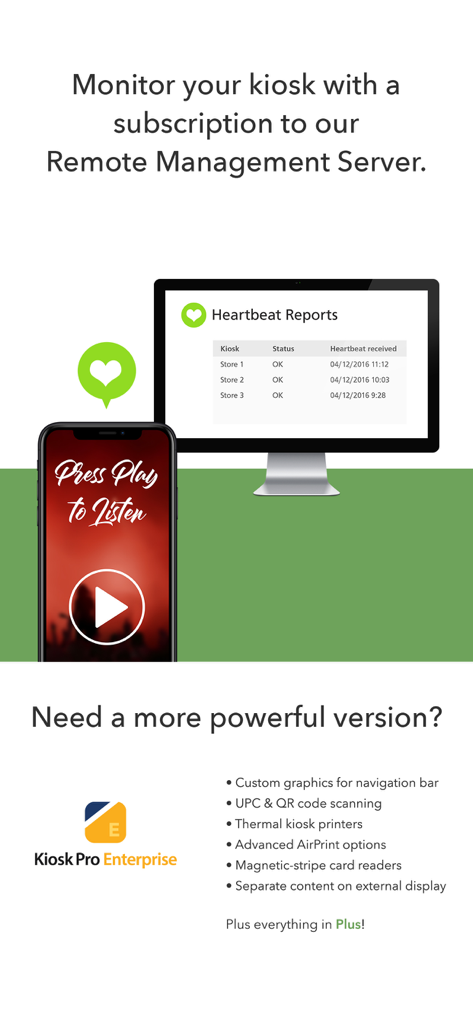
Kiosk Pro Plus - リモート管理サーバーダッシュボード。ハートビートレポートとキオスクエンタープライズ機能リストが表示されています。

リモート管理サーバーダッシュボード。ハートビートレポートとキオスクエンタープライズ機能リストが表示されています。

説明

Kiosk Pro is a flexible solution for any project that makes an iPad available to visitors. As a specialized web browser, Kiosk Pro Plus can display web pages, documents or audio & video files. Show content that’s hosted online or stored locally on the device. Kiosk Pro Plus builds on the functionality included in our Basic version, adding a screensaver loop, a schedule for when the kiosk is available for use, and the ability to update locally stored files from a remote server or Dropbox account. ATTRACT VISITORS • Define a homepage as the starting place for the presentation. • Set an idle timer so that when a visitor walks away, the next person will have a fresh experience, starting right at the beginning. • Increase visitor turnover at your kiosk by setting a browsing time limit. • Clear the cache and/or cookies to secure personal information. • Display a screensaver loop using local images and/or videos. LIMIT NAVIGATION • Specify what’s off limits on the web by creating lists of allowed & restricted domains. • Block access to other apps, including the native email or phone, that could otherwise be opened through links. • Disable touch interaction when used for digital signage. • Autofill username & password for specific URLs. CONTROL THE DISPLAY • Hide status, address, and/or navigation bars to make your content look like a native app. • Allow windows to open in multiple tabs. • Customize the navigation with your own color scheme and bookmarked links. • Works in any language - add your own translated text for on-screen alerts and navigation. WORKS OFFLINE • Store content locally for offline viewing. • Shift between online and offline content automatically if your device drops its internet connection. REMOTE MANAGEMENT • Update your app settings or content files by uploading them onto your own servers or by syncing with your Dropbox account. • Set up email alerts for power loss, remote updates, or motion detection. • Have your kiosks check in with regular heartbeats and monitor all your kiosks from a single location through our cloud-based Remote Management Server. MANAGE AVAILABILITY & POWER USE • Create a schedule to control when the kiosk is available for use. • Control the screen brightness from inside the app settings or dim to minimum brightness while idle. USE ADVANCED FUNCTIONS WITH OUR JAVASCRIPT API • Access the iPad’s camera for capturing photos and videos. • Save visitor form data locally on the device and collect signatures. Support is built right into our apps with documentation of every feature and direct access to our extensive Knowledge Base. Kiosk Pro Plus is compatible with most web content, including HTML web pages, PDFs, and multimedia (including .mp4 video). While certain Powerpoint, Keynote, and Word files are also supported, they are displayed as static documents. Kiosk Pro Plus cannot display pop-ups, other apps, or Flash-based content. To prevent visitors from exiting Kiosk Pro Plus, you must enable Guided Access in the iPad settings or use Apple’s Configurator app to supervise the iPad into Single App Mode. Our professional kiosk enclosures secure your iPad from theft or damage. See KioskGroup.com for more details!

Download

ダウンロード: App Store

このページはアプリまたはその開発者の公式ページではなく、情報提供および論評を目的として作成された独立した編集出版物です。明示的に別段の記載がない限り、アプリおよびその開発者は、MWM、Apple、Google Play、アプリのパブリッシャー、またはアプリの開発者と提携、承認、後援、認可、またはその他の公式的な関係はなく、このページのいかなる内容も、アプリがMWMのサービスを使用して開発されたことを意味するものではありません。すべての商標、ロゴ、スクリーンショット、その他のコンテンツはそれぞれの所有者の財産です。