
このページはアプリまたはその開発者の公式ページではなく、情報提供および論評を目的として作成された独立した編集出版物です。明示的に別段の記載がない限り、アプリおよびその開発者は、MWM、Apple、Google Play、アプリのパブリッシャー、またはアプリの開発者と提携、承認、後援、認可、またはその他の公式的な関係はなく、このページのいかなる内容も、アプリがMWMのサービスを使用して開発されたことを意味するものではありません。すべての商標、ロゴ、スクリーンショット、その他のコンテンツはそれぞれの所有者の財産です。


Lifebox: Storage & Backup
「ストレージがいっぱいです」の警告に悩むのはもうやめましょう。Lifeboxは写真の自動バックアップ、AIによる思い出の整理、ワンタップでのスマホ空き容量確保を行い、大切な家族の瞬間をどこでも安全かつアクセス可能に保ちます。
ダウンロード
3M+ユーザー評価
評価数
166K+開発元
カテゴリ
Productivity対応言語
11最新バージョン
40.3サイズ
124.8 MBリリース日
2013年10月21日「ストレージがいっぱいです」で、もう二度と瞬間を失わない
300万人以上のユーザーがLifeboxを信頼し、写真の自動保存、思い出の整理、スマホの円滑な動作を維持しています。
瞬時に空き容量を解放
ギャラリーを自動バックアップし、ワンタップで数ギガバイトを解放。数千枚の新しい家族写真のためのスペースを作ります。
AI搭載の思い出アシスタント
手動での仕分けは不要。AIが写真に写っている人物や場所ごとに自動でグループ化し、完璧な一枚を数秒で見つけやすくします。
よくある質問
について知っておくべきこと Lifebox: Storage & Backup
Does Lifebox automatically back up photos and videos?
はい、Lifeboxはモバイルデータ通信またはWiFiを使用して写真と動画を自動的にバックアップします。すべての思い出は安全かつ即座に保存されます。
Can Lifebox free up space on my phone?
はい、Lifeboxを使用すると、ボタン1つでバックアップされた思い出を携帯電話から削除できます。この操作により、新しいコンテンツのための内部ストレージが解放されます。
Does Lifebox offer contact backup?
はい、Lifeboxは連絡先を安全にバックアップします。携帯電話を紛失したり破損したりした場合でも、ユーザーはすぐに連絡先にアクセスできます。
How does Lifebox organize photos?
Lifeboxは、顔認識と画像認識を使用して写真を整理します。特定の思い出の検索を簡素化するために、人物、オブジェクト、場所ごとに写真をグループ化します。
Can Lifebox Premium remove duplicate contacts?
はい、Lifebox Premiumは、電話帳の重複した連絡先をボタン1つで識別して削除します。この機能は、連絡先リストを効果的に整理するのに役立ちます。
Which devices support Lifebox access?
ユーザーは、スマートフォン、タブレット、Apple TV、TV +、PCからLifeboxファイルにアクセスできます。保存されているすべての写真、動画、ファイルはすぐに利用できます。
How do Lifebox subscriptions renew?
Lifeboxのサブスクリプションは、毎月自動的に更新されます。自動更新を手動でオフにしない限り、料金はiTunesアカウントに請求されます。
Is free storage included with Lifebox subscriptions?
はい、月額サブスクリプションパッケージには5GBの無料パッケージが追加されます。このボーナスは、サブスクリプション料金の支払いが開始されると有効になります。
What login security options does Lifebox provide?
Lifeboxは、スマートで安全なログインオプションを提供します。これには、Touch ID、Face ID、またはパスワードが含まれ、セキュリティを強化するために電話のモデルに合わせて調整されています。
Does Lifebox back up documents?
はい、Lifeboxは写真や動画に加えて、さまざまな種類のドキュメントもバックアップします。これには、PDF、Excel、Wordファイルが含まれます。
Can Lifebox archive photos from social media platforms?
はい、Lifeboxでは、FacebookやInstagramで共有された写真をアーカイブできます。これらの思い出は、Lifeboxアカウント内に保存されます。
Does Lifebox offer photo editing tools?
はい、Lifeboxには写真編集機能が含まれています。ユーザーは特別なフィルター、エフェクト、フレーム、キャップ、ステッカーを適用して写真を編集できます。
Does Lifebox Premium store media in original quality?
はい、Lifebox Premiumのメンバーシップにより、アップロードされたすべての写真と動画が元の品質で保存されます。これにより、メディアの忠実度が維持されます。
Is there a referral bonus for inviting friends to Lifebox?
はい、Lifeboxはボーナスを提供しています。ユーザーは、Lifeboxへの参加に正常に招待した人ごとに5GBのストレージを受け取ります。
以下のスクリーンショットと説明は、アプリの公式ストアリスティングから直接取得されたものであり、アプリ開発者の所有物です。
アプリストア
スクリーンショット
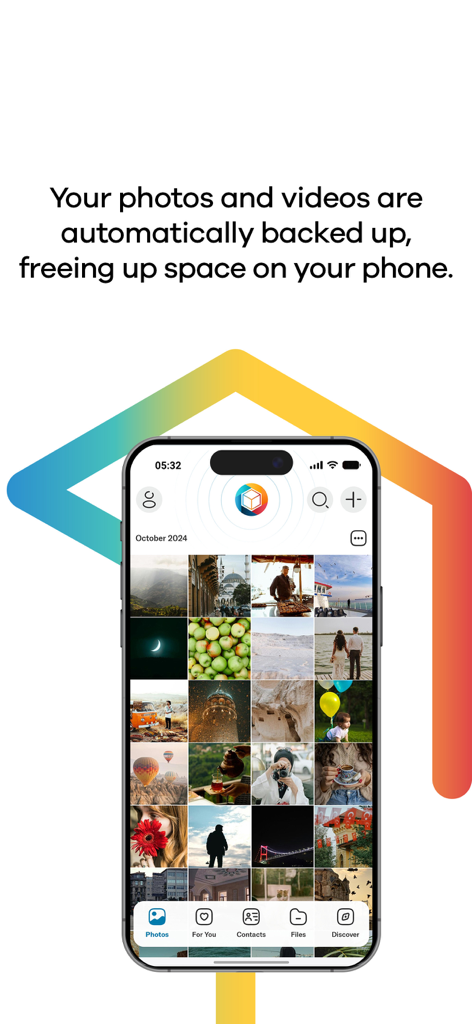
Lifeboxアプリのインターフェース。スマートフォンに写真ギャラリーと自動バックアップ機能のテキストが表示されている様子
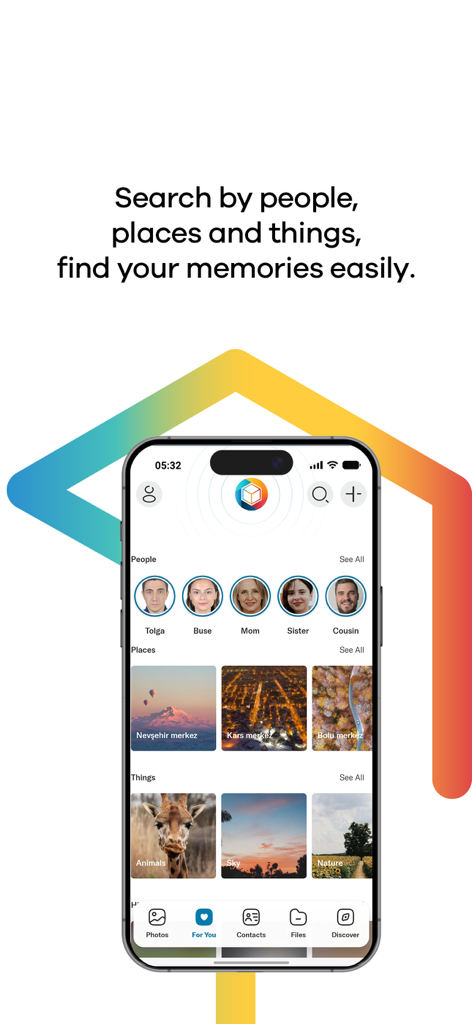
Lifeboxアプリのインターフェース。人物、場所、物ごとに写真が自動グループ化されている様子
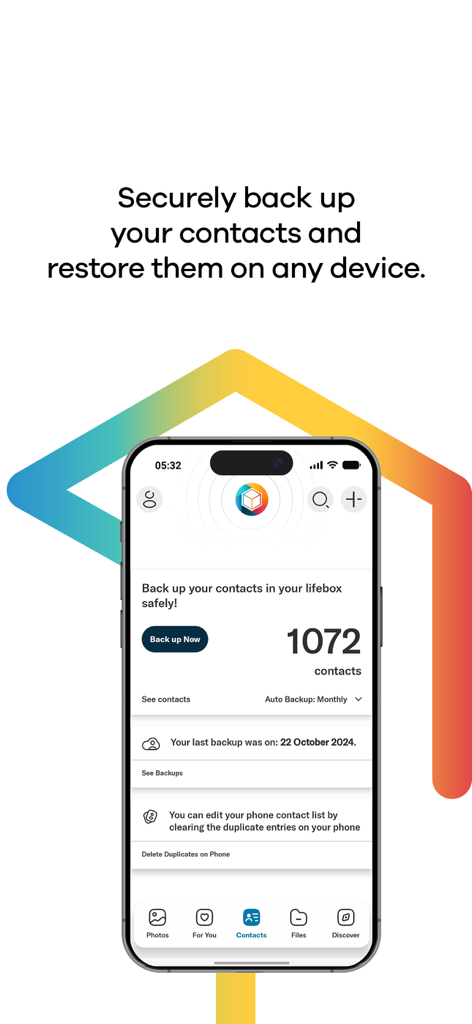
Lifeboxモバイルアプリの画面。連絡先のバックアップ状況と重複連絡先の削除機能が表示されている様子
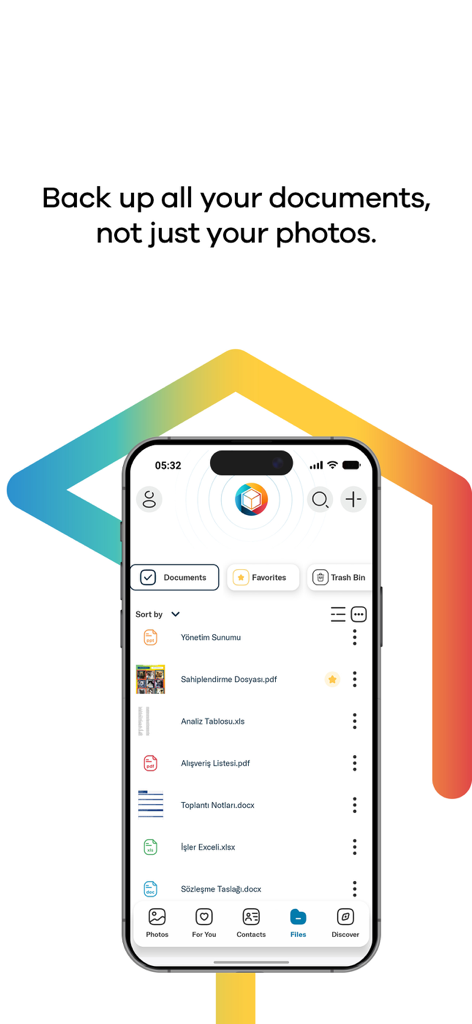
Lifeboxアプリのインターフェース。iPhone上でPDFやWordファイルなどのバックアップされたドキュメントのリストが表示されている様子
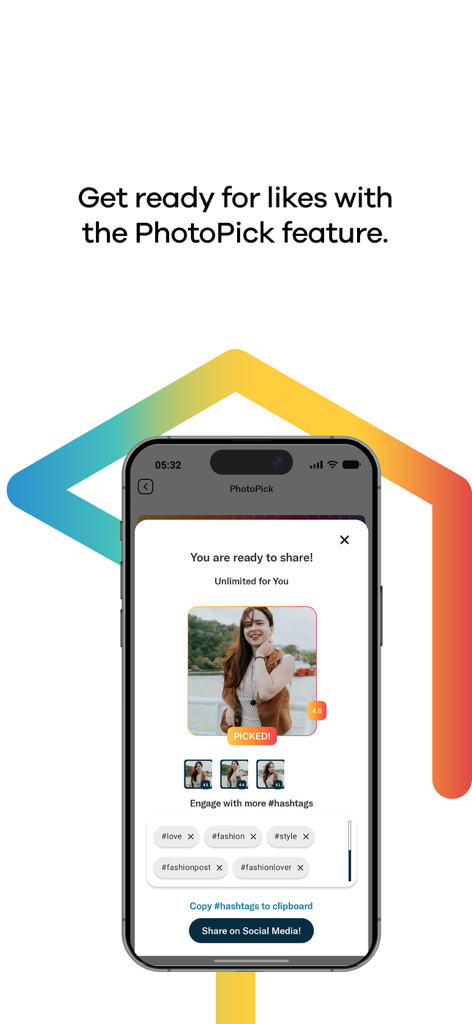
LifeboxアプリのPhotoPick機能のインターフェース。選択された写真と、ソーシャルメディアのハッシュタグの提案が表示されている様子
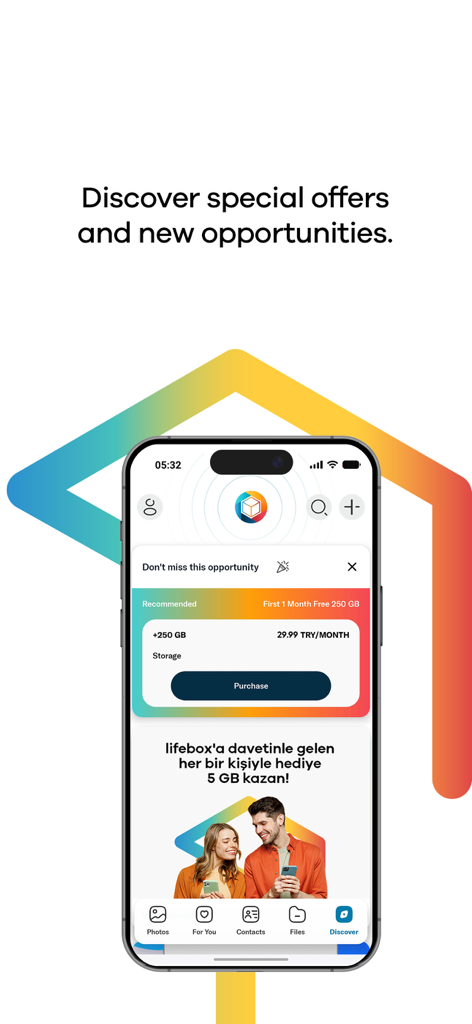
Lifeboxアプリのディスカバー画面。プレミアムストレージプランと、追加のクラウドスペースのための紹介報酬が表示されている様子
説明
Download
類似アプリ
似た機能とユーザー体験を持つアプリ

Google Drive
Google LLC

Яндекс Диск - Облако для фото
DIRECT CURSUS COMPUTER SYSTEMS TRADING LLC

Cloud: 1 drive - more storage
V Kontakte OOO

Nutstore-Cloud Storage&Backup
Yicun Network Technology Co. Ltd.

Microsoft OneDrive
Microsoft Corporation

Dropbox: Cloud Storage Backup
Dropbox, Inc.

Google One
Google LLC

Cloud Storage: Cloud Drive App
Fazcon PTY LTD

JioAICloud - Storage & Photos
JIO PLATFORMS LIMITED
このページはアプリまたはその開発者の公式ページではなく、情報提供および論評を目的として作成された独立した編集出版物です。明示的に別段の記載がない限り、アプリおよびその開発者は、MWM、Apple、Google Play、アプリのパブリッシャー、またはアプリの開発者と提携、承認、後援、認可、またはその他の公式的な関係はなく、このページのいかなる内容も、アプリがMWMのサービスを使用して開発されたことを意味するものではありません。すべての商標、ロゴ、スクリーンショット、その他のコンテンツはそれぞれの所有者の財産です。