Live Wallpaper Maker 4K
ダウンロード: App Store

このページはアプリまたはその開発者の公式ページではなく、情報提供および論評を目的として作成された独立した編集出版物です。明示的に別段の記載がない限り、アプリおよびその開発者は、MWM、Apple、Google Play、アプリのパブリッシャー、またはアプリの開発者と提携、承認、後援、認可、またはその他の公式的な関係はなく、このページのいかなる内容も、アプリがMWMのサービスを使用して開発されたことを意味するものではありません。すべての商標、ロゴ、スクリーンショット、その他のコンテンツはそれぞれの所有者の財産です。


ロゴ: Live Wallpaper Maker 4K
ダウンロード: App Store

Live Wallpaper Maker 4K

トレンドの4Kテーマの大規模コレクションで、あなたのユニークな美学を表現しましょう。Makerツールを使って、お気に入りのTikTokや動画を数秒でお気に入りのライブ壁紙に変換しましょう。

主要数値

ダウンロード

238K+

ユーザー評価

4.6/5

評価数

2K+

開発元

TwinBit Ltd

カテゴリ

Lifestyle

対応言語

1

最新バージョン

1.2.9

サイズ

120.7 MB

リリース日

2019年12月23日
機能

あなたのiPhone、あなたの美学

バイラルトレンドから個人的な思い出まで、デジタル自己表現のために設計された世界で最も先進的な4K壁紙ツールキットでロック画面をカスタマイズしましょう。

動画をアートに

直感的なメーカーツールを使用して、お気に入りのTikTok、Reels、または個人的な思い出を見事なライブ壁紙に変換しましょう。

トレンドを追う

ゲーム、アニメから最新のミニマリスト、Y2Kの美学まで、毎日更新される4K背景の大規模ライブラリにアクセスしましょう。

以下のスクリーンショットと説明は、アプリの公式ストアリスティングから直接取得されたものであり、アプリ開発者の所有物です。

アプリストア

スクリーンショット
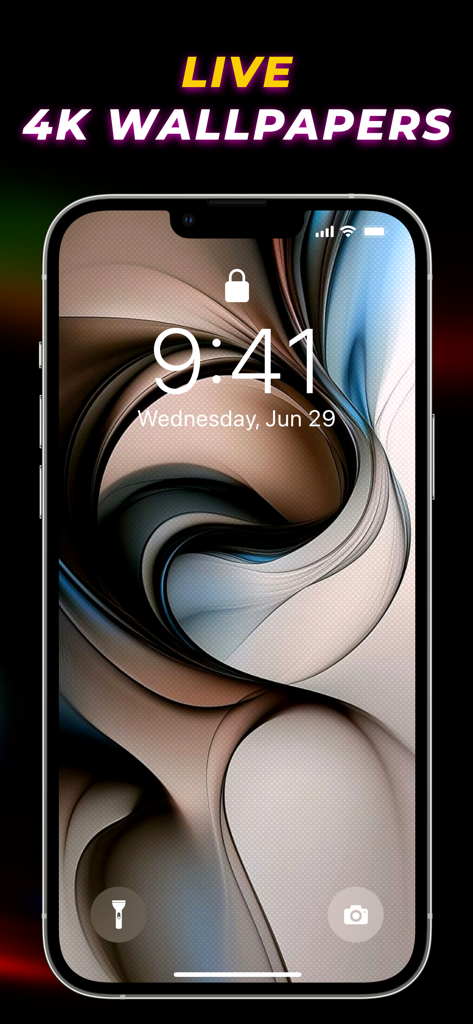
Live Wallpaper Maker 4K - iPhoneのロック画面に表示された抽象的な3D渦巻き4K壁紙

iPhoneのロック画面に表示された抽象的な3D渦巻き4K壁紙

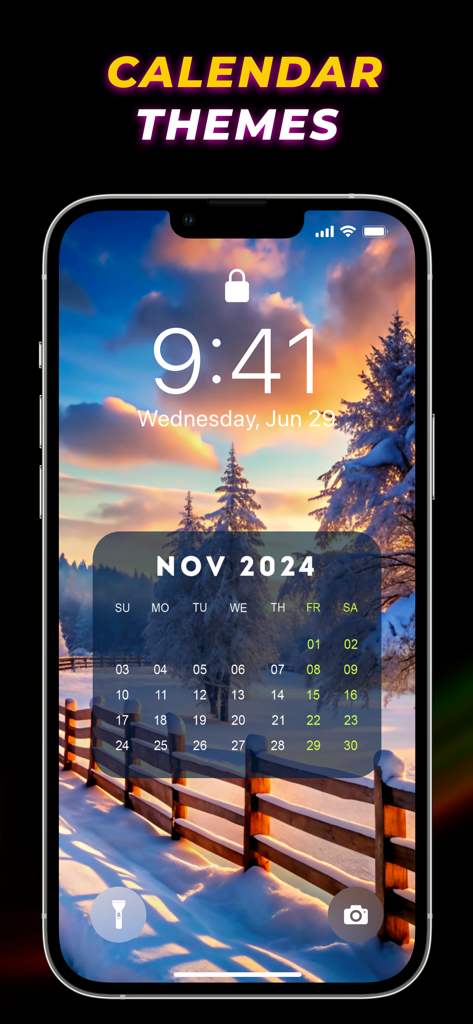
Live Wallpaper Maker 4K - 雪景色の日没の風景の上にカレンダーテーマを表示するiPhoneのロック画面
雪景色の日没の風景の上にカレンダーテーマを表示するiPhoneのロック画面

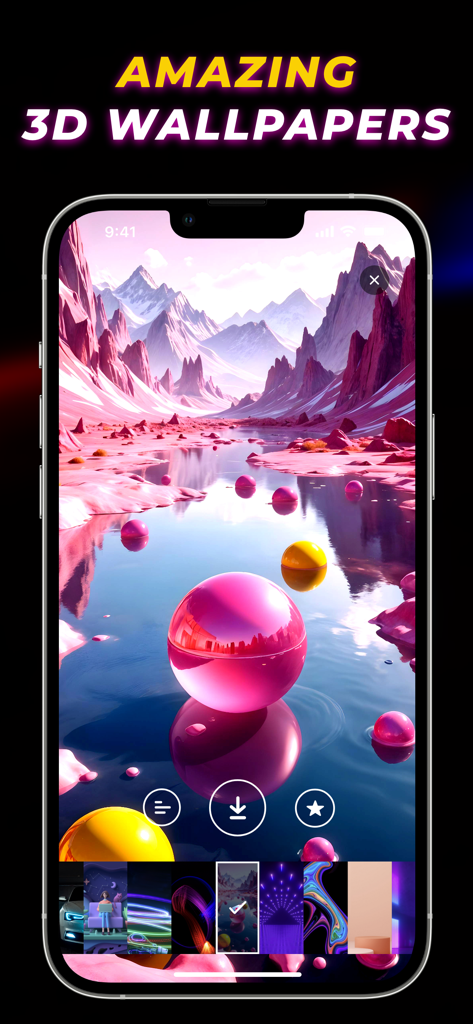
Live Wallpaper Maker 4K - ピンクの山と球体のあるおしゃれな3D風景の壁紙を表示するLive Wallpaper Maker 4Kアプリ
ピンクの山と球体のあるおしゃれな3D風景の壁紙を表示するLive Wallpaper Maker 4Kアプリ

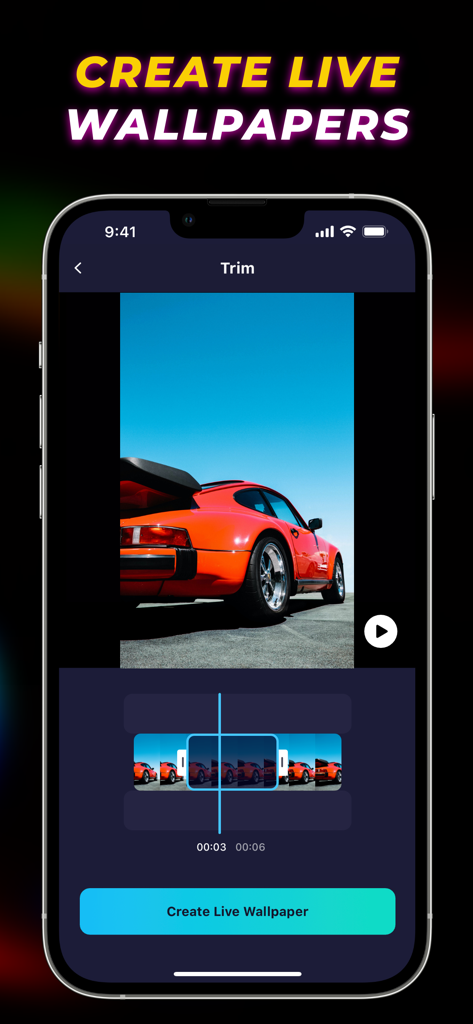
Live Wallpaper Maker 4K - オレンジ色のスポーツカーをフィーチャーしたLive Wallpaper Maker 4Kアプリのビデオトリミングインターフェース。
オレンジ色のスポーツカーをフィーチャーしたLive Wallpaper Maker 4Kアプリのビデオトリミングインターフェース。

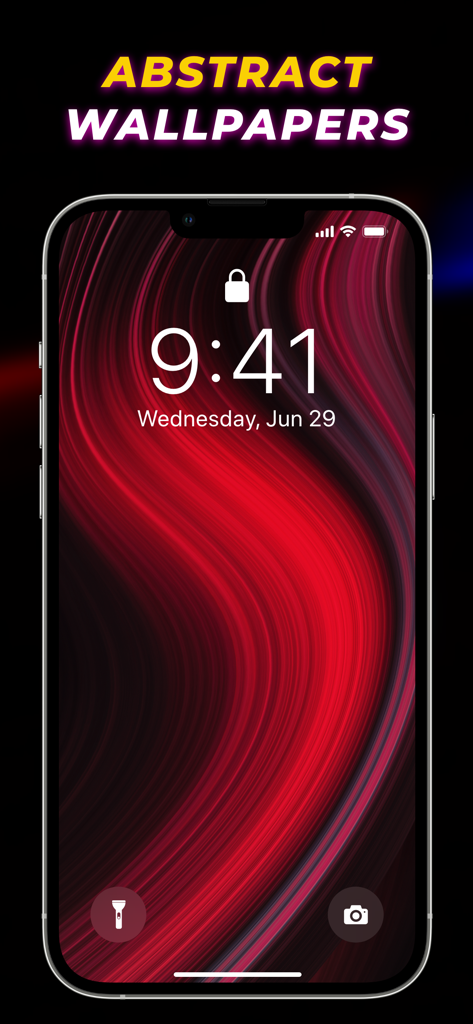
Live Wallpaper Maker 4K - iPhoneのロック画面に表示される抽象的な赤と黒の流れるような壁紙

iPhoneのロック画面に表示される抽象的な赤と黒の流れるような壁紙

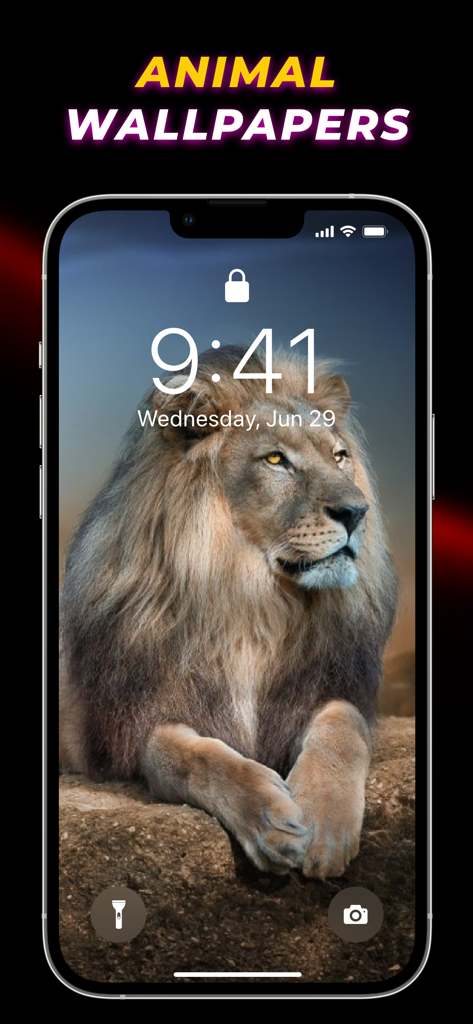
Live Wallpaper Maker 4K - iPhoneのロック画面にある雄大なライオンの壁紙

iPhoneのロック画面にある雄大なライオンの壁紙

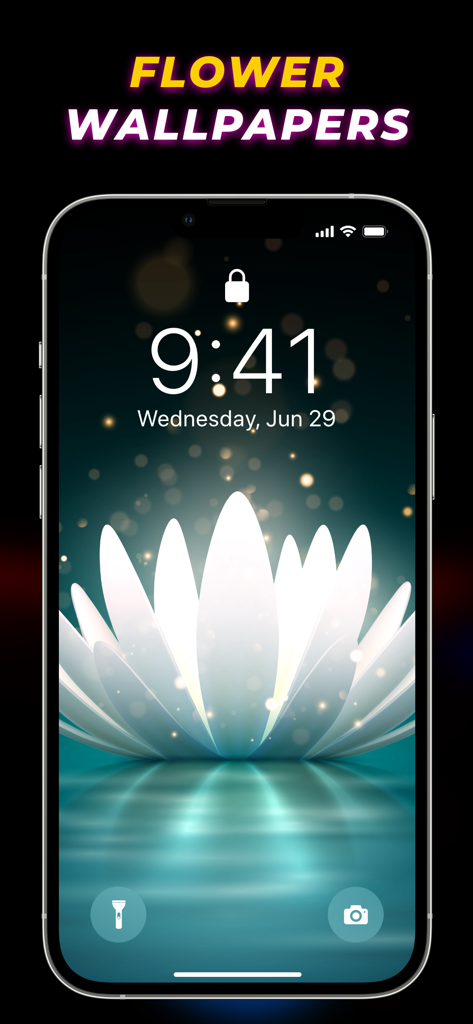
Live Wallpaper Maker 4K - iPhoneのおしゃれな白い花のライブ壁紙

iPhoneのおしゃれな白い花のライブ壁紙

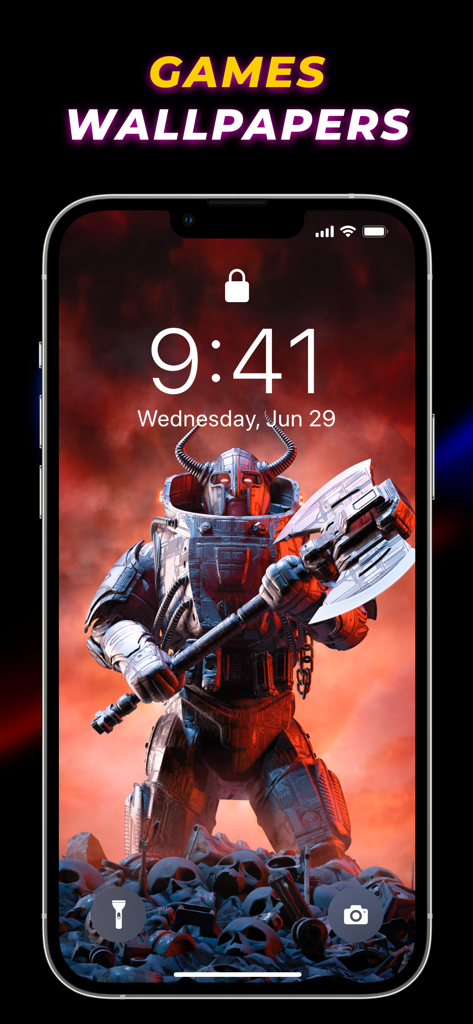
Live Wallpaper Maker 4K - 巨大な斧を持つ鎧を着た戦士がいるゲームテーマのライブ壁紙を表示するiPhoneのロック画面
巨大な斧を持つ鎧を着た戦士がいるゲームテーマのライブ壁紙を表示するiPhoneのロック画面

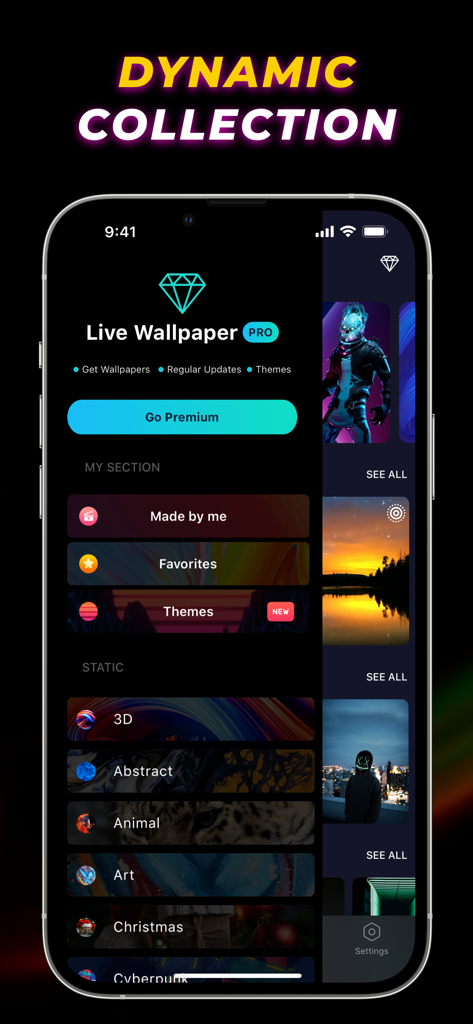
Live Wallpaper Maker 4K - 3DやAbstractなどのさまざまな壁紙カテゴリを表示するLive Wallpaper Maker 4Kアプリのインターフェイスのスクリーンショット

3DやAbstractなどのさまざまな壁紙カテゴリを表示するLive Wallpaper Maker 4Kアプリのインターフェイスのスクリーンショット

説明

Live Wallpaper Maker 4K is the best live wallpapers app for iPhone to customize your home and lock screen. Choose from a massive trove of cool wallpapers and live backgrounds, or create your own live wallpapers from any videos to bring your iPhone's screen to life. From all sorts of art wallpapers to gaming, 3D, and cute Christmas wallpapers in 4K, this app covers various types of backdrops to liven up your device. Moving wallpapers, calendar themes, and frequently updated trendy wallpapers help transcend the user experience. Key Features of Live Wallpaper 3D: ⁃ Huge collection of animated wallpapers and colorful backgrounds for iPhone ⁃ Lots of aesthetic wallpapers and calendar themes to choose from ⁃ Create personalized live wallpapers from videos ⁃ Regular updates of new dope wallpapers ⁃ View popular backgrounds that are trending ⁃ Sets animated lock screen wallpaper Robust Collection of Wallpapers for iPhone Give your iPhone a makeover with a stunning compilation of live wallpapers, HD, and 4K wallpapers. A handpicked selection of distinct backgrounds like aesthetic sunset wallpapers, Fortnite wallpapers, and animal wallpapers helps create an elegant look for your iPhone. Live Animated Backgrounds for iPhone Breathe life into your iPhone's screen with the vast array of live wallpapers and moving backgrounds. From live abstract wallpapers to flower and nature wallpapers, you choose the customization style that suits your mood. Trending Wallpaper Backgrounds Stay updated with the latest trend of amazing wallpapers through this app. Keep your iPhone experience fresh by regularly changing wallpapers from a wide variety of popular backgrounds. Favorite and Save Never lose your collection of awesome wallpapers. Easily access those HD and 4K wallpapers after favoriting them. How to make a live wallpaper on iPhone using the Wallpaper 3D app? With the live wallpaper maker feature in this app, you can easily create moving wallpapers anytime. Follow the steps to know how to make your own live wallpaper on iPhone from any videos. - Open the wallpaper app. - Tap on "Maker" and then "New Live Wallpaper." - Select a Video and trim as necessary. - Press "Create Live Wallpaper." How to change the lock screen on iPhone with the Live Wallpaper app? Transform dull-looking lock screen into a brazen one with high quality colorful wallpapers available in this best wallpaper app for iPhone. Go through the subsequent steps to learn how to do it. - Start the app. - Choose a background wallpaper. - Download it and open the "Wallpaper" section in iPhone settings. - Select a wallpaper and set it as "Lock Screen." Auto-Renewable Subscription Terms: Subscribe to get unrestricted access to all the features outlined above. • Subscription Length: Weekly, Yearly • Subscription with a free trial period will automatically renew to a paid subscription unless it is canceled at least 24 hours before the end of the trial period. • Payment will be charged to iTunes Account at confirmation of purchase. • Your Apple ID account will be charged for renewal within 24 hours before the end of the trial period. • You can manage and cancel your subscriptions by going to your account settings on the App Store. • Any unused portion of a free trial period, if offered, will be forfeited when the user purchases a subscription to that publication, where applicable. • By signing up for this subscription, you agree to our Terms of Use and Privacy Policy. Terms of Use: https://www.twinbit.net/app/wallpaper/terms.html Privacy Policy: https://www.twinbit.net/app/wallpaper/privacy.html Disclaimer: This app is free to download, but you will be required to sign-up for an auto-renewing subscription to access the app's full functionality.

Download

ダウンロード: App Store

このページはアプリまたはその開発者の公式ページではなく、情報提供および論評を目的として作成された独立した編集出版物です。明示的に別段の記載がない限り、アプリおよびその開発者は、MWM、Apple、Google Play、アプリのパブリッシャー、またはアプリの開発者と提携、承認、後援、認可、またはその他の公式的な関係はなく、このページのいかなる内容も、アプリがMWMのサービスを使用して開発されたことを意味するものではありません。すべての商標、ロゴ、スクリーンショット、その他のコンテンツはそれぞれの所有者の財産です。