
このページはアプリまたはその開発者の公式ページではなく、情報提供および論評を目的として作成された独立した編集出版物です。明示的に別段の記載がない限り、アプリおよびその開発者は、MWM、Apple、Google Play、アプリのパブリッシャー、またはアプリの開発者と提携、承認、後援、認可、またはその他の公式的な関係はなく、このページのいかなる内容も、アプリがMWMのサービスを使用して開発されたことを意味するものではありません。すべての商標、ロゴ、スクリーンショット、その他のコンテンツはそれぞれの所有者の財産です。


Logic Circuit Simulator Pro
高性能Qnetアルゴリズムで、基本的なゲートからカスタム8ビットプロセッサまで、あらゆるものを設計します。次世代のコンピュータアーキテクトのために構築された、プレミアムな広告なしワークスペース。
ダウンロード
3K+ユーザー評価
評価数
0開発元
カテゴリ
Developer Tools対応言語
1最新バージョン
1.0.0.5サイズ
127.5 MBリリース日
2025年2月24日あなたの条件で未来を設計しましょう
学生やエンジニアが、デスクトップクラスの精度で複雑なデジタルシステムをプロトタイピングできるように設計された、プロレベルのロジックサンドボックス。
カスタムプロセッサを構築する
基本的なゲートを超えましょう。プロフェッショナルなデジタルコンポーネントのスイートを使用して、複雑なALUと完全なCPUアーキテクチャを設計します。
高性能Qnetエンジン
シームレスなシミュレーションを体験してください。当社の優れたネットリストアルゴリズムは、妥協のない速度で複雑な分岐とループを処理します。
以下のスクリーンショットと説明は、アプリの公式ストアリスティングから直接取得されたものであり、アプリ開発者の所有物です。
アプリストア
スクリーンショット
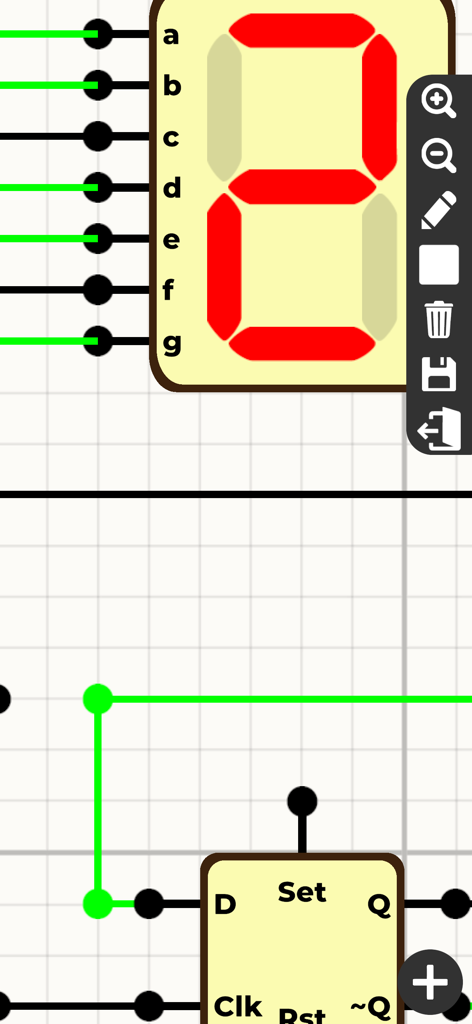
Logic Circuit Simulator Proのインターフェース。7セグメントディスプレイとDフリップフロップが表示されています。
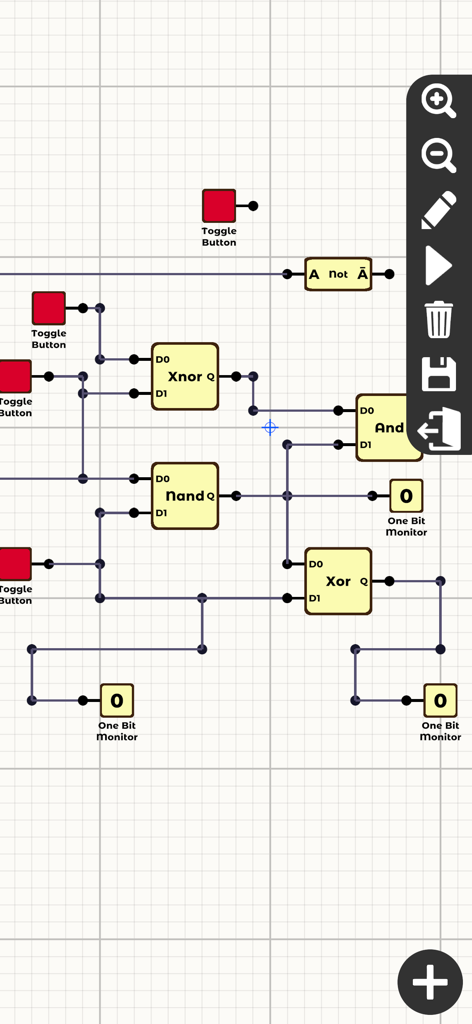
さまざまなゲートとモニターを備えたデジタルロジック回路シミュレーションインターフェース
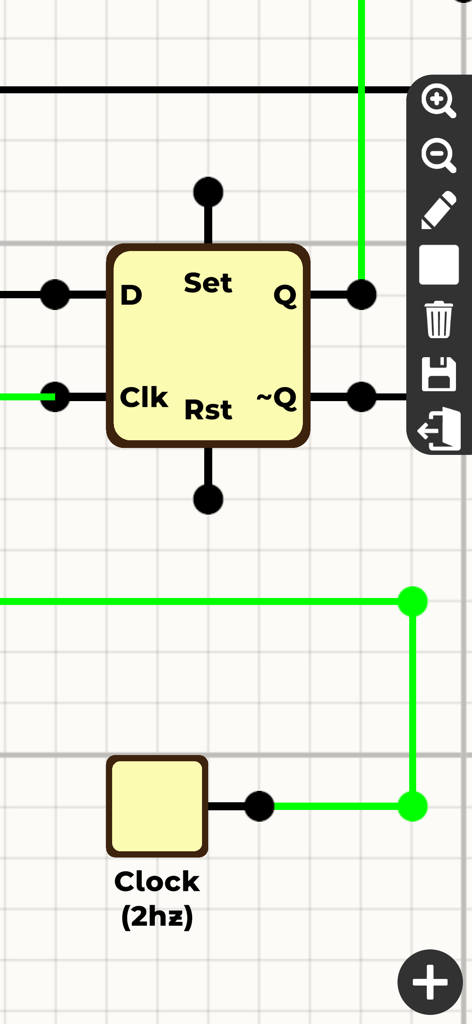
Dフリップフロップコンポーネントと2Hzクロックがデジタルロジック回路シミュレーションインターフェース内で接続されています
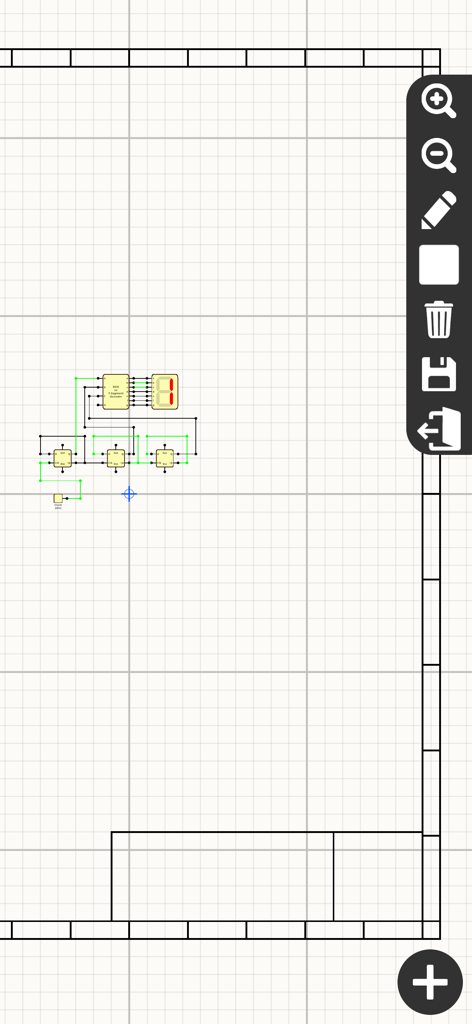
BCDデコーダーと7セグメントディスプレイを使用してロジック回路を設計するデジタルグリッド
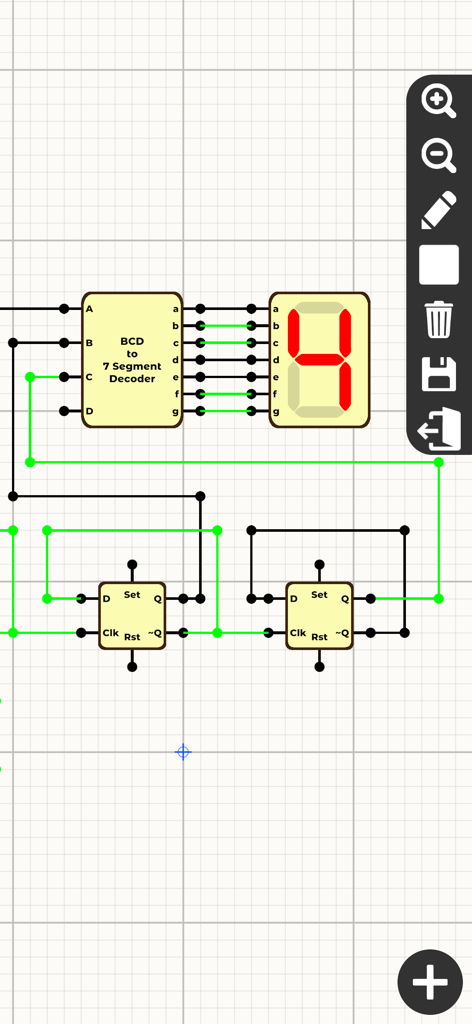
BCDデコーダーと7セグメントディスプレイを備えたデジタル回路シミュレーション
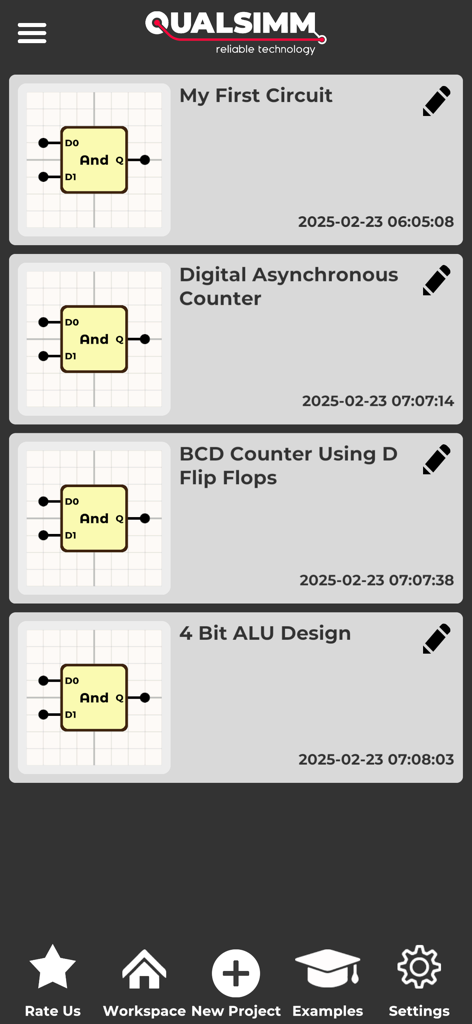
Logic Circuit Simulator Proのインターフェース。ALUやカウンターなどの保存されたデジタル回路プロジェクトのリストが表示されています
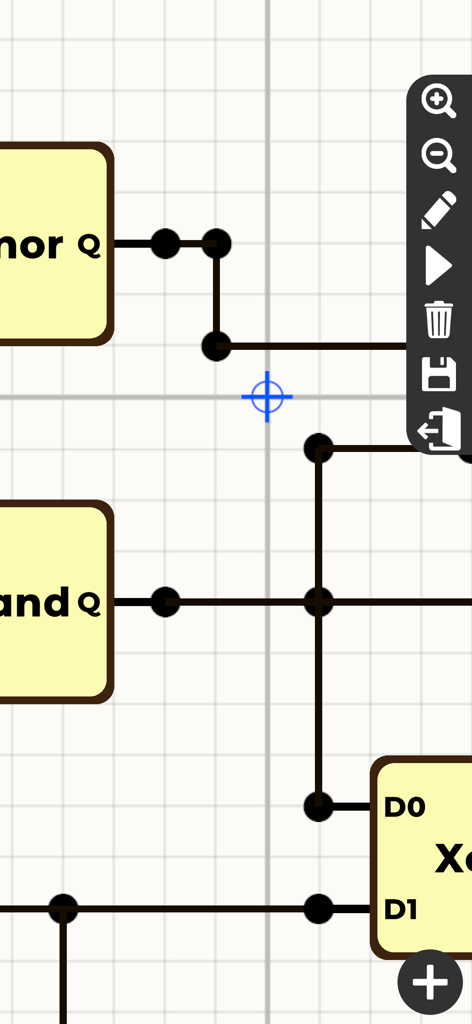
グリッドレイアウト上のゲートと配線を示すデジタルロジック回路シミュレーターインターフェース
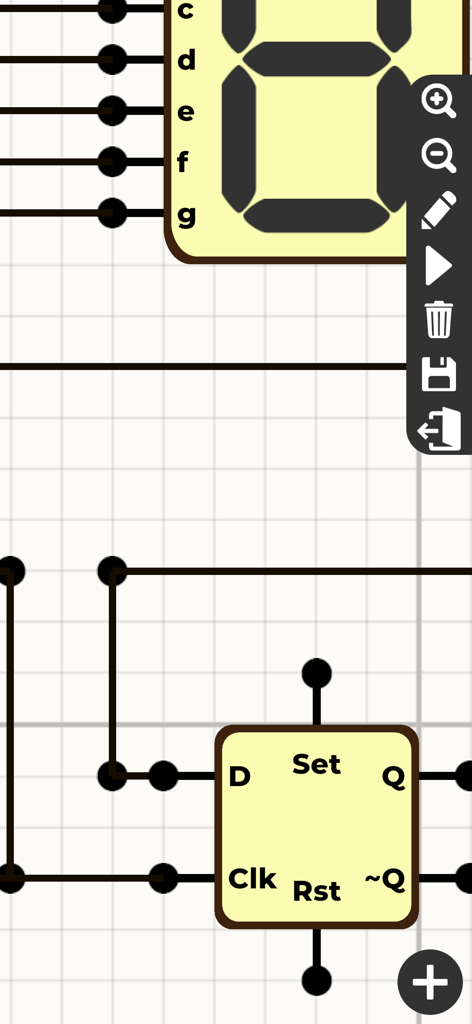
Dフリップフロップと7セグメントディスプレイを備えたロジック回路設計インターフェース
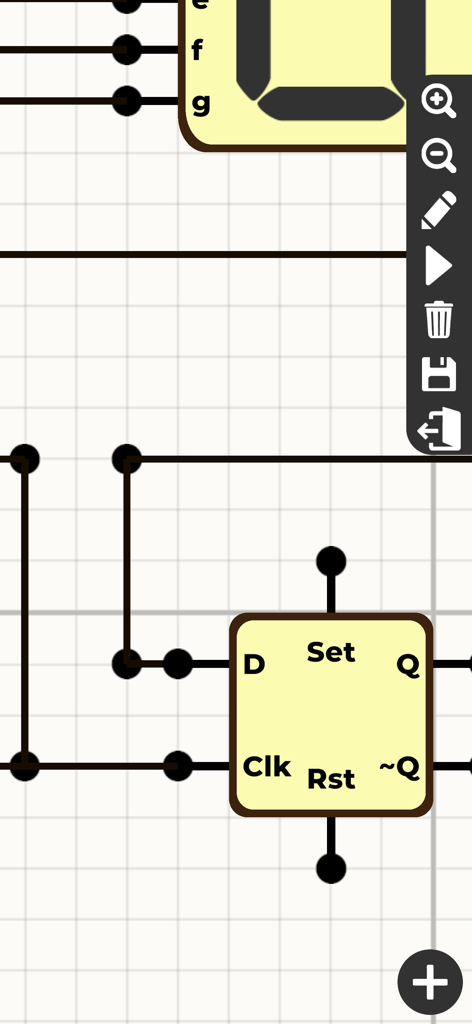
グリッド上のDフリップフロップコンポーネントと配線を備えたデジタルロジック回路設計インターフェース
説明
Download
類似アプリ
同じカテゴリのトップランクアプリ

TestFlight
Apple Inc.

Replit: Vibe Code Apps
Replit, Inc

GitHub
GitHub

O-KAM Pro
Shenzhen VeePai IoT Intelligent Technology LLC

Apple Developer
Apple Inc.

Expo Go
650 Industries, Inc.

Scriptable
Simon Stovring

App Store Connect
Apple Inc.

Sekai: Create · Remix · Play
Versa AI, Inc.
このページはアプリまたはその開発者の公式ページではなく、情報提供および論評を目的として作成された独立した編集出版物です。明示的に別段の記載がない限り、アプリおよびその開発者は、MWM、Apple、Google Play、アプリのパブリッシャー、またはアプリの開発者と提携、承認、後援、認可、またはその他の公式的な関係はなく、このページのいかなる内容も、アプリがMWMのサービスを使用して開発されたことを意味するものではありません。すべての商標、ロゴ、スクリーンショット、その他のコンテンツはそれぞれの所有者の財産です。