Low Frequency Detector
ダウンロード: App Store

このページはアプリまたはその開発者の公式ページではなく、情報提供および論評を目的として作成された独立した編集出版物です。明示的に別段の記載がない限り、アプリおよびその開発者は、MWM、Apple、Google Play、アプリのパブリッシャー、またはアプリの開発者と提携、承認、後援、認可、またはその他の公式的な関係はなく、このページのいかなる内容も、アプリがMWMのサービスを使用して開発されたことを意味するものではありません。すべての商標、ロゴ、スクリーンショット、その他のコンテンツはそれぞれの所有者の財産です。

ロゴ: Low Frequency Detector
ダウンロード: App Store

Low Frequency Detector

iPhoneをプロ仕様の音響ツールに変え、他の人が見逃す1Hzから100Hzの音を特定、測定、記録しましょう。建設、産業用ドローン、または環境振動の証拠を捉えるのに最適です。

主要数値

ダウンロード

17K+

ユーザー評価

4.0/5

評価数

0

開発元

TOON,LLC

カテゴリ

Utilities

対応言語

1

最新バージョン

7.0.1

サイズ

0.6 MB

リリース日

2017年1月26日
機能

正確な測定であなたの経験を検証する

それがすべてあなたの頭の中だけのことなのかと疑問に思うのはやめましょう。当社の高度な音響ツールは、あなたの安らぎと幸福に影響を与える近隣の建設や機械からの隠れた低周波ノイズを検出します。

感じているものを検出する

深いドローン音や振動が存在する重要な1Hzから100Hzの範囲をターゲットにします。高感度測定で不快感の目に見えない原因を特定します。

科学的な周波数マッピング

FFTおよび1/3オクターブバンド分析ツールにアクセスできます。iPhoneをプロ仕様の機器に変えて、特定の音響成分とデシベルレベルを視覚化します。

以下のスクリーンショットと説明は、アプリの公式ストアリスティングから直接取得されたものであり、アプリ開発者の所有物です。

アプリストア

スクリーンショット
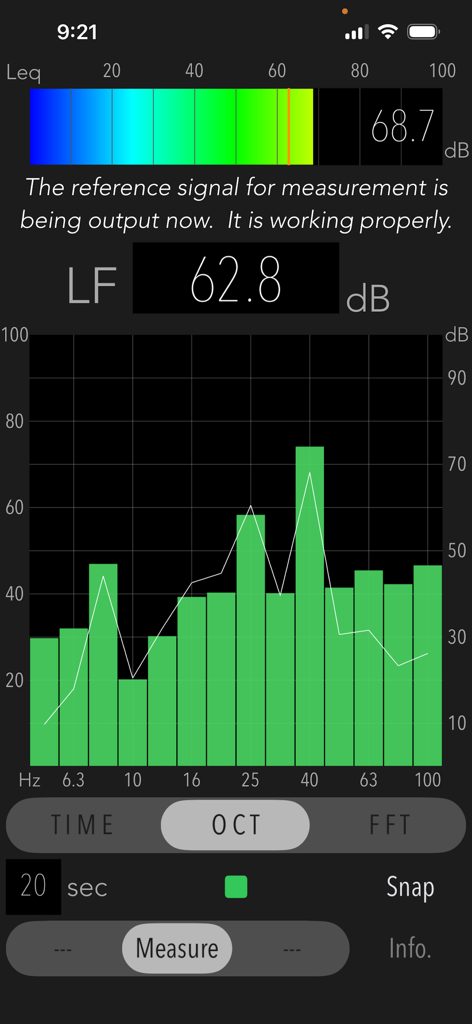
Low Frequency Detector - 低周波検出器アプリのインターフェイス。1/3オクターブバンド周波数分析グラフと低周波音のデシベルレベルが表示されています。
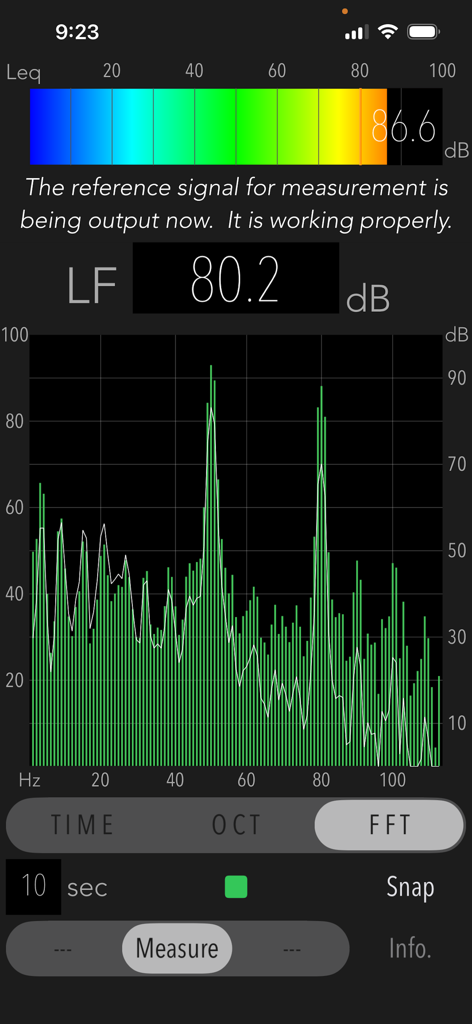
低周波検出器アプリのインターフェイス。1/3オクターブバンド周波数分析グラフと低周波音のデシベルレベルが表示されています。

Low Frequency Detector - 低周波検出器アプリのFFT分析画面。低周波ノイズのデシベルピークを示す周波数応答グラフが表示されています。
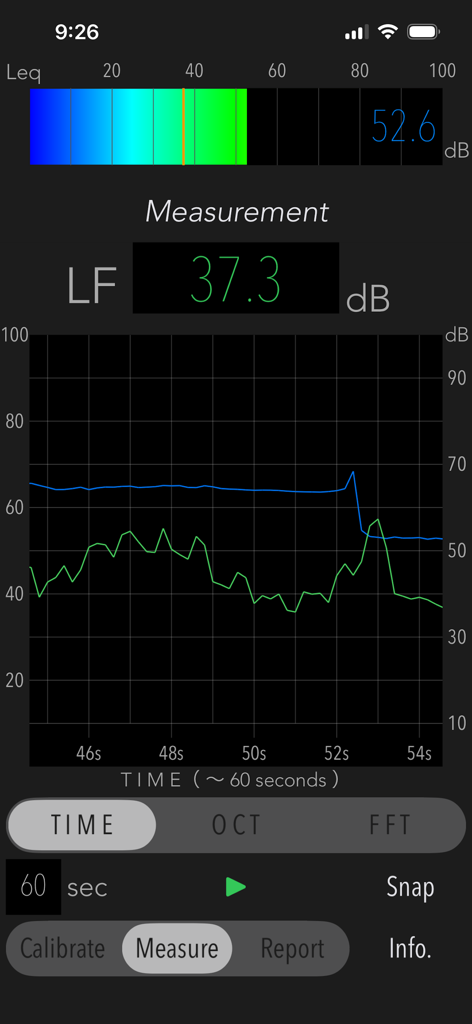
低周波検出器アプリのFFT分析画面。低周波ノイズのデシベルピークを示す周波数応答グラフが表示されています。

Low Frequency Detector - 低周波ノイズ分析のための時系列グラフとデシベル測定値を表示する低周波検出器アプリのユーザーインターフェイス。
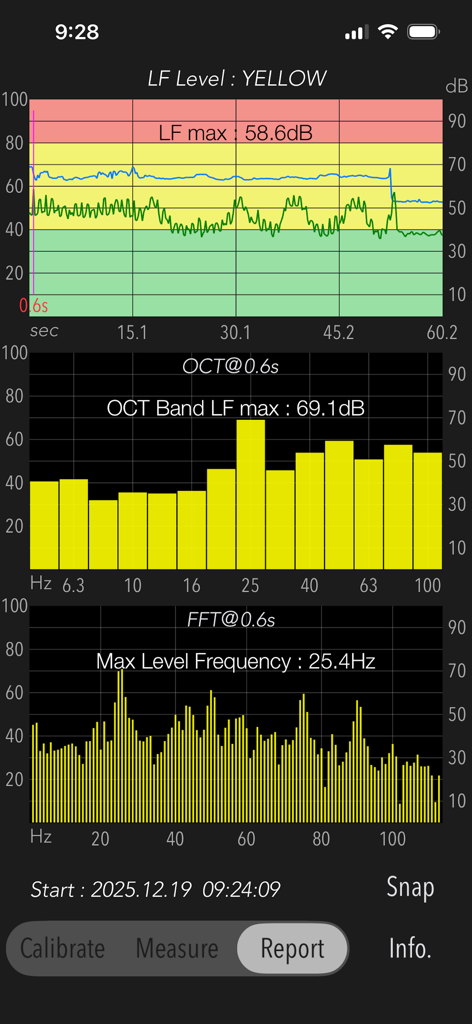
低周波ノイズ分析のための時系列グラフとデシベル測定値を表示する低周波検出器アプリのユーザーインターフェイス。

Low Frequency Detector - 音レベルグラフと周波数分析を示す低周波検出器アプリのレポートのスクリーンショット
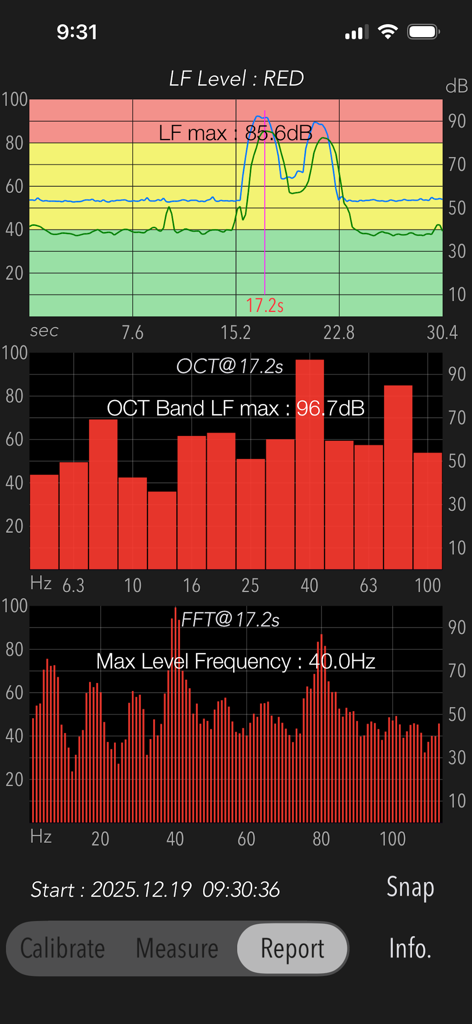
音レベルグラフと周波数分析を示す低周波検出器アプリのレポートのスクリーンショット

Low Frequency Detector - 低周波ノイズ検出のための時系列グラフ、オクターブバンド分析、およびFFT分析を示す音響測定レポート。
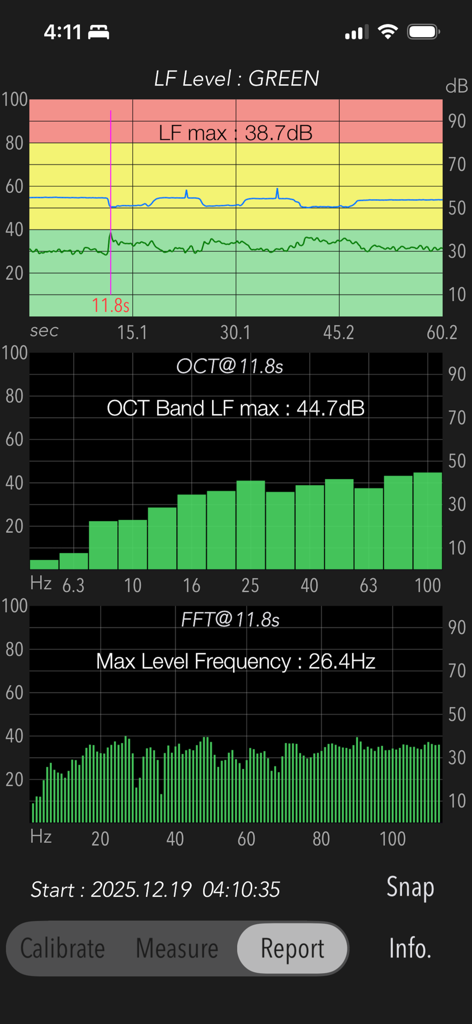
低周波ノイズ検出のための時系列グラフ、オクターブバンド分析、およびFFT分析を示す音響測定レポート。

Low Frequency Detector - 低周波ノイズの時系列、オクターブバンド、およびFFT分析を表示するレポート画面。
低周波ノイズの時系列、オクターブバンド、およびFFT分析を表示するレポート画面。

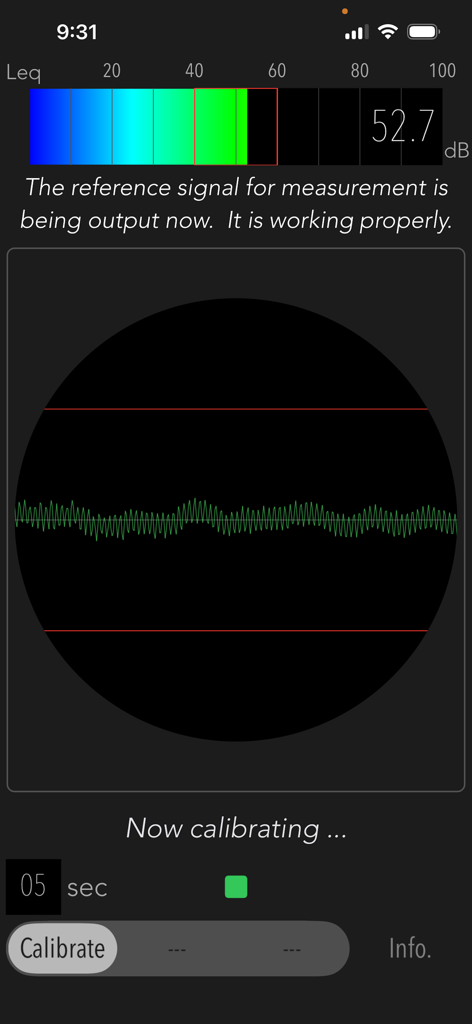
Low Frequency Detector - デシベルメーターと信号波形を表示する低周波検出器アプリのキャリブレーション画面。
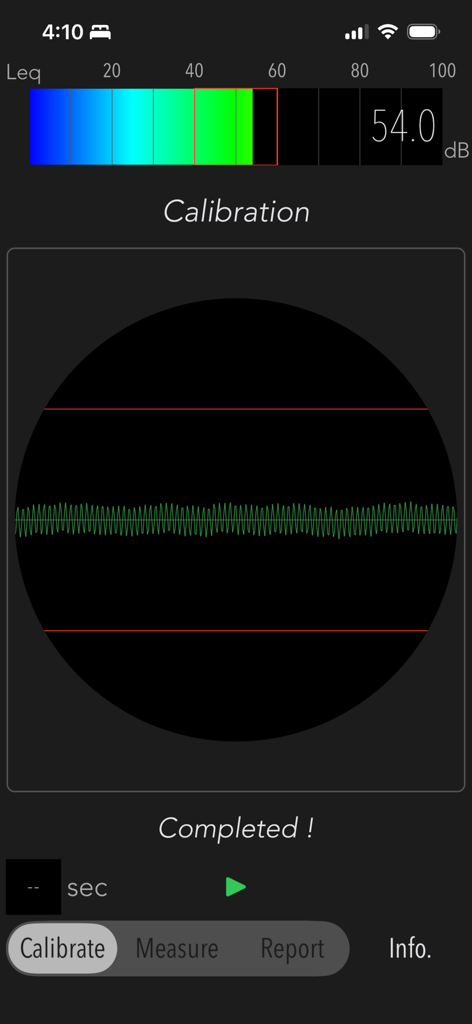
デシベルメーターと信号波形を表示する低周波検出器アプリのキャリブレーション画面。

Low Frequency Detector - デシベルメーターと信号波形を表示する低周波検出器キャリブレーション画面。

デシベルメーターと信号波形を表示する低周波検出器キャリブレーション画面。

説明

"Low Frequency Detector" is a new acoustic measurement tool for detecting low-frequency sounds that is hard to hear in normal situation. The human ear is not sensitive enough to low-frequency sounds. If you are exposed to the noise of nearby construction and factories without noticing, you may have a bad feeling and a sense of oppression. In such cases, you can use this app to check what kind of low-frequency noise is present. Generally, low-frequency sounds is a sound wave ranging from 1Hz to 100Hz. Depending on its frequency component and sound level, the degree of influence on the human body and the noise sensation is different. This app allows you to examine the frequency component of low-frequency sounds by 1/3 octave band analysis and FFT analysis. Features: - Low-frequency power level measurement less than 100Hz (LF Level): Flat characteristic, Updating indication of measurement period 1 sec. - Power level measurement in the audible band (Leq): Flat characteristic, Updating indication of measurement period 200ms. - 1/3 octave band analysis (OCT) - FFT analysis (FFT) - Time course graph (TIME) - Snapshot (Snap) on the measurement display screen. - Report function (Report): Analysis report of a peak LF Level with TIME, OCT and FFT. - Measurement time: up to 60 sec Functions: The measurement analysis is performed in the following step. Be sure to set the measurement conditions in Step-1 once before starting the sound measurement. 1) Calibration (Calibrate): The reference signal (1kHz sine wave) is output to determine the reference noise level for the low-frequency component. If the volume level of iPhone is set to about 20-50%, the calibration will automatically adjust it to the optimum volume level for the reference signal. 2) Measurement (Measure): Analyze a power level of low-frequency sounds. - LF Level (dB): Low-frequency power level less than 100Hz. - Leq (dB): Sound power level with the frequency weight characteristic Z (Flat) of the audible band. 3) Measurement display: It can select either 1/3 octave band frequency analysis, FFT analysis or Time course graph. They are updated in real time. 4) Report: Measurement result report. It is effective when measuring for 10 seconds or more. # Time course graph: TIME - Low-frequency (LF) Level (dB): Time course graph with peak level noise level judgment (RED-very noisy, YELLOW-noisy, GREEN-normal) at the peak level. - LF max (dB): maximum dB value of low frequency. # Frequency response graph: OCT, FFT - OCT Band LF max (dB): maximum dB value in 1/3 octave band at LF max observation. - Max Level Frequency (Hz): peak frequency at LF max observation. Notes: - The sound measurement of the low-frequency range is a level difference with respect to the reference signal, which indicates the relative power level. - The reference signal is output during calibration and sound level measurement. - Do not change the volume level of iPhone after the calibration. - White line in the OCT and FFT modes indicates frequency characteristics in frequency weight correction of G characteristics. - Since iPhone's built-in microphone has a lower sensitivity on the very low frequency range, it is not recommended to measure a huge volume sound near a very loud noise source. - Since it takes a while for the observation value to stabilize immediately after the start of measurement, the maximum value is calculated from about 2 seconds later. - In the case high power of 1kHz component is included in the measured noise source, the precision of measured value by this app largely decreases. - Sudden noise or impulsive sounds are not low frequency noises in general. - The previous calibration information can be maintained internally. - The analysis results may vary due to individual differences in iPhone devices. - The authorization to access built-in microphone and Photos will be confirmed by iOS system at first access. Please visit our iOS app support page for more information.

Download

ダウンロード: App Store

このページはアプリまたはその開発者の公式ページではなく、情報提供および論評を目的として作成された独立した編集出版物です。明示的に別段の記載がない限り、アプリおよびその開発者は、MWM、Apple、Google Play、アプリのパブリッシャー、またはアプリの開発者と提携、承認、後援、認可、またはその他の公式的な関係はなく、このページのいかなる内容も、アプリがMWMのサービスを使用して開発されたことを意味するものではありません。すべての商標、ロゴ、スクリーンショット、その他のコンテンツはそれぞれの所有者の財産です。








