Create professional diagrams effortlessly with Mermaid AI Editor — the ultimate native app for iPadOS and macOS that brings the power of Mermaid syntax to your fingertips.
Turn your ideas into stunning flowcharts, sequence diagrams, mind maps, and more with real-time preview, smart editing tools, and seamless iCloud synchronization.
Whether you’re a developer documenting architecture, a project manager visualizing workflows, or a student organizing ideas, Mermaid AI Editor makes it easy to communicate visually — anytime, anywhere.
KEY FEATURES
20+ Diagram Types
Create and edit flowcharts, sequence diagrams, class diagrams, state diagrams, ER diagrams, Gantt charts, mind maps, timelines, Git graphs, pie charts, radar charts, Kanban boards, C4 models, journey maps, quadrant charts, Sankey diagrams, XY charts, block diagrams, architecture diagrams, and treemaps — all with simple Mermaid syntax.
Real-Time Preview
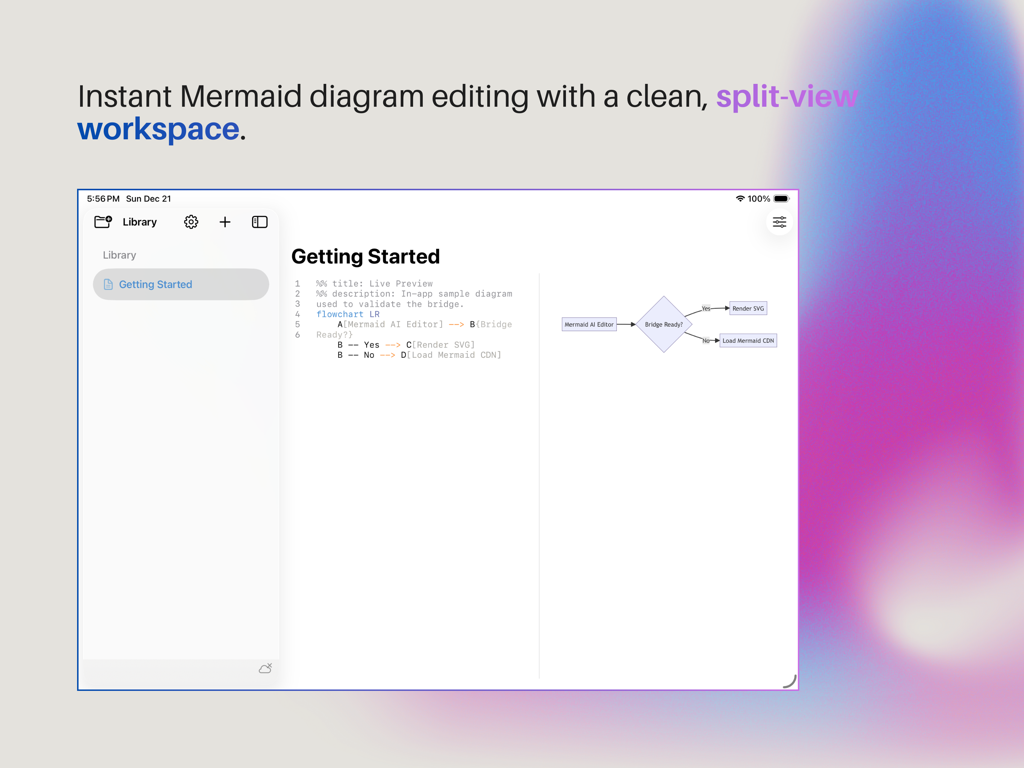
Watch your diagrams come to life as you type. The intelligent editor renders instantly with minimal delay, enabling a smooth and responsive workflow.
Rich Template Library
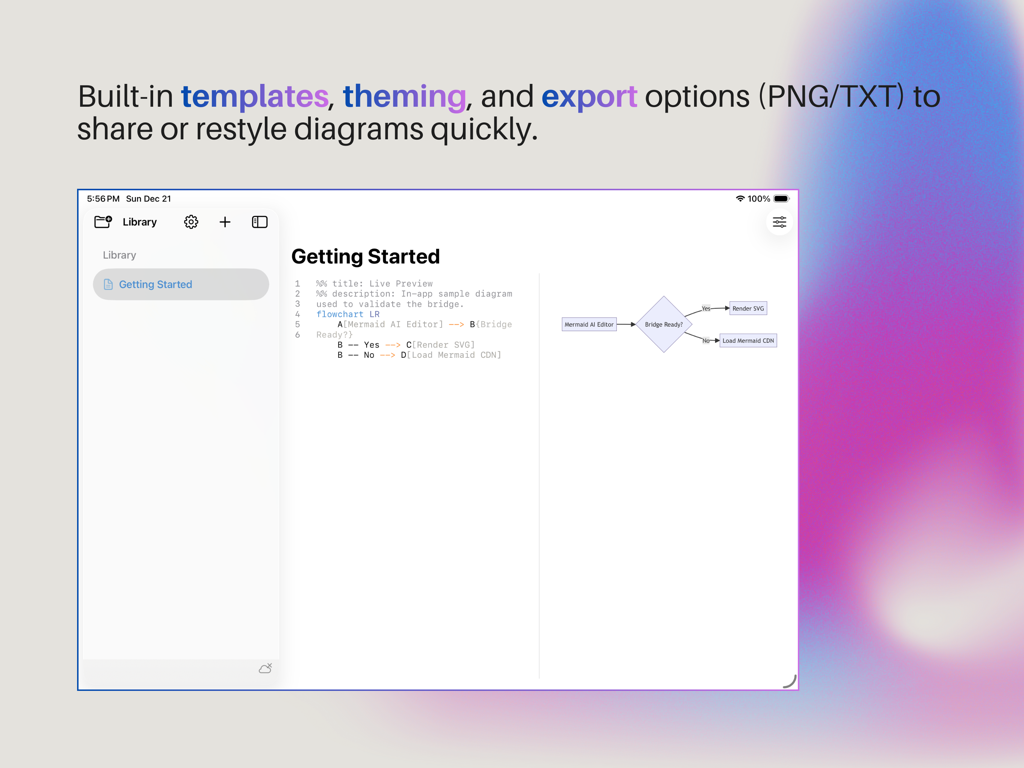
Jumpstart your creativity with 20+ professionally designed templates covering all supported diagram types.
Dual-Pane Interface
Work efficiently with a split-view layout — text editing on the left and live preview on the right. Adjust the divider for optimal focus and screen use.
Advanced Editing Experience
Enjoy syntax highlighting, line numbering, auto-indentation, and 30-step undo/redo support. Keyboard shortcuts make your workflow even faster.
Multiple Export Options
Save your work as Mermaid text files or export high-quality PNG images for sharing, documentation, and presentations.
iCloud Synchronization
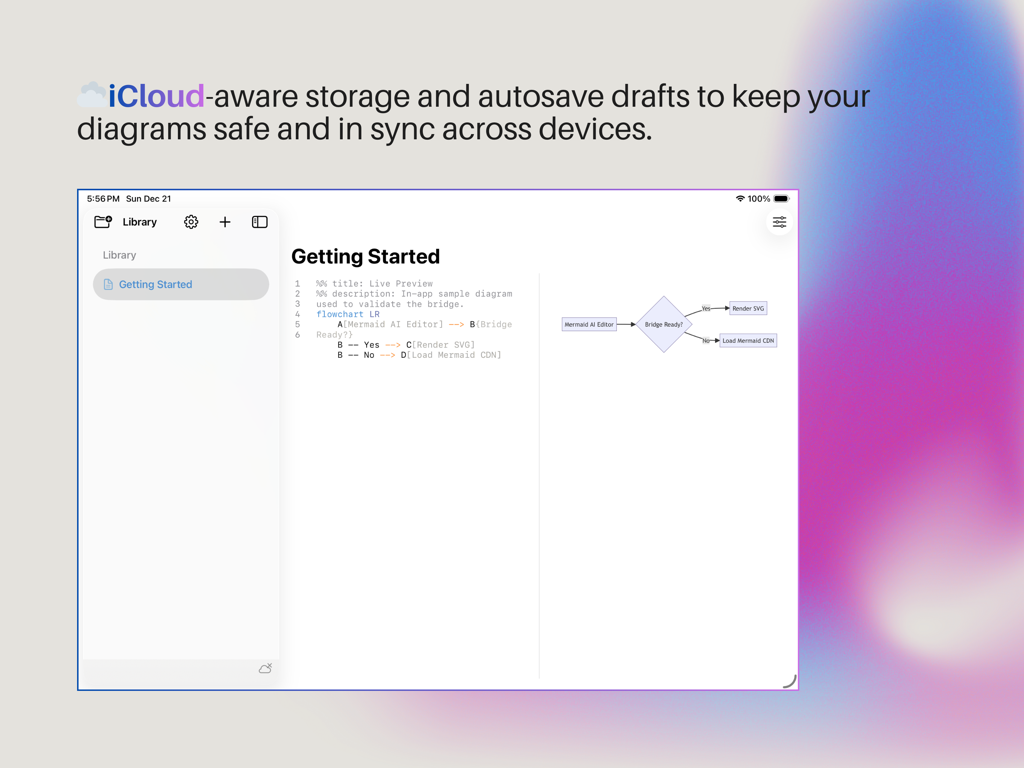
Keep your diagrams safe and accessible across all your Apple devices. With iCloud Drive integration, your work follows you seamlessly between iPad and Mac.
Customizable Appearance
Personalize your workspace with light, dark, or system-following modes. Choose from multiple Mermaid rendering themes to match your style.
Cross-Platform Native App
Built with full Mac Catalyst support for iPadOS 18+ and macOS 15+, delivering a consistent and optimized experience across all Apple devices.
Works Offline
No internet? No problem. The built-in Mermaid rendering engine works entirely offline, letting you create and edit diagrams anytime.
Smart Auto-Save
Never lose your progress. Mermaid AI Editor automatically saves drafts every 10 seconds, so your ideas are always protected.
WHO IT’S FOR
- Developers: Visualize software architecture, system flows, and Git workflows.
- Project Managers: Plan and present workflows, timelines, and dependencies.
- Students & Educators: Create mind maps, diagrams, and teaching materials easily.
- Designers & Analysts: Illustrate data relationships, user journeys, and processes visually.
WHY YOU’LL LOVE IT
Mermaid AI Editor combines the simplicity of text-based diagramming with the elegance of native Apple design.
No login required — just create a new diagram, type your Mermaid code, and watch it transform into a beautiful visualization in real time.
With smart tools, iCloud sync, and offline support, it’s the perfect companion for anyone who thinks and communicates visually.
Turn your text into diagrams. Turn your ideas into impact.
Download Mermaid AI Editor today.