
このページはアプリまたはその開発者の公式ページではなく、情報提供および論評を目的として作成された独立した編集出版物です。明示的に別段の記載がない限り、アプリおよびその開発者は、MWM、Apple、Google Play、アプリのパブリッシャー、またはアプリの開発者と提携、承認、後援、認可、またはその他の公式的な関係はなく、このページのいかなる内容も、アプリがMWMのサービスを使用して開発されたことを意味するものではありません。すべての商標、ロゴ、スクリーンショット、その他のコンテンツはそれぞれの所有者の財産です。

MFA-2FA Authenticator,OTP,Auth
保護をシンプルに。FaceIDとTouchIDの安全性のもと、パスワード管理、プライベートブラウジング、2FAによるアカウント保護をすべて1つのアプリで。
ダウンロード
92K+ユーザー評価
評価数
600開発元
カテゴリ
Reference対応言語
2最新バージョン
1.1.5サイズ
48.2 MBリリース日
2024年1月9日あなたのオールインワン・デジタルシールド
セキュリティツールキットを統合しましょう。多忙なプロフェッショナル向けに設計された究極のiOSユーティリティで、アイデンティティを保護し、認証情報を管理し、プライベートブラウジングを行いましょう。
シームレスな2FA認証
Coinbase、Slack、Amazonなどの高価値アカウントを、超高速QRセットアップと安全なTOTPコードで保護します。
生体認証パスワード・ボールト
付箋はもう不要です。iPhoneネイティブのFace IDまたはTouch IDで保護された安全なボールトに、すべてのログイン情報を保存します。
よくある質問
について知っておくべきこと MFA-2FA Authenticator,OTP,Auth
MFA Authenticator Appとは何ですか?
MFA Authenticator Appは、オールインワンのデジタルセキュリティソリューションです。パスワード管理、プライベートブラウジング、多要素認証(MFA)を提供し、機密情報やオンラインアクティビティを保護します。
MFA Authenticator Appにはパスワードマネージャーが含まれていますか?
はい、MFA Authenticator Appにはパスワードマネージャーが含まれています。すべてのパスワードとログイン情報を1つの安全な場所に保管し、Touch IDまたはFace IDでのアクセスをサポートします。
MFA Authenticator Appはプライベートブラウジングを提供していますか?
はい、MFA Authenticator Appにはプライベートブラウザが組み込まれています。これにより、ユーザーはCookie、履歴、キャッシュファイルなどの痕跡を残さずにWebを閲覧できます。
MFA Authenticator AppはどのようなMFAメソッドをサポートしていますか?
MFA Authenticator Appは、多要素認証のために時間ベースのOTP(ワンタイムパスワード)とプッシュ通知をサポートしています。QRコードをスキャンして2FAを設定することもできます。
Face IDまたはTouch IDでMFA Authenticator Appをロック解除できますか?
はい、MFA Authenticator AppはFace IDまたはTouch IDでのロック解除をサポートしています。この生体認証により、保存された情報への便利で安全なアクセスが可能になります。
MFA Authenticator Appはユーザーデータを収集しますか?
いいえ、SecureVaultアプリは、明示的な許可なしにユーザーデータを収集または保存することはありません。ユーザーのプライバシーとセキュリティは、アプリにとって最優先事項です。
MFA Authenticator Appは多くのアプリやウェブサイトと互換性がありますか?
はい、MFA Authenticator Appは1000以上のアプリやウェブサイトと互換性があります。安全な認証のために、幅広い人気のオンラインサービスをサポートしています。
MFA Authenticator Appはデバイス間でバックアップと同期を提供していますか?
はい、MFA Authenticator Appは、デバイス間で安全なバックアップと同期を提供します。Face IDとTouch IDの暗号化を使用し、iCloud Keychainと統合されています。
MFA Authenticator Appにアカウントを設定するのは簡単ですか?
MFA Authenticator Appにアカウントを設定するのは簡単で、数秒で完了します。ユーザーはQRコードをスキャンしてすばやくアカウントを追加できます。
MFA Authenticator Appのサポートを受けるにはどうすればよいですか?
ユーザーは authenticator_help@outlook.com にメールでMFA Authenticator Appのサポートチームに連絡できます。チームは、質問やフィードバックに対応するために利用可能です。
以下のスクリーンショットと説明は、アプリの公式ストアリスティングから直接取得されたものであり、アプリ開発者の所有物です。
アプリストア
スクリーンショット
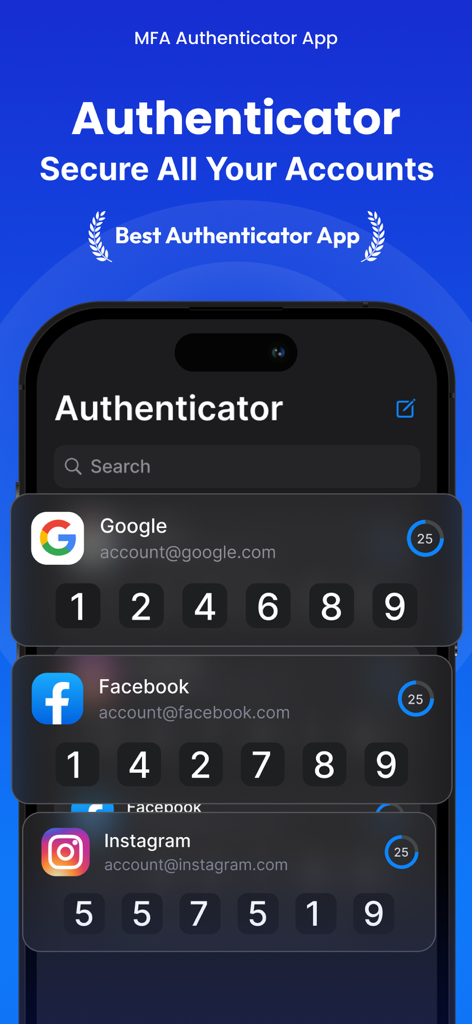
ソーシャルメディアやメールアカウントの2要素認証コードを表示するMFA Authenticatorアプリ
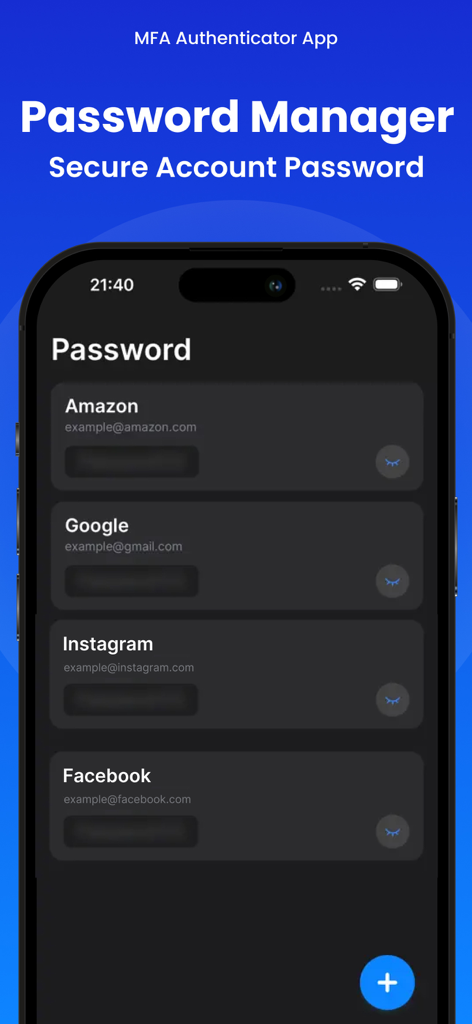
Amazon Google Instagram Facebookアカウントの安全なログイン情報を表示するMFA Authenticatorアプリのパスワードマネージャー画面
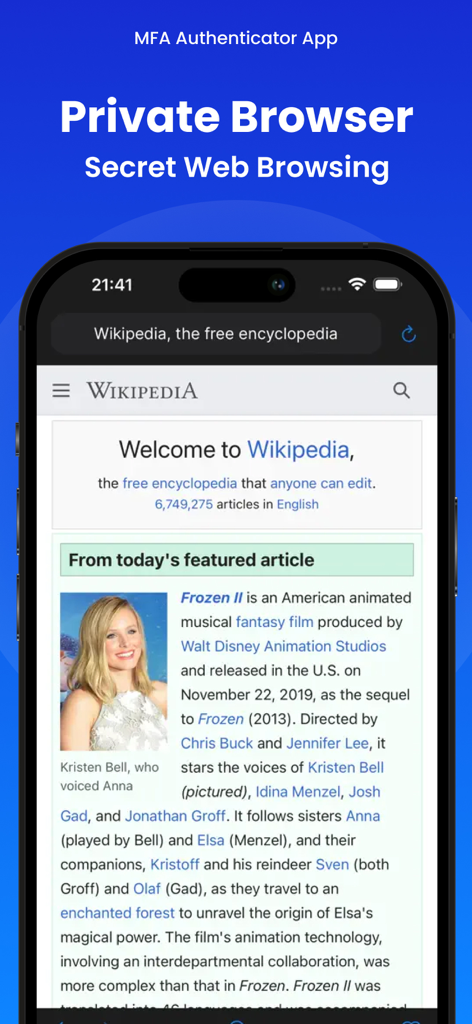
MFA-2FA Authenticatorアプリのプライベートブラウザ機能を搭載したiPhone画面
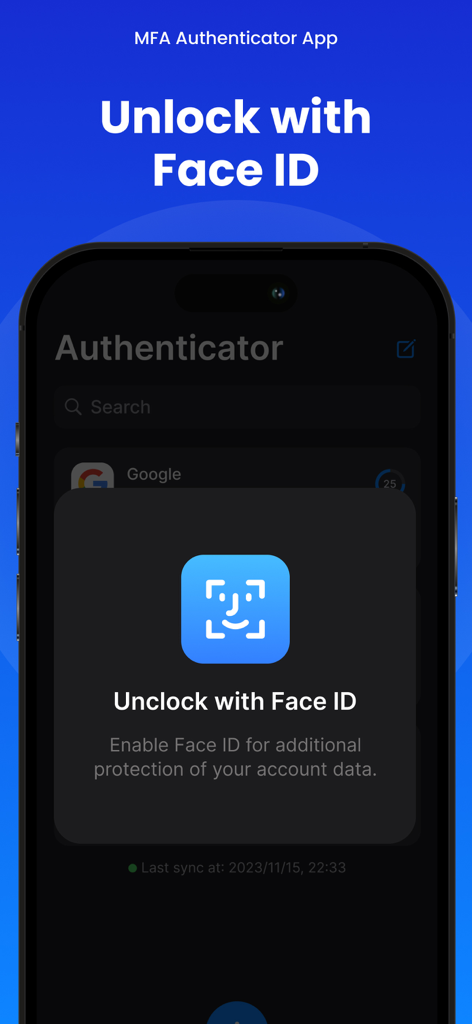
セキュリティ強化のためMFA Authenticatorアプリのロック解除を求めるFace ID認証プロンプトを表示するiPhone画面
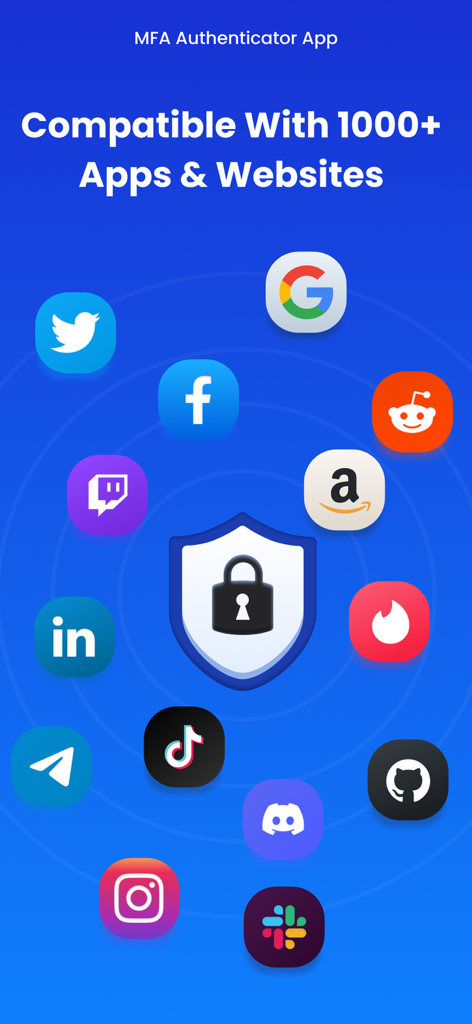
Google、Facebook、Amazonなどの1000以上の人気アプリやウェブサイトとの互換性を表示するMFA Authenticatorアプリ
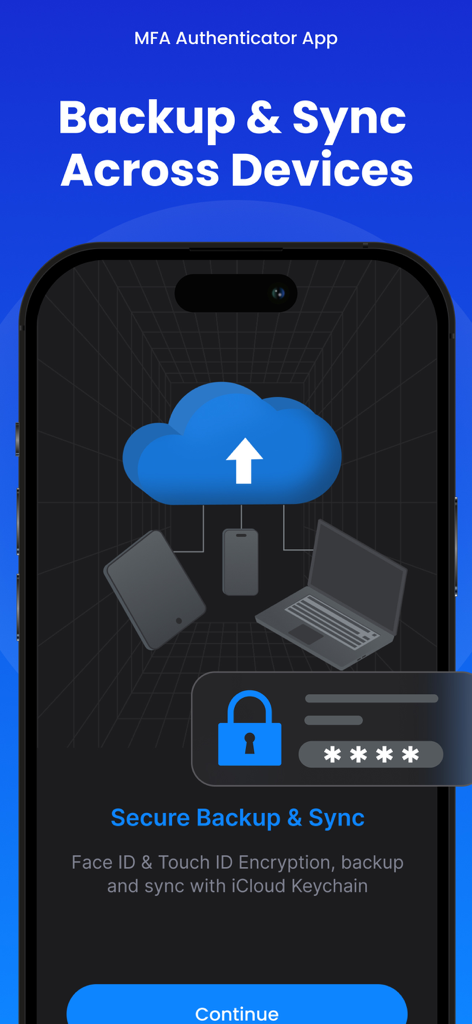
Face IDとiCloudによるデバイス間の安全なバックアップと同期を表示するMFA 2FA Authenticatorアプリのインターフェース
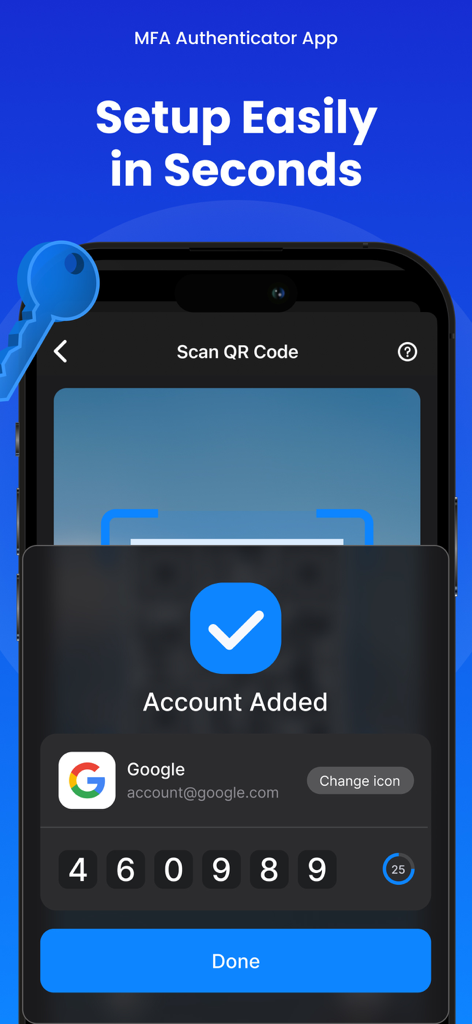
2FA認証コード付きのGoogleアカウントが正常に追加されたことを示すMFA Authenticatorアプリのインターフェース
説明
Download
類似アプリ
似た機能とユーザー体験を持つアプリ

Proton Pass - Password Manager
Proton AG

Dashlane Password Manager
Dashlane

Password Manager - mSecure
mSeven Software, LLC

Kepttor Password Manager
MACREL SRL SEMPLIFICATA

DataVault Manager - Encrypted
MIKHAIL SHERSHNEV

Authenticator ·
SMM service, s.r.o.

Bitwarden Password Manager
Bitwarden Inc

Authenticator App ⁸
AGILE CODE LIMITED

Authenticator App ℗
RHO DEVELOPERS LLC
このページはアプリまたはその開発者の公式ページではなく、情報提供および論評を目的として作成された独立した編集出版物です。明示的に別段の記載がない限り、アプリおよびその開発者は、MWM、Apple、Google Play、アプリのパブリッシャー、またはアプリの開発者と提携、承認、後援、認可、またはその他の公式的な関係はなく、このページのいかなる内容も、アプリがMWMのサービスを使用して開発されたことを意味するものではありません。すべての商標、ロゴ、スクリーンショット、その他のコンテンツはそれぞれの所有者の財産です。