
このページはアプリまたはその開発者の公式ページではなく、情報提供および論評を目的として作成された独立した編集出版物です。明示的に別段の記載がない限り、アプリおよびその開発者は、MWM、Apple、Google Play、アプリのパブリッシャー、またはアプリの開発者と提携、承認、後援、認可、またはその他の公式的な関係はなく、このページのいかなる内容も、アプリがMWMのサービスを使用して開発されたことを意味するものではありません。すべての商標、ロゴ、スクリーンショット、その他のコンテンツはそれぞれの所有者の財産です。
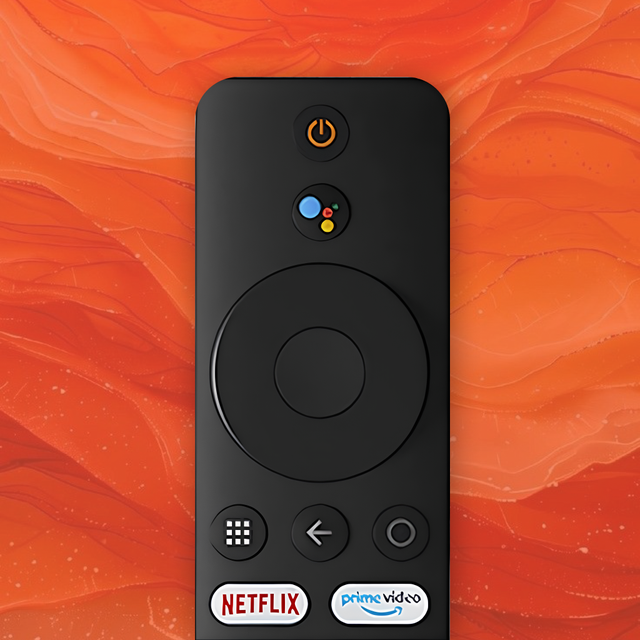

Mi TV Remote・Shield Controller
Mi TV、MI Box、ShieldをiPhoneからシームレスにコントロール。簡単にナビゲートし、お気に入りの写真をキャストし、インタラクティブウィジェットで即座にアクセスできます。
ダウンロード
43K+ユーザー評価
評価数
3K+開発元
カテゴリ
Utilities対応言語
1最新バージョン
2.4サイズ
108.7 MBリリース日
2024年2月21日ホームエンターテイメントをマスターする
Mi TVとShieldのための統合リモコンで究極の利便性を体験してください。iPhoneから直接、より速くナビゲートし、より簡単にキャストし、すべてをコントロールできます。
インスタントユニバーサルセットアップ
IRブラスターは忘れてください。Wi-Fi経由でシームレスに接続し、数秒でMi TV、Mi Box、またはNVIDIA Shieldをゼロ設定でコントロールできます。
スマートロック画面ウィジェット
電話のロックを解除せずに音量を変更したり、番組を一時停止したりできます。iOSホーム画面から直接基本的なコントロールにアクセスできます。
よくある質問
について知っておくべきこと Mi TV Remote・Shield Controller
Mi TV Remote・Shield Controllerアプリで操作できるデバイスは何ですか?
Mi TV Remote・Shield Controllerアプリは、Mi TVとMI Boxデバイスを操作します。また、OSベースの他の多数のテレビもサポートしています。
Mi TV RemoteアプリはIRブラスターを必要としますか?
いいえ、Mi TV Remote・Shield ControllerアプリはIRブラスターを必要としません。既存のWi-Fiネットワークを使用してテレビに接続します。
Mi TV Remoteアプリで写真や動画をキャストできますか?
はい、Mi TV Remote・Shield Controllerアプリはキャストをサポートしています。ユーザーは、組み込みのChromecastサポートを介して、iOSまたはiPadOSデバイスからテレビに写真や動画をキャストできます。
Mi TV Remote・Shield Controllerアプリは無料でダウンロードできますか?
はい、Mi TV Remote・Shield Controllerアプリは無料でダウンロードして使用できます。追加機能と広告なしのエクスペリエンスのためのプレミアムバージョンも利用可能です。
Mi TV Remoteアプリはどのようにテレビに接続しますか?
Mi TV Remote・Shield Controllerアプリは、同じWi-Fiネットワークを介してテレビに接続します。簡単な選択のために、利用可能なデバイスを自動的に検出し、リストします。
Mi TV Remote・Shield Controllerアプリはホーム画面ウィジェットを提供しますか?
はい、Mi TV Remote・Shield Controllerアプリにはインタラクティブなホーム画面ウィジェットが含まれています。これらのウィジェットは、テレビの迅速かつ簡単な制御を提供します。
Mi TV Remote・Shield Controllerアプリは公式のXiaomi製品ですか?
いいえ、Mi TV Remote・Shield Controllerアプリはサードパーティ製のアプリケーションです。Xiaomiとは公式には提携していません。
Mi TV Remoteのプレミアムバージョンにはどのような機能が含まれていますか?
Mi TV Remote・Shield Controllerアプリのプレミアムバージョンは、広告なしのエクスペリエンスとすべての素晴らしい機能を提供します。具体的な追加機能は、「すべての素晴らしい機能」以外には詳細されていません。
Mi TV Remote・Shield Controllerのサブスクリプションを管理するにはどうすればよいですか?
Mi TV Remote・Shield Controllerのサブスクリプションと自動更新の設定は、ユーザーのiTunesアカウント設定を通じて管理します。自動更新は、現在の期間が終了する少なくとも24時間前にオフにすることができます。
以下のスクリーンショットと説明は、アプリの公式ストアリスティングから直接取得されたものであり、アプリ開発者の所有物です。
アプリストア
スクリーンショット
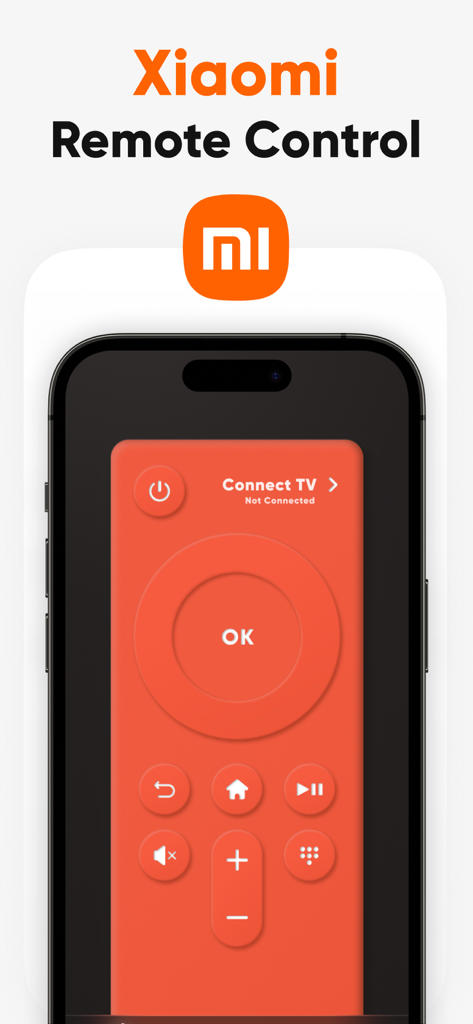
iPhone画面上のXiaomi Mi TVリモコンインターフェース
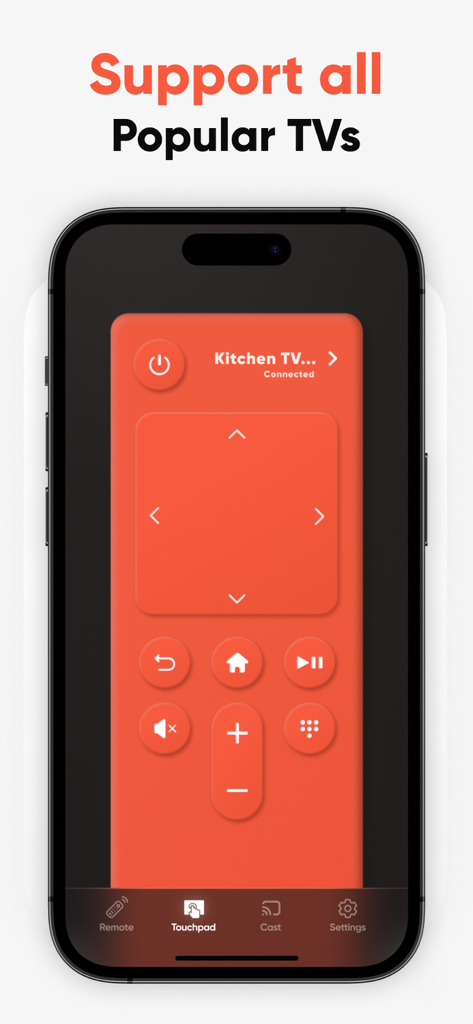
iPhone上のMi TVリモコンおよびShieldコントローラーアプリケーションインターフェース、デジタルリモコンを表示
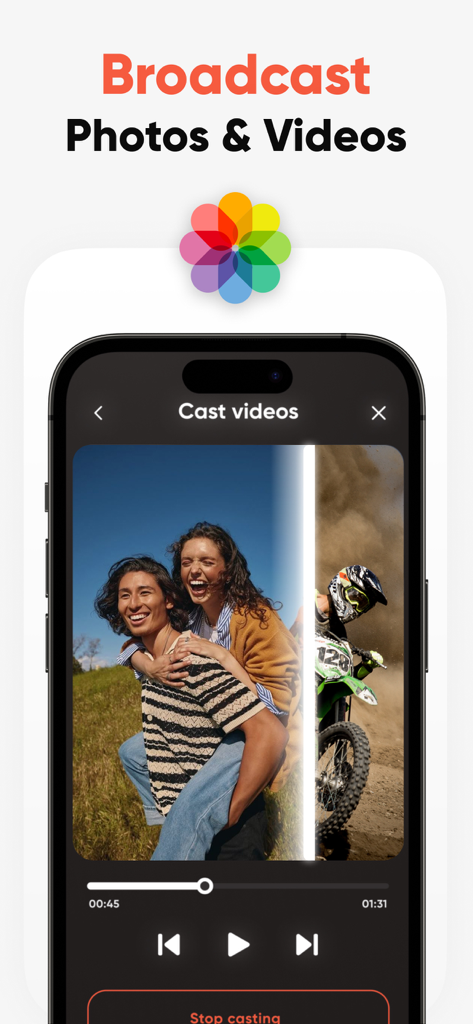
Mi TVまたはShield BoxにiPhoneから写真やビデオをブロードキャストする機能を示すスマートフォンの画面。
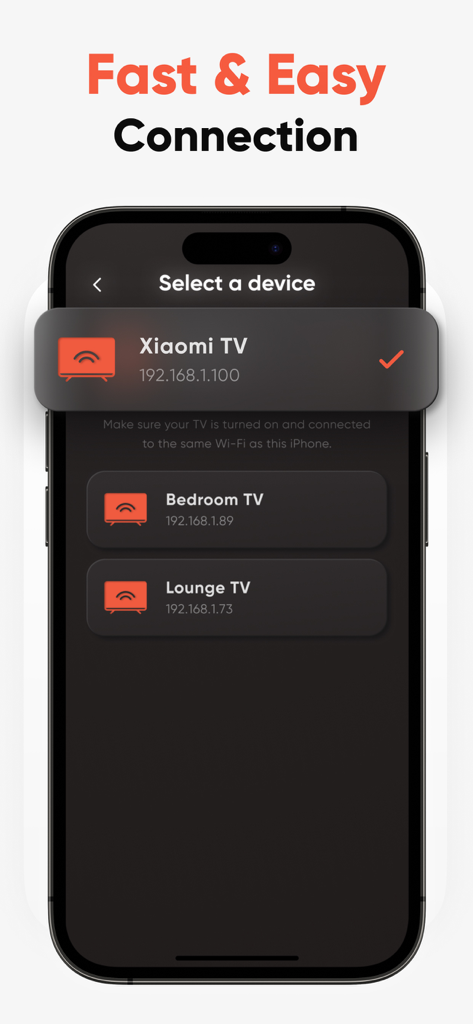
Wi-Fi経由でXiaomi TVに接続するためのデバイス選択メニューを表示するスマートフォンの画面。
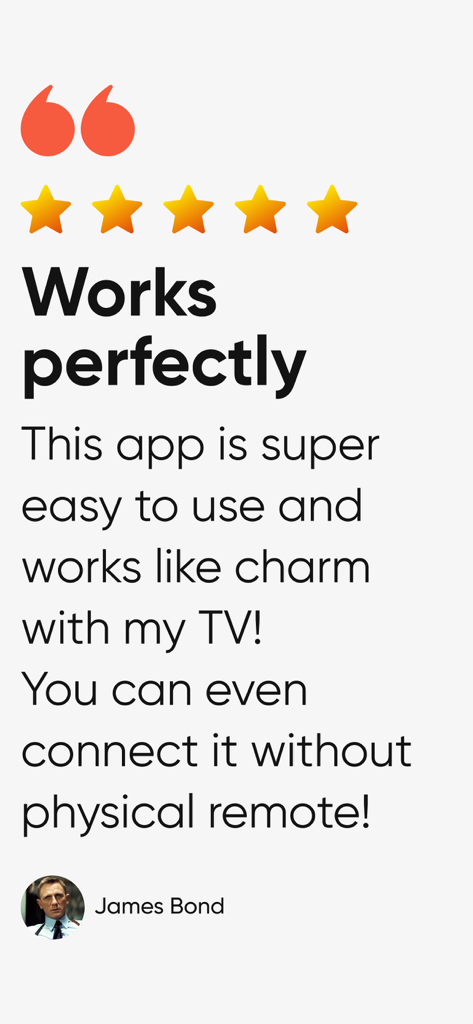
使いやすさと物理リモコンなしでの接続性を強調した、Mi TVリモコンアプリの5つ星ユーザーレビュー。
説明
Download
類似アプリ
似た機能とユーザー体験を持つアプリ

The Roku App (Official)
ROKU INC

TV Remote & Smart TV Control
To Ngoc Mai

Universal TV Remote Control .
Apps Venture Inc.

TV Remote, Universal Remote
Hangzhou Yingshitong Technology Co., Ltd.

TV Remote Control “Universo”
Nemo Apps LLC

TV Remote・Universal Control #1
Mihai Turlea

Remote Smart Tv Universal
clement gasner

Remote TV Control TCL Onn App
CEMAL CAGLAR KIRICI

TV Remote Control Universal AI
Anh Ngo
このページはアプリまたはその開発者の公式ページではなく、情報提供および論評を目的として作成された独立した編集出版物です。明示的に別段の記載がない限り、アプリおよびその開発者は、MWM、Apple、Google Play、アプリのパブリッシャー、またはアプリの開発者と提携、承認、後援、認可、またはその他の公式的な関係はなく、このページのいかなる内容も、アプリがMWMのサービスを使用して開発されたことを意味するものではありません。すべての商標、ロゴ、スクリーンショット、その他のコンテンツはそれぞれの所有者の財産です。