
このページはアプリまたはその開発者の公式ページではなく、情報提供および論評を目的として作成された独立した編集出版物です。明示的に別段の記載がない限り、アプリおよびその開発者は、MWM、Apple、Google Play、アプリのパブリッシャー、またはアプリの開発者と提携、承認、後援、認可、またはその他の公式的な関係はなく、このページのいかなる内容も、アプリがMWMのサービスを使用して開発されたことを意味するものではありません。すべての商標、ロゴ、スクリーンショット、その他のコンテンツはそれぞれの所有者の財産です。

MirrorMeister Screen Mirroring
散らかったケーブルや高価なアダプターはもう不要。写真、動画、スポーツ、ソーシャルメディアなどをiPhoneやiPadから大画面に簡単にストリーミングし、より快適な視聴体験をお楽しみください。
ダウンロード
2M+ユーザー評価
評価数
23K+開発元
カテゴリ
Photo & Video対応言語
17最新バージョン
2.2.10サイズ
127.6 MBリリース日
2020年10月14日コンテンツを壮大なスケールで体験
MirrorMeisterは技術的なハードルを取り除き、iOSデバイスと大画面の間に、ケーブルや追加のハードウェアを必要としない、シームレスなワイヤレスブリッジを提供します。
ユニバーサル互換性
Apple TVがなくても問題ありません。Samsung、LG、Sony、Roku、Hisenseなど、ほとんどのスマートTVブランドにiPhoneやiPadを即座にミラーリングできます。
スッキリとした接続
高価なHDMIアダプターや見苦しい配線はもう不要。100%ワイヤレスストリーミングソリューションで、クリーンでミニマルなリビングルームをお楽しみください。
よくある質問
について知っておくべきこと MirrorMeister Screen Mirroring
MirrorMeisterとは何ですか?
MirrorMeisterは、iPhoneやiPadなどのiOSデバイスをスマートテレビにワイヤレスで接続できる画面ミラーリングアプリです。デバイスのメディアやアプリをより大きな画面に表示できます。
MirrorMeisterはどのテレビブランドをサポートしていますか?
MirrorMeisterは、Samsung、Sony、LG、Panasonic、Hisense、Philips、TCL、Toshiba、Sharp、Hitachiなど、多くの人気テレビブランドや、Android TV OSを使用するテレビをサポートしています。Roku TVもサポートしています。
NetflixのようなストリーミングアプリのコンテンツをMirrorMeisterでミラーリングできますか?
いいえ、MirrorMeisterはNetflix、iTunes、Disney、Apple TVなどのアプリのコンテンツのミラーリングはサポートしていません。これらのアプリはデジタル著作権管理(DRM)を使用しており、画面ミラーリングを防ぐため、テレビには黒い画面が表示されます。
MirrorMeisterはゲームに適していますか?
いいえ、MirrorMeisterはスマートテレビでの高負荷なゲームには適していません。通常の遅延(レイテンシー)が1〜3秒あり、ゲーム体験に影響します。
テレビでMirrorMeisterを設定するにはどうすればよいですか?
MirrorMeisterを設定するには、iOSデバイスとテレビが同じローカルネットワーク上にあることを確認してください。アプリを起動すると、簡単なセットアッププロセスが、ミラーリングアプリをテレビに接続するための手順をガイドします。
MirrorMeisterは私の画面録画データを収集しますか?
いいえ、MirrorMeisterは画面をファイルに録画したり、コンテンツをサーバーに送信したりしません。ストリーミングのためにメモリに一時的にデータを保存し、その後メモリからコンテンツは削除されます。
MirrorMeisterを利用するにはサブスクリプションが必要ですか?
はい、広告や中断なしにMirrorMeisterの全機能にアクセスするには、UNLIMITED ACCESS PRO SUBSCRIPTIONが必要です。支払いはiTunesアカウントに請求されます。
MirrorMeisterはどのストリーミングデバイスをサポートしていますか?
MirrorMeisterは、直接スマートテレビに接続するだけでなく、Roku Streaming Player、Chromecast、Amazon FireTV、Xiaomi Mi Boxなどのストリーミングデバイスもサポートしています。
MirrorMeisterでライブスポーツを視聴できますか?
はい、MirrorMeisterを使用すると、iOSデバイスからスマートテレビにライブスポーツ、映画、テレビ番組、最新ニュースなどをストリーミングして、より良い視聴体験を楽しむことができます。
画面ミラーリングにMirrorMeisterを使用するためにケーブルは必要ですか?
いいえ、MirrorMeisterは完全にワイヤレスの画面ミラーリングを提供します。HDMIケーブルやその他の物理的な接続を必要とせず、利便性のためにケーブル不要な体験を提供します。
以下のスクリーンショットと説明は、アプリの公式ストアリスティングから直接取得されたものであり、アプリ開発者の所有物です。
アプリストア
スクリーンショット
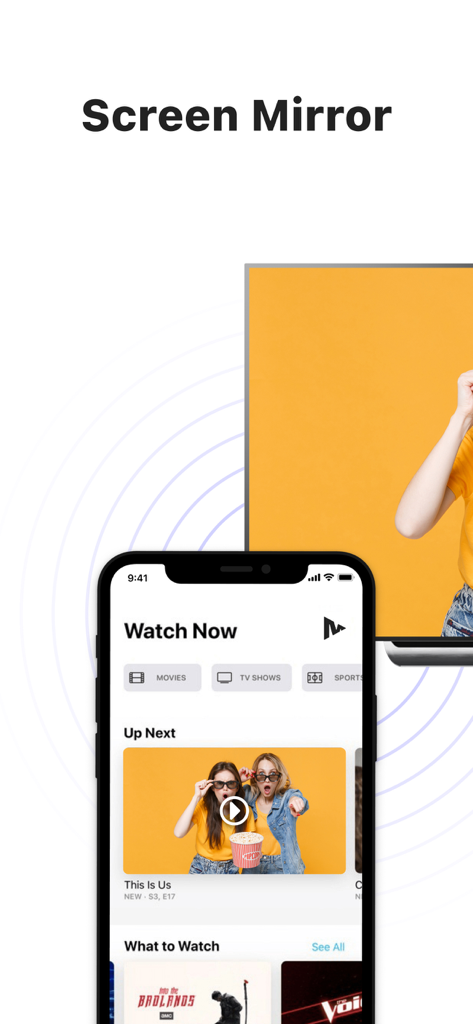
iPhoneがビデオコンテンツを表示し、大画面のスマートTVにワイヤレスでミラーリングされている様子
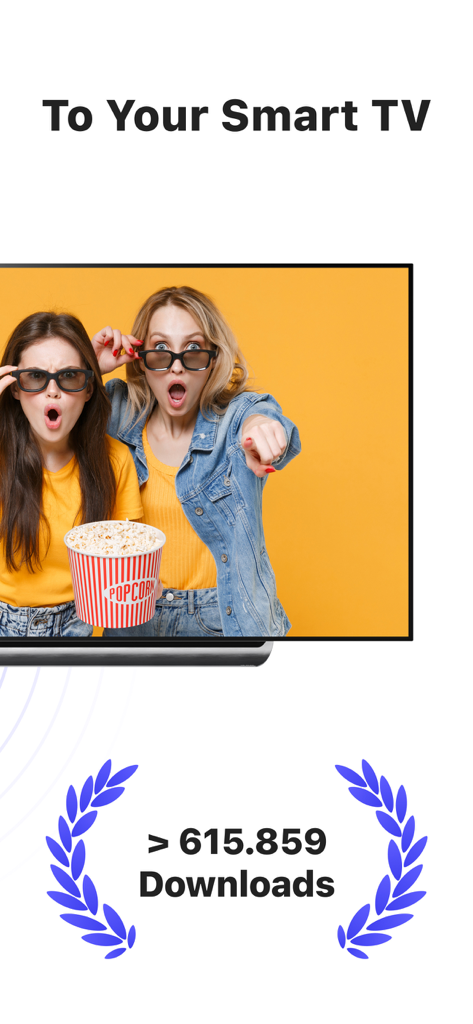
MirrorMeisterアプリのスクリーンショット。ダウンロードマイルストーンと共にスマートTVへのワイヤレス画面ミラーリングを表示
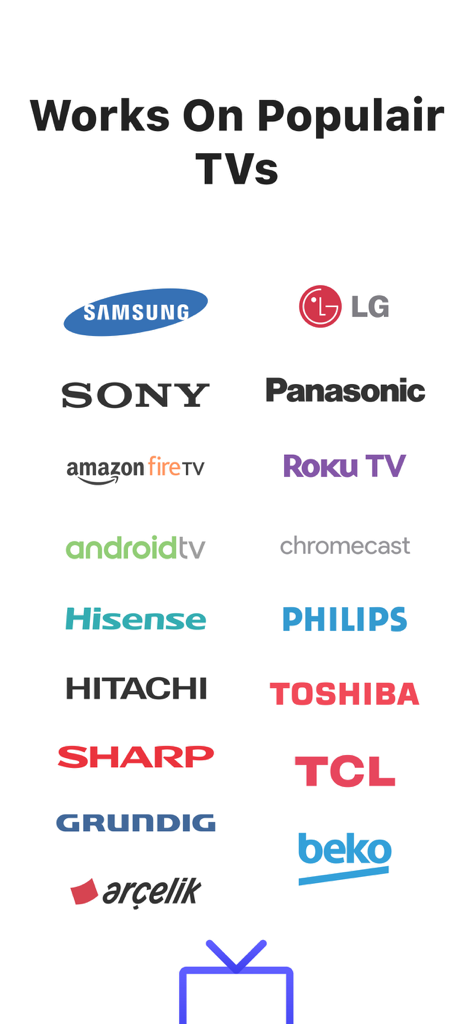
Samsung、LG、Sony、Roku TVなどのMirrorMeister画面ミラーリングアプリがサポートする人気TVブランドのロゴ
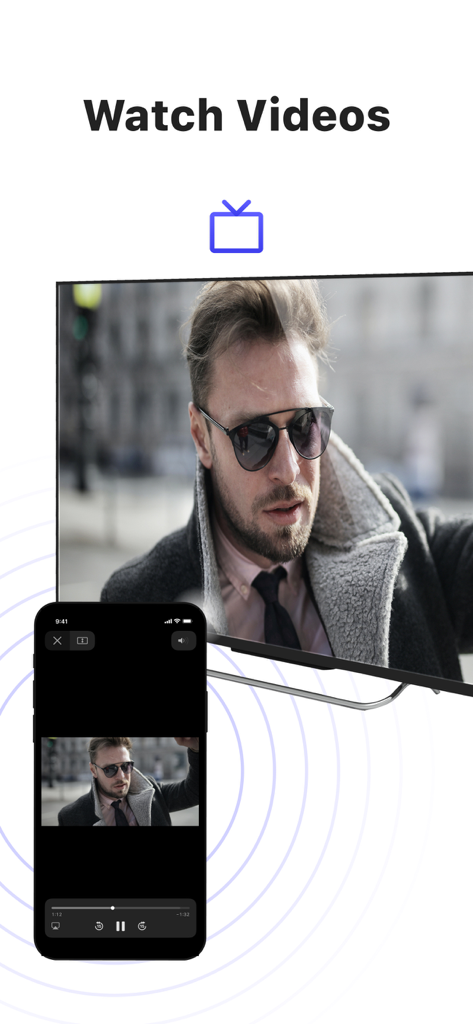
MirrorMeisterアプリを使用して、男性のビデオをミラーリングしているiPhone画面が、大画面のスマートTVに表示されている様子
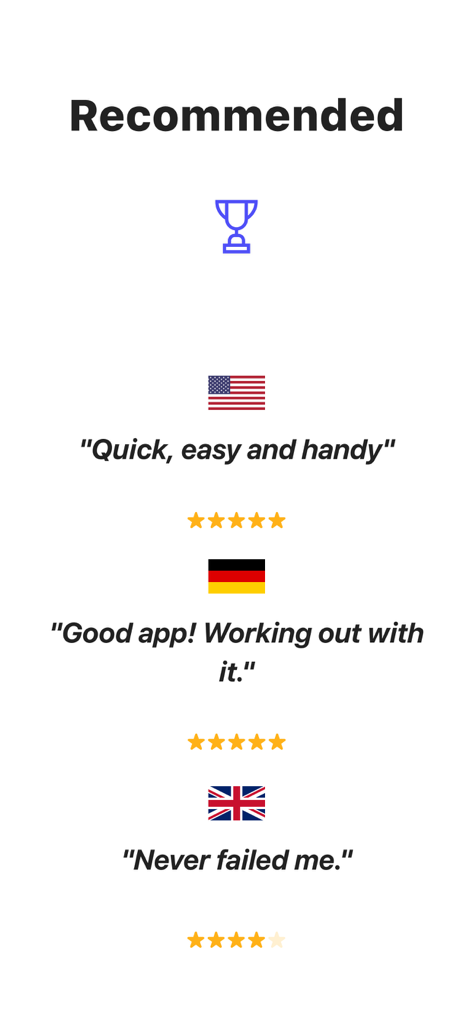
米国、ドイツ、英国からのMirrorMeister画面ミラーリングアプリのユーザーレビューと星評価
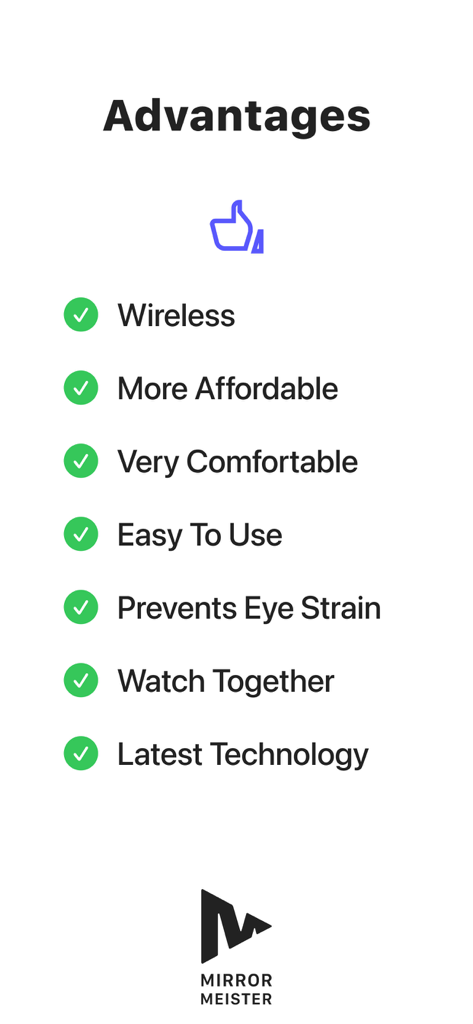
ワイヤレス接続や目の疲れ防止など、MirrorMeisterアプリを使用する利点リスト
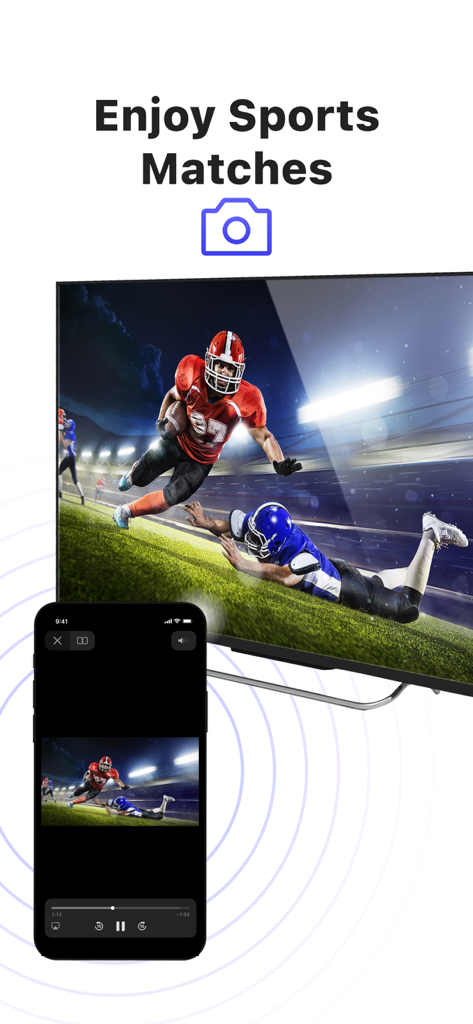
大画面のスマートTVにアメリカンフットボールの試合をミラーリングしているiPhone画面
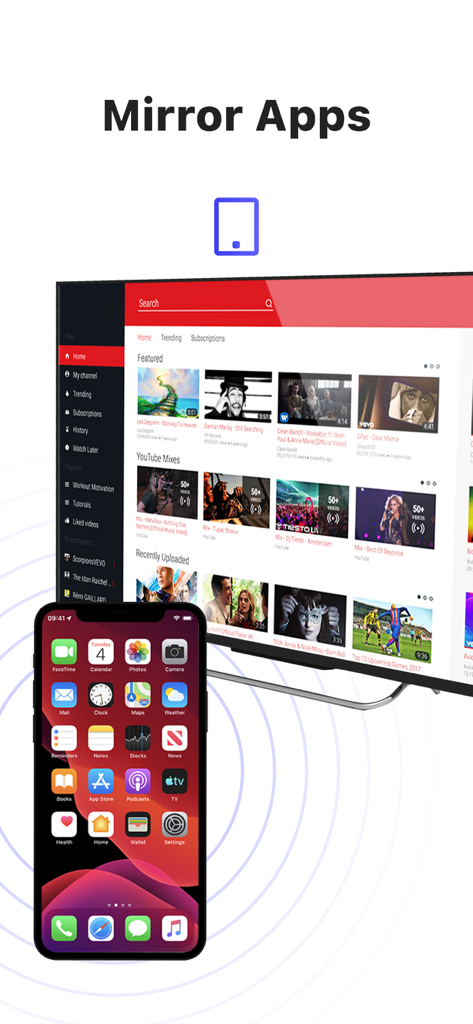
ビデオコンテンツが表示された大画面のスマートTVに、iPhoneの画面をワイヤレスでミラーリングしている様子
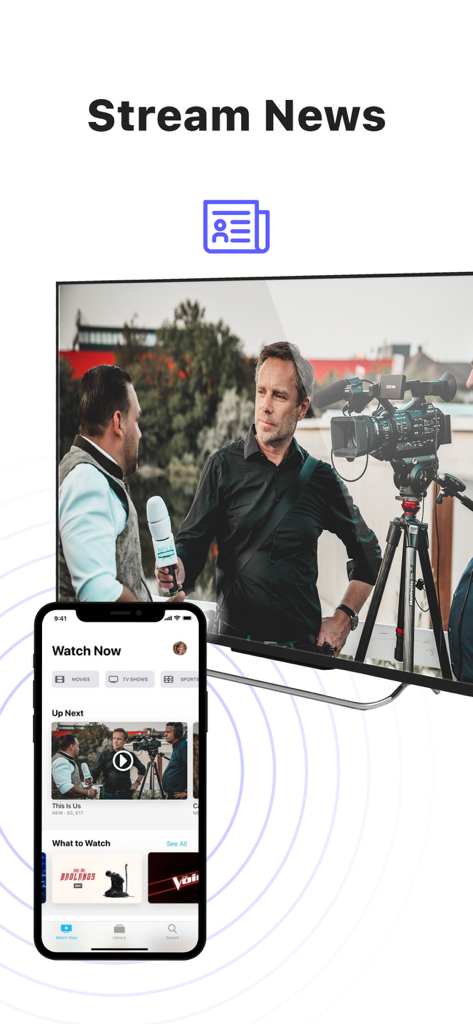
大画面のスマートTVにニュースコンテンツをミラーリングしているiPhone
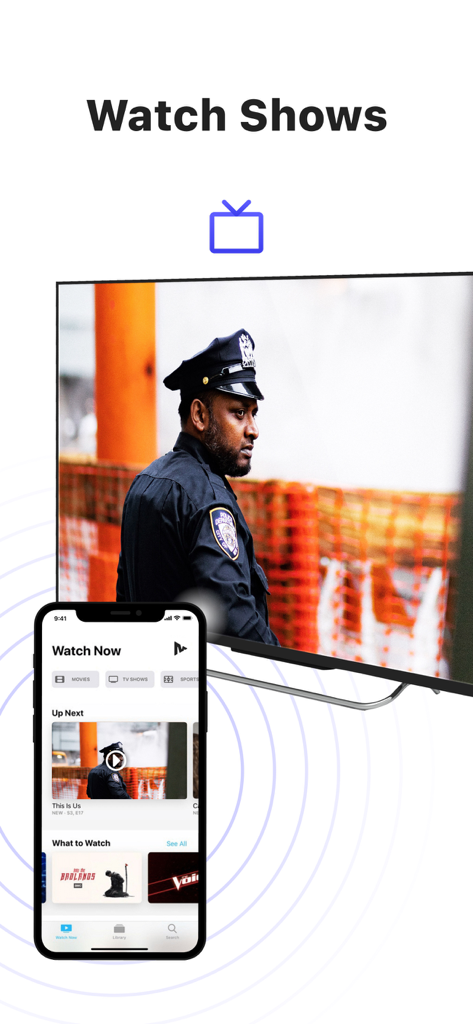
MirrorMeisterアプリを使用して、テレビ番組を大画面のスマートテレビにミラーリングしているiPhone画面
説明
Download
類似アプリ
似た機能とユーザー体験を持つアプリ

Web Video Cast | Browser to TV
InstantBits Inc

PigeonCast:Send by Google Cast
Sichuan FalconAI Technology Co., Ltd.

Screen Mirroring • Smart TV
Mihkel Pikk

Screen Mirroring | Cast to TV
Ozuna Limited

Screen Mirroring・Smart View TV
TOGGLE APPS SP Z O O

UbeCast: Music Streamer & PiP
AER SOFTWARE COMPANY LIMITED

AirDroid Cast-screen mirroring
SAND STUDIO CORPORATION LIMITED

Miracast: Screen Mirroring TV
Hainan Delta Software Co., Ltd

Screen Mirroring・Air Cast TV
Dalma Innovation Solutions d.o.o.
このページはアプリまたはその開発者の公式ページではなく、情報提供および論評を目的として作成された独立した編集出版物です。明示的に別段の記載がない限り、アプリおよびその開発者は、MWM、Apple、Google Play、アプリのパブリッシャー、またはアプリの開発者と提携、承認、後援、認可、またはその他の公式的な関係はなく、このページのいかなる内容も、アプリがMWMのサービスを使用して開発されたことを意味するものではありません。すべての商標、ロゴ、スクリーンショット、その他のコンテンツはそれぞれの所有者の財産です。