Mona Classic
Mona Classic
ダウンロード: App Store

このページはアプリまたはその開発者の公式ページではなく、情報提供および論評を目的として作成された独立した編集出版物です。明示的に別段の記載がない限り、アプリおよびその開発者は、MWM、Apple、Google Play、アプリのパブリッシャー、またはアプリの開発者と提携、承認、後援、認可、またはその他の公式的な関係はなく、このページのいかなる内容も、アプリがMWMのサービスを使用して開発されたことを意味するものではありません。すべての商標、ロゴ、スクリーンショット、その他のコンテンツはそれぞれの所有者の財産です。


ロゴ: Mona Classic
ダウンロード: App Store

Mona Classic

究極のカスタマイズ性とクラス最高のアクセシビリティを体験してください。プロ機能、シームレスなiCloud同期、そしてプライバシーへの完全なコミットメントを備えたiPhone、iPad、Macネイティブ設計です。

主要数値

ダウンロード

16K+

ユーザー評価

4.7/5

評価数

200

開発元

Junyu Kuang

カテゴリ

Social Networking

対応言語

34

最新バージョン

6.9.15

サイズ

79.4 MB

リリース日

2023年4月30日
機能

パワーユーザーのために再定義されたソーシャルメディア

プライバシー、ワークフロー、個人のスタイルを優先するネイティブAppleクライアントで、デジタルライフを完全にコントロールしましょう。

完璧なパーソナライズ

高度なテーマエディタ、カスタムフォント、ユニークな美学に合った完全に再設定可能なレイアウトで、理想的なインターフェースを作成しましょう。

プログレードの生産性

プロフェッショナルなソーシャルメディアワークフローのために設計されたマルチカラムビュー、引用投稿、自動スレッド変換で効率を高めましょう。

以下のスクリーンショットと説明は、アプリの公式ストアリスティングから直接取得されたものであり、アプリ開発者の所有物です。

アプリストア

スクリーンショット
Mona Classic -

Mona Classic -

Mona Classic -

Mona Classic -

Mona Classic -

Mona Classic -

Mona Classic -

Mona Classic -

説明

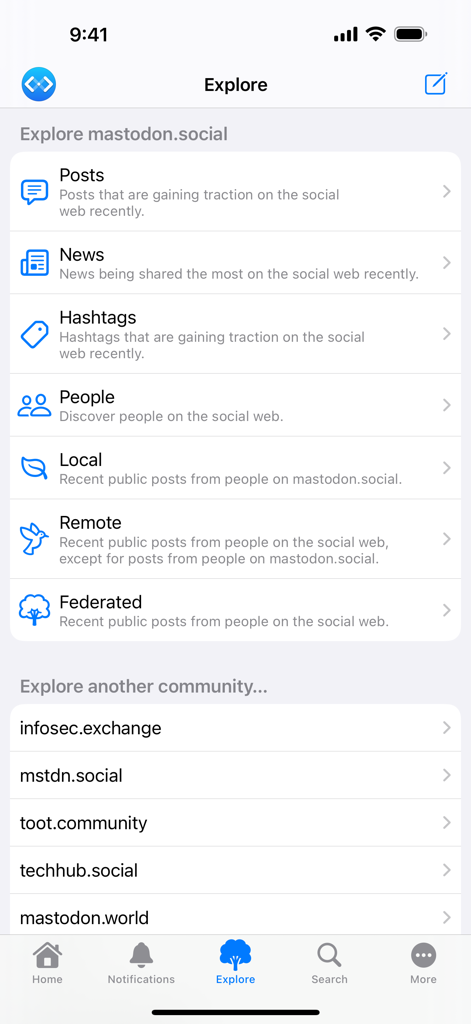
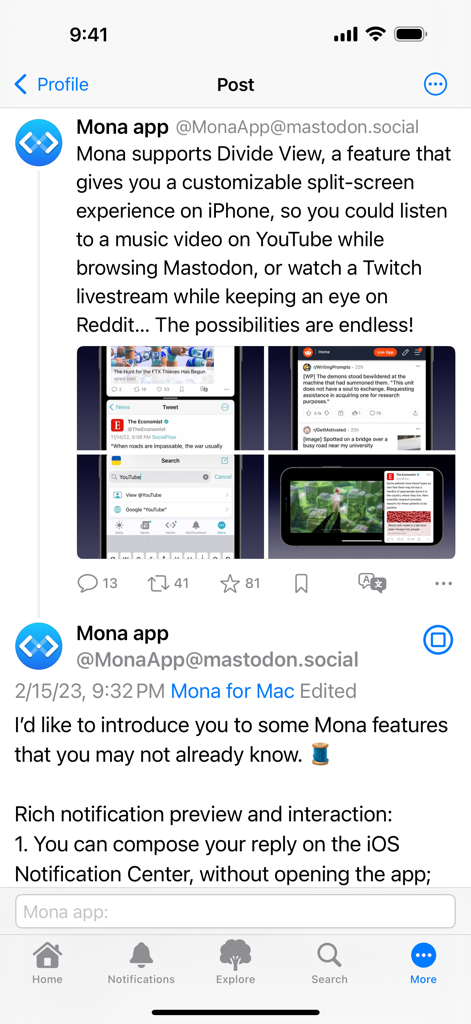
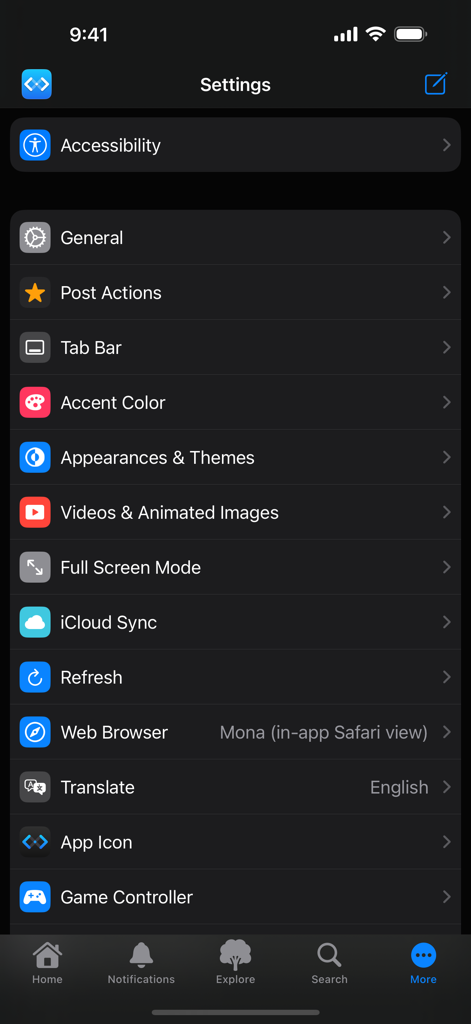
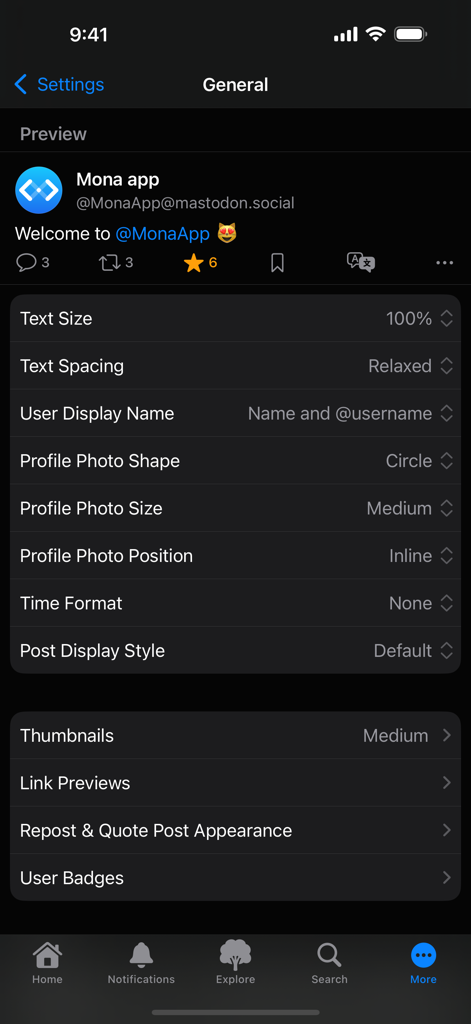
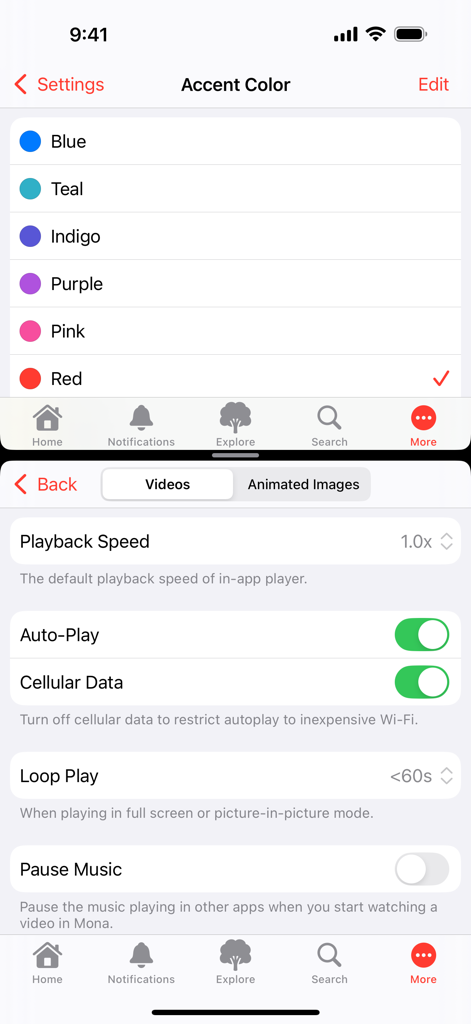
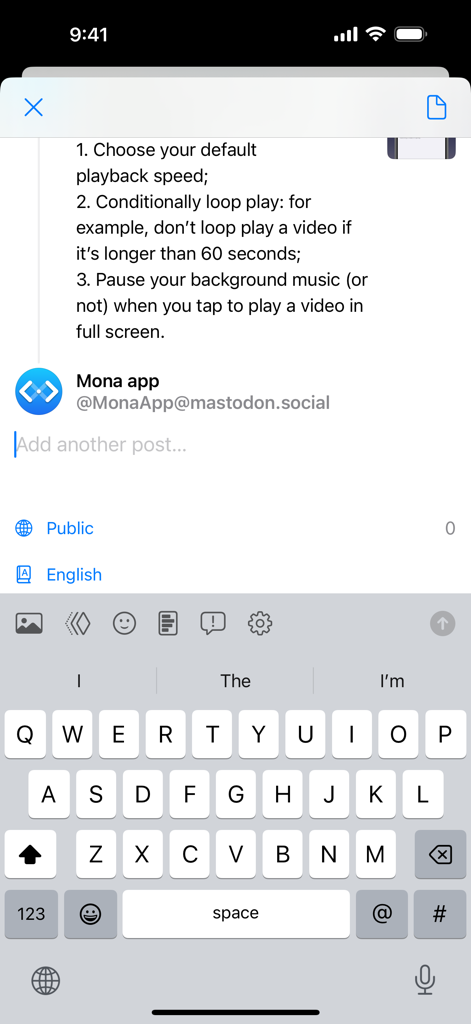
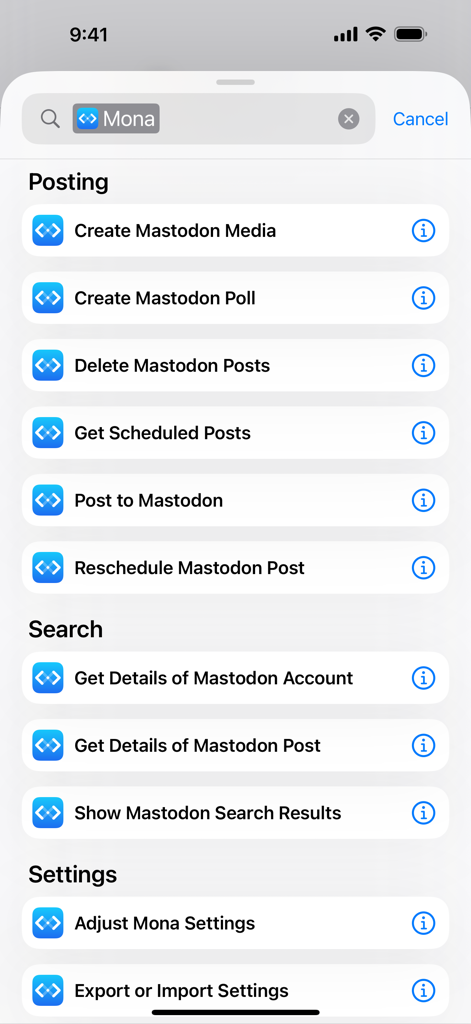
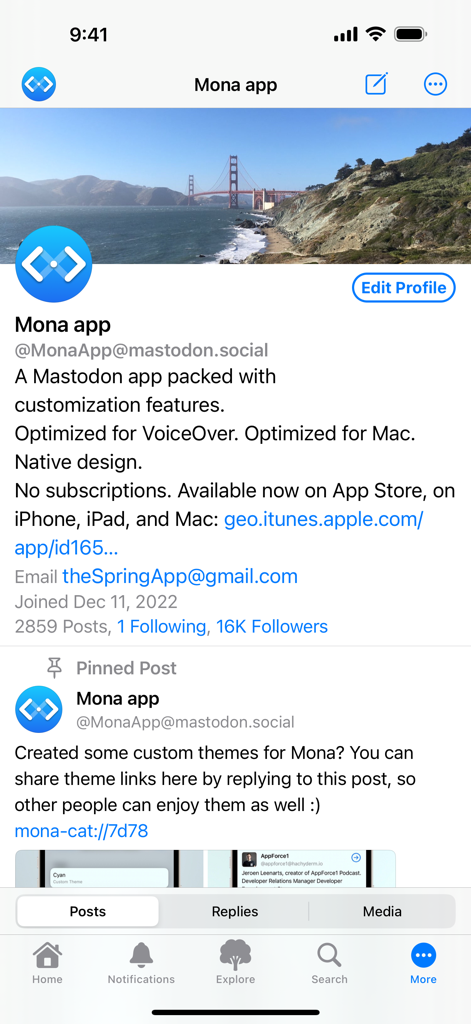
Mona is a highly customizable Mastodon app with VoiceOver optimization and native design. Post Actions • Drag actions into the order you prefer • Configure actions as swipe options: swipe a post horizontally to perform an action • Optionally hide some or all action buttons from post cards, while keeping them accessible via context menu, swipe options, keyboard shortcuts, and VoiceOver rotor iCloud Sync • Sync your mute list, user notes, reading positions, drafts, search history, accent colors, and custom app themes across your iPhone, iPad, and Mac, privately and securely • Optionally disable some features from automatic syncing User Notes • Privately set aliases, notes and username colors for other Mastodon users • User Notes list: browse, organize and edit all your notes in one place Game Controller (require iOS 14, iPadOS 14, macOS 11 or a newer system) • Control the app and browse posts with a compatible game controller, such as a Playstation DualSense/DualShock, Nintendo Switch, Xbox or MFi controller • Customize button functions via in-app settings • Set extra functions for Adaptive Triggers on the Playstation DualSense controller Privacy • Mona does not collect any personal information • Your account tokens are protected by on-device Keychain • Your network connections to Mastodon servers are protected by HTTPS Other Mona features: • Full Screen mode on iPhone let your timeline content fill the entire screen once you start scrolling • Column View takes full advantage of the big screen on iPad and Mac, shows multiple views at once and allows you to navigate between views fluently and efficiently • Check recent posts on your home screen or notification center with widgets • Search posts on the Timeline • Adjustable text spacing • Adjustable and adaptive text sizes • Option to display post source on timeline (e.g. Mona for Mac) • Share a post as picture • Open multiple windows on iPad and Mac • Customizable text translation experience • Automatic video and GIF playback on timelines • Supports changing app icon on iPhone, iPad, and Mac • Turn on/off content scaling on Mac for extra screen estate or sharper text • Autocomplete for post composer • Push notifications • Lock the app with Face ID or Touch ID • Mona Pro and Mona Pro Max available as one-time in-app purchases, with 14-day free trial Tab Bar (Mona Pro feature) • Pin your frequently visit pages to the tab bar • Drag tabs into the order you prefer • Rename your tabs • Change your tab icons (more than a thousand of icons for you to choose) • Show/hide tab names and button shapes Accent Color (Mona Pro feature) • Configure different Accent Colors for Light and Dark mode • More than 10 built-in colors for you to choose • Design and set custom colors Theme Editor (Mona Pro feature) • Customize the app’s color scheme • Design and set custom themes • Advanced color settings allow you to fine-tune colors for different level of views • Export and share your custom themes • Import custom themes shared by other people Font Customization (Mona Pro feature) • Configure different fonts for body text and headings • Select from a variety of build-in fonts • Supports custom fonts installed by third-party apps Other Mona Pro features: • Full-featured post composer: write longer posts, attach pictures and videos, create polls, schedule post, and automatic thread conversion • More post actions: including favorite, repost, quote post, add bookmark, and translate • Add multiple accounts: you can also opt to favorite, repost, quote post, or follow using a non-current account • Filter and mute: filter timelines based on post category and content; hide posts with certain words; hide posts from certain people • Customize push notifications based on notification category • Export and import settings: easily transfer your custom settings between multiple devices Customer support: • Mastodon: @MonaApp@mastodon.social • Email: theSpringApp@gmail.com

Download

ダウンロード: App Store

このページはアプリまたはその開発者の公式ページではなく、情報提供および論評を目的として作成された独立した編集出版物です。明示的に別段の記載がない限り、アプリおよびその開発者は、MWM、Apple、Google Play、アプリのパブリッシャー、またはアプリの開発者と提携、承認、後援、認可、またはその他の公式的な関係はなく、このページのいかなる内容も、アプリがMWMのサービスを使用して開発されたことを意味するものではありません。すべての商標、ロゴ、スクリーンショット、その他のコンテンツはそれぞれの所有者の財産です。