
このページはアプリまたはその開発者の公式ページではなく、情報提供および論評を目的として作成された独立した編集出版物です。明示的に別段の記載がない限り、アプリおよびその開発者は、MWM、Apple、Google Play、アプリのパブリッシャー、またはアプリの開発者と提携、承認、後援、認可、またはその他の公式的な関係はなく、このページのいかなる内容も、アプリがMWMのサービスを使用して開発されたことを意味するものではありません。すべての商標、ロゴ、スクリーンショット、その他のコンテンツはそれぞれの所有者の財産です。

Mugen Clock
iPhoneやiPadを、一目で時間がわかる美しい時計に変身。巨大な数字と無限のカスタマイズで、自分らしいスタイルに合わせながら、部屋のどこからでも時刻をはっきりと確認できます。
ダウンロード
1M+ユーザー評価
評価数
37K+開発元
カテゴリ
Utilities対応言語
2最新バージョン
5.60.2サイズ
145.6 MBリリース日
2015年12月14日理想の時間をデザインする
ホームオフィス用の高コントラストな集中ツールとしても、心地よいベッドサイドの相棒としても。Mugen Clockは、圧倒的な視認性と無限のデザインの可能性を両立させます。
圧倒的な視認性
巨大で太い文字が画面いっぱいに表示され、どんな部屋の端からでも瞬時に時刻を確認できます。忙しいキッチンや集中したい作業時に最適です。
おしゃれなデスクカスタマイズ
厳選されたテーマ、ライブカメラ背景、またはお気に入りの写真でワークスペースをアップグレード。あなたのスタイルに完璧にマッチする時計を作れます。
よくある質問
について知っておくべきこと Mugen Clock
What is the main feature of the Mugen Clock app?
Mugen Clockアプリは、画面全体を埋め尽くす大きくて太い数字で時刻を表示し、視認性を重視して設計されています。これにより、ユーザーは部屋のどこからでも簡単に時間を確認できます。
How can I personalize my clock display with Mugen Clock?
Mugen Clockは、豊富なカスタマイズオプションを提供しています。色、フォント、厳選されたテーマ、さらには独自のカラーコンビネーションを作成できます。
Can Mugen Clock show specific information like date or weather?
はい、Mugen Clockではレイアウトを完全に制御できます。日付、曜日、秒、バッテリー残量、現在の天気や気温などのさまざまな要素を表示または非表示にすることを選択できます。
What background customization options does Mugen Clock provide?
Mugen Clockでは、フォトライブラリから写真、ライブカメラエフェクト、または動的なビデオ背景(プレミアム機能)を設定できます。
Does the Mugen Clock app include a timer and stopwatch?
はい、Mugen Clockには、シンプルで直感的、かつ信頼性の高いタイマーとストップウォッチが含まれています。これらの機能は、さまざまな追跡ニーズに対応するために組み込まれています。
Can I save different clock designs in Mugen Clock?
はい、Mugen Clockはプリセットを保存できます。「フォーカスモード」や「リラックスモード」など、カスタマイズした時計のデザインを保存し、シングルタップで簡単に切り替えることができます。
What is the development history and reputation of Mugen Clock?
Mugen Clockは10年以上の開発実績を持つ「日本製」アプリです。日本で時計アプリNo.1を獲得し、2億ダウンロード、3.7万件のレビューで4.6つ星の評価を得ています。
Does Mugen Clock support home screen widgets?
はい、Mugen Clockはカスタマイズ可能なホーム画面ウィジェットをサポートしています。ユーザーはさまざまな時計スタイルを選択して配置し、デバイスのホーム画面に直接表示できます。
Is the video background feature free in Mugen Clock?
いいえ、Mugen Clockのビデオ背景機能はプレミアム機能です。これにより、ユーザーはディスプレイに穏やかな動きを追加できます。
What types of alarms can I set in Mugen Clock?
Mugen Clockでは、カスタム説明付きのさまざまなアラームを設定できます。例として、起床、食料品の配達、子供の迎え、植物の水やり、子供の就寝時間などが挙げられます。
以下のスクリーンショットと説明は、アプリの公式ストアリスティングから直接取得されたものであり、アプリ開発者の所有物です。
アプリストア
スクリーンショット
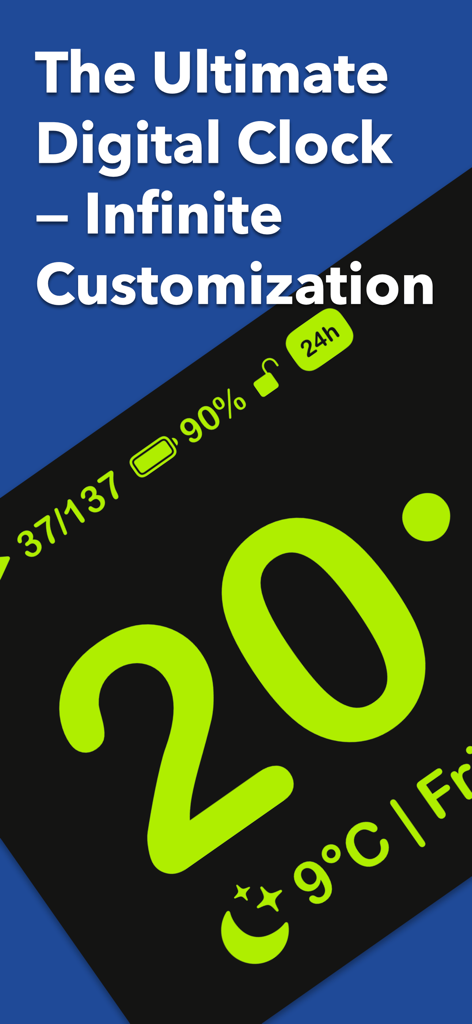
大きなネオングリーンの数字にバッテリーと天気の詳細が表示されたMugen Clockアプリのインターフェース
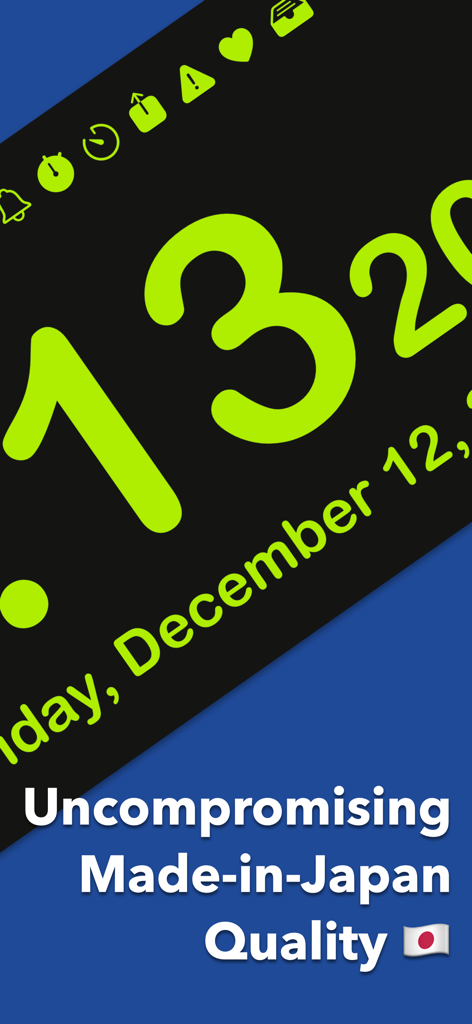
黒背景に大きなライムグリーンの数字と、日本品質を強調するテキストが表示されたMugen Clockアプリのスクリーンショット
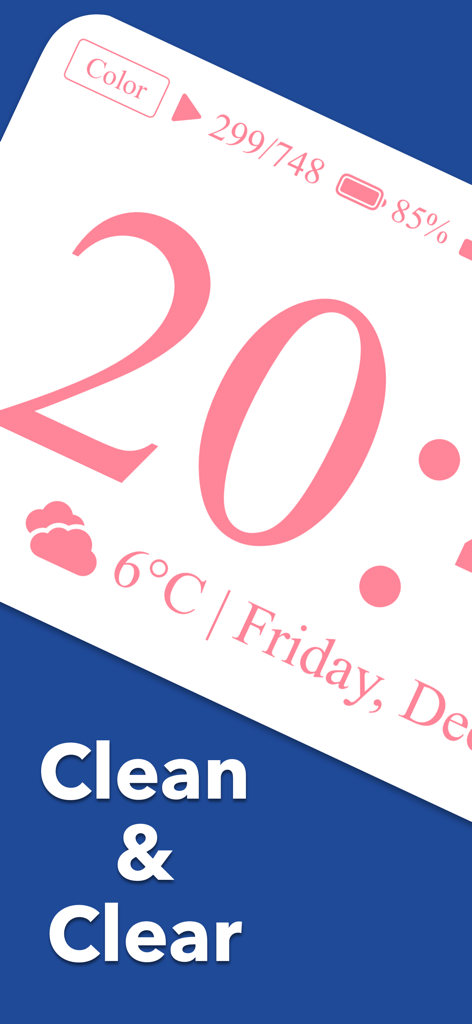
天気とバッテリーの状態が表示された、大きなピンクのデジタル時計のMugen Clockアプリインターフェース
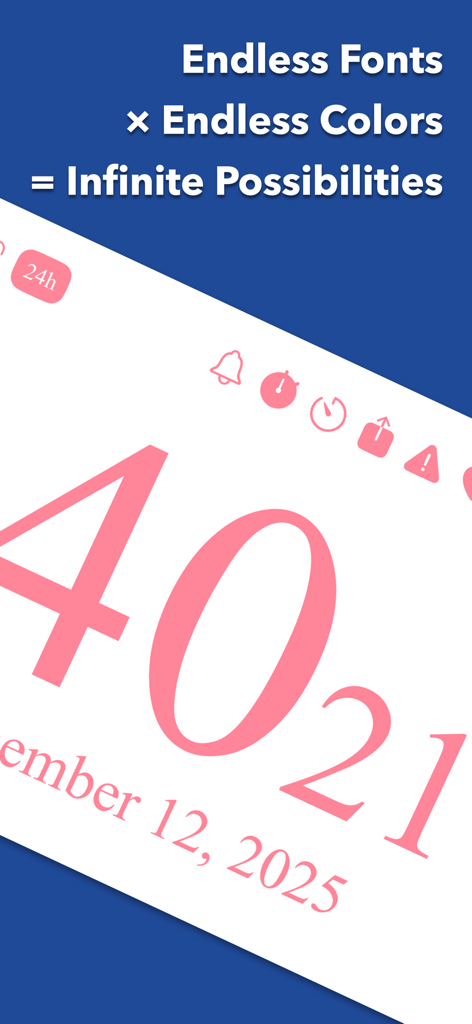
大きなピンクのデジタル数字でカスタマイズ可能なフォントと色を紹介するMugen Clockアプリのインターフェース
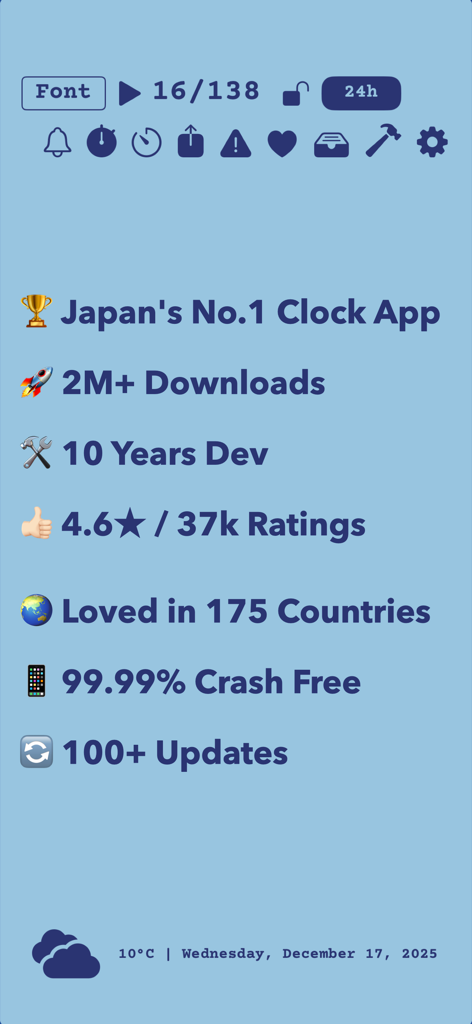
200万ダウンロードと4.6の評価を含むMugen Clockの実績の概要
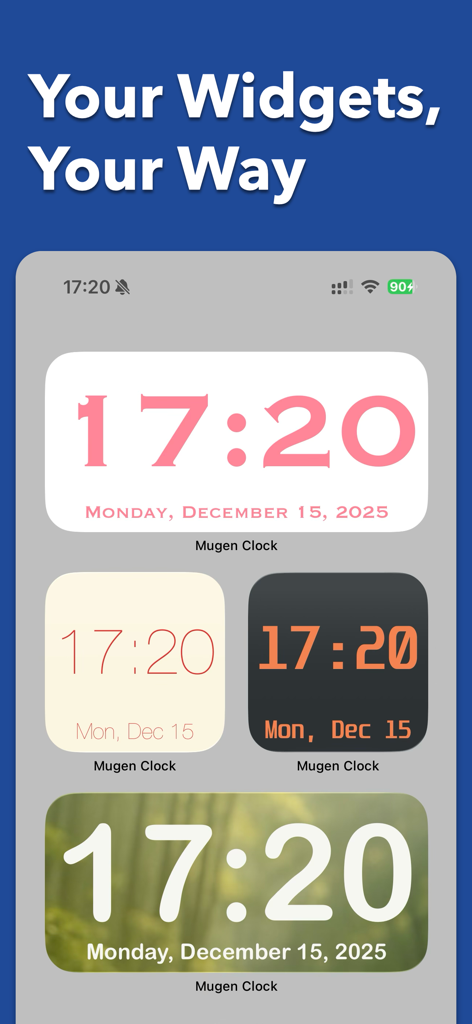
さまざまな色、フォント、背景を表示したiPhoneホーム画面上の4つの異なるMugen Clockウィジェットスタイル
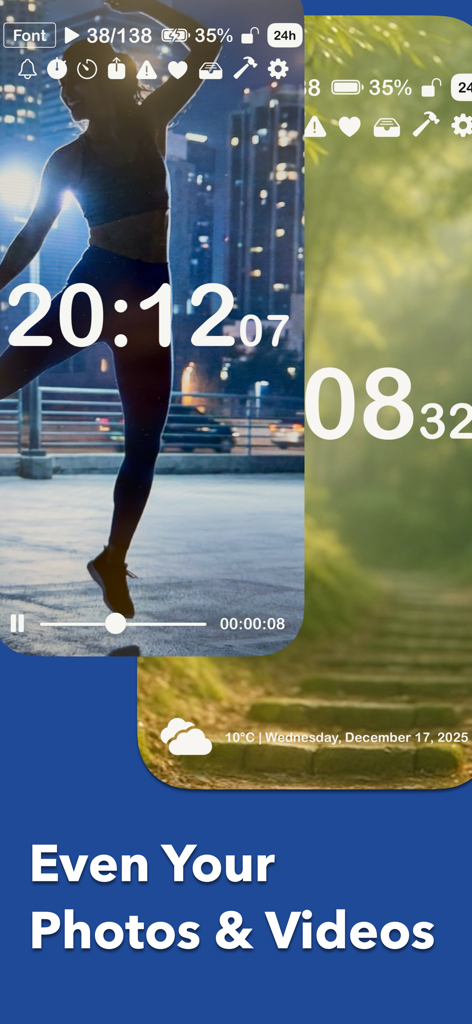
お気に入りの写真や動画をカスタム背景テーマとして使用したデジタル時計表示
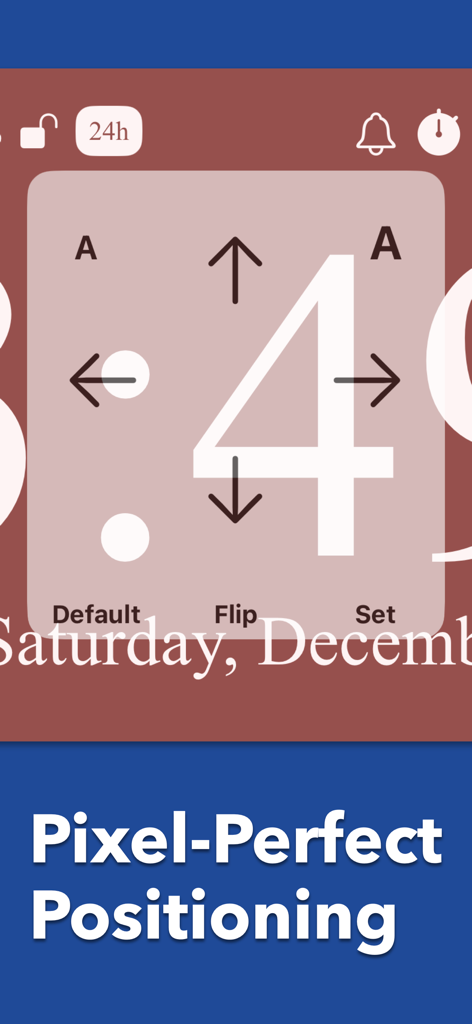
ピクセル単位の位置調整のための方向矢印と大きな数字の4が表示されたMugen Clockアプリのインターフェース
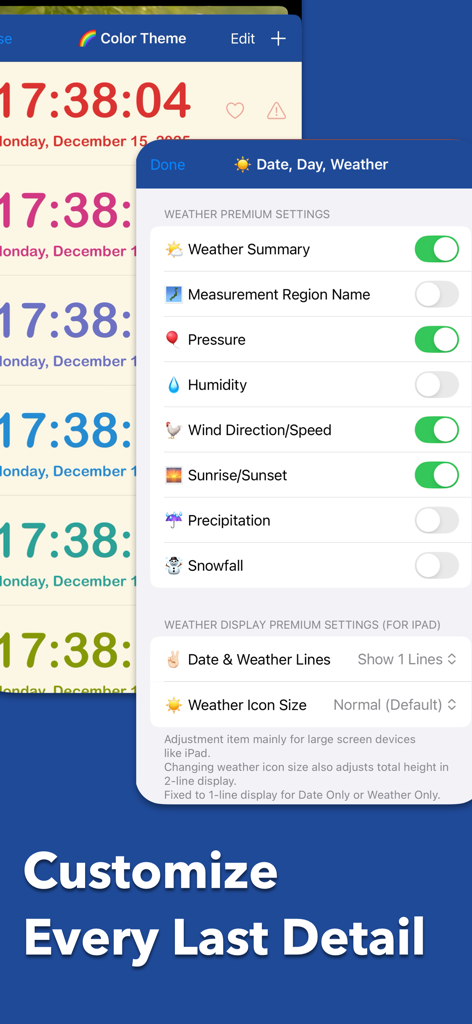
プレミアムな天気のカスタマイズ設定とカラフルな時計テーマを表示するMugen Clockアプリのインターフェース
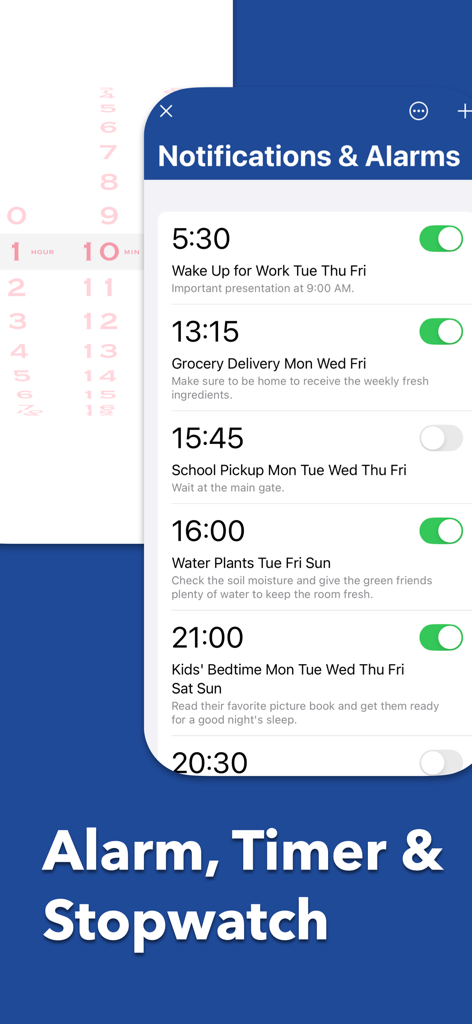
スケジュールされたアラームと通知設定を表示するMugen Clockアプリのインターフェース
説明
Download
類似アプリ
似た機能とユーザー体験を持つアプリ
DClock - Digital Flip Clock
少杰 施
Fullscreen Clock: Flip & Focus
Zhengzhou Sibo Intelligent Technology Co., Ltd.
Alarm Clock for Me - Wake Up!
Mosaic S.r.l.
Flip clock - no ads
Beijing Free Calculator Technology Co., Ltd.

The Clocks: Alarm, World Clock
Meanterm Inc.
Digital Clock - Bedside Alarm
俊杰 阮
Fliqlo
Yuji Adachi
Clocks - A fun standby mode
Daniel Destefanis

FlipClock-Digital Alarm Clock
JSPP(Shanghai)Co,Ltd.
このページはアプリまたはその開発者の公式ページではなく、情報提供および論評を目的として作成された独立した編集出版物です。明示的に別段の記載がない限り、アプリおよびその開発者は、MWM、Apple、Google Play、アプリのパブリッシャー、またはアプリの開発者と提携、承認、後援、認可、またはその他の公式的な関係はなく、このページのいかなる内容も、アプリがMWMのサービスを使用して開発されたことを意味するものではありません。すべての商標、ロゴ、スクリーンショット、その他のコンテンツはそれぞれの所有者の財産です。