MusicFolder 2
MusicFolder 2
ダウンロード: App Store

このページはアプリまたはその開発者の公式ページではなく、情報提供および論評を目的として作成された独立した編集出版物です。明示的に別段の記載がない限り、アプリおよびその開発者は、MWM、Apple、Google Play、アプリのパブリッシャー、またはアプリの開発者と提携、承認、後援、認可、またはその他の公式的な関係はなく、このページのいかなる内容も、アプリがMWMのサービスを使用して開発されたことを意味するものではありません。すべての商標、ロゴ、スクリーンショット、その他のコンテンツはそれぞれの所有者の財産です。

ロゴ: MusicFolder 2
ダウンロード: App Store

MusicFolder 2

昔ながらのコレクターのための無駄のないプレーヤー。タグなし、サブスクリプションなし、煩雑さなし—整理した通りのフォルダとギャップレス再生のみ。

主要数値

ダウンロード

20K+

ユーザー評価

3.6/5

評価数

0

開発元

Alexander Ewering

カテゴリ

Music

対応言語

2

最新バージョン

2.12

サイズ

1.8 MB

リリース日

2018年4月4日
機能

あなたのコレクションのために設計

MusicFolder 2 は、ファイルを最優先する、シームレスでフォルダベースのエクスペリエンスに焦点を当て、冗長な機能をスキップします。

純粋なフォルダナビゲーション

メタデータの混乱を捨てましょう。既存のフォルダ構造があなたのプレイリストです—シンプル、論理的、そして信頼性があります。

流れるようなジェスチャーインターフェース

直感的なスワイプとタップで再生をコントロール。電話を見ることなく、スキップ、シャッフル、音量調整ができます。

以下のスクリーンショットと説明は、アプリの公式ストアリスティングから直接取得されたものであり、アプリ開発者の所有物です。

アプリストア

スクリーンショット
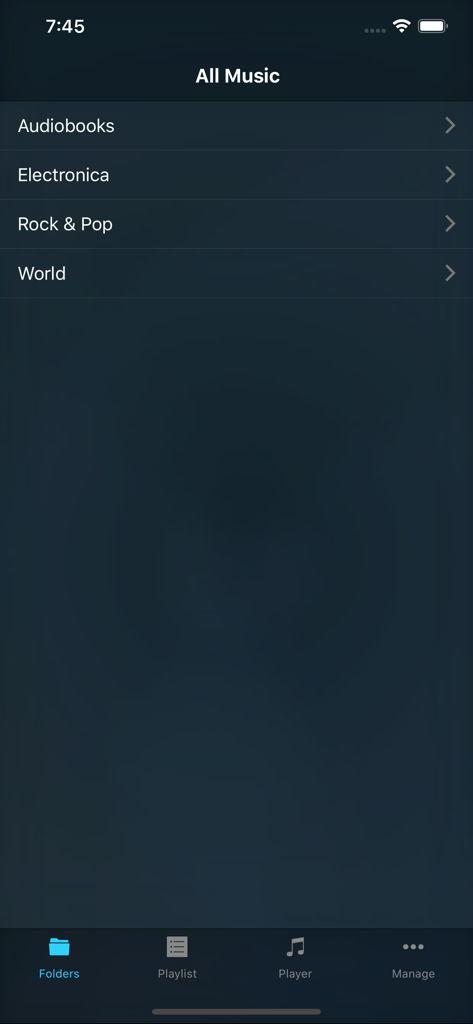
MusicFolder 2 - MusicFolder 2 アプリのインターフェース。Rock や Pop などの音楽フォルダのリストが表示されています。
MusicFolder 2 アプリのインターフェース。Rock や Pop などの音楽フォルダのリストが表示されています。

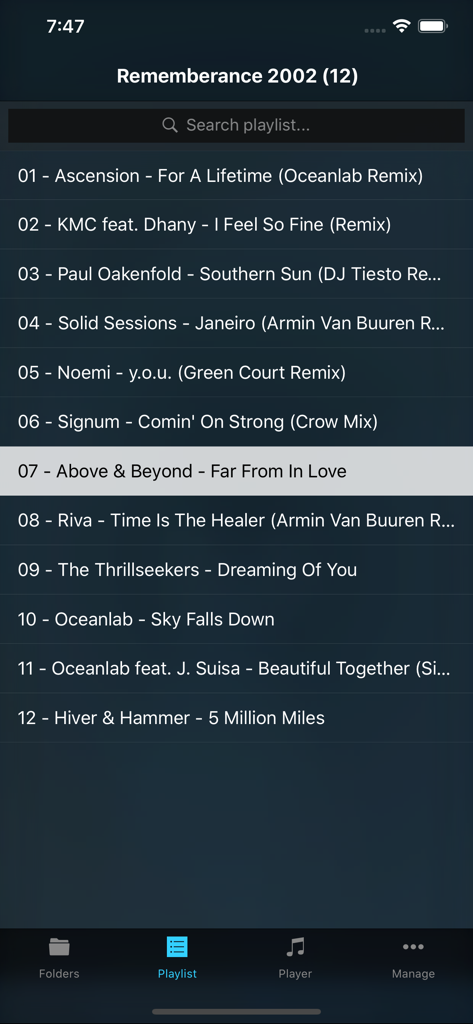
MusicFolder 2 - MusicFolder 2 アプリのスクリーンショット。フォルダ構造で整理された音楽トラックのプレイリストが表示されています。
MusicFolder 2 アプリのスクリーンショット。フォルダ構造で整理された音楽トラックのプレイリストが表示されています。

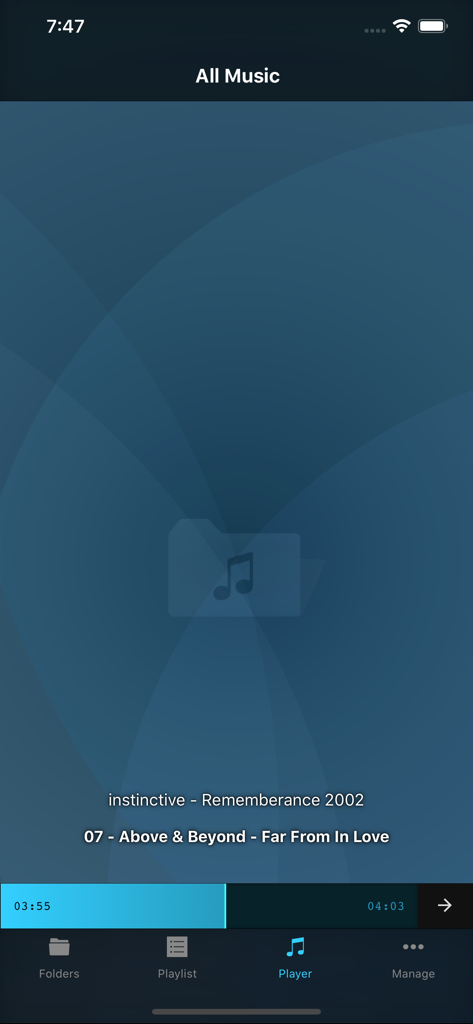
MusicFolder 2 - MusicFolder 2 アプリの再生画面。ミニマリストなフォルダベースの再生インターフェースが表示されています。
MusicFolder 2 アプリの再生画面。ミニマリストなフォルダベースの再生インターフェースが表示されています。

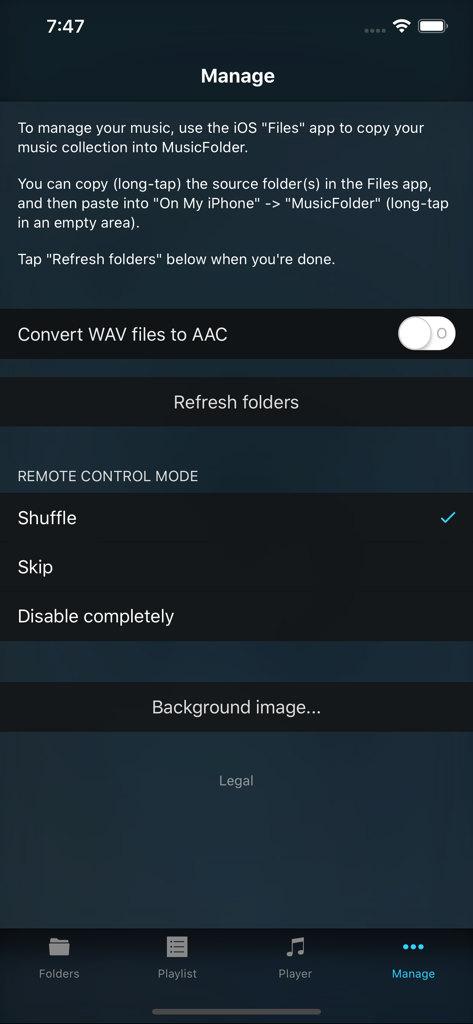
MusicFolder 2 - MusicFolder 2 アプリの管理画面。音楽ファイル管理の説明とリモートコントロール設定が表示されています。
MusicFolder 2 アプリの管理画面。音楽ファイル管理の説明とリモートコントロール設定が表示されています。

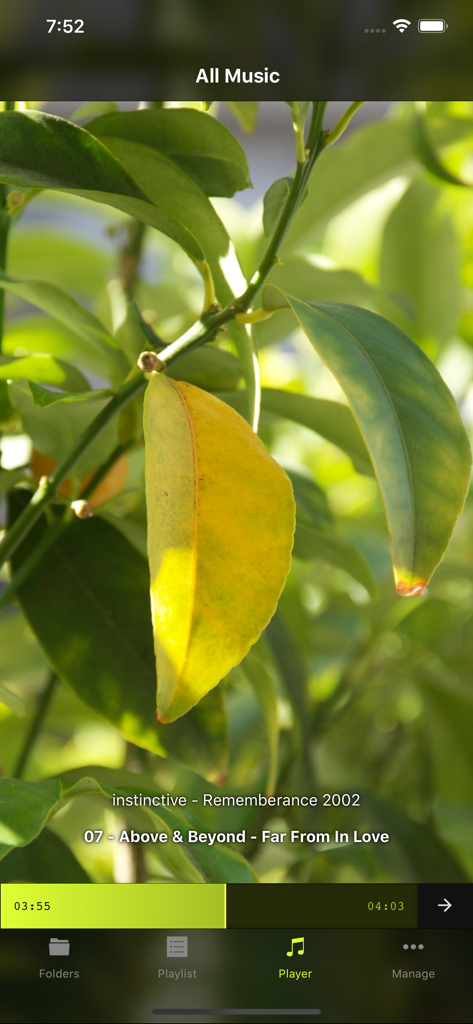
MusicFolder 2 - MusicFolder 2 プレーヤー画面。曲のタイトルとカスタム写真の背景が表示されています。

MusicFolder 2 プレーヤー画面。曲のタイトルとカスタム写真の背景が表示されています。

説明

Simple, no-frills music player for "oldschool" users who have a music library based on a folder structure instead of tags / metadata. This app is SIMPLISTIC BY DESIGN and does NOT HAVE A LOT OF FEATURES! However, those features that it DOES have work GREAT! IMPORTANT: You cannot use MusicFolder to play music from the regular "Music" app. Instead, you use the iPhone's "Files" app to copy your folder-based music library from your computer (or anywhere else) into MusicFolder. - Supported file formats: mp3, mp4, m4a, aac, alac, wav, adts, ac3, aiff, aifc, caf, snd, au, sd2. - GAPLESS PLAYBACK for all file formats. - Straightforward playlist concept: the playlist always simply consists of all songs in the current folder and its subfolders. - Fast interactive PLAYLIST SEARCH. - Smart folders that show your most listened to or most recently played songs. - GESTURE-BASED CONTROL, no need to look at the screen: swipe up/down to shuffle, swipe left/right to skip, double-tap to play/stop, hold and slide up/down for volume control. - Interactive SCRUBBING through the current song with the realtime seek bar, including waveform preview. - Configurable behavior at the end of a song and on remote control events (headphones / Control Center): skip, shuffle, stop, repeat. - Simple music library transfer and management using the iPhone's Files app. - Optional AUTOMATIC CONVERSION of newly added WAV files to AAC (various quality levels available) or ALAC (Apple Lossless). - Full remote control support for headphones and Control Center. - Full AIRPLAY support. - Supports portrait and landscape orientation. - Selecting a photo from your photo library will auto-generate a theme based on the photo's color structure. IMPORTANT: The app is STRICTLY for FOLDER-BASED libraries and does NOT support ANY kind of tags, cover art, or other metadata inside files. However, for people keeping their music library organized in folders "the oldschool way" and seeking a simple, stable, gapless-capable, no-frills portable player, this app is a godsend! Let us know if you have any suggesions or issues via our support page!

Download

ダウンロード: App Store

このページはアプリまたはその開発者の公式ページではなく、情報提供および論評を目的として作成された独立した編集出版物です。明示的に別段の記載がない限り、アプリおよびその開発者は、MWM、Apple、Google Play、アプリのパブリッシャー、またはアプリの開発者と提携、承認、後援、認可、またはその他の公式的な関係はなく、このページのいかなる内容も、アプリがMWMのサービスを使用して開発されたことを意味するものではありません。すべての商標、ロゴ、スクリーンショット、その他のコンテンツはそれぞれの所有者の財産です。







