myMail box: email client app

myMail box: email client app

ダウンロード: App Store
ロゴ: myMail box: email client app

myMail: すべてのメールアカウントに対応した、高速な1つのアプリ

Gmail、Outlook、Yahooなどを、美しく統一されたインターフェースで管理し、生活を効率化しましょう。スマート通知、「サイレントタイム」スケジューリング、そして現代のプロフェッショナル向けに設計された高度なセキュリティで生産性を管理しましょう。

ダウンロード: App Store

開発元

MGL MY.COM (CYPRUS) LIMITED

カテゴリ

Productivity

ダウンロード

7M+

ユーザー評価

4.5/5

評価数

111K+

対応言語

23

受信トレイの明確さを解き放つ

このインターフェースを利用する 7M+ 人のユーザー.

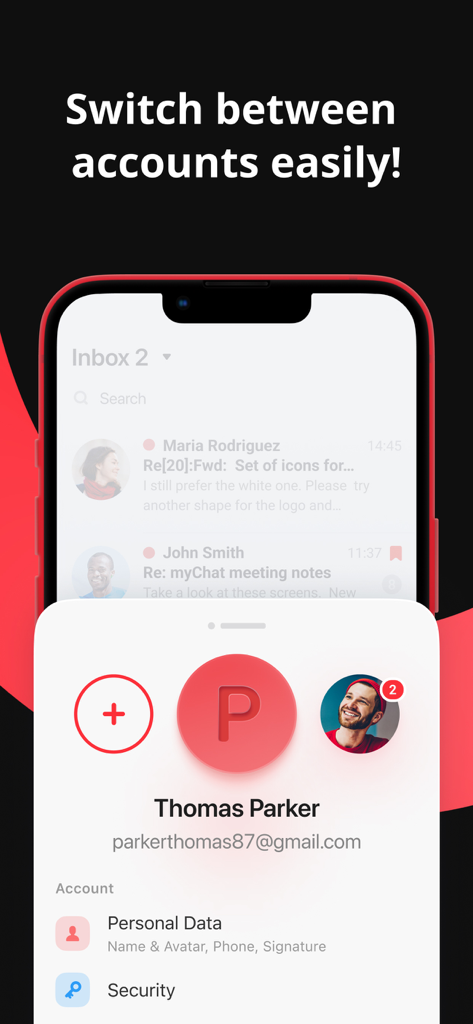
myMailアプリのインターフェース。複数のメールIDを簡単に切り替える様子を表示
myMailアプリのインターフェース。複数のメールIDを簡単に切り替える様子を表示

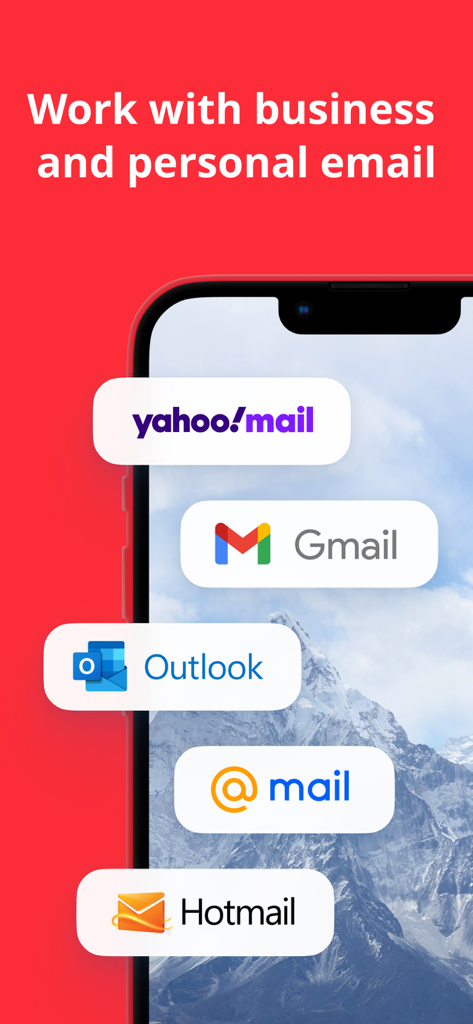
Gmail、Outlook、Yahoo、Hotmailアカウントに対応したmyMailアプリのプロモーション画面(スマートフォン上)
Gmail、Outlook、Yahoo、Hotmailアカウントに対応したmyMailアプリのプロモーション画面(スマートフォン上)

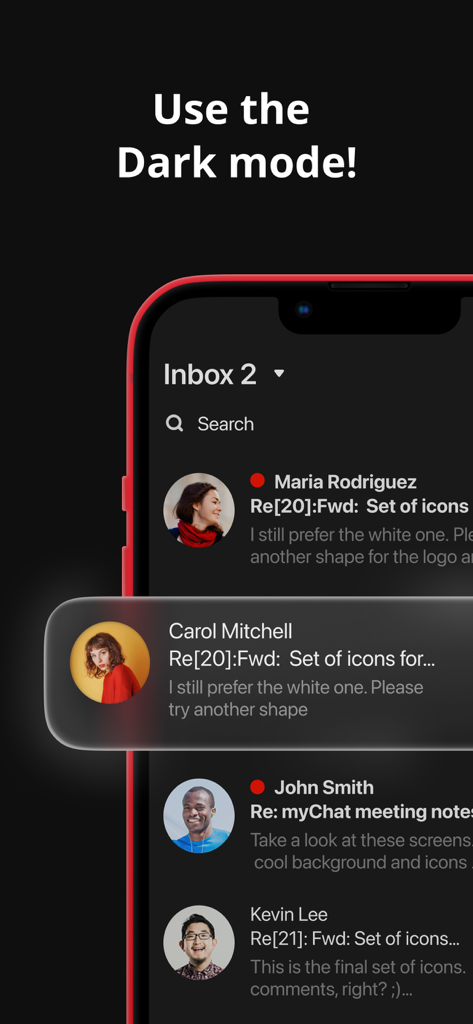
myMailアプリの受信トレイ。ユーザーアバターとともにメッセージがダークモードで表示されている
myMailアプリの受信トレイ。ユーザーアバターとともにメッセージがダークモードで表示されている

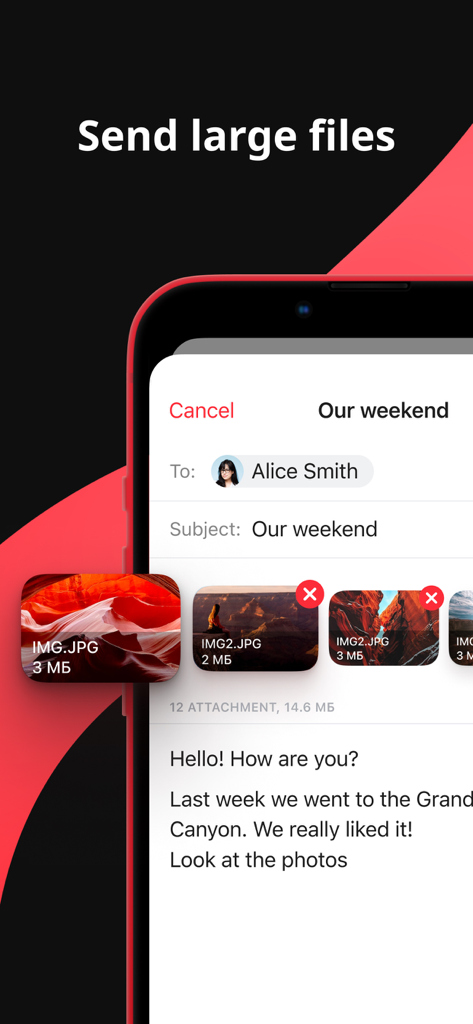
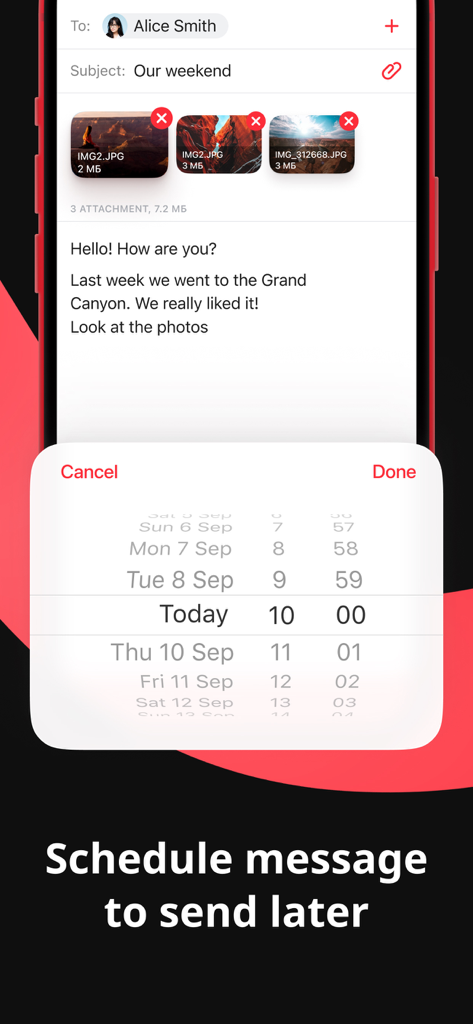
myMailアプリのインターフェース。複数の大きな画像添付ファイルを持つメールの下書きが連絡先に送信されている様子を表示
myMailアプリのインターフェース。複数の大きな画像添付ファイルを持つメールの下書きが連絡先に送信されている様子を表示

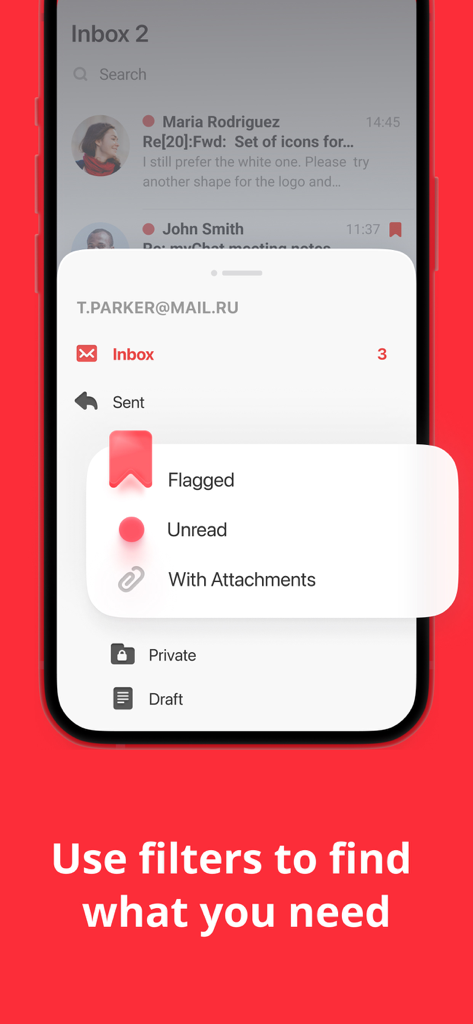
myMailアプリのインターフェース。フラグ付き、未読、添付ファイル付きのメールの検索フィルターを表示
myMailアプリのインターフェース。フラグ付き、未読、添付ファイル付きのメールの検索フィルターを表示

myMailアプリのインターフェース。日付と時刻ピッカーを備えた「後で送信」メッセージのスケジュール機能を表示
myMailアプリのインターフェース。日付と時刻ピッカーを備えた「後で送信」メッセージのスケジュール機能を表示

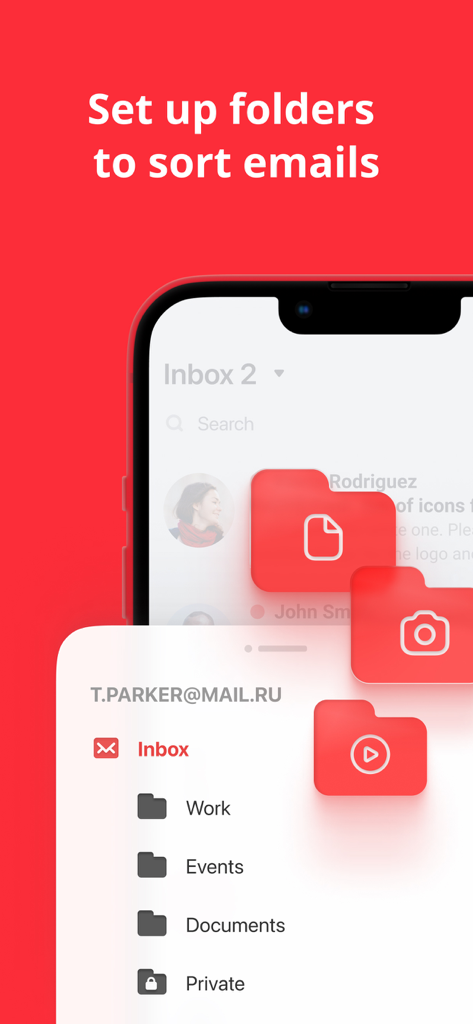
myMailアプリのモバイルインターフェース。仕事、イベント、ドキュメントなどのフォルダーにメールを整理・分類するオプションを表示
myMailアプリのモバイルインターフェース。仕事、イベント、ドキュメントなどのフォルダーにメールを整理・分類するオプションを表示

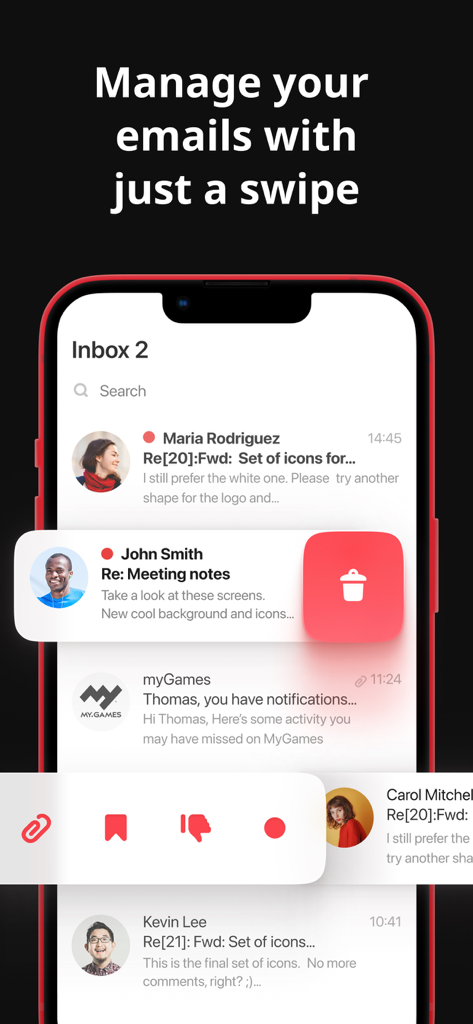
myMailアプリのインターフェースが表示されたスマートフォン。メールメッセージに対するスワイプして削除するアクションを表示

myMailアプリのインターフェースが表示されたスマートフォン。メールメッセージに対するスワイプして削除するアクションを表示

デジタルライフ全体を管理する1つの受信トレイ

このアプリを際立たせるツール、 7M+ 人のユーザーが選択.

📬

統合アカウント管理

Outlook、Gmail、Yahooアカウントを1か所で簡単に管理できます。別々のアプリへのログインとログアウトはもう必要ありません。

🌙

カスタム「サイレントタイム」スケジュール

仕事と生活のバランスを取り戻しましょう。きめ細かな通知フィルターを設定したり、勤務時間外に仕事用アカウントをサイレントにしたり、個人的なメッセージはアクティブに保つことができます。

🛡️

プライバシー重視のセキュリティ

PINロックとTouch IDサポートで、機密性の高いビジネスデータや個人的なチャットを保護します。デバイスを共有していても、メッセージを安全に保つことができます。

アプリについて

について知っておくべきこと myMail box: email client app.

説明

Use myMail to manage messages in your Gmail, Hotmail, Live, Outlook, Yahoo, MSN, iCloud and AOL email accounts at once. Our app also supports any IMAP and POP3-enabled mailbox. myMail brings all your email into one simple, bright and friendly interface whether its your iPhone or iPad. myMail was created to keep your mail securely in one place. It makes communication light, fast and mobile-friendly. With a simple tap or a swipe, you can read, reply to, forward, add an attachment and do whatever else you need to with your email. myMail has a number of unique features that make it stand out: Push Notifications — Customized to best fit your work/life schedule ◆ Receive instant notifications of new messages – even if your email service does not support this feature ◆ Turn notifications on or off for an account, or filter notifications based on folders, social networks, domains, or email addresses ◆ Set a "quiet time" for each account to separate your work life from your personal life Your Inbox — More personal and visual ◆ Navigate through the message list faster with your friends' avatars and icons for popular services ◆ Customize the appearance of the message list on your device by turning on or off the message preview and avatars ◆ Email Threads. View your entire email conversation on one screen! Search smarter ◆ Quick search through all messages ◆ Use search filters to narrow results ◆ Compose your query faster with search phrases and contact suggestions Enhanced security ◆ Set a PIN lock ◆ Touch ID support ››› You can also register with @MY.COM with a cool new email address! ‹‹‹ All your contacts right at your hand: When you create or forward a message, myMail will suggest contacts from your device’s address book. myMail also brings your contacts from all your email accounts’ address books. And we’ve added the most-frequently-used-contacts feature to help you get your emails addressed quickly. Send those pictures: Share all those party photos with a few taps! Pick a bunch of pictures from your photo gallery all at once. Technical details: We’ve worked hard to make the app incredibly fast and light. Written entirely in native code, myMail uses innovative data compression to save bandwidth and it benefits from our engineers’ expertise, research, and best practices. Security is our top priority: Whether you use myMail on a public or private Wi-Fi network, your data is always encrypted to protect all your email communications and information. myMail uses advanced security protocols and practices to ensure data integrity, security, and privacy. myMail uses AdChoices. More information can be found here https://m.facebook.com/ads/ad_choices Follow us on social media: Facebook: www.facebook.com/mymail.official

最新バージョン

15.11.0

サイズ

271.7 MB

リリース日

2013年11月5日

受信トレイをマスターする準備はできましたか?

700万人以上のプロフェッショナルに加わり、アカウントを統合し、仕事と生活のバランスを取り戻しましょう。より高速で、よりスマートで、より安全なメール体験のために、今すぐmyMailをダウンロードしてください。

ダウンロード: App Store

App information, icons, screenshots, and descriptions displayed on this page are sourced from the Apple App Store and are the property of their respective developers. Download estimates and rankings are based on MWM's proprietary models and may not reflect actual figures. This page is provided for informational and analytical purposes only.

Believe this page infringes your intellectual property? File a dispute