
このページはアプリまたはその開発者の公式ページではなく、情報提供および論評を目的として作成された独立した編集出版物です。明示的に別段の記載がない限り、アプリおよびその開発者は、MWM、Apple、Google Play、アプリのパブリッシャー、またはアプリの開発者と提携、承認、後援、認可、またはその他の公式的な関係はなく、このページのいかなる内容も、アプリがMWMのサービスを使用して開発されたことを意味するものではありません。すべての商標、ロゴ、スクリーンショット、その他のコンテンツはそれぞれの所有者の財産です。

Notate for Microsoft 365
iPadをモバイルパワーハウスに変えましょう。PDFへの注釈付け、名刺のスキャン、手書きの同期をエンタープライズグレードのセキュリティでOutlookアカウントに直接行えます。
ダウンロード
20K+ユーザー評価
評価数
0開発元
カテゴリ
Business対応言語
10最新バージョン
7.5.0サイズ
156.8 MBリリース日
2020年4月17日1つの安全なアプリでワークフローをマスター
Microsoft 365にさらに多くを求めるプロフェッショナルのために設計されました。Notateは、ノート、タスク、ドキュメント管理を、単一の高性能ワークスペースに統合します。
プロフェッショナルPDFスイート
デスクトップレベルの精度で、契約書に注釈を付け、編集し、署名します。紙のドキュメントを直接PDFにスキャンし、数秒でOutlook経由で返信します。
自然な手書きとスマートノート
紙のノートを置き換えましょう。Apple Pencilで手書きしたり、音声やウェブクリッピングをキャプチャしたりできます。すべて検索可能で、M365アカウントと同期されます。
よくある質問
について知っておくべきこと Notate for Microsoft 365
Notate for Microsoft 365とは何ですか?
Notate for Microsoft 365は、メモ、タスク、連絡先、カレンダー、メールの添付ファイルをMicrosoft Office 365アカウントと同期するオールインワンの情報マネージャーです。
Notate for Microsoft 365は特定のメールアカウントが必要ですか?
はい、Notate for Microsoft 365の動作にはMicrosoft 365、Hotmail、またはOutlook.comのメールアカウントが必要です。Microsoft Office 365との連携に特化して設計されています。
Notate for Microsoft 365で書類をスキャンできますか?
はい、Notate for Microsoft 365は紙の書類を直接PDFファイルにスキャンします。この目的のための専用PDFスキャナー機能も備えています。
Notate for Microsoft 365はPDFの編集を許可しますか?
はい、Notate for Microsoft 365はデスクトップ品質のPDF編集機能を提供します。アプリ内でフォームへの記入、PDFドキュメントの編集、注釈の追加、作成、署名が可能です。
Notate for Microsoft 365はタスクを管理できますか?
はい、Notate for Microsoft 365はMicrosoft 365のToDoリストを管理します。リマインダー通知付きの包括的なToDo管理機能を備えています。
Notate for Microsoft 365には名刺スキャナーがありますか?
はい、Notate for Microsoft 365には名刺スキャナーが含まれています。名刺を直接Microsoft 365 Outlookの連絡先に変換し、19言語に対応しています。
Notate for Microsoft 365の無料トライアルはありますか?
はい、Notate for Microsoft 365は30日間の無料トライアルを提供しています。トライアル期間終了後、通常のアプリアップデートとデータ同期にはサブスクリプションが必要です。
Notate for Microsoft 365はメールの添付ファイルをどのように扱いますか?
Notate for Microsoft 365では、ユーザーはアプリケーションを離れることなくMicrosoft 365のメール添付ファイルを表示および編集できます。また、OfficeドキュメントをPDFに変換します。
Notate for Microsoft 365は共同作業に使用できますか?
はい、Notate for Microsoft 365は共同作業をサポートしています。チームワークのための共有ワークスペースを備え、PDFドキュメントへの注釈付けや同僚とのコメントの追加が可能です。
Notate for Microsoft 365でどのような種類のメモを作成できますか?
Notate for Microsoft 365では、入力または手書きのメモを作成できます。画像、音声録音、Webクリッピング、PDFドキュメントをメモに埋め込むこともできます。
Notate for Microsoft 365はApple Pencilをサポートしていますか?
はい、Notate for Microsoft 365は手書き入力とApple Pencil機能の両方をサポートしています。この統合により、デジタルノートテイク体験が向上します。
Notate for Microsoft 365のサブスクリプションをどのように管理しますか?
購入後、アプリのアカウント設定セクションでNotate for Microsoft 365のサブスクリプションと自動更新状況を直接管理できます。
以下のスクリーンショットと説明は、アプリの公式ストアリスティングから直接取得されたものであり、アプリ開発者の所有物です。
アプリストア
スクリーンショット
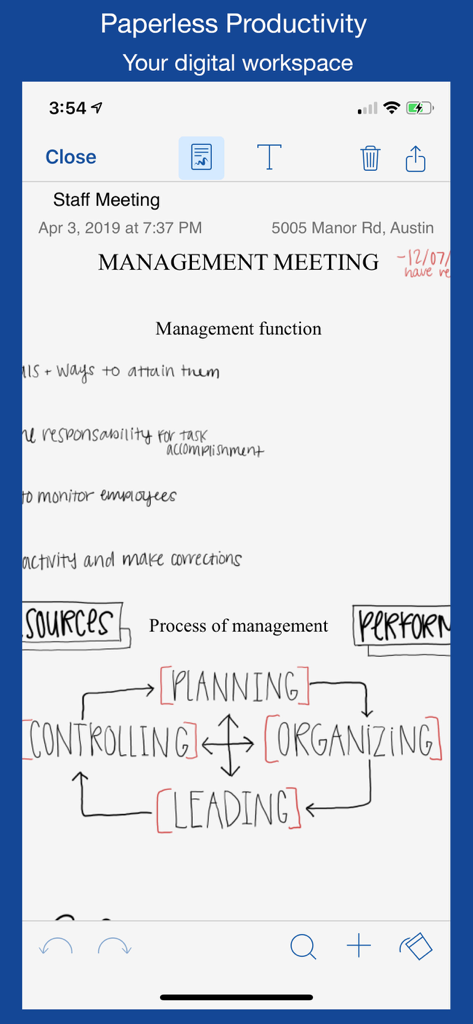
Notate for Microsoft 365アプリのインターフェースに表示された、手書きの経営会議のノートとプロセス図。
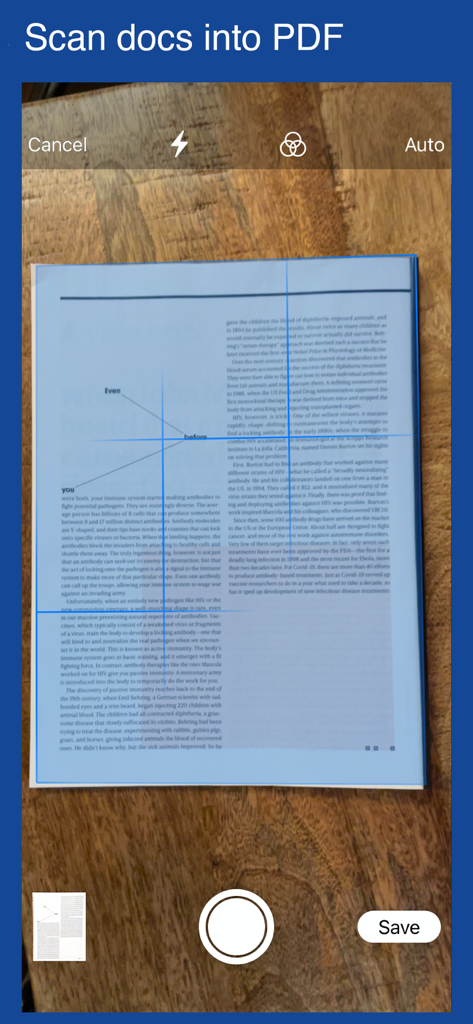
PDFに変換されるドキュメントをスキャンしている様子を示すモバイルアプリのインターフェース。
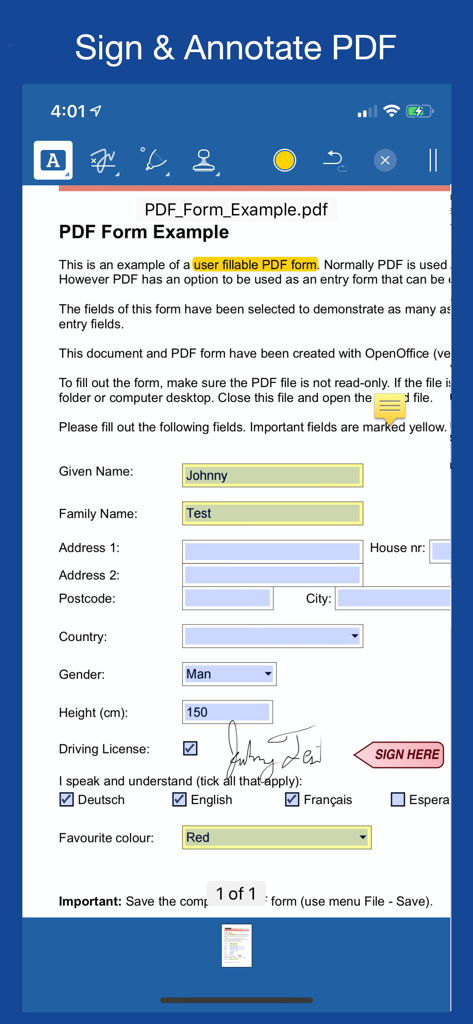
デジタル手書きでPDFドキュメントに署名および注釈を付けるためのモバイルアプリインターフェース。
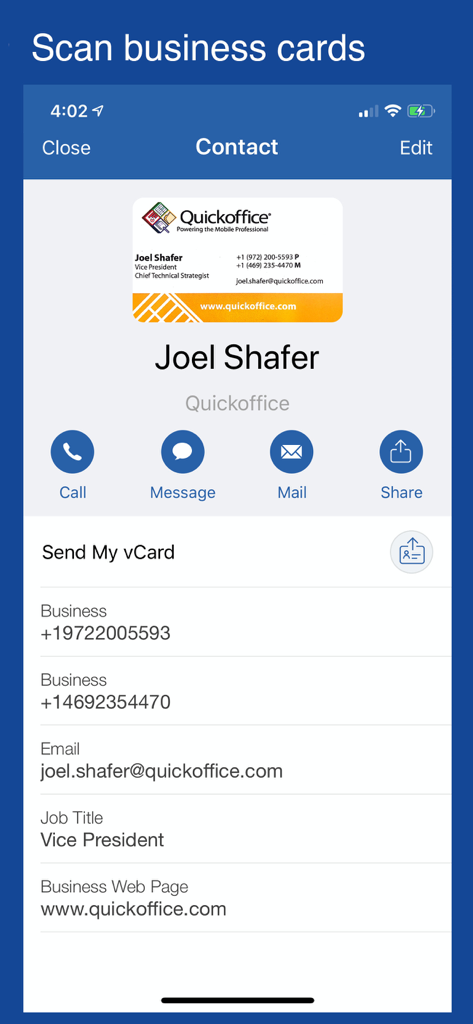
Notate for Microsoft 365内でスキャンされ、デジタル連絡先プロファイルに変換された名刺を示すモバイルアプリ画面。
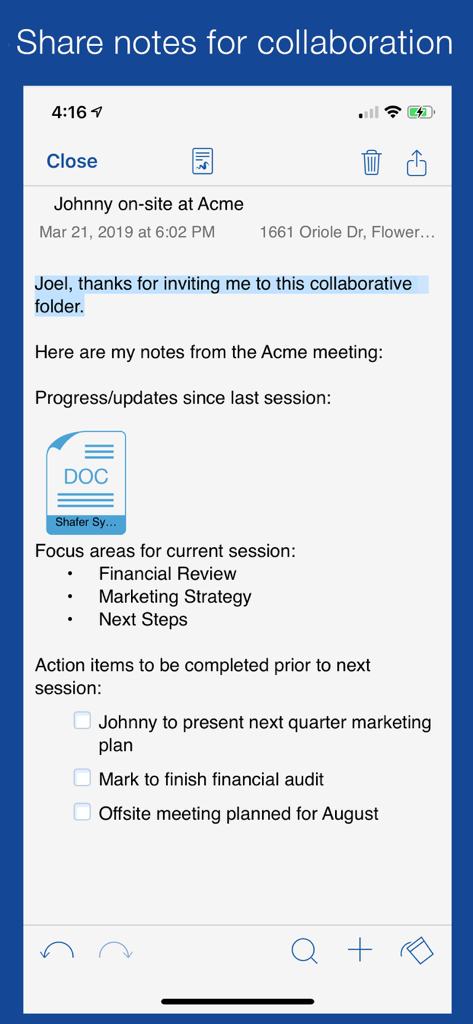
プロフェッショナルなコラボレーションのために、チェックリストとドキュメント添付ファイルを表示する共有会議ノートをNotate for Microsoft 365アプリに表示。
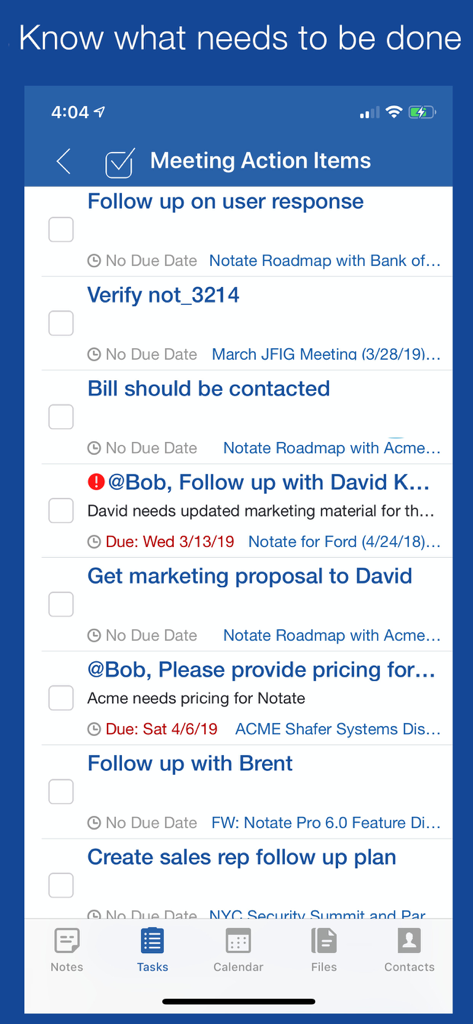
会議のアクションアイテムと期日を示す、Notate for Microsoft 365のタスクリストインターフェース。
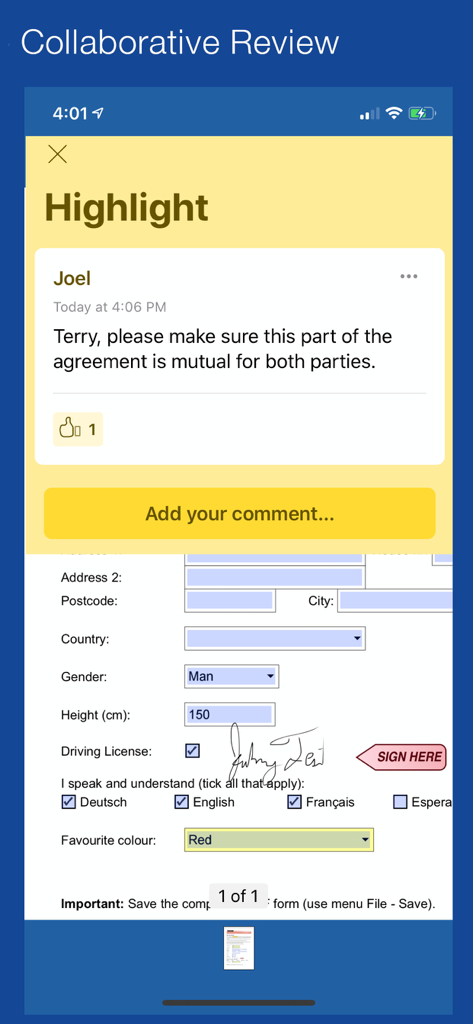
Notateアプリ内での署名済みPDFドキュメントの共同レビューとコメント。
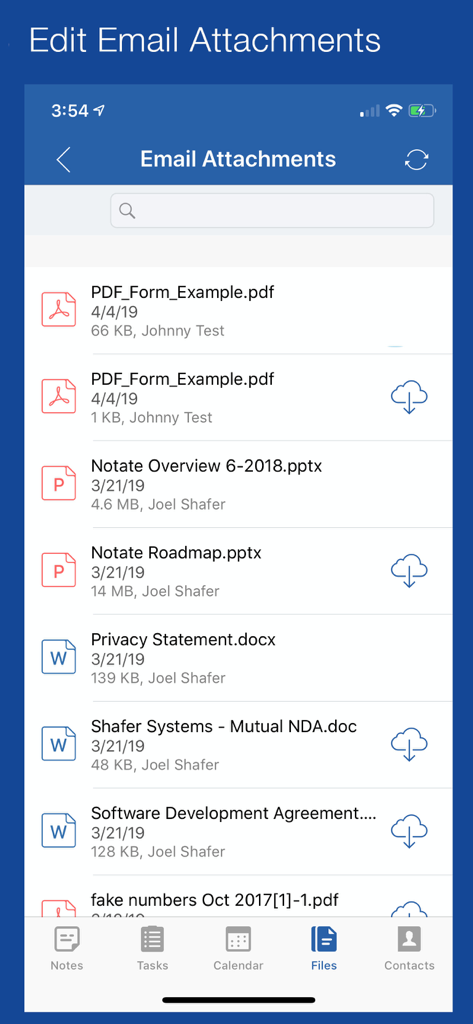
Notate for Microsoft 365のメール添付ファイルリスト。PDF、Word、PowerPointドキュメントが表示されています。
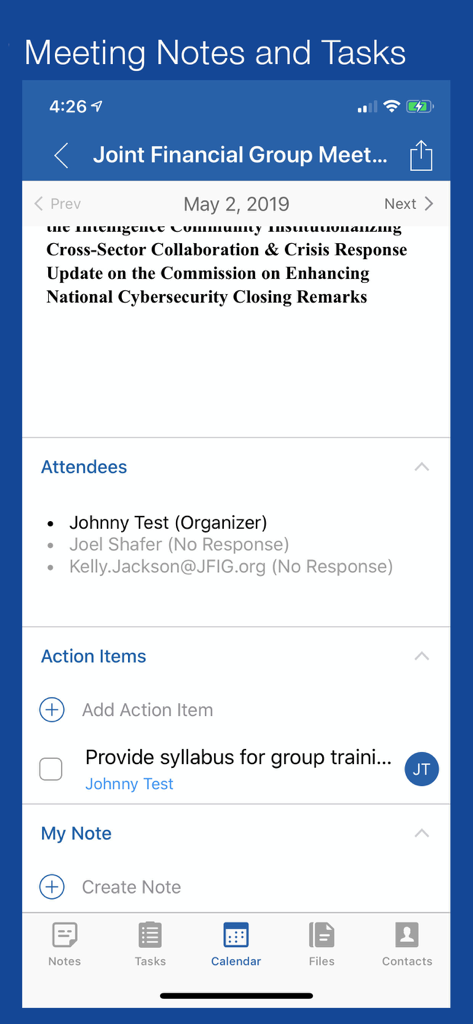
Notate for Microsoft 365アプリの会議ノート、出席者、アクションアイテムを示すインターフェース。
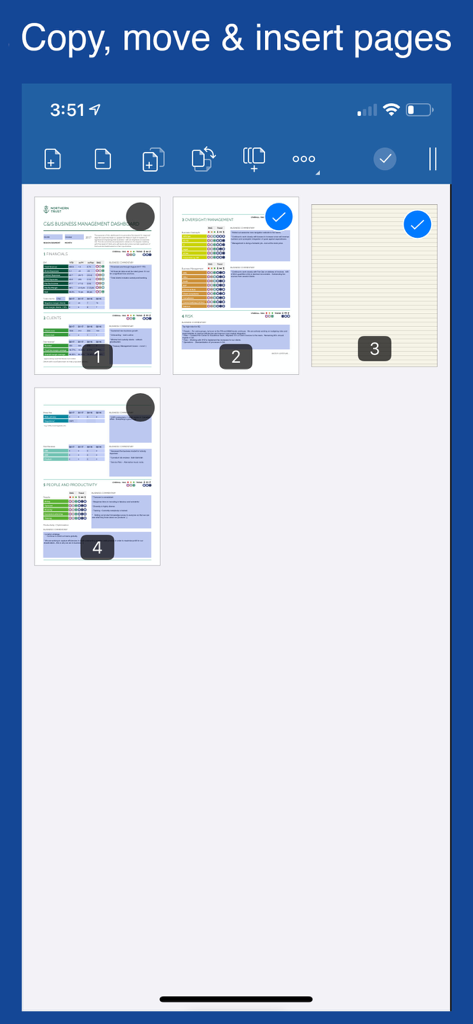
Notate for Microsoft 365のインターフェース。ドキュメント内のページのコピー、移動、挿入方法を示しています。
説明
Download
類似アプリ
同じカテゴリのトップランクアプリ

Microsoft Teams
Microsoft Corporation

Zoom Workplace
Zoom Communications, Inc.

WhatsApp Business
WhatsApp Inc.

Indeed Job Search
Indeed Inc.

LinkedIn: Network & Job Finder
LinkedIn Corporation

Adobe Acrobat Reader: Sign PDF
Adobe Inc.

WeCom-Work Communication&Tools
Tencent Technology (Shenzhen) Company Limited

BOSS直聘-招聘求职找工作神器
Beijing China Product Bo Farce Network Technology Co., Ltd.

DingDing - Redefine Work in AI
DingTalk Technology Co., Ltd.
このページはアプリまたはその開発者の公式ページではなく、情報提供および論評を目的として作成された独立した編集出版物です。明示的に別段の記載がない限り、アプリおよびその開発者は、MWM、Apple、Google Play、アプリのパブリッシャー、またはアプリの開発者と提携、承認、後援、認可、またはその他の公式的な関係はなく、このページのいかなる内容も、アプリがMWMのサービスを使用して開発されたことを意味するものではありません。すべての商標、ロゴ、スクリーンショット、その他のコンテンツはそれぞれの所有者の財産です。