Note Taker: AI Minutes
ダウンロード: App Store

このページはアプリまたはその開発者の公式ページではなく、情報提供および論評を目的として作成された独立した編集出版物です。明示的に別段の記載がない限り、アプリおよびその開発者は、MWM、Apple、Google Play、アプリのパブリッシャー、またはアプリの開発者と提携、承認、後援、認可、またはその他の公式的な関係はなく、このページのいかなる内容も、アプリがMWMのサービスを使用して開発されたことを意味するものではありません。すべての商標、ロゴ、スクリーンショット、その他のコンテンツはそれぞれの所有者の財産です。

ロゴ: Note Taker: AI Minutes
ダウンロード: App Store

Note Taker: AI Minutes

すべての会話を実用的なインサイトに変えます。会議を簡単に録音、文字起こし、要約し、メモ取りではなくリーダーシップに集中できるようにします。

主要数値

ダウンロード

0

ユーザー評価

1.0/5

評価数

0

開発元

Screen Time Control LLC

カテゴリ

Productivity

対応言語

1

最新バージョン

1.1.1

サイズ

81.3 MB

リリース日

2025年1月30日
機能

会議ワークフローをマスターする

混沌とした議論を構造化されたインサイトに変えます。精度と時間を最優先する忙しいプロフェッショナル向けに設計されています。

エグゼクティブサマリー

何時間もの再生をスキップしましょう。会議終了直後に、主要なテイクアウェイと明確なアクションアイテムを特徴とする、AI生成のインスタント要約を入手してください。

精密文字起こし

専門用語を理解する高精度AIで、すべてのニュアンスを捉え、すべての重要な決定の信頼できる記録を保証します。

以下のスクリーンショットと説明は、アプリの公式ストアリスティングから直接取得されたものであり、アプリ開発者の所有物です。

アプリストア

スクリーンショット
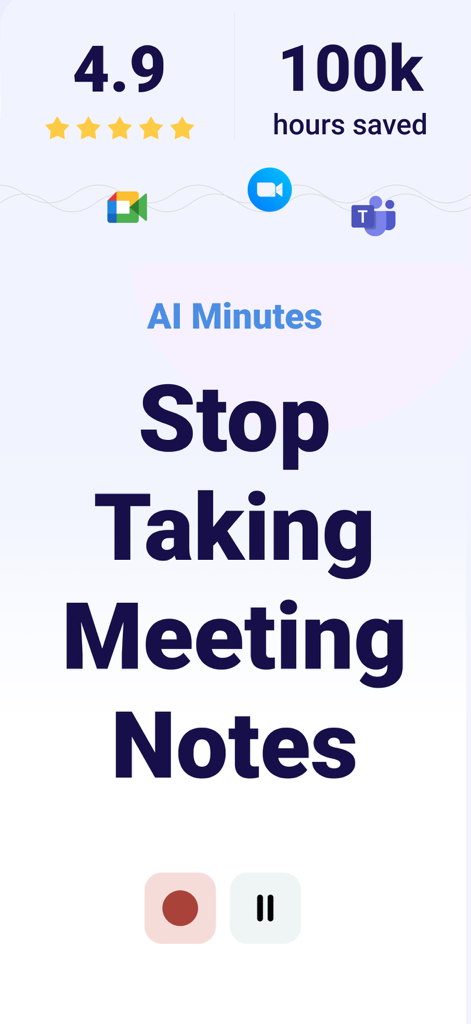
Note Taker: AI Minutes - AI Minutesアプリのインターフェースで、「会議のメモを取るのをやめる」というテキストとZoom、Google Meet、Teamsのアイコンが表示されています。
AI Minutesアプリのインターフェースで、「会議のメモを取るのをやめる」というテキストとZoom、Google Meet、Teamsのアイコンが表示されています。

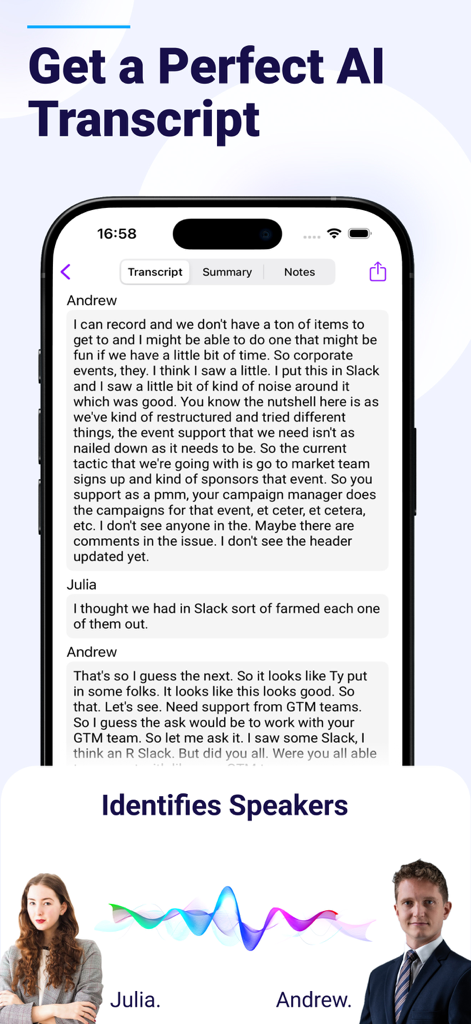
Note Taker: AI Minutes - Note Taker AI Minutesモバイルアプリのインターフェースで、会議の文字起こしと話者識別が表示されています。
Note Taker AI Minutesモバイルアプリのインターフェースで、会議の文字起こしと話者識別が表示されています。

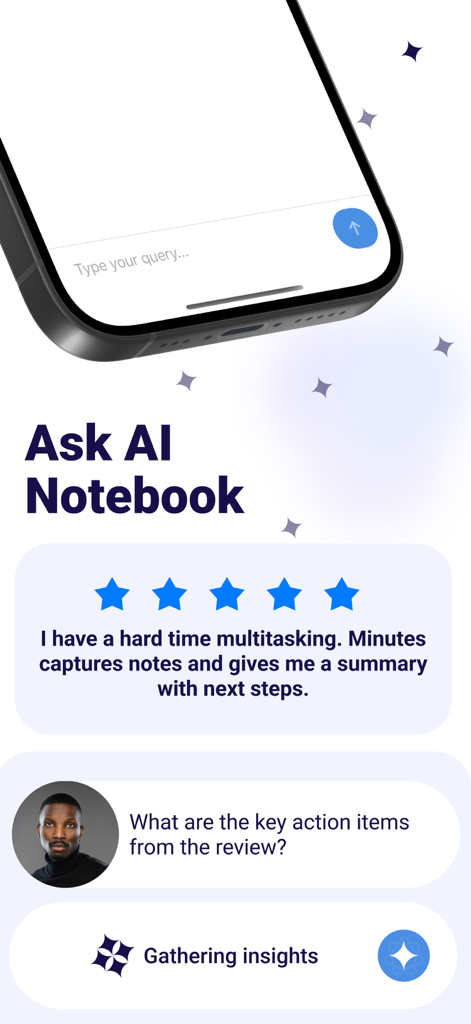
Note Taker: AI Minutes - AI Notebook機能を使用して、会議の文字起こしから主要なアクションアイテムを見つけているNote Takerアプリを使用しているプロフェッショナル。
AI Notebook機能を使用して、会議の文字起こしから主要なアクションアイテムを見つけているNote Takerアプリを使用しているプロフェッショナル。

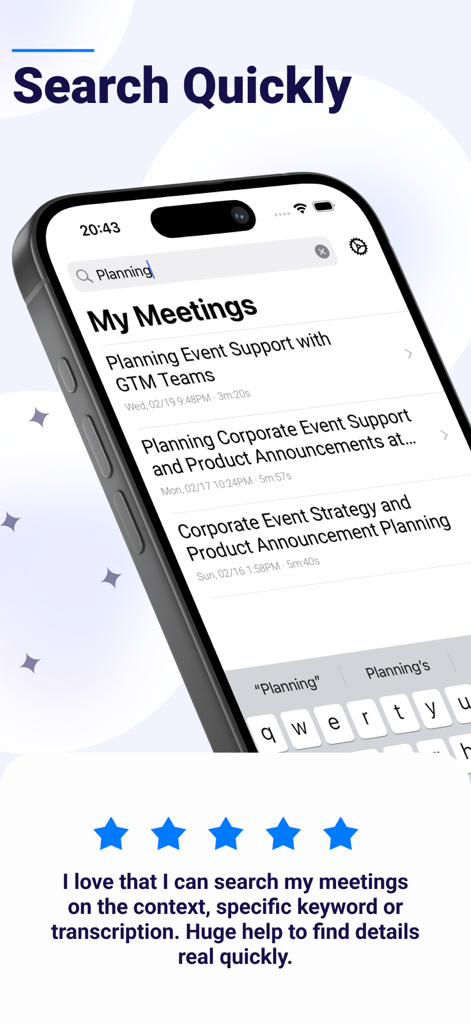
Note Taker: AI Minutes - iPhone画面に、AI会議のメモと文字起こしの検索機能が表示されています。
iPhone画面に、AI会議のメモと文字起こしの検索機能が表示されています。

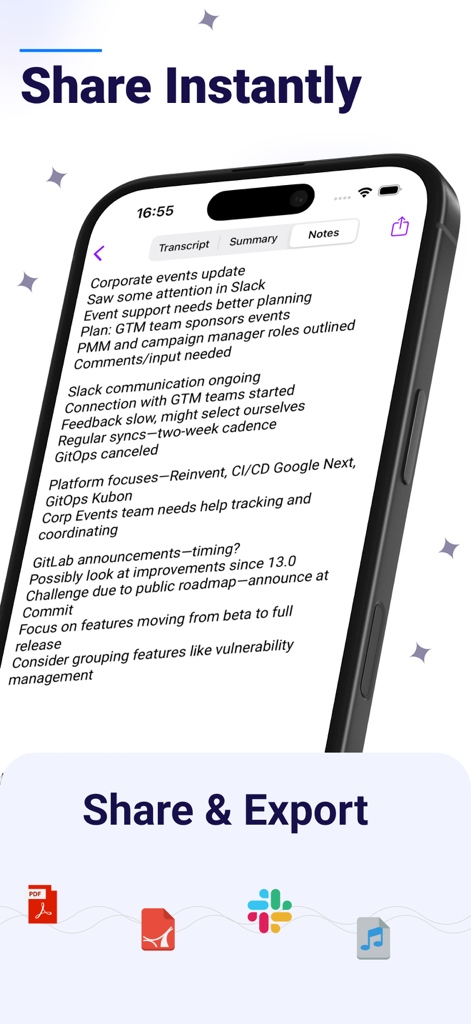
Note Taker: AI Minutes - iPhone画面に、SlackやPDFへの共有とエクスポートのオプションが付いた、企業の会議メモが表示されています。
iPhone画面に、SlackやPDFへの共有とエクスポートのオプションが付いた、企業の会議メモが表示されています。

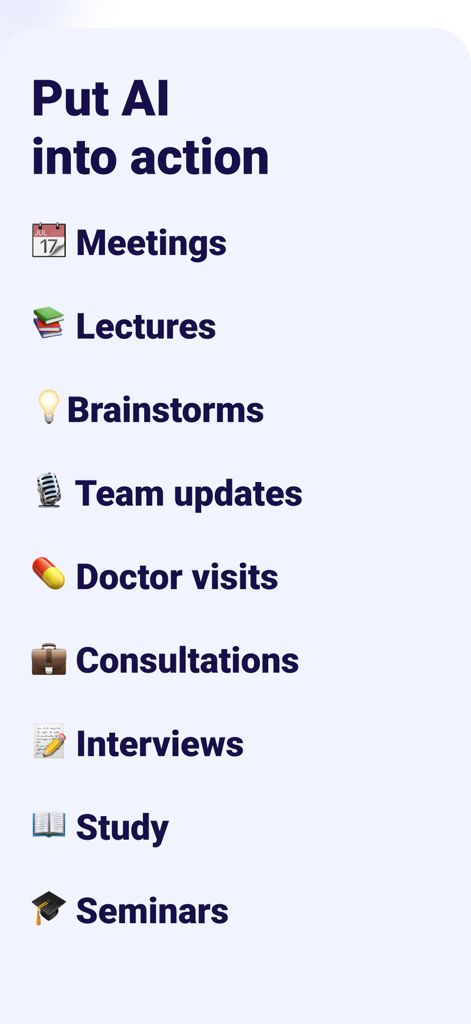
Note Taker: AI Minutes - 会議、講義、インタビューなどのNote Taker AIのユースケースのリスト。

会議、講義、インタビューなどのNote Taker AIのユースケースのリスト。

説明

AI Meeting Minutes – Record, Transcribe & Summarize Meetings Effortlessly Turn Meetings into Actionable Insights with AI-Powered Transcription and Summaries Struggling to keep up with meetings? Meeting Minutes simplifies your workflow by automatically recording, transcribing, and summarizing every discussion so you can stay focused and never miss important details. With just one tap, get crystal-clear recordings, highly accurate transcriptions, and AI-generated summaries delivered instantly. Whether you're leading a team, attending virtual meetings, or capturing key decisions, this AI-powered meeting tool transforms the way you work. Key Features - One-Tap Recording – Start recording instantly and capture every word. - AI-Powered Transcriptions – Get highly accurate, searchable transcripts in seconds. - Smart Summaries – Receive concise meeting recaps with key takeaways, action items, and decisions. - Replay and Review – Revisit important moments anytime with playback features. - Seamless Collaboration – Share transcriptions and summaries with your team instantly. - Searchable Meeting Notes – Find key details quickly with AI-powered keyword search. - Cross-Device Sync – Access your meetings anywhere, on any device. Who is Meeting Minutes for? - Business professionals and team leaders – Stay organized and run meetings efficiently. - Entrepreneurs and project managers – Capture ideas and track decisions effortlessly. - Students and researchers – Focus on learning while AI handles the note-taking. - Anyone looking to boost productivity – Spend less time reviewing meetings and more time taking action. Why Choose Meeting Minutes? Save time, increase productivity, and stay focused. Whether it’s brainstorming sessions, online lectures, or daily stand-ups, Meeting Minutes is your all-in-one meeting productivity tool. Subscription Pricing and Terms - Unlimited access with an auto-renewing yearly subscription for $119.99 per year. - Payment is charged to your iTunes Account at confirmation of purchase. - Subscription renews automatically unless canceled at least 24 hours before the end of the billing cycle. - Manage your subscription and auto-renewal settings in Account Settings. - Any unused free trial period will be forfeited upon subscription purchase. Need Help? Contact Us https://screentimecontrol.app/contact-us Legal & Privacy Privacy Policy: https://screentimecontrol.app/privacy-and-policy/ Terms & Conditions: https://screentimecontrol.app/terms-and-conditions/ Start Managing Your Meetings Smarter – Download Meeting Minutes Today.

Download

ダウンロード: App Store

このページはアプリまたはその開発者の公式ページではなく、情報提供および論評を目的として作成された独立した編集出版物です。明示的に別段の記載がない限り、アプリおよびその開発者は、MWM、Apple、Google Play、アプリのパブリッシャー、またはアプリの開発者と提携、承認、後援、認可、またはその他の公式的な関係はなく、このページのいかなる内容も、アプリがMWMのサービスを使用して開発されたことを意味するものではありません。すべての商標、ロゴ、スクリーンショット、その他のコンテンツはそれぞれの所有者の財産です。








