NotePad-Pro
NotePad-Pro
ダウンロード: App Store

このページはアプリまたはその開発者の公式ページではなく、情報提供および論評を目的として作成された独立した編集出版物です。明示的に別段の記載がない限り、アプリおよびその開発者は、MWM、Apple、Google Play、アプリのパブリッシャー、またはアプリの開発者と提携、承認、後援、認可、またはその他の公式的な関係はなく、このページのいかなる内容も、アプリがMWMのサービスを使用して開発されたことを意味するものではありません。すべての商標、ロゴ、スクリーンショット、その他のコンテンツはそれぞれの所有者の財産です。


ロゴ: NotePad-Pro
ダウンロード: App Store

NotePad-Pro

万能なデジタルノートで生産性を向上させましょう。iPadで図を描く場合でも、iPhoneでリストを管理する場合でも、カスタムカテゴリ、ステッカー、シームレスなPDFエクスポートで人生を整理できます。

主要数値

ダウンロード

800

ユーザー評価

1.0/5

評価数

0

開発元

Jessica Tunnicliffe

カテゴリ

Utilities

対応言語

1

最新バージョン

1.0.41

サイズ

50.4 MB

リリース日

2014年8月27日
機能

創造性と生産性が出会うワークスペース

NotePad-Proは、構造化されたリストとビジュアルスケッチのギャップを埋め、1つの強力なアプリでプロフェッショナルおよび個人の生活を管理する自由を提供します。

タイプと手描きの調和

図形、ステッカー、カスタムフォントのフルスイートを使用して、書き込み、描画、注釈付けを行います。創造的な自由を必要とするApple Pencilユーザーやデジタルジャーナリストに最適です。

写真で整理整頓

カスタム画像でノートをカテゴリ分けし、視覚的なファイリングシステムを作成します。プレーンテキストフォルダを掘り下げることなく、プロジェクトを即座にナビゲートできます。

以下のスクリーンショットと説明は、アプリの公式ストアリスティングから直接取得されたものであり、アプリ開発者の所有物です。

アプリストア

スクリーンショット
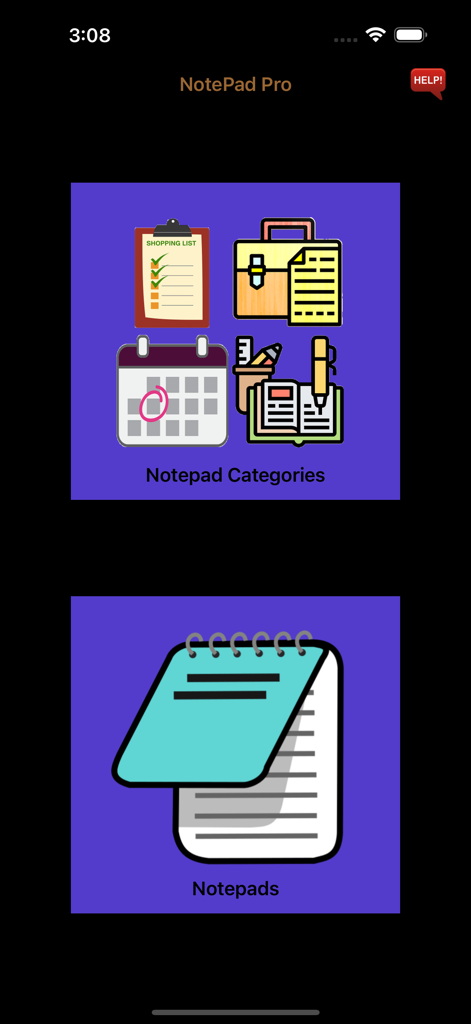
NotePad-Pro - NotePad Proアプリのメインメニュー。ノートカテゴリとノートのボタンが表示されています。
NotePad Proアプリのメインメニュー。ノートカテゴリとノートのボタンが表示されています。

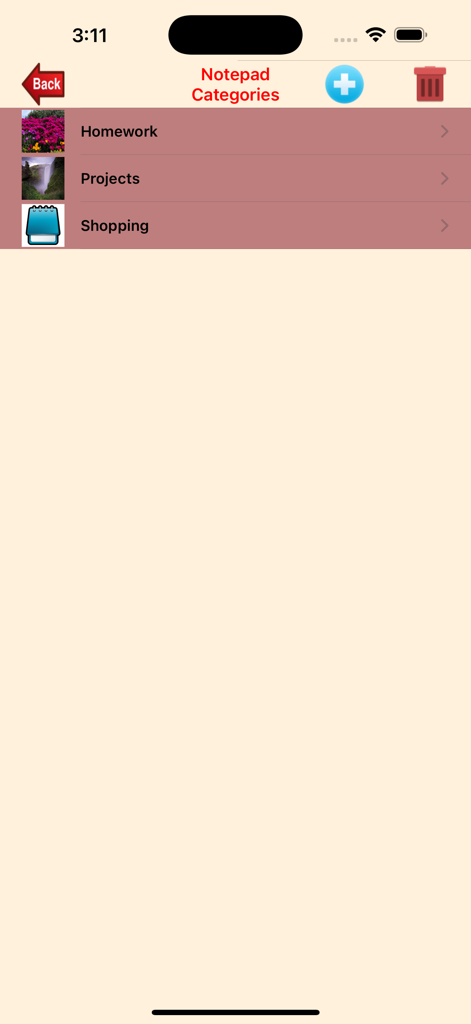
NotePad-Pro - NotePad-Proのスクリーンショット。宿題プロジェクトと買い物用のカテゴリ、カスタムアイコンが表示されています。
NotePad-Proのスクリーンショット。宿題プロジェクトと買い物用のカテゴリ、カスタムアイコンが表示されています。

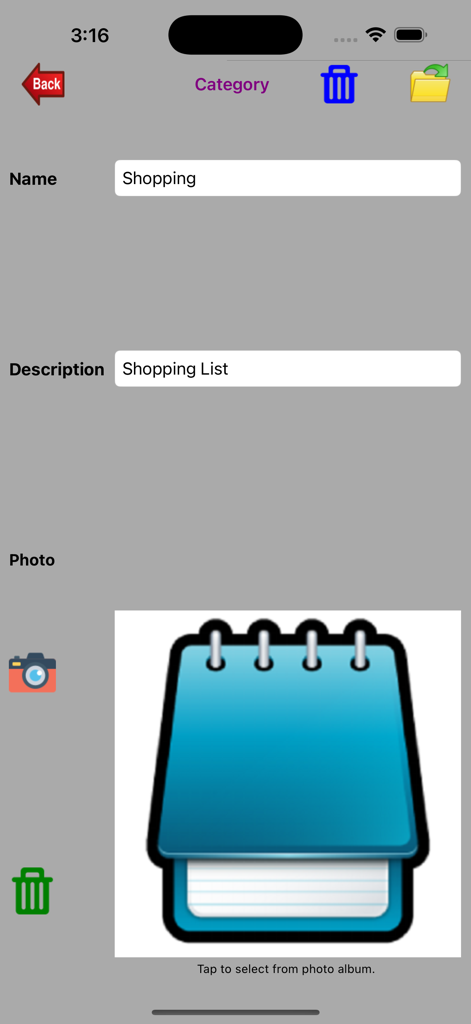
NotePad-Pro - NotePad-Proのインターフェース。買い物リストのカテゴリ設定画面が表示され、カスタムアイコンと名前フィールドがあります。
NotePad-Proのインターフェース。買い物リストのカテゴリ設定画面が表示され、カスタムアイコンと名前フィールドがあります。

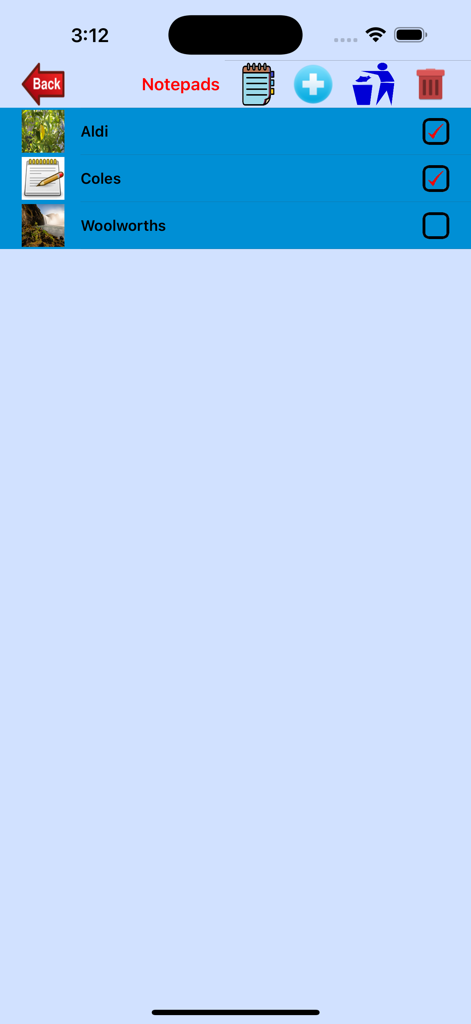
NotePad-Pro - NotePad-Proのインターフェース。AldiやColesなどの買い物カテゴリのチェックリストが表示され、カスタムサムネイルがあります。
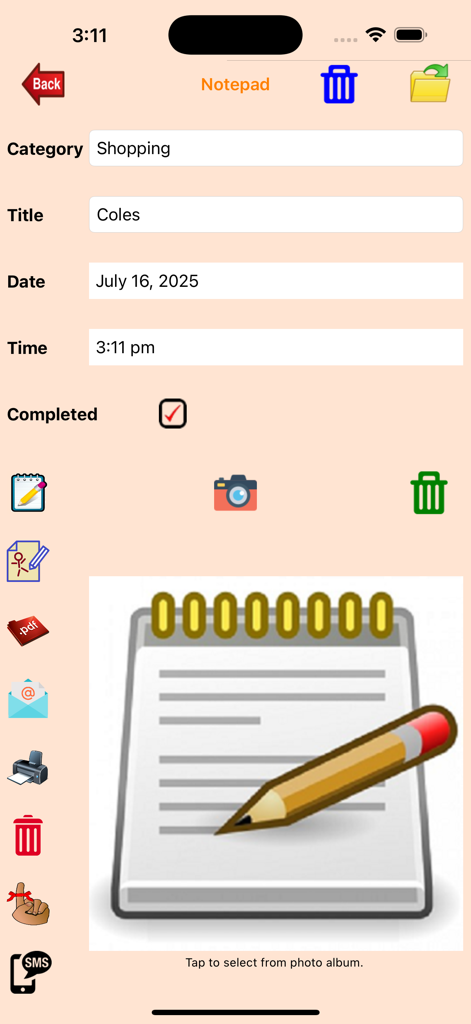
NotePad-Proのインターフェース。AldiやColesなどの買い物カテゴリのチェックリストが表示され、カスタムサムネイルがあります。

NotePad-Pro - NotePad-Proアプリの画面。Colesの買い物リストのエントリが表示され、タイプ入力と手書きのメモのオプションがあります。
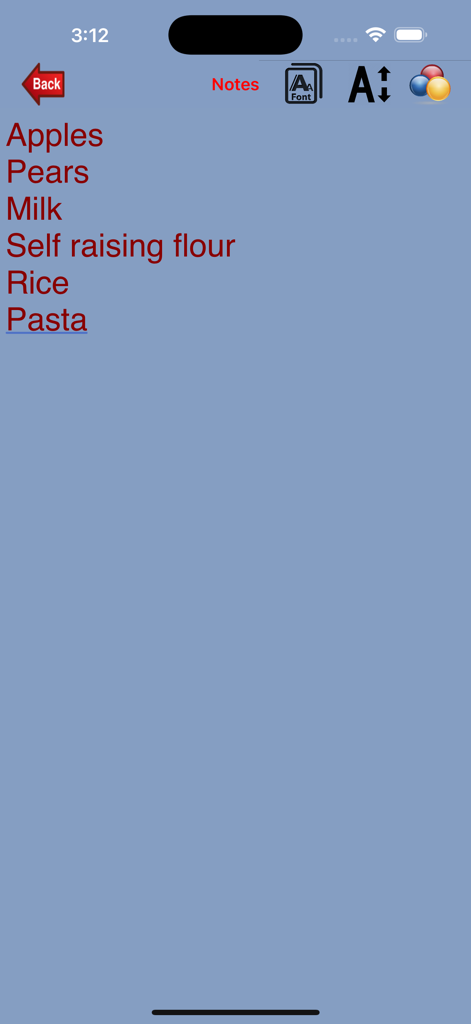
NotePad-Proアプリの画面。Colesの買い物リストのエントリが表示され、タイプ入力と手書きのメモのオプションがあります。

NotePad-Pro - 青い背景に赤いテキストの食料品買い物リスト。NotePad-Proアプリのインターフェース。
青い背景に赤いテキストの食料品買い物リスト。NotePad-Proアプリのインターフェース。

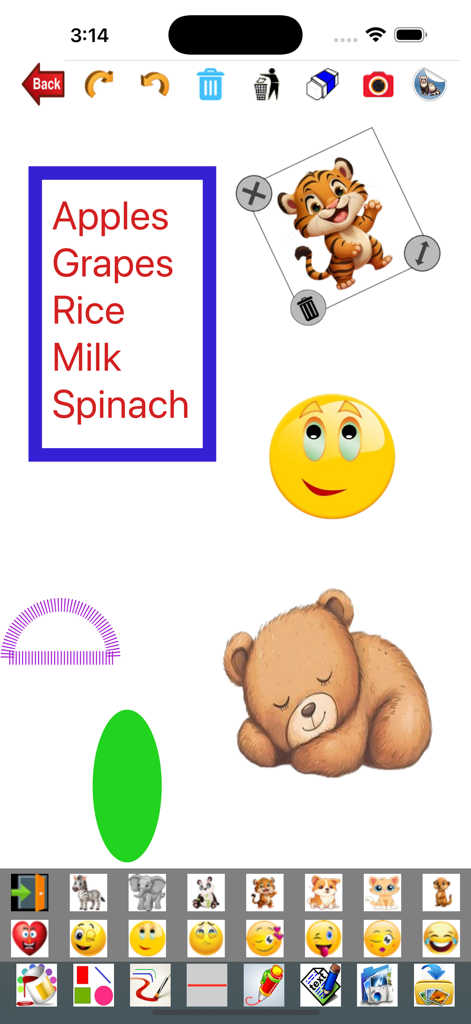
NotePad-Pro - NotePad-Proアプリの画面。食料品のリスト、動物のステッカー、カラフルな図形があります。
NotePad-Proアプリの画面。食料品のリスト、動物のステッカー、カラフルな図形があります。

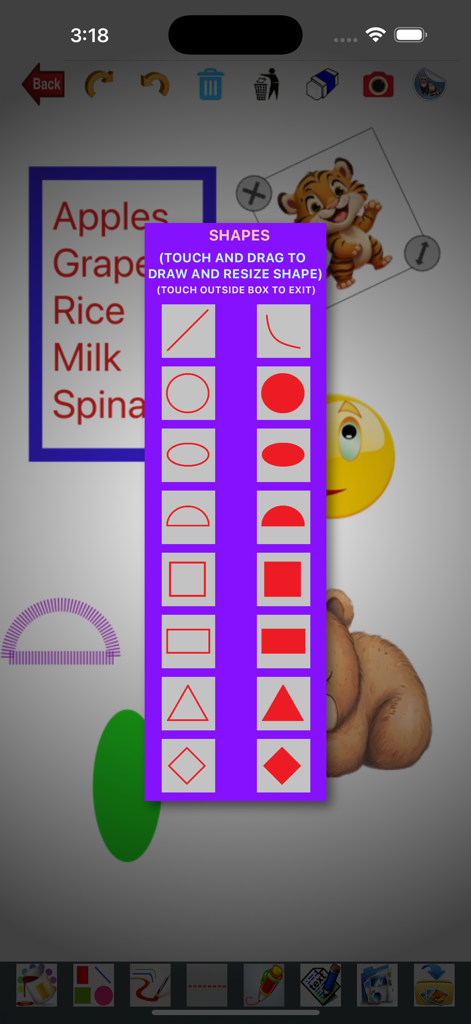
NotePad-Pro - NotePad-Proアプリのインターフェース。ノートに描画するためのさまざまな幾何学的な図形を選択するメニューが表示されています。
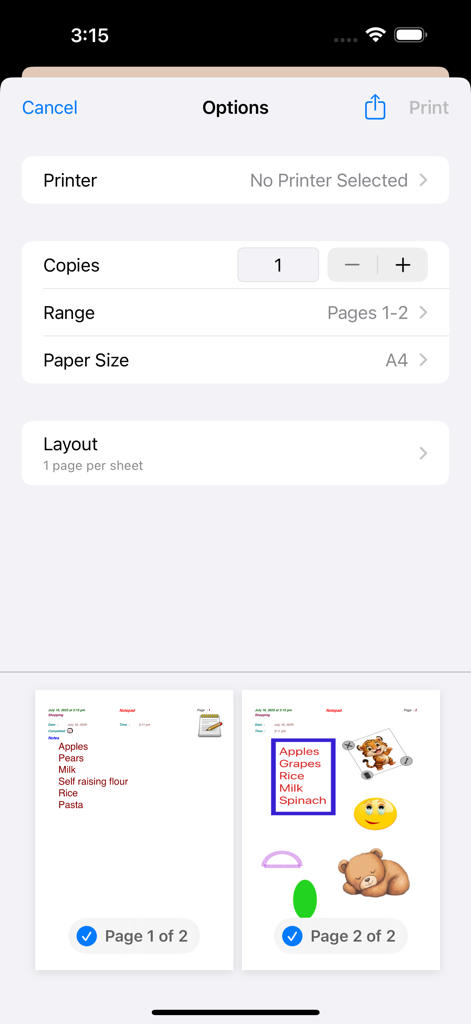
NotePad-Proアプリのインターフェース。ノートに描画するためのさまざまな幾何学的な図形を選択するメニューが表示されています。

NotePad-Pro - NotePad-Proの印刷オプション画面。テキストとステッカーを含むページのプレビューが表示されます。
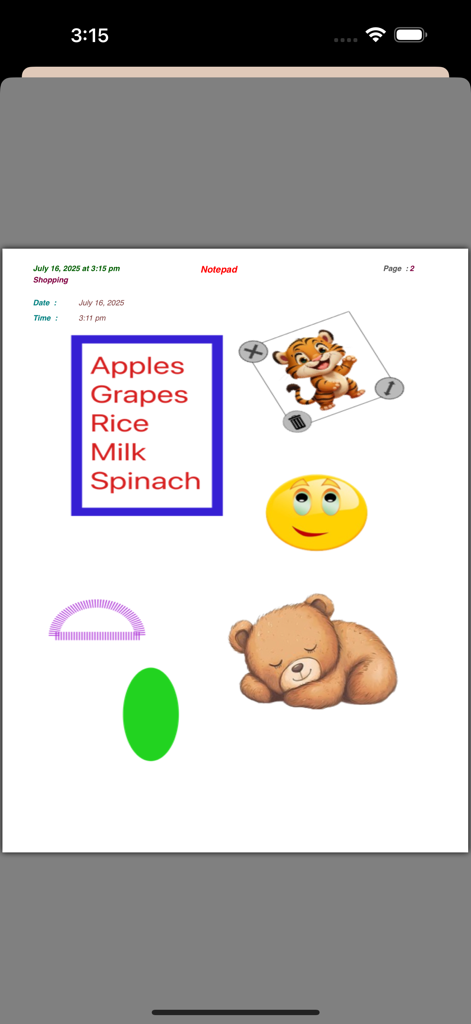
NotePad-Proの印刷オプション画面。テキストとステッカーを含むページのプレビューが表示されます。

NotePad-Pro - デジタルノートページ。タイプ入力された買い物リストが、漫画の動物のステッカーとカラフルな図形に囲まれています。

デジタルノートページ。タイプ入力された買い物リストが、漫画の動物のステッカーとカラフルな図形に囲まれています。

説明

NotePad Pro was created to help you manage and create notepads in both typed format and handwritten format. Notepads are great for keeping notes, reminders, used as a shopping list, homework notes, meeting notes, lecture notes, etc. You have the option to create a book of all notepads, selected categories or selected notepads. They can be printed, emailed, send reminders or sms (sms typed text only). There are two functions available: NotePad Categories - Create, edit or delete the categories for each notepad with the option to select a photo from your photo album or take a new photo. If you delete a Category, all notepads under that category will be deleted as well. To search for a category, simply enter the Category Name. You can change the photo or re-take another one. Notepads - Create, edit or delete the notepad for each category. You also have the option to delete all Checked notepads or one at a time. For each notepad, you enter the title, photo, notes (typed and/or written) and completion (checked/unchecked). You can select the photo from your photo album or take a new photo. The category, creation time and creation date will be automatically displayed. You can change the date and time. You have the option to change fonts, font size and font colour when entering the typed notes. To search for a notepad, simply enter the Notepad Title and the details will be displayed. For the handwritten notes, you can change the colour and width of the text or shapes. You can also select solid lines or dashed lines. Shapes included are arc, line, rectangle, rectangle fill, square, square fill, diamond, diamond fill, circle, circle fill, semicircle, semicirclefill, ellipse, ellipse fill, triangle and triangle fill. Stickers or Emoticons can be added to the page. Option to pick a photo from photo album or take a new one to use as background. You can also save the handwritten notes to your photo album. You have the option to email, display the pdf file, print, delete, set a reminder or SMS the notepad. The email will include the notepad in the email body and a pdf file as an attachment. The pdf file can also be sent to WhatsApp, Messenger, iBooks, Yahoo Mail, Evernote, Notes, Viber, iCloud Drive, etc.

Download

ダウンロード: App Store

このページはアプリまたはその開発者の公式ページではなく、情報提供および論評を目的として作成された独立した編集出版物です。明示的に別段の記載がない限り、アプリおよびその開発者は、MWM、Apple、Google Play、アプリのパブリッシャー、またはアプリの開発者と提携、承認、後援、認可、またはその他の公式的な関係はなく、このページのいかなる内容も、アプリがMWMのサービスを使用して開発されたことを意味するものではありません。すべての商標、ロゴ、スクリーンショット、その他のコンテンツはそれぞれの所有者の財産です。








