
このページはアプリまたはその開発者の公式ページではなく、情報提供および論評を目的として作成された独立した編集出版物です。明示的に別段の記載がない限り、アプリおよびその開発者は、MWM、Apple、Google Play、アプリのパブリッシャー、またはアプリの開発者と提携、承認、後援、認可、またはその他の公式的な関係はなく、このページのいかなる内容も、アプリがMWMのサービスを使用して開発されたことを意味するものではありません。すべての商標、ロゴ、スクリーンショット、その他のコンテンツはそれぞれの所有者の財産です。

ODT Converter, ODT to WORD
ODTファイルをWord、PDFなどに即座に変換。iPhoneまたはiPadで利用可能。サブスクリプションなし、サインアップなし、100%安全なオンデバイス処理で、常に完璧なフォーマットを実現します。
ダウンロード
10K+ユーザー評価
評価数
0開発元
カテゴリ
Utilities対応言語
1最新バージョン
1.5.14サイズ
73.5 MBリリース日
2021年5月12日ドキュメントを即座にアンロック
オープンソースフォーマットとAppleデバイス間の究極のブリッジ。サブスクリプションやアカウントなしで、プロレベルの変換を体験してください。完全なプライバシーも保証します。
無制限&スムーズ
サインアップや有料壁をスキップしましょう。ローカルでの超高速処理により、必要なだけ多くのファイルを変換でき、時間とお金を節約できます。
安全なローカル処理
データを安全に保管してください。ドキュメントはiPhoneまたはiPad上で完全に処理されるため、機密情報がデバイスから離れることはありません。
以下のスクリーンショットと説明は、アプリの公式ストアリスティングから直接取得されたものであり、アプリ開発者の所有物です。
アプリストア
スクリーンショット
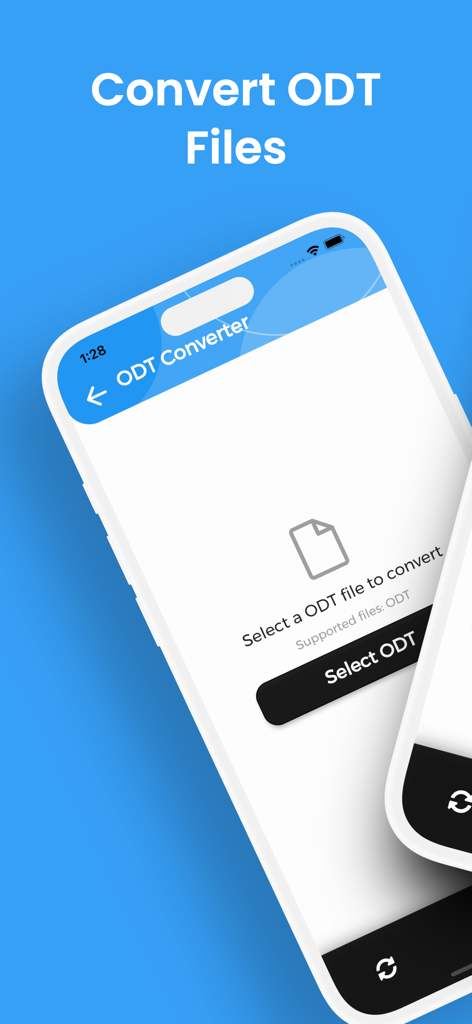
変換のためにファイルを選択するODTコンバーターアプリのインターフェースを示すiPhone画面。
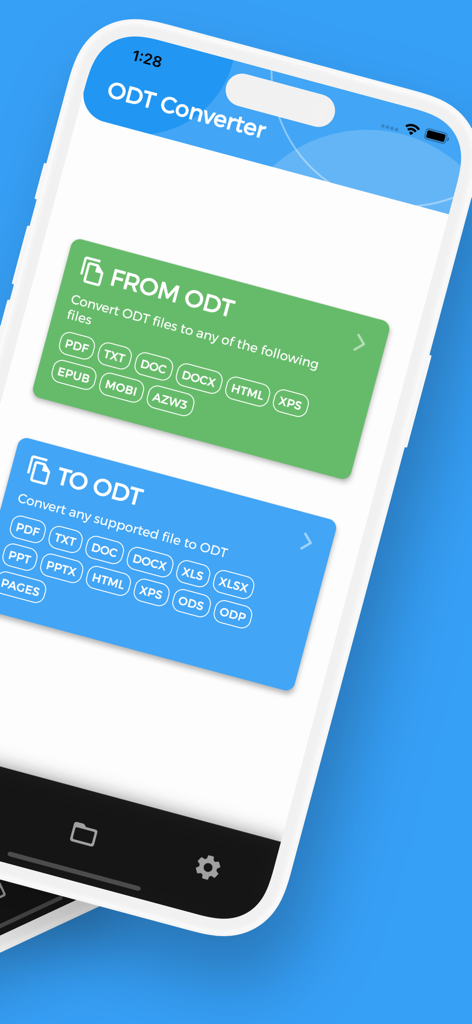
ODTファイル形式との間で変換するオプションを示すODTコンバーターアプリのインターフェース。
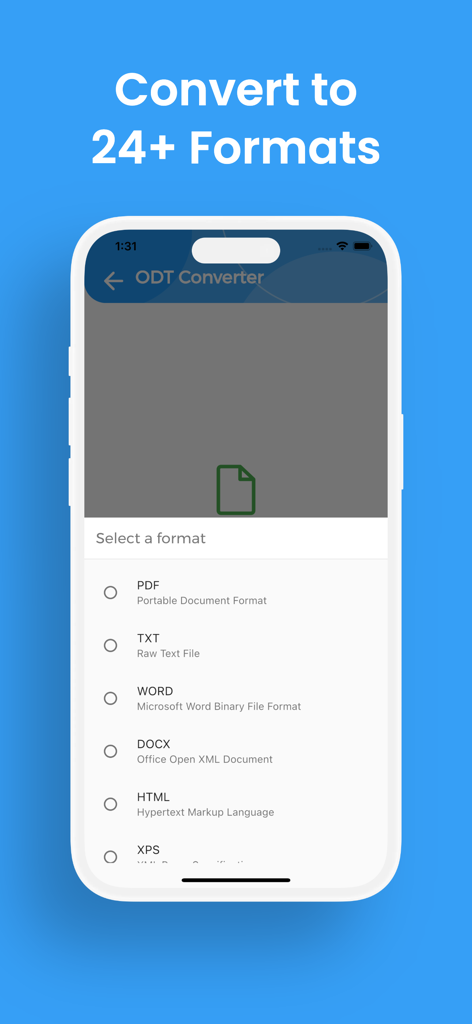
PDF、Word、HTMLなどの出力形式のリストを含むODTコンバーターアプリのインターフェースを表示するスマートフォンの画面。
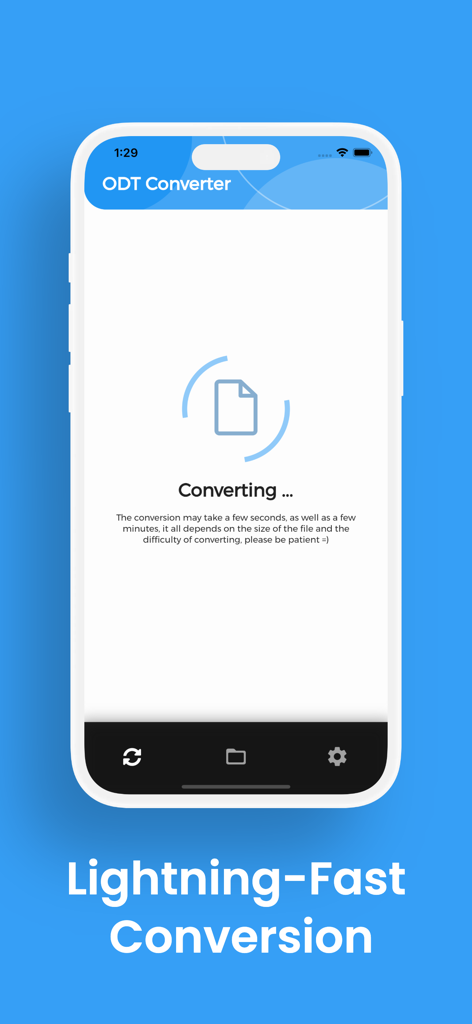
進行中の超高速変換画面を示すODTコンバーターアプリのインターフェースを示すスマートフォン。
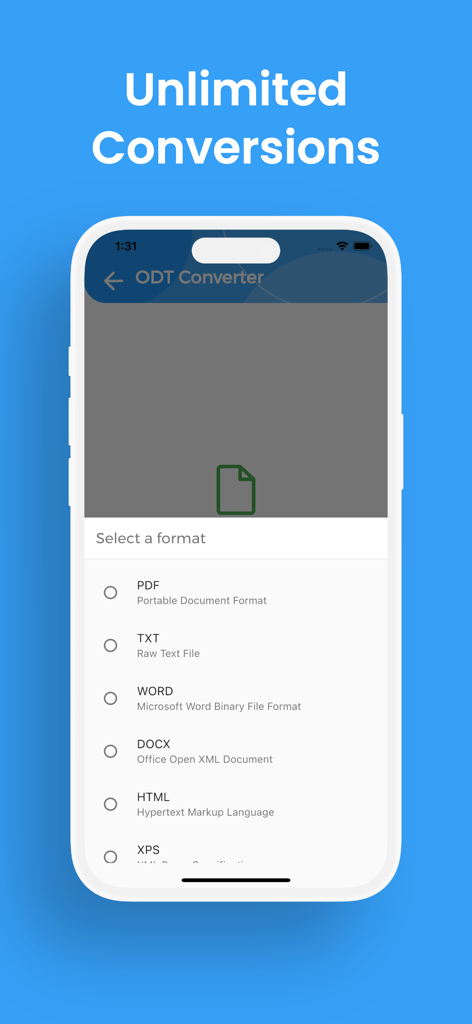
変換のためのファイル形式選択メニューを示すODTコンバーターアプリのインターフェースのiPhoneスクリーンショット。
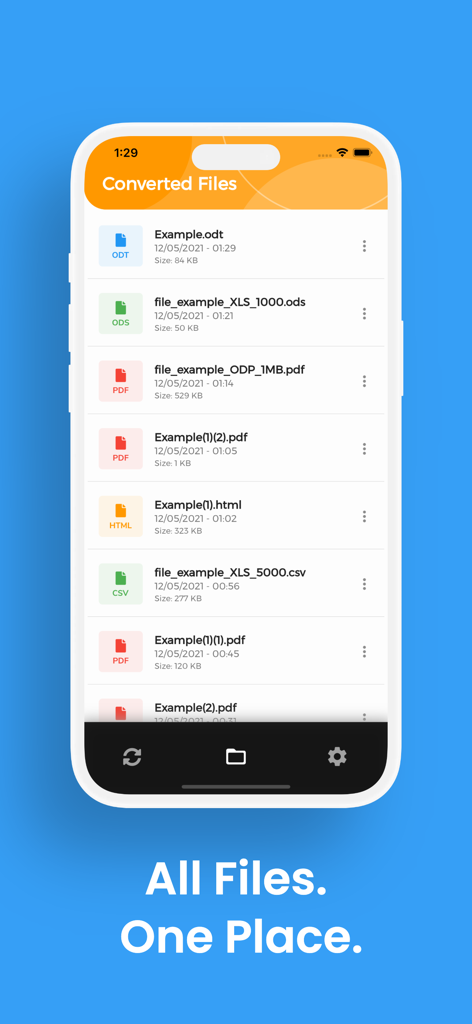
ODT、PDF、HTMLなどの変換済みドキュメントのリストを表示するiPhoneアプリ画面。
説明
Download
類似アプリ
同じカテゴリのトップランクアプリ

Google LLC

Google Chrome
Google LLC

中国移动(手机营业厅)
China Mobile Online Services Co., Ltd.

Google Authenticator
Google LLC

CNH do Brasil
Servicos e Informacoes do Brasil

Cleanup: Phone Storage Cleaner
DEEP FLOW SOFTWARE SERVICES - FZCO

gov.br
Servicos e Informacoes do Brasil

Microsoft Edge: AI Browser
Microsoft Corporation

Super VPN Fly 2026
YUNFAN TECHNOLOGY CO., LIMITED
このページはアプリまたはその開発者の公式ページではなく、情報提供および論評を目的として作成された独立した編集出版物です。明示的に別段の記載がない限り、アプリおよびその開発者は、MWM、Apple、Google Play、アプリのパブリッシャー、またはアプリの開発者と提携、承認、後援、認可、またはその他の公式的な関係はなく、このページのいかなる内容も、アプリがMWMのサービスを使用して開発されたことを意味するものではありません。すべての商標、ロゴ、スクリーンショット、その他のコンテンツはそれぞれの所有者の財産です。