Otter Transcribe Voice Notes

Otter Transcribe Voice Notes

ダウンロード: App Storeダウンロード: Google Play
ロゴ: Otter Transcribe Voice Notes

Otter ボイスメモ文字起こし:もう会議のメモを取る必要はありません

1,000万人以上のプロフェッショナルが、会話をリアルタイムで録音、文字起こし、要約する#1 AIミーティングアシスタント、Otterを利用しています。Otterがすべての詳細を記録し、アクションアイテムを生成し、Zoom、Teams、Google Meetとシームレスに同期するので、会議に完全に集中できます。

開発元

Otter.ai, Inc.

カテゴリ

Productivity

ダウンロード

8M+

ユーザー評価

4.7/5

評価数

84K+

対応言語

1

インテリジェンスを実際に

このインターフェースを利用する 8M+ 人のユーザー.

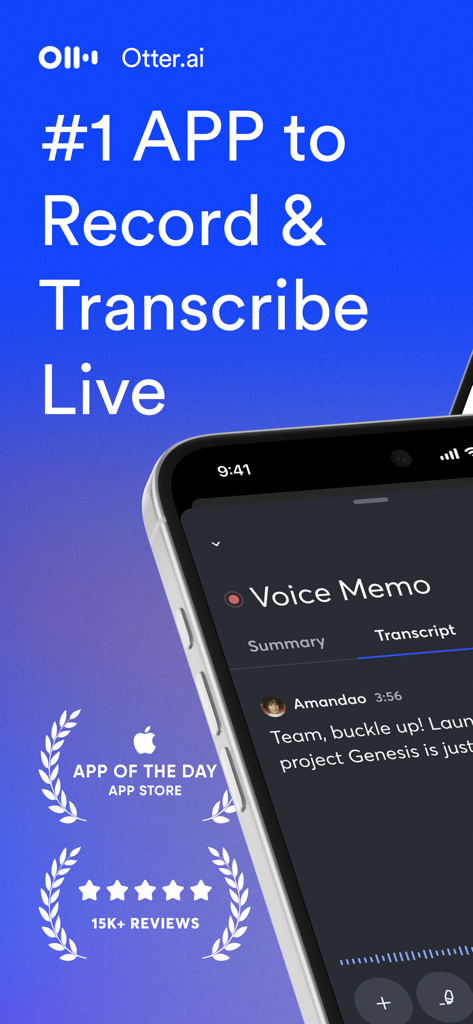
Otter.aiモバイルアプリのインターフェース。リアルタイムのボイスメモ文字起こしとApple App Storeの受賞歴を表示しています。
Otter.aiモバイルアプリのインターフェース。リアルタイムのボイスメモ文字起こしとApple App Storeの受賞歴を表示しています。

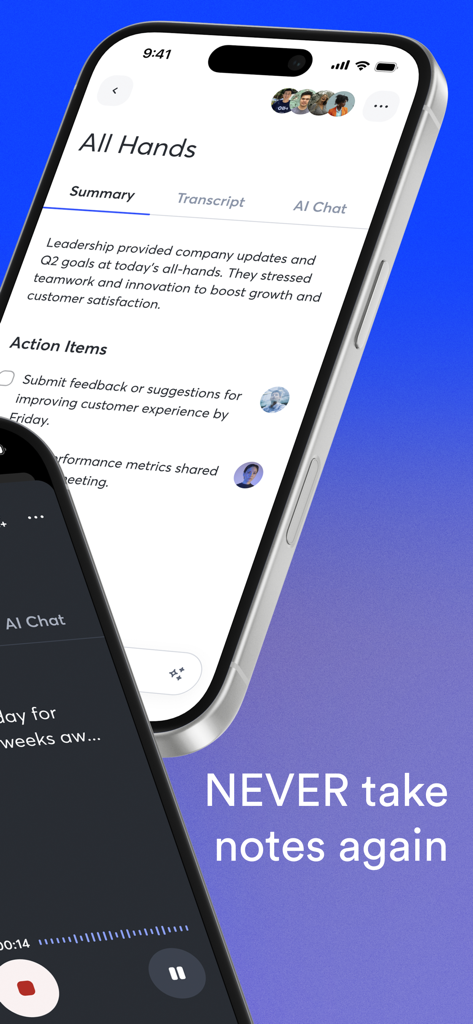
Otter.aiモバイルアプリのインターフェース。自動会議要約とアクションアイテムを表示しています。
Otter.aiモバイルアプリのインターフェース。自動会議要約とアクションアイテムを表示しています。

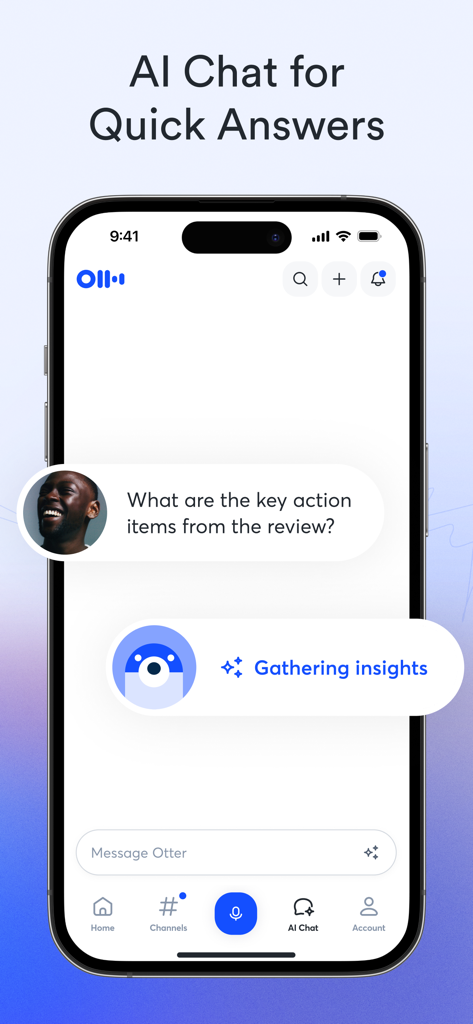
Otter.aiモバイルアプリのインターフェース。AIチャット機能を使用して会議レビューから主要なアクションアイテムを特定しています。
Otter.aiモバイルアプリのインターフェース。AIチャット機能を使用して会議レビューから主要なアクションアイテムを特定しています。

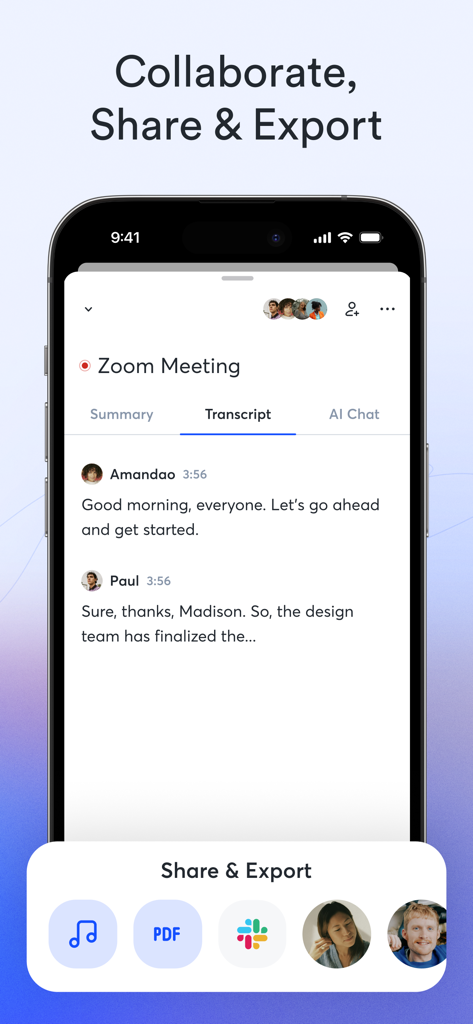
Otter.aiのモバイルスクリーンショット。Zoom会議の文字起こしを表示し、共同作業、PDFとしての共有、Slackへのエクスポートオプションがあります。
Otter.aiのモバイルスクリーンショット。Zoom会議の文字起こしを表示し、共同作業、PDFとしての共有、Slackへのエクスポートオプションがあります。

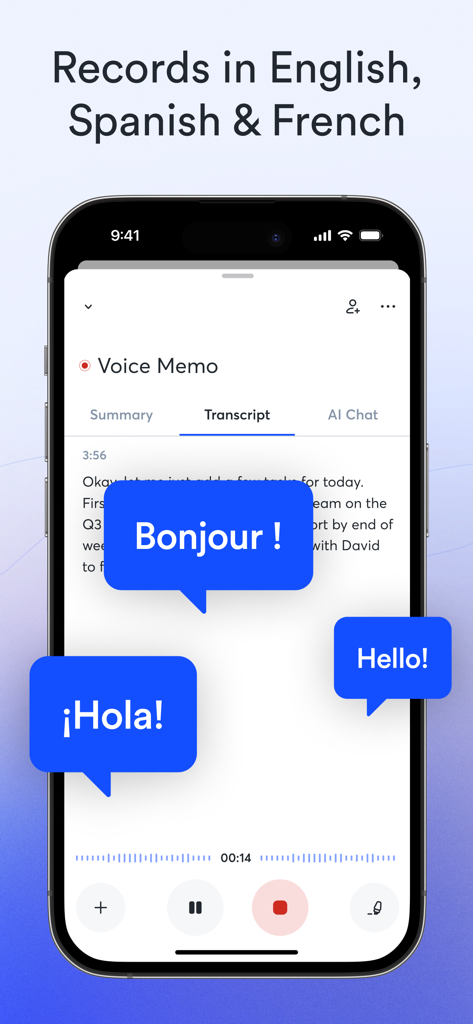
スマートフォン上のOtter AIアプリのインターフェース。英語、スペイン語、フランス語のリアルタイム文字起こしを表示しています。
スマートフォン上のOtter AIアプリのインターフェース。英語、スペイン語、フランス語のリアルタイム文字起こしを表示しています。

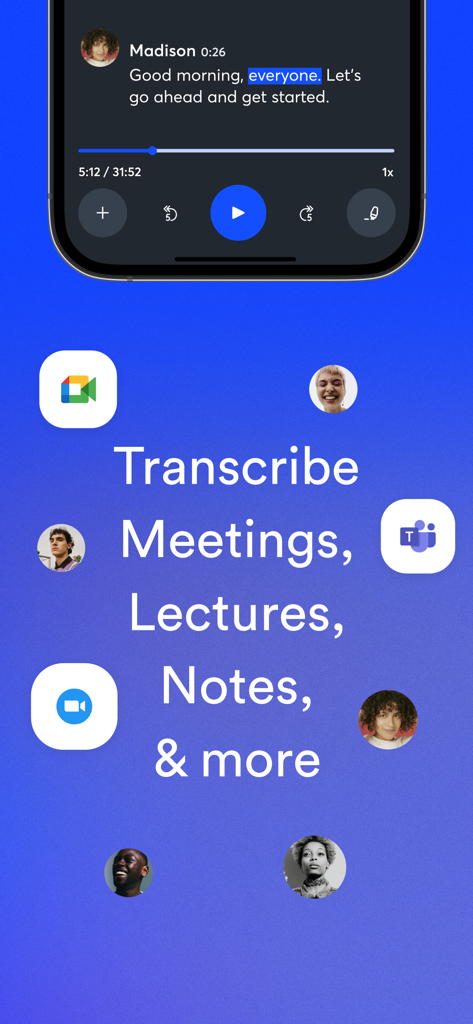
会議、講義、ボイスメモを文字起こしするためのOtter AIモバイルアプリのインターフェース

会議、講義、ボイスメモを文字起こしするためのOtter AIモバイルアプリのインターフェース

集中力と効率を最大化する

このアプリを際立たせるツール、 8M+ 人のユーザーが選択.

🎙️

ライブAI文字起こし

Zoom、Teams、Google Meet全体で、高精度なリアルタイム文字起こしにより、あらゆる言葉を捉え、完全に集中できます。

自動AI要約

「TL;DR」はもう不要です。Otterは、簡潔なアウトライン、キーワード、アクションアイテムを自動生成するので、プロジェクトをより速く進めることができます。

🔍

検索可能な外部ブレイン

音声ファイルを何度も確認するのはやめましょう。会話履歴全体を瞬時に検索して、決定が下された正確な瞬間を見つけることができます。

レビュー分析

ユーザーレビューの分析.

感情スコア

30%
ネガティブ

概要

This mobile app has seen a significant decline in user satisfaction, with many long-term users noting it's not what it used to be. While the app is still appreciated by some for its accurate English transcription, ease of use, and ability to distill meeting insights, widespread complaints now dominate feedback. Key issues include recurring billing and cancellation problems, increasingly restrictive usage limits coupled with higher subscription costs, and very poor performance for non-English languages. Furthermore, users report reliability problems such as slow processing, lost recordings, and privacy concerns due to aggressive automatic meeting integration.

主なテーマ

Transcription Accuracy(5)
Language Support(3)
Ease of Use & User Interface(3)
Subscription Cost & Limits(2)
AI Summary & Speaker Separation(2)
Billing & Cancellation Issues(1)
Reliability & Performance(1)
Privacy & Automatic Recording(1)

アプリについて

について知っておくべきこと Otter Transcribe Voice Notes.

説明

Never take meeting notes again. Otter AI is the fastest way to transcribe voice in real time. Get a meeting assistant that records audio, writes notes, automatically captures slides, and generates summaries. Available in English, Spanish, French and Japanese. Otter AI is also available on the web. Start for free. Trusted by over 10 million people and featured by Apple as "App of the Day" and "Editors' Choice." Automated meeting notes for Zoom, Google Meet, Microsoft Teams, and more. Stay connected and collaborative when you work from home. Otter transcribes all your meetings, interviews, lectures, and everyday voice conversations in real time, so you can focus on the discussion. KEY FEATURES • AI Meeting Assistant: get automated meeting notes & summaries • AI Chat: get answers and generate content • AI Channels: combine live conversations with async updates. Chat with teammates. • Record & transcribe live • Automated meeting notes & summaries • Share & collaborate • All notes are searchable & shareable • Edit & highlight • Organize & export • Import & sync Looking for a specific feature? Here are the details: RECORD & TRANSCRIBE LIVE • Instantly record in one tap • Transcribe in real time • Highlight key points to review later • Insert photos of whiteboard discussions, slides, etc. • Input audio via built-in mic or Bluetooth device ENRICH NOTES WITH AI • Gather information across all your conversations • Ask questions about a specific meeting • Generate follow- up emails • Automated Slide Capture during virtual meetings • Generate summary, outline and keywords after all meetings • Punctuate, capitalize, and break paragraphs automatically SHARE & COLLABORATE • Invite group members to view, edit, and highlight collaboratively • Add comments and assign action items • Share links externally SEARCH & PLAYBACK • Search the text so you don't have to scrub through the whole audio • Playback at adjustable speeds • Follow along the highlighted word as the audio is playing • Tap on any word to jump the audio to that spot EDIT & HIGHLIGHT • Edit the text to correct any errors • Tag the speakers to label the paragraphs and train Otter to identify speakers too • Highlight sentences in one tap IMPORT & SYNC • Import audio and video files • Upload from other call recording apps • Sync your calendars to be reminded to record your meetings and auto-title your notes • Import your contacts for easy sharing OPTIMIZED FOR iOS • Start/Stop recording with Siri Shortcut & home widget • Record via AirPods • Sync with iOS Calendar, Contacts & Camera Otter Pro Get more playback speeds, skip silence, and bulk export. Payment will be charged to your iTunes Account at confirmation of purchase. Subscription automatically renews unless auto-renew is turned off at least 24-hours before the end of the current period. Account will be charged for renewal within 24-hours prior to the end of the current period. You can manage your subscriptions in Settings and auto-renewal may be turned off by going to your Account Settings after purchase. Any unused portion of a free trial period, if offered, will be forfeited when you purchase a subscription. Need help? Check out our Help Center: https://help.otter.ai Terms of Service: https://otter.ai/terms-of-service Privacy Policy: https://otter.ai/privacy-policy

最新バージョン

3.90.1

サイズ

241.7 MB

リリース日

2018年2月17日

集中力を取り戻し、もう会議のメモを取る必要はありません

Otterを使って会話を実用的な知識に変える、1,000万人以上のハイパフォーマーに加わりましょう。受賞歴のあるAIアシスタントを今すぐiOSでダウンロードしてください。

ダウンロード: App Storeダウンロード: Google Play
FAQ

よくある質問

について知っておくべきこと Otter Transcribe Voice Notes

Otter AIとは何ですか?どのようなことができますか?

Otter AIは、リアルタイムで音声を文字起こしし、音声を録音し、スライドをキャプチャし、要約を生成する会議アシスタントです。ユーザーが手動でメモを取る手間を省くのに役立ちます。

Otter AIはリアルタイム文字起こしを提供していますか?

はい、Otter AIは音声会話、会議、インタビュー、講義をリアルタイムで文字起こしします。この機能により、ユーザーは手動でメモを取ることなく議論に集中できます。

Otter AIは文字起こしにどの言語をサポートしていますか?

Otter AIは、英語、スペイン語、フランス語、日本語の文字起こしをサポートしています。この機能は、リアルタイム文字起こしと録音された音声ファイルの両方に適用されます。

Otter AIは無料で使用できますか、それともサブスクリプションが必要ですか?

はい、Otter AIは無料の開始オプションを提供しています。有料機能は、iTunesアカウントに請求されるサブスクリプションサービスであるOtter Proを通じて利用できます。

Otter AIはどのような人工知能(AI)機能を提供していますか?

Otter AIは、自動メモと要約のためのAI会議アシスタント、簡単な回答のためのAIチャット、チームコラボレーションと非同期更新のためのAIチャンネルを提供しています。

Otter AIはどの会議プラットフォームをサポートしていますか?

Otter AIは、Zoom、Google Meet、Microsoft Teamsの自動メモを提供する人気のある会議プラットフォームと統合されています。リモートワークのコラボレーションをサポートしています。

Otter AIはどのようにコラボレーションと共有をサポートしていますか?

Otter AIは、グループメンバーが共同で表示、編集、ハイライトできるようにすることで、共有とコラボレーションを容易にします。ユーザーはコメントを追加したり、アクションアイテムを割り当てたり、外部リンクを共有したりできます。

Otter AIのiOSデバイス向けの特別な機能はありますか?

はい、Otter AIは、録音のためのSiriショートカット、AirPods統合、iOSカレンダー、連絡先、カメラとの同期などの機能でiOSに最適化されています。

Otter Proサブスクリプションと請求をどのように管理しますか?

購入後、アカウント設定でOtter Proサブスクリプションと自動更新設定を管理します。支払いはiTunesアカウントを通じて処理されます。

Otter AIのプライバシーポリシーはどこで見つけられますか?

Otter AIの公式プライバシーポリシーは、ウェブサイトでアクセスできます。完全なポリシーは https://otter.ai/privacy-policy で確認できます。

App information, icons, screenshots, and descriptions displayed on this page are sourced from the Apple App Store and are the property of their respective developers. Download estimates and rankings are based on MWM's proprietary models and may not reflect actual figures. This page is provided for informational and analytical purposes only.

Believe this page infringes your intellectual property? File a dispute