PartyGO for Philips Hue Lights
ダウンロード: App Store

このページはアプリまたはその開発者の公式ページではなく、情報提供および論評を目的として作成された独立した編集出版物です。明示的に別段の記載がない限り、アプリおよびその開発者は、MWM、Apple、Google Play、アプリのパブリッシャー、またはアプリの開発者と提携、承認、後援、認可、またはその他の公式的な関係はなく、このページのいかなる内容も、アプリがMWMのサービスを使用して開発されたことを意味するものではありません。すべての商標、ロゴ、スクリーンショット、その他のコンテンツはそれぞれの所有者の財産です。

ロゴ: PartyGO for Philips Hue Lights
ダウンロード: App Store

PartyGO for Philips Hue Lights

あなたの家を究極のソーシャルハブに変えましょう。Siriショートカットで没入感のある光と音の効果を自動化し、ゲストが忘れられないハンズフリーのパーティー体験を。

主要数値

ダウンロード

1000

ユーザー評価

1.0/5

評価数

0

開発元

Lucas Yamashita

カテゴリ

Utilities

対応言語

1

最新バージョン

1.4

サイズ

41.9 MB

リリース日

2018年11月10日
機能

ホスティングゲームをレベルアップ

Philips Hueのためのプロフェッショナルな光と音の自動化で、あなたのリビングスペースをダイナミックなエンターテイメント会場に変えましょう。

声で操作できる雰囲気

Siriコマンド一つでライトショーを開始し、ゲストを驚かせましょう。あなたの家はカスタムトリガーワードに即座に反応します。

ショートカット連携

究極のパーティー・ルーティンを構築しましょう。Appleショートカットアプリを使用して、音楽やその他のスマートホームアクションとライトを一つのフローで同期させます。

以下のスクリーンショットと説明は、アプリの公式ストアリスティングから直接取得されたものであり、アプリ開発者の所有物です。

アプリストア

スクリーンショット
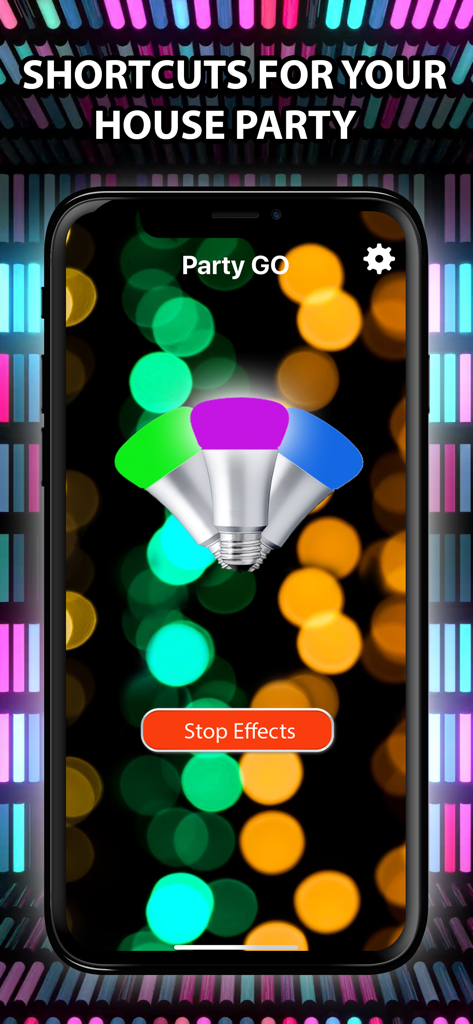
PartyGO for Philips Hue Lights - パーティー照明効果のための緑、マゼンタ、青の電球が表示されたPartyGOアプリを示すスマートフォンの画面
パーティー照明効果のための緑、マゼンタ、青の電球が表示されたPartyGOアプリを示すスマートフォンの画面

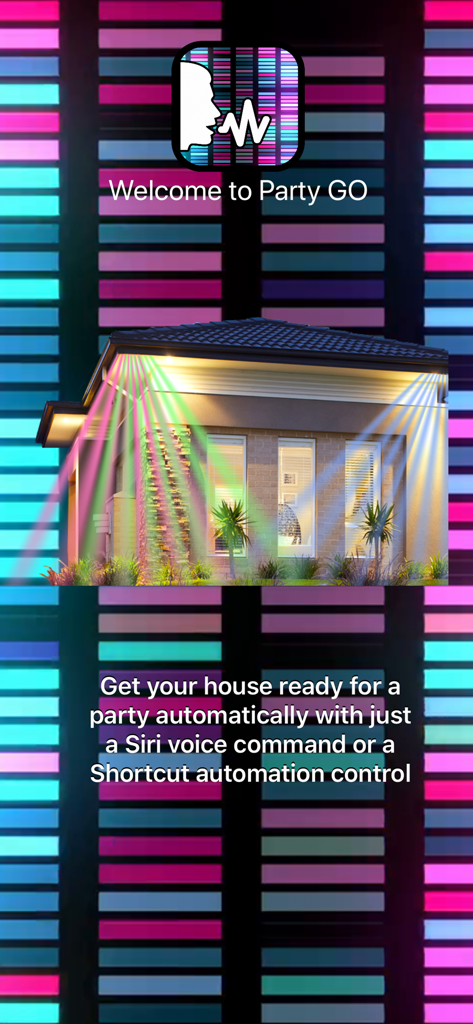
PartyGO for Philips Hue Lights - Siri音声コマンド連携を備えたカラフルな家照明を示すPartyGOアプリのウェルカム画面
Siri音声コマンド連携を備えたカラフルな家照明を示すPartyGOアプリのウェルカム画面

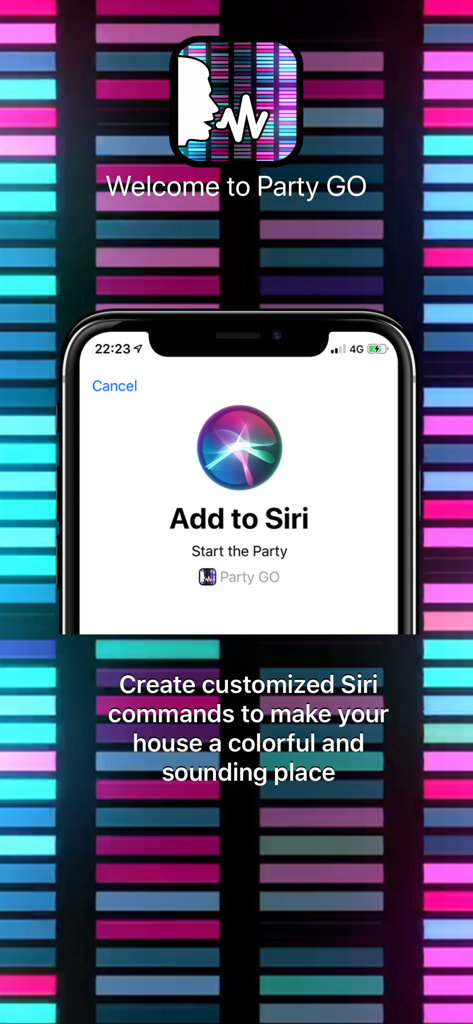
PartyGO for Philips Hue Lights - Philips Hue用のStart the Party SiriショートカットをPartyGOアプリに追加するためのセットアップ画面
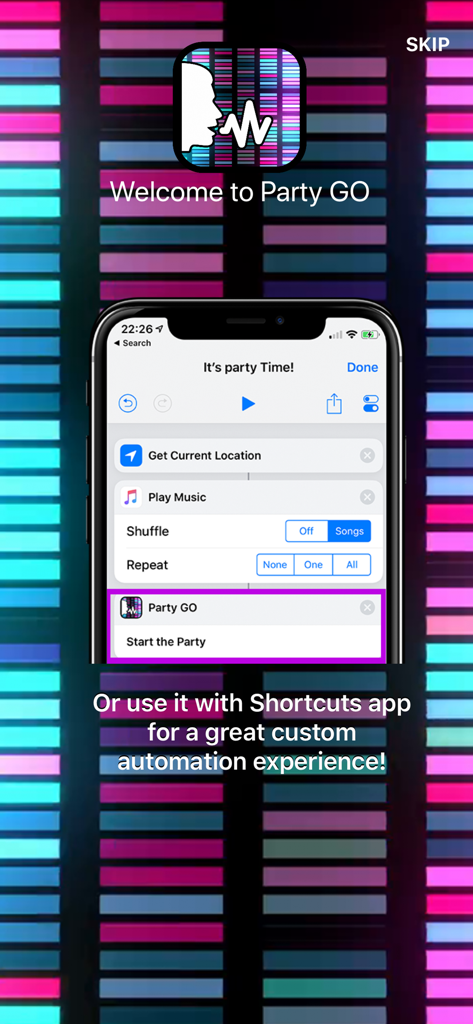
Philips Hue用のStart the Party SiriショートカットをPartyGOアプリに追加するためのセットアップ画面

PartyGO for Philips Hue Lights - Appleショートカットを使用した照明自動化の設定方法を示すPartyGOアプリ

Appleショートカットを使用した照明自動化の設定方法を示すPartyGOアプリ

説明

"Start the party." Just say this and let the sound and lights flow into your home. *Featured By Philips on "Apps We Like" Best Entertainment Category on Philips Hue App!* With Party GO you can control your lights using only your voice by recording custom Siri Shortcuts to make your house a great party, or even using Shortcuts app to automate multiple tasks combined with Party GO sound and lights. INSTRUCTIONS: After launching the app and setting up your Philips Hue Bridge and Lights, go to settings app on your iPhone, Siri & Search, add the shortcut "Start the Party" - Party GO and record your personalized command. After that, every time you say this command, the app will launch and execute the sound and light effects! You can also use Shortcuts app to automate multiple tasks. Just add the "Start the Party" action with another tasks like do something based on your current location, etc to your shortcut flow and let the magic begin! If you have any questions, consult the app support page on Facebook! Download Party GO now! *Optional Subscription: - PartyGO offers a PRO monthly subscription at USD $2.99, please note prices may vary depending on sales taxes or countries. - You will be asked to login to your iTunes account (if not already) prior to the purchase and the payment will be charged to iTunes Account at confirmation of purchase. - Additional information is provided stating that subscription automatically renews unless auto-renew is turned off at least 24-hours before the end of the current period. - Subscriptions may be managed by the user and auto-renewal may be turned off by going to the user's Account Settings after purchase. - The account will be charged for renewal within 24-hours prior to the end of the current period. - No cancellation of the current subscription is allowed during active subscription period. - Any unused portion of a free trial period, if offered, will be forfeited when the user purchases a subscription to that publication. PRIVACY POLICY: No information is shared between third parties or the developer, as this application is offline. Therefore, your data remains just for you.
 Terms Of Use: https://bit.ly/2COWthO

Download

ダウンロード: App Store

このページはアプリまたはその開発者の公式ページではなく、情報提供および論評を目的として作成された独立した編集出版物です。明示的に別段の記載がない限り、アプリおよびその開発者は、MWM、Apple、Google Play、アプリのパブリッシャー、またはアプリの開発者と提携、承認、後援、認可、またはその他の公式的な関係はなく、このページのいかなる内容も、アプリがMWMのサービスを使用して開発されたことを意味するものではありません。すべての商標、ロゴ、スクリーンショット、その他のコンテンツはそれぞれの所有者の財産です。








