Your passwords. Your device. No cloud required.
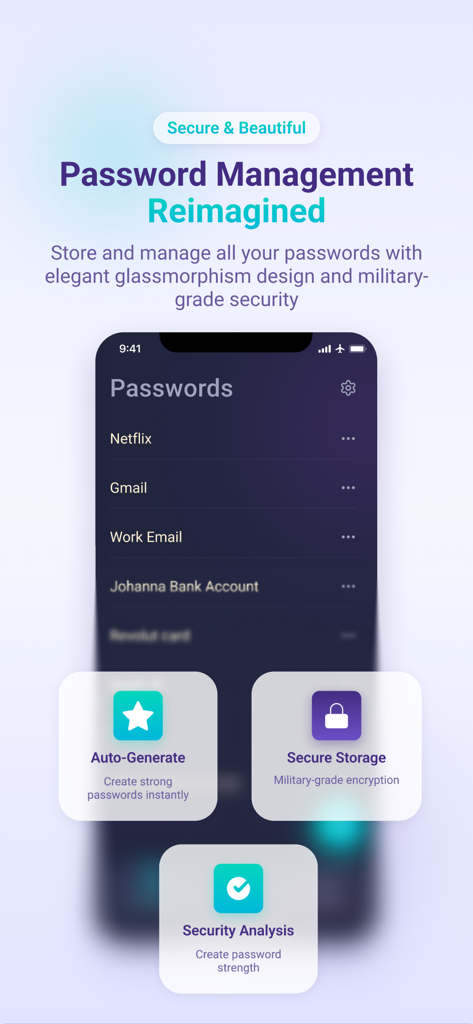
Passkeep is the offline password manager that keeps your entire vault stored locally on your device—fully encrypted, completely private, zero cloud dependency. Unlike cloud-based managers that require internet connectivity, Passkeep works perfectly without internet access. Your data never leaves your phone.
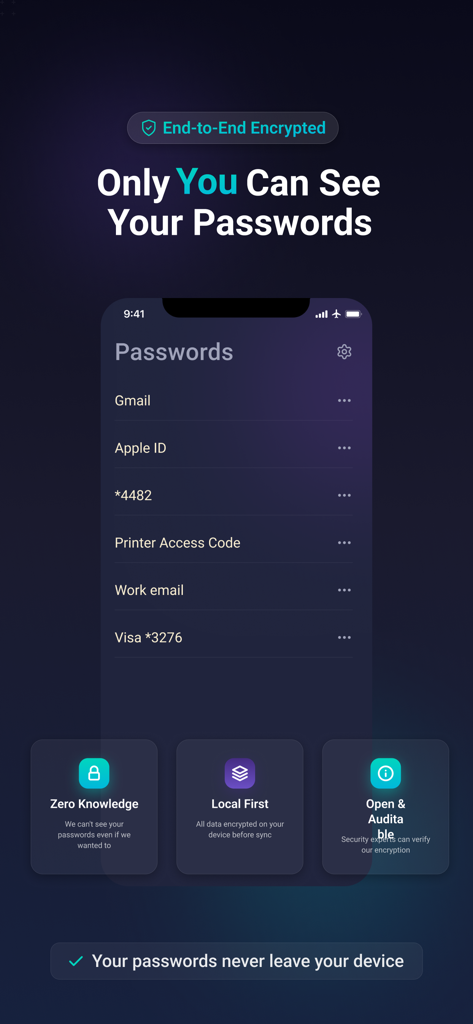
PRIVATE PASSWORD VAULT — ZERO-KNOWLEDGE ENCRYPTION
• Zero-Knowledge Security Model: Only you can access your passwords (not even Passkeep developers can see them)
• RSA-2048 + AES-256 Encryption: Military-grade encryption stored on your device
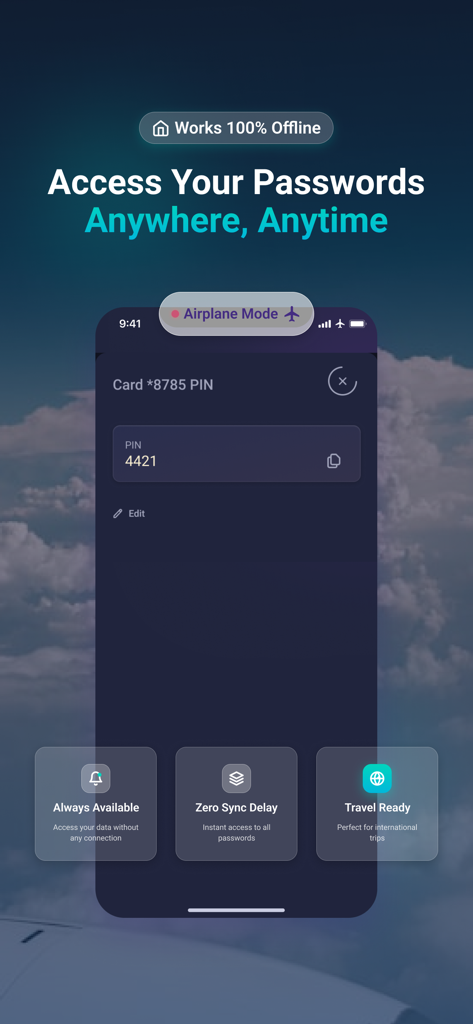
• Offline-First Design: Works without internet; your data never sent to cloud servers
• No Account Signup Required: Anonymous access; complete privacy guaranteed
• Master Password Protected: You retain full control of your vault
• Private data stays private: No tracking, no analytics, no cloud backup without consent
SIMPLE PASSWORD MANAGER — CLEAN, MODERN INTERFACE
• Intuitive Design: Password management made simple; no complex menus
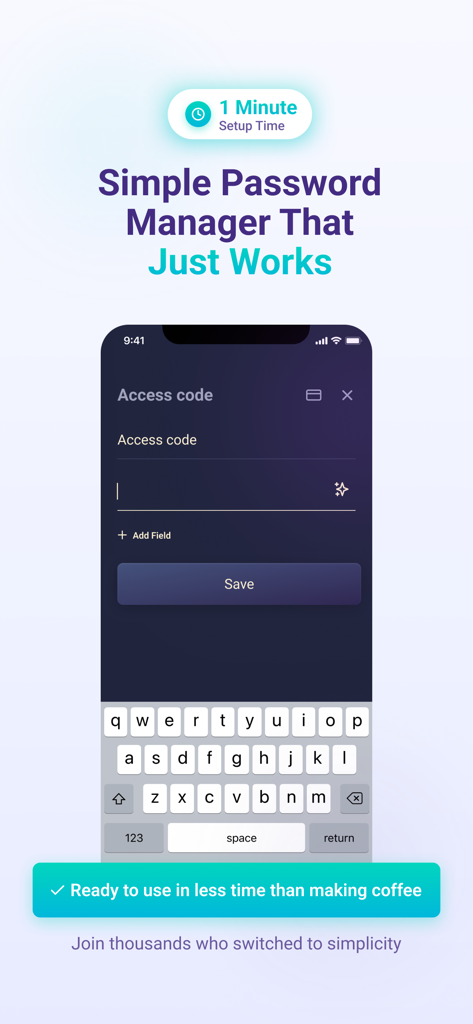
• Fast Setup: Open app → Set master password → Start storing (3 minutes, done)
• One-Tap Access: Find and use passwords instantly
• Beautiful Dark Theme: Modern design that's easy on your eyes
• Works Fully Offline: Perfect for airplane mode, remote areas, or by choice
• Fingerprint + Master Password: Convenient biometric unlock with security
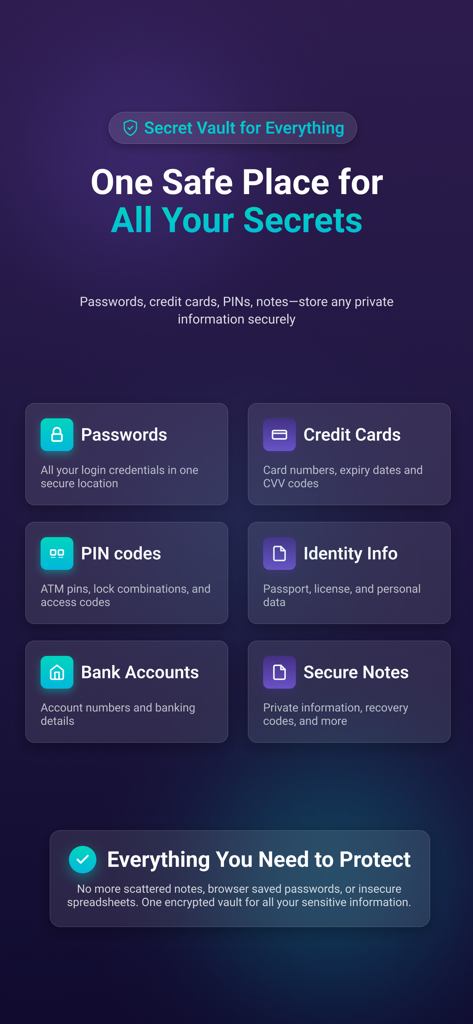
SECURE PASSWORD VAULT WITH MULTI-CREDENTIAL SUPPORT
• Store Passwords: Generate strong, unique passwords for all accounts
• PIN Code Manager: Dedicated storage for door codes, WiFi, security questions (4–6 digits)
• Credit Card Storage: Secure vault for card numbers, expiration, CVV
• Account Numbers: Store bank accounts, ID numbers safely
• Secure Notes: Free-form encrypted storage for any sensitive text
• Password Generator: Create strong passwords on demand (built-in)
OFFLINE PASSWORD STORAGE — ZERO INTERNET DEPENDENCY
• No Sign-Up: Install, set password, start storing—no account needed
• No Cloud Sync Headaches: Data stored locally; no conflicts, no data loss
• No Internet Required: Access passwords in airplane mode, offline, anywhere
• You Stay in Control: If you forget master password, it's recoverable by YOU only
• Privacy Guarantee: We cannot access your data even if we wanted to
• Works Everywhere: Unreliable connectivity? No problem—Passkeep works offline perfectly
FREE PASSWORD STORAGE (UP TO 3 ENTRIES) — UPGRADE WHEN YOU NEED MORE
• Free Tier: Store up to 3 passwords, PINs, or credentials completely free
• Pro Version: Unlimited storage, password analyzer, secure sharing with other Passkeep users
• No Ads: Clean interface, no data mining, no forced upgrades
• No Tracking: Your privacy is paramount; we don't track your usage
• Export Anytime: Move your vault whenever you want; never locked in
What are my subscription terms?
PassKeep offers a monthly Pro version by automatically renewable subscription for 3.99 USD per month, which enables unrestricted, unlimited access to all premium features: password generator, password analysis, import, export, and backup data and an unlimited number of stored passwords, as long as you have an active subscription.
PassKeep also offers a yearly Pro version by automatically renewable subscription for 24.99 USD per year, which as well enables unrestricted, unlimited access to all premium features: password generator, password analysis, import, export, and backup data, and an unlimited number of stored passwords, as long as you have an active subscription.
Payment is charged to the credit card associated with your iTunes account when you confirm the original subscription purchase. Once purchased, the subscription will automatically renew unless auto-renew is turned off at least 24 hours before the end of the current billing period.
You may manage your subscription at any time and turn off auto-renewal by going to your Account Settings after purchase. You can cancel your subscription at any time.