Password Manager - Secure

Password Manager - Secure

ダウンロード: App Store
ロゴ: Password Manager - Secure

パスワードマネージャー - セキュア:ログイン情報とプライベートメディアのためのオールインワン・ボルト

軍事レベルのAES-256暗号化で、あなたのデジタルアイデンティティと個人的な思い出を守りましょう。パスワードを安全に保存し、プライベート写真を隠し、iOSエコシステム専用に設計されたシームレスなワンタップ自動入力をお楽しみください。

ダウンロード: App Store

開発元

RV AppStudios LLC

カテゴリ

Utilities

ダウンロード

60K+

ユーザー評価

4.7/5

評価数

100

対応言語

9

あなたのボルトを実際に使ってみましょう

このインターフェースを利用する 60K+ 人のユーザー.

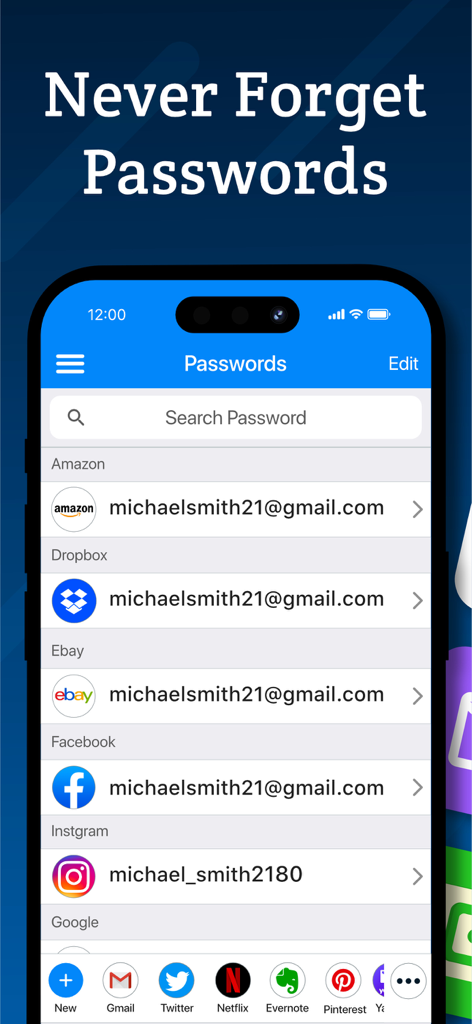
Amazon、Facebook、Instagramなどのアプリの保存済みパスワードのリストを表示するパスワードマネージャー - セキュアのインターフェイス(iPhone上)
Amazon、Facebook、Instagramなどのアプリの保存済みパスワードのリストを表示するパスワードマネージャー - セキュアのインターフェイス(iPhone上)

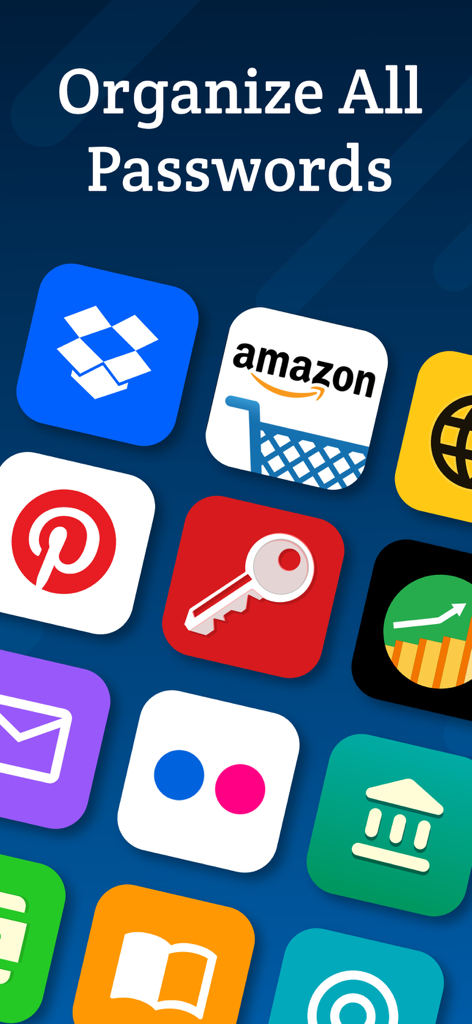
AmazonやDropboxなどのさまざまなアイコンが「すべてのパスワードを整理」というテキストの下に表示されているモバイルアプリ画面
AmazonやDropboxなどのさまざまなアイコンが「すべてのパスワードを整理」というテキストの下に表示されているモバイルアプリ画面

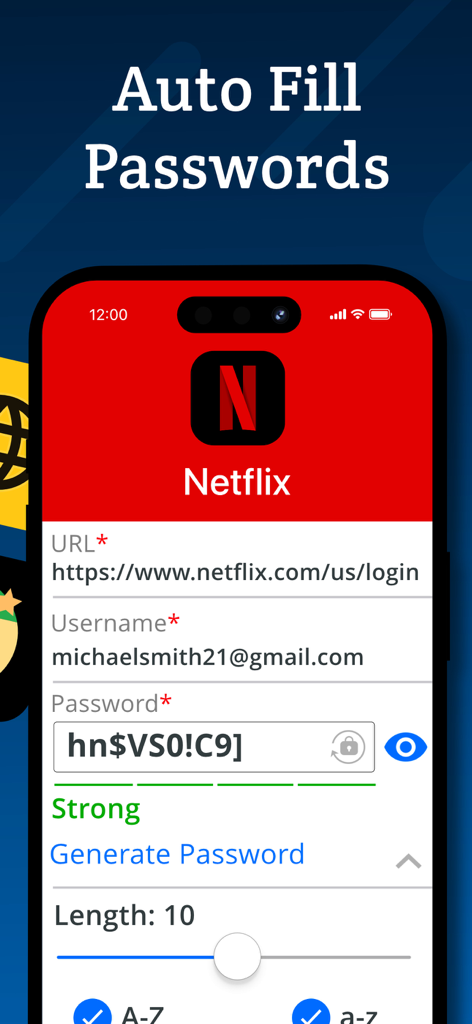
Netflixアカウントログインのパスワード自動入力機能を示すモバイルアプリ画面。
Netflixアカウントログインのパスワード自動入力機能を示すモバイルアプリ画面。

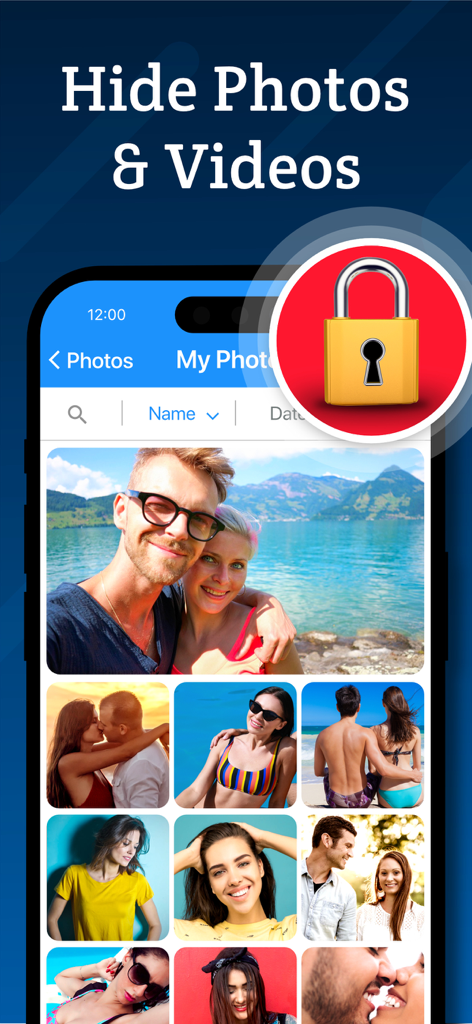
セキュアなロックアイコンが付いたシークレット写真ボルト機能を示すインターフェイス。
セキュアなロックアイコンが付いたシークレット写真ボルト機能を示すインターフェイス。

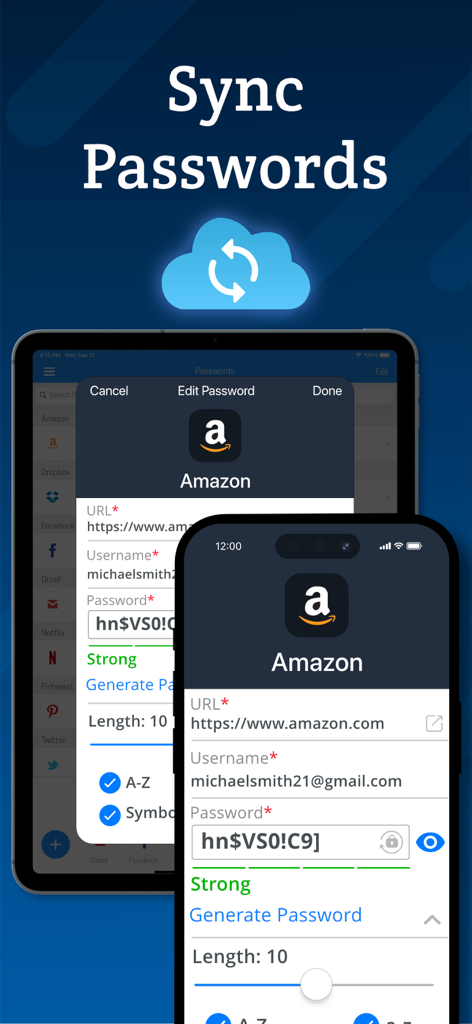
クラウドバックアップを使用したiPhoneおよびiPadデバイス間のパスワード同期

クラウドバックアップを使用したiPhoneおよびiPadデバイス間のパスワード同期

あなたのオールインワン・デジタル要塞

このアプリを際立たせるツール、 60K+ 人のユーザーが選択.

🔐

シームレスなパスワード管理

ワンタップログイン、Safari自動入力、推測不可能なセキュリティのための強力なジェネレーターで、「パスワードを忘れました」の疲労を解消します。

🕵️

プライベートメディアのためのシークレットフォルダ

個人的な写真、動画、ノートを暗号化されたボルトに保管し、電話を借りた人から完全に不可視に保ちます。

📸

プロアクティブな侵入者アラート

不正なユーザーの写真を撮影し、完全な裁量のためにダミースクリーンを表示する侵入試行ログで、即座に安心感を得られます。

アプリについて

について知っておくべきこと Password Manager - Secure.

説明

Password Manager Vault is a convenient, all-in-one password management and secret folder app that allows you to store login details, photos, videos and notes securely. Password Manager Vault and Secret Folder is the only app that lets you safeguard and store your data with complete privacy across all of your iOS devices. Login information is protected by AES 256-bit encryption. That means only you can access them, not your neighbor, not us, not even your best friend! Keep your files, passwords and photos safe with Secure! Password Management - Store passwords for your most frequently visited sites. Log in with a single tap, and then get back to browsing! - Automatic form filling with just one tap. Never fill in another sign-up form again! - Detects new logins and saves information so you don’t have to memorize anything. - Powerful password generator to create un-guessable passwords. - Secure protects everything with a master password that encrypts and decrypts your data on command. Secret Folder Feature - Move images and videos into the photo vault to keep them private and secure. - Hide your media from prying eyes. Only you can see your photos! Browsing - Secure web surfing with a built-in browser - Multitab browsing keeps you more productive - Connect Secure to Safari to quickly use stored passwords while you browse - Autofill passwords on iOS 12 Media Storage - Organize photos, videos and notes into albums for easy viewing. - Powerful search and sort features let you find what you're looking for in an instant. - Import and export from your camera, photo library or cloud storage service such as Dropbox or Google Drive. - Innovative filters and effects to add a personal touch to your photos. Privacy - Your data, photos and files are accessible only by you! - Change open applications by flipping the device. Instant privacy! - Dummy screen to protect your privacy even when friends use your phone. - Secure snaps photos and saves location information to log break-in attempts. - Backup and restore device data via iTunes and iCloud. - Compatible with Touch ID and Face ID. New Features - Use Picture-In-Picture to watch a video while using your iPad for other tasks. - Use Spotlight Search to find things quickly on your iOS device. Password Manager Vault and Secret Folder is built exclusively for iOS 10 and above. VIP Subscription: Password Manager Vault VIP subscription which is available on a weekly, monthly and yearly tier, auto-renewable. The yearly subscription is priced at 3.99 USD/week, 6.99 USD/month and 24.99 USD/year (or local equivalent). You will be able to use more cloud storage, photo filter effects and more for the duration of the subscription. Payment will be charged to iTunes Account at confirmation of purchase. Subscription automatically renews for the same price and duration period as the original package unless auto-renew is turned off at least 24-hours before the end of the current period. Account will be charged for renewal within 24-hours prior to the end of the current period at the cost of the chosen package. Subscriptions may be managed by the user and auto-renewal may be turned off by going to the user's iTunes Account Settings after purchase. No cancellation of the current subscription is allowed during active subscription period. You may cancel a subscription during its free trial period via the subscription setting through your iTunes account. This must be done 24 hours before the end of the subscription period to avoid being charged. You may turn off the auto-renewal of your subscription via your iTunes Account Settings. However, you are not able to cancel the current subscription during its active period. Unused portions of free trials, if offered, will be forfeited upon purchase of a subscription. Links to our Privacy Policy and Terms of Service: Privacy Policy: http://www.rvappstudios.com/app-privacy-policy.html Terms of Use: http://www.rvappstudios.com/app-privacy-policy.html#terms/

最新バージョン

2.9.6

サイズ

104.2 MB

リリース日

2017年3月21日

ワンタップであなたのデジタルワールドをセキュアに

6万人以上のプロフェッショナルや家族が、パスワード、プライベート写真、機密データを保護するために信頼しているAES 256ビット暗号化ボルトに加わりませんか。今すぐiOSで始めましょう。

ダウンロード: App Store

App information, icons, screenshots, and descriptions displayed on this page are sourced from the Apple App Store and are the property of their respective developers. Download estimates and rankings are based on MWM's proprietary models and may not reflect actual figures. This page is provided for informational and analytical purposes only.

Believe this page infringes your intellectual property? File a dispute