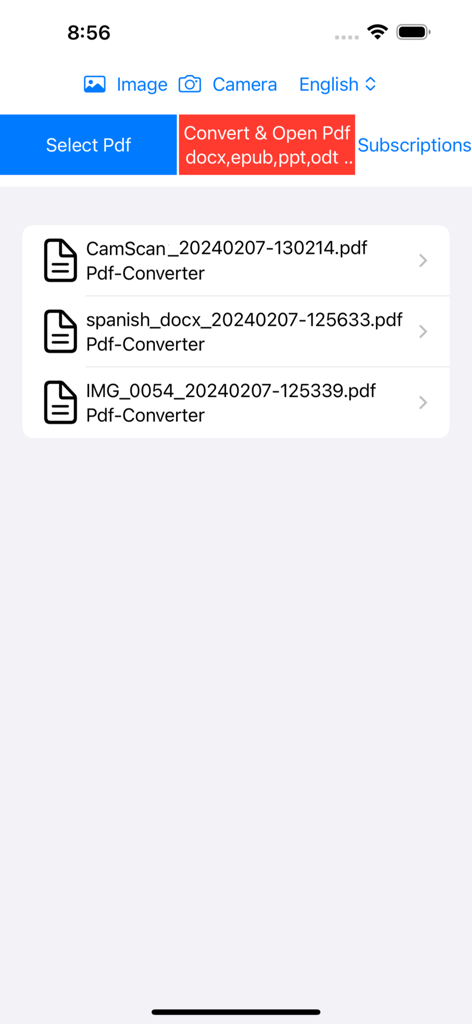
Welcome to our PDF Converter - PDF Reader App, your one-stop solution for all your document needs! With our comprehensive suite of tools, managing your documents has never been easier.
Photo to PDF by OCR:
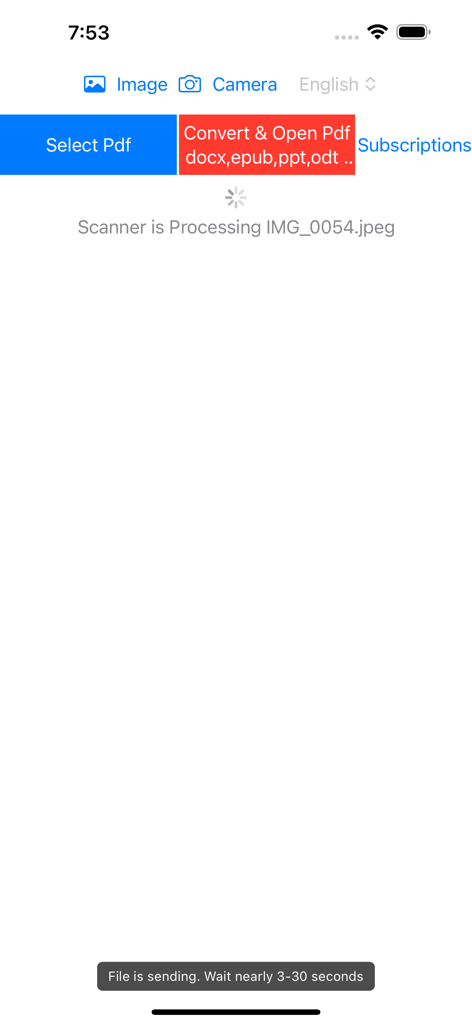
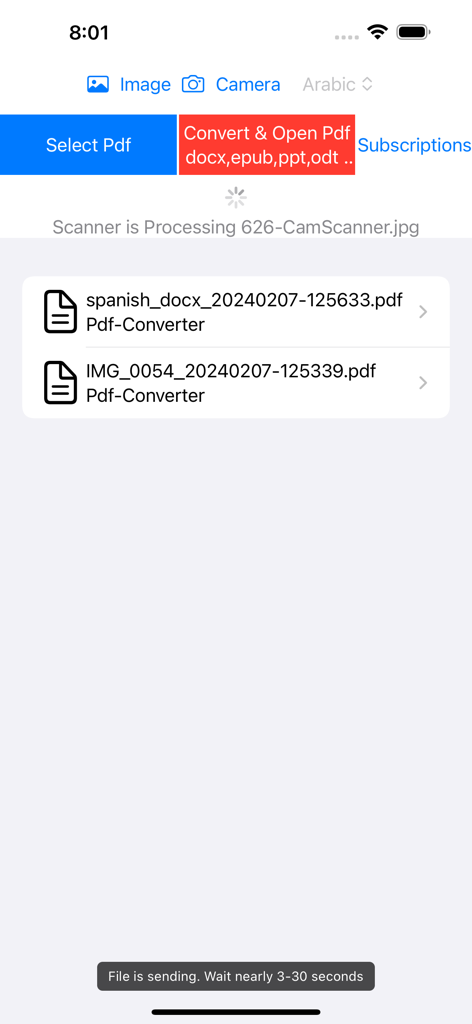
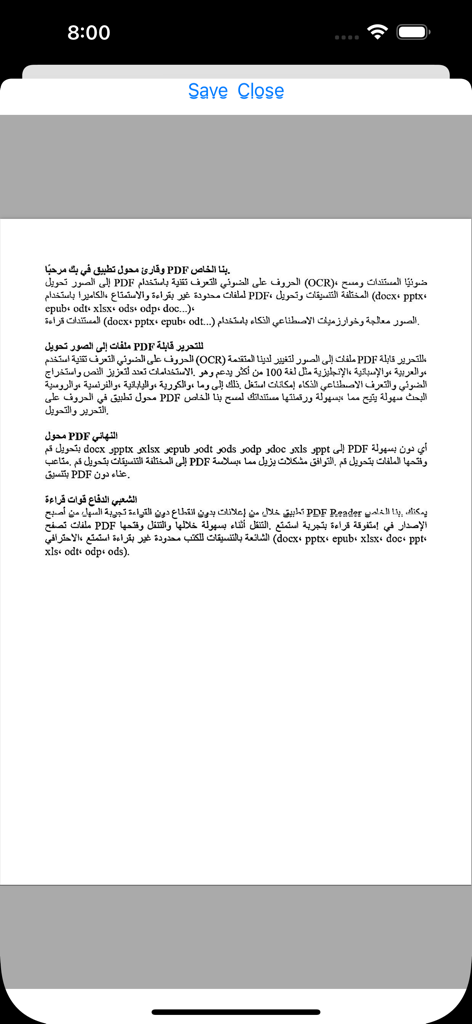
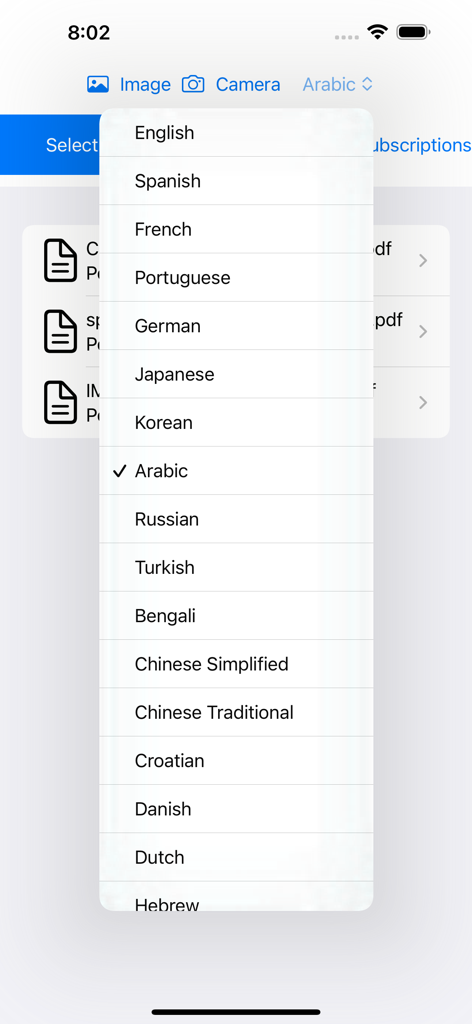
Our Photo to PDF feature revolutionizes the way you handle documents. With our advanced OCR technology, you can effortlessly transform photos into editable PDFs. Whether you're capturing receipts, notes, or important documents, our Camera Document Scanner ensures crystal-clear scans every time. Say goodbye to manual data entry as our AI-powered algorithms extract text from images accurately, making your content more versatile and accessible.
Ultimate PDF Converter:
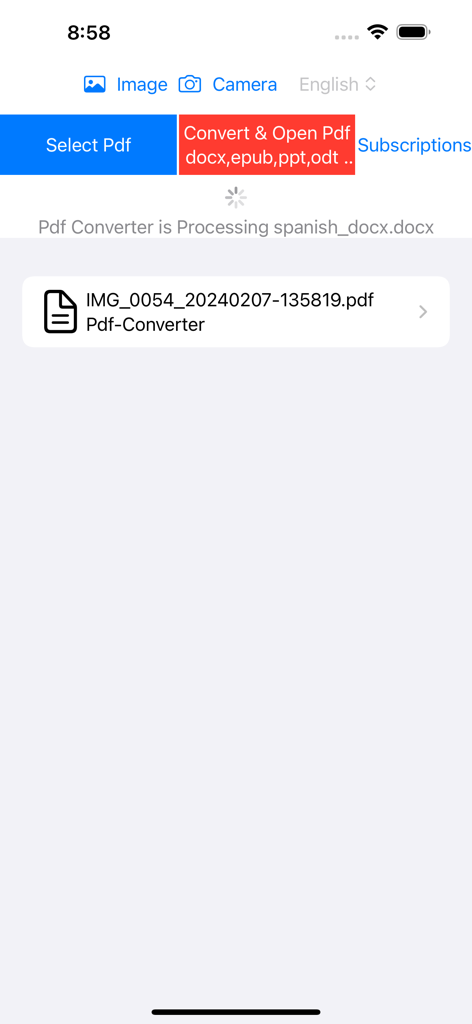
Experience unparalleled convenience with our Ultimate PDF Converter. Convert a wide range of formats including docx, pptx, xlsx, epub, odt, ods, odp, doc, xls, and ppt to PDF seamlessly. Never worry about format compatibility issues again as our app ensures flawless conversion. Whether you're converting documents, spreadsheets, or presentations, our PDF Converter provides unmatched reliability and efficiency.
PDF Reader:
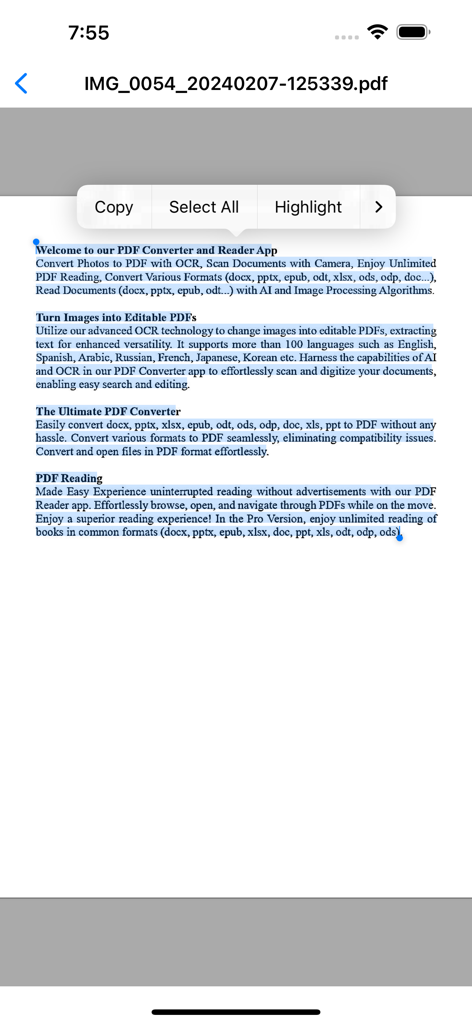
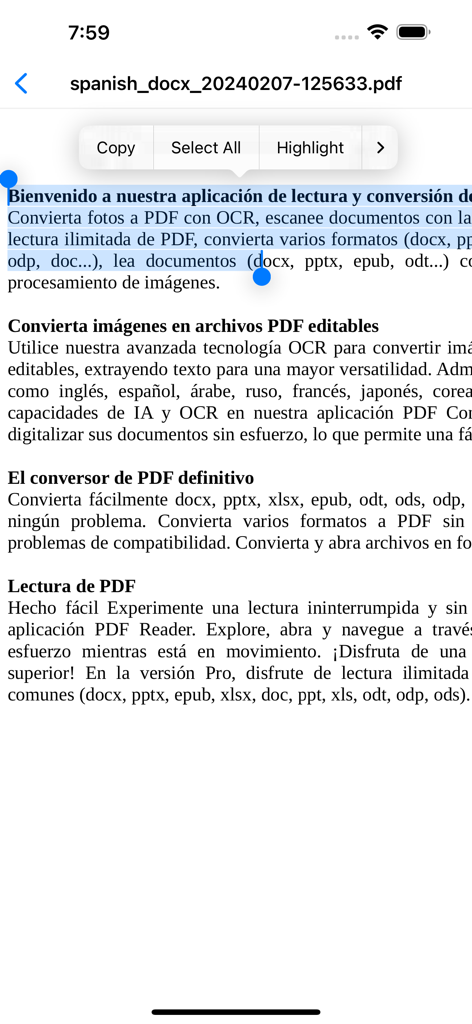
Immerse yourself in a world of uninterrupted reading with our PDF Reader application. Enjoy ad-free browsing as you effortlessly explore, open, and navigate PDFs on the go. With our Pro Version, gain unlimited access to books in common formats such as docx, pptx, epub, xlsx, doc, ppt, xls, odt, odp, and ods. Enhance your reading experience with features like bookmarking, annotation, and night mode, making it the perfect companion for both personal and professional use.
Key Features:
Unlimited PDF Reader: Dive into a vast library of documents without any interruptions, ensuring seamless reading experiences.
Document Scanner: Capture documents effortlessly with our intuitive Camera Document Scanner, producing high-quality scans every time.
AI & Image Processing Algorithms: Harness the power of AI and advanced image processing for accurate text extraction and document conversion.
Convert Photos to Editable PDFs: Transform images into editable PDFs with precision, saving you time and effort in data entry tasks.
Seamless Conversion: Convert various formats to PDF seamlessly, ensuring compatibility across different platforms and devices.
Enhanced Reading Experience: Customize your reading experience with features like bookmarking, annotation, and night mode, catering to your preferences.
Versatile Compatibility: Open and convert documents in common formats like docx, pptx, epub, xlsx, and more, facilitating seamless document management.
Our PDF Converter - PDF Reader App is more than just a tool—it's a comprehensive solution designed to streamline your document management workflow. Download now and unlock the full potential of your documents with ease!
Free Version Features:
• Monthly reading limit of 30 PDFs
Pro Version Features (includes Free Version Features):
• Photo to PDF by OCR
• Camera Document Scanner
• Unlimited PDF Reader
• PDF Converter For Common Formats (docx,pptx,epub,odt,xlsx,ods,odp,doc ..)
Upgrade to the Pro Version to unlock all premium features.
Weekly, Monthly, 3 monthly, 6 monthly and annual (12 monthly) subscription packages are available. There is also a One-Time Purchase for the Pro Version.
We recommend that you cancel your Free Trial or Subscription Renewals 24 hours before the renewal date.
Terms of Use: https://www.apple.com/legal/internet-services/itunes/dev/stdeula/