PDF Converter: Photo to PDF !
ダウンロード: App Store

このページはアプリまたはその開発者の公式ページではなく、情報提供および論評を目的として作成された独立した編集出版物です。明示的に別段の記載がない限り、アプリおよびその開発者は、MWM、Apple、Google Play、アプリのパブリッシャー、またはアプリの開発者と提携、承認、後援、認可、またはその他の公式的な関係はなく、このページのいかなる内容も、アプリがMWMのサービスを使用して開発されたことを意味するものではありません。すべての商標、ロゴ、スクリーンショット、その他のコンテンツはそれぞれの所有者の財産です。

ロゴ: PDF Converter: Photo to PDF !
ダウンロード: App Store

PDF Converter: Photo to PDF !

写真、Word、Excelファイルを数秒で高品質PDFに変換。レイアウトを保持し、データを暗号化し、モバイルワークフローを簡単に効率化します。

主要数値

ダウンロード

35K+

ユーザー評価

4.8/5

評価数

400

開発元

Samia Asif

カテゴリ

Business

対応言語

15

最新バージョン

1.4

サイズ

11.5 MB

リリース日

2024年1月6日
機能

ドキュメントワークフローをマスターする

プロフェッショナルや学生に最適な生産性向上コンパニオン。フォーマットや時間を失うことなく、あらゆるファイルを数秒で高品質PDFに変換します。

インスタントマルチフォーマット変換

Word、Excel、PowerPoint、写真を数回タップするだけでPDFに変換。あなたのペースの速いライフスタイルに合わせて設計された、シームレスで専門用語不要なプロセスを体験してください。

ピクセルパーフェクトなレイアウト

あなたの努力をそのままに。当社のエンジンは、フォント、画像、余白のすべてを意図したとおりに保持し、履歴書やレポートが常にプロフェッショナルに見えるようにします。

以下のスクリーンショットと説明は、アプリの公式ストアリスティングから直接取得されたものであり、アプリ開発者の所有物です。

アプリストア

スクリーンショット
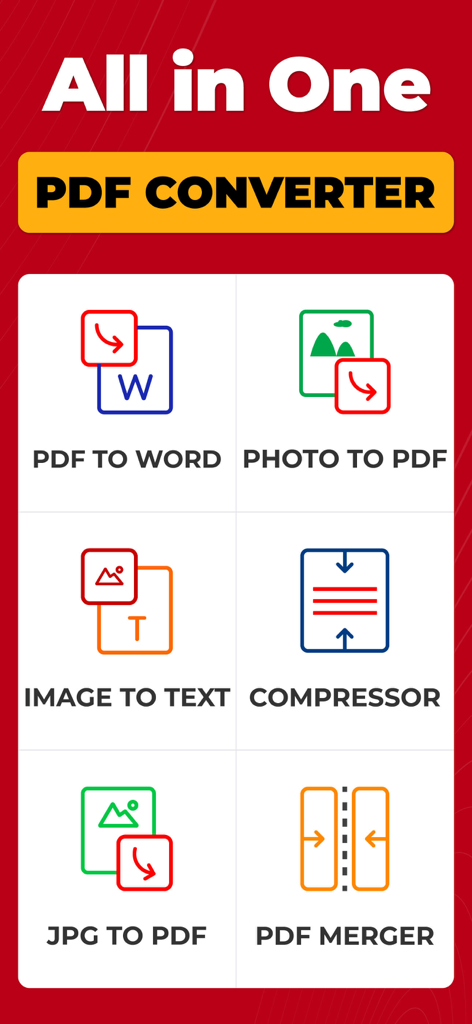
PDF Converter: Photo to PDF ! - 写真からPDF、画像からテキストへの変換など、さまざまなPDF変換ツールが表示されたモバイルアプリのインターフェースのスクリーンショット
写真からPDF、画像からテキストへの変換など、さまざまなPDF変換ツールが表示されたモバイルアプリのインターフェースのスクリーンショット

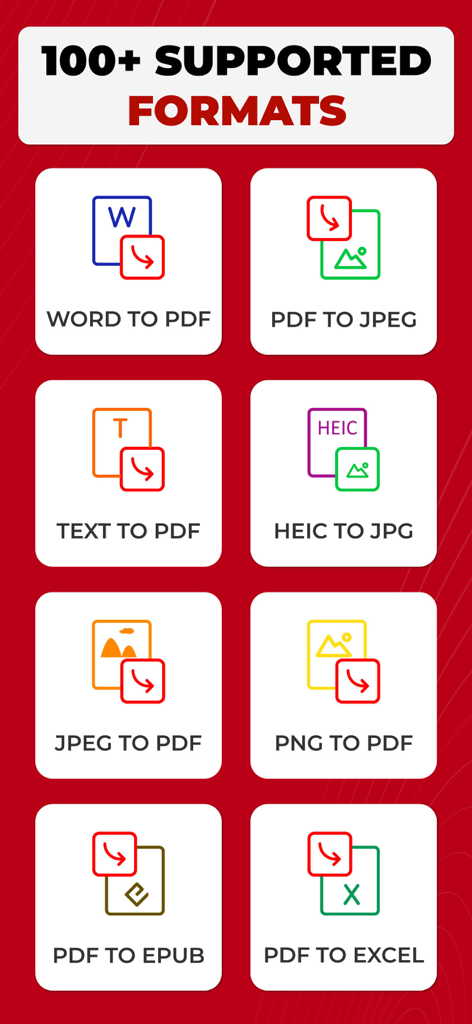
PDF Converter: Photo to PDF ! - WordからPDF、PDFからExcelなど、複数のドキュメント変換オプションのリスト
WordからPDF、PDFからExcelなど、複数のドキュメント変換オプションのリスト

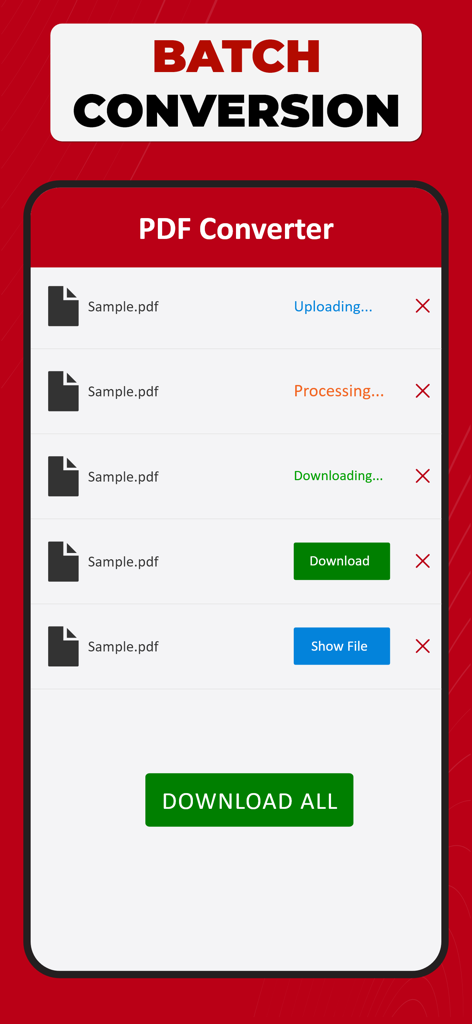
PDF Converter: Photo to PDF ! - 複数のファイルが処理されているバッチ変換画面と「すべてダウンロード」ボタンが表示されたPDF変換アプリのインターフェース
複数のファイルが処理されているバッチ変換画面と「すべてダウンロード」ボタンが表示されたPDF変換アプリのインターフェース

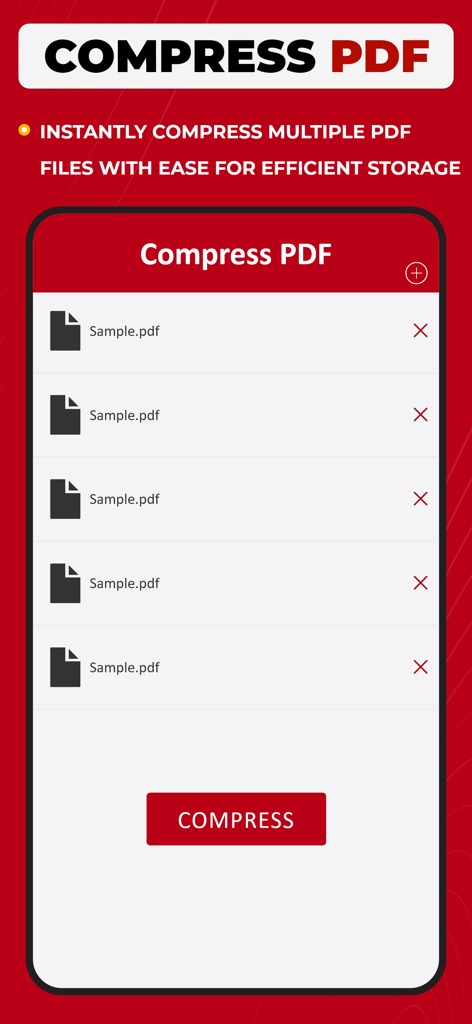
PDF Converter: Photo to PDF ! - 選択されたPDFファイルのリストと、効率的なストレージのためにそれらを即座に圧縮するボタンが表示されたモバイルアプリの画面
選択されたPDFファイルのリストと、効率的なストレージのためにそれらを即座に圧縮するボタンが表示されたモバイルアプリの画面

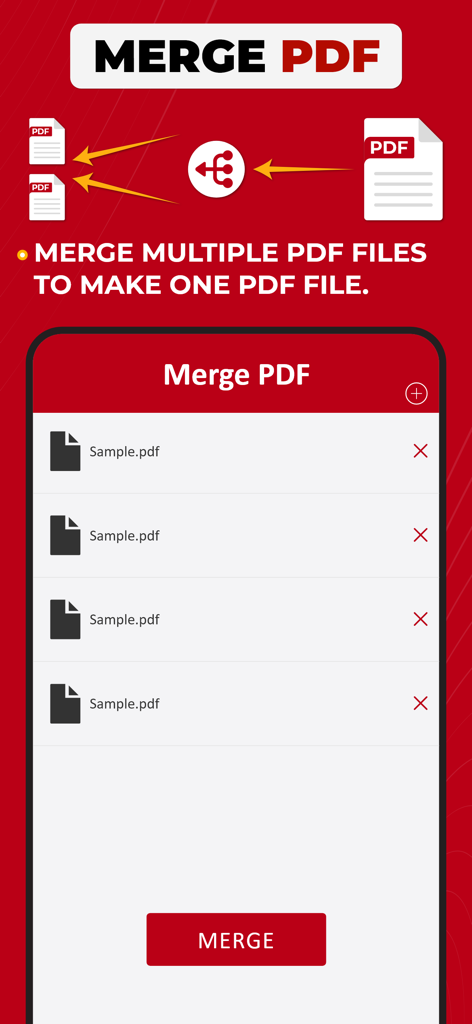
PDF Converter: Photo to PDF ! - 複数のPDFファイルを1つにマージする機能が表示されたPDF変換アプリのインターフェース
複数のPDFファイルを1つにマージする機能が表示されたPDF変換アプリのインターフェース

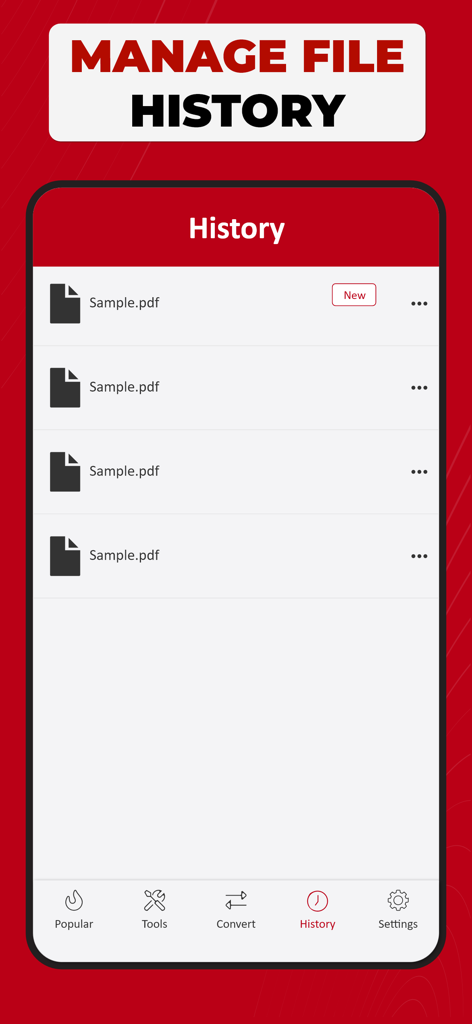
PDF Converter: Photo to PDF ! - 変換されたPDFドキュメントのリストが表示されたファイル履歴管理画面

変換されたPDFドキュメントのリストが表示されたファイル履歴管理画面

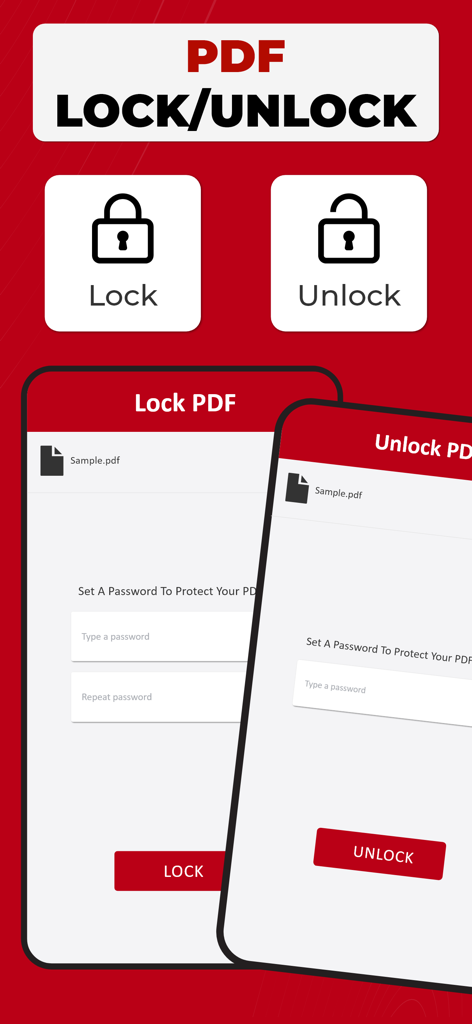
PDF Converter: Photo to PDF ! - パスワード保護によるPDFファイルのロックとアンロックのインターフェース

パスワード保護によるPDFファイルのロックとアンロックのインターフェース

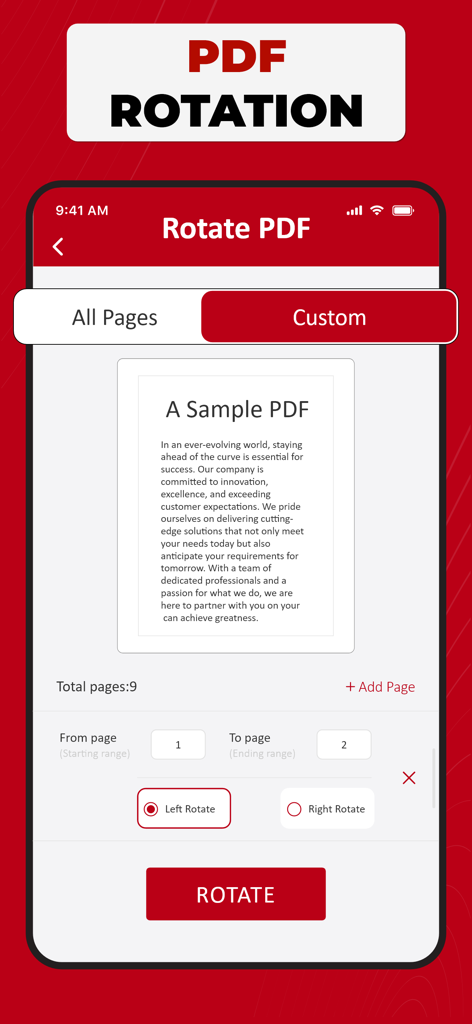
PDF Converter: Photo to PDF ! - カスタムページ範囲と左右の回転オプションが表示されたPDF回転ツールが表示されたPDF変換アプリのインターフェース

カスタムページ範囲と左右の回転オプションが表示されたPDF回転ツールが表示されたPDF変換アプリのインターフェース

説明

PDF Converter - Your Document Transformation Companion Welcome to PDF Converter, your go-to solution for effortlessly transforming your documents into portable and easily shareable PDF files & vice versa. This intuitive app is designed with simplicity in mind, ensuring a seamless and efficient conversion process for all your document needs. Get "Simple. Fast. Powerful.” PDF Converter Now! With PDF Converter, you can convert a variety of file formats, including Word documents, Excel spreadsheets, PowerPoint presentations, and images, into high-quality PDFs with just a few taps. Whether you're a student needing to convert lecture notes into a PDF or a professional looking to create polished reports, our app has you covered. The user-friendly interface of PDF Converter makes the conversion process a breeze. Simply open the app, select the file you want to convert, and let the app do the rest. No complicated settings or technical jargon – just a straightforward and smooth experience. One of the standout features of PDF Converter is its ability to maintain the original formatting of your documents. Fonts, images, and layouts are preserved, ensuring that your converted PDF looks just like the original. This attention to detail sets PDF Converter apart, providing you with professional-looking documents every time. We understand the importance of flexibility in today's fast-paced world, which is why PDF Converter allows you to convert documents easily. Whether your files are stored on your device, in the cloud, or received as email attachments, PDF Converter seamlessly integrates with your preferred storage solutions, making it convenient for you to access and convert your documents from anywhere. Security is a top priority, and PDF Converter ensures that your sensitive information remains confidential. The app is equipped with robust encryption features, adding an extra layer of protection to your converted PDFs. Share your documents with confidence, knowing that your data is secure. PDF Converter is not just a tool; it's a productivity companion that simplifies your document management tasks. Say goodbye to the hassle of incompatible file formats and hello to a streamlined, efficient workflow. Download PDF Converter today and experience the power of seamless document transformation at your fingertips. For any assistance, don't hesitate to contact us at askdevforhelp@gmail.com Please note: Free conversions and tools are complimentary, and additional in-app purchases are required for unlimited conversions. Select the plan that fits your requirements – Weekly, Monthly, Yearly, or consider a Lifetime subscription. This app provides an optional auto-renewable subscription with a 3-day free trial available on Weekly, Monthly, and Yearly plans. No commitment; you can cancel anytime before the trial period concludes. We offer a 3-day free trial for Weekly, Monthly, and Yearly plans. Cancel anytime before the trial ends; no strings attached. Payment is debited from your iTunes account upon confirmation, and subscriptions renew automatically unless you turn off auto-renewal at least 24 hours before the current period concludes. Manage subscriptions and disable auto-renewal in your iTunes Account Settings post-purchase. Any unused portion of the free trial will be forfeited if a subscription is initiated before the trial concludes. Privacy Policy: https://samiaasifdev.wordpress.com/privacy-policy/  Terms of Use: https://samiaasifdev.wordpress.com/terms-of-use/

Download

ダウンロード: App Store

このページはアプリまたはその開発者の公式ページではなく、情報提供および論評を目的として作成された独立した編集出版物です。明示的に別段の記載がない限り、アプリおよびその開発者は、MWM、Apple、Google Play、アプリのパブリッシャー、またはアプリの開発者と提携、承認、後援、認可、またはその他の公式的な関係はなく、このページのいかなる内容も、アプリがMWMのサービスを使用して開発されたことを意味するものではありません。すべての商標、ロゴ、スクリーンショット、その他のコンテンツはそれぞれの所有者の財産です。