PDF Converter – Scan & Edit
ダウンロード: App Store

このページはアプリまたはその開発者の公式ページではなく、情報提供および論評を目的として作成された独立した編集出版物です。明示的に別段の記載がない限り、アプリおよびその開発者は、MWM、Apple、Google Play、アプリのパブリッシャー、またはアプリの開発者と提携、承認、後援、認可、またはその他の公式的な関係はなく、このページのいかなる内容も、アプリがMWMのサービスを使用して開発されたことを意味するものではありません。すべての商標、ロゴ、スクリーンショット、その他のコンテンツはそれぞれの所有者の財産です。

ロゴ: PDF Converter – Scan & Edit
ダウンロード: App Store

PDF Converter – Scan & Edit

学生やプロフェッショナルが数秒でドキュメントをスキャン、編集、変換できるように支援します。OCRとスマートPDF管理の力を活用して、どこでもペーパーレスで生産的なワークフローを維持しましょう。

主要数値

ダウンロード

1K+

ユーザー評価

1.0/5

評価数

0

開発元

Shaanxi Jinxi Network Technology Co., Ltd.

カテゴリ

Utilities

対応言語

1

最新バージョン

v1.0.7

サイズ

47.4 MB

リリース日

2024年6月5日
機能

オールインワンモバイルオフィス

iPhoneを高パフォーマンスのスキャナーおよびエディターに変えましょう。外出先で作業をこなす必要があるプロフェッショナルおよび学生向けに設計されています。

スマートスキャン&OCR

物理的なドキュメントを瞬時に検索・編集可能なテキストに変換します。プロフェッショナルな明瞭さでメモ、領収書、契約書をデジタル化するのに最適です。

プログレードのファイル変換

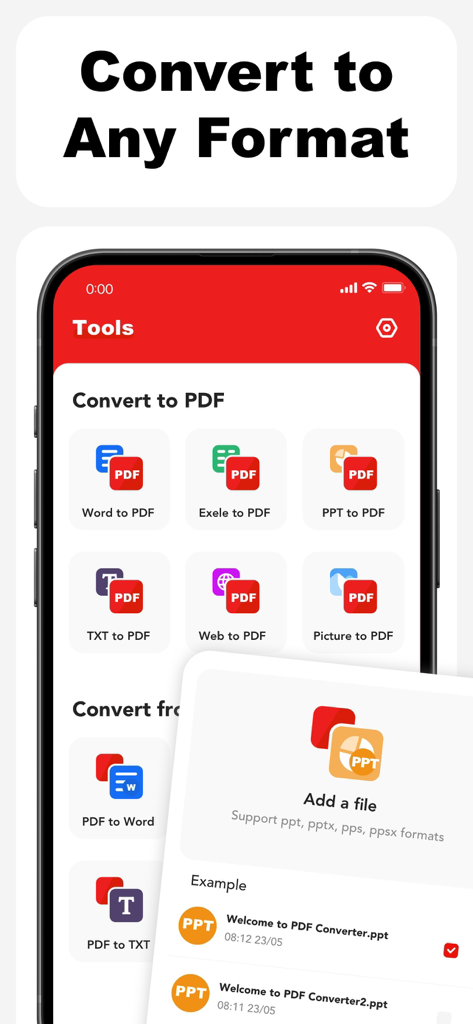
Word、Excel、PowerPointをPDFにシームレスに変換したり、その逆も可能です。デスクトップコンピューターを必要とせずに、フォーマットとレイアウトを維持します。

以下のスクリーンショットと説明は、アプリの公式ストアリスティングから直接取得されたものであり、アプリ開発者の所有物です。

アプリストア

スクリーンショット
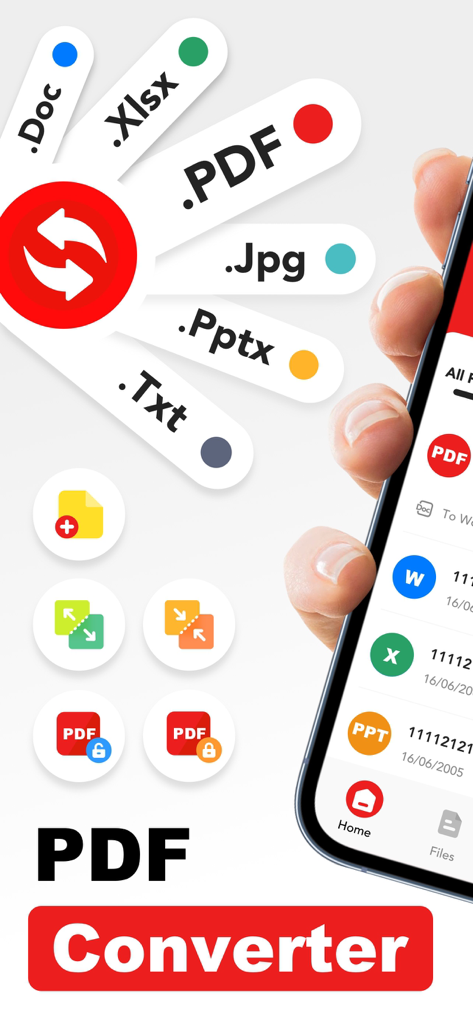
PDF Converter – Scan & Edit - PDF Word Excelなどのさまざまなドキュメント形式を表示するPDFコンバーターアプリのインターフェイスを示すスマートフォンの画面
PDF Word Excelなどのさまざまなドキュメント形式を表示するPDFコンバーターアプリのインターフェイスを示すスマートフォンの画面

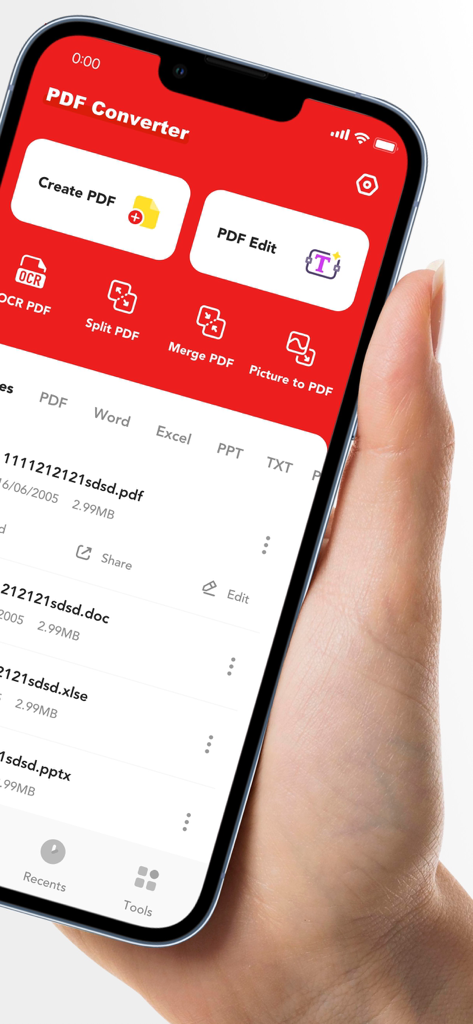
PDF Converter – Scan & Edit - iPhone上のドキュメントスキャンおよび編集ツールを示すPDFコンバーターアプリのモバイルインターフェイス
iPhone上のドキュメントスキャンおよび編集ツールを示すPDFコンバーターアプリのモバイルインターフェイス

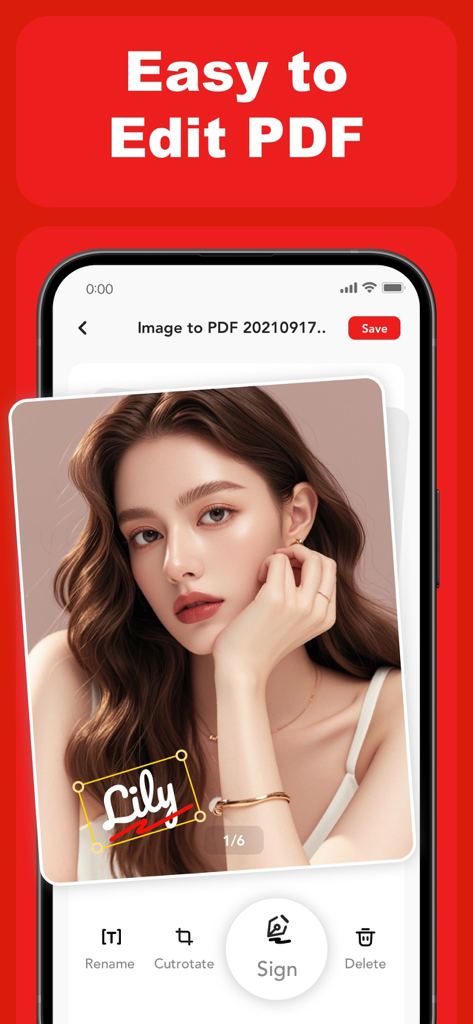
PDF Converter – Scan & Edit - 画像ドキュメントで使用されているデジタル署名ツールを示すPDFコンバーターアプリのインターフェイス。
画像ドキュメントで使用されているデジタル署名ツールを示すPDFコンバーターアプリのインターフェイス。

PDF Converter – Scan & Edit - PDF形式へのドキュメント変換のさまざまなオプションを表示するモバイルアプリのインターフェイス。
PDF形式へのドキュメント変換のさまざまなオプションを表示するモバイルアプリのインターフェイス。

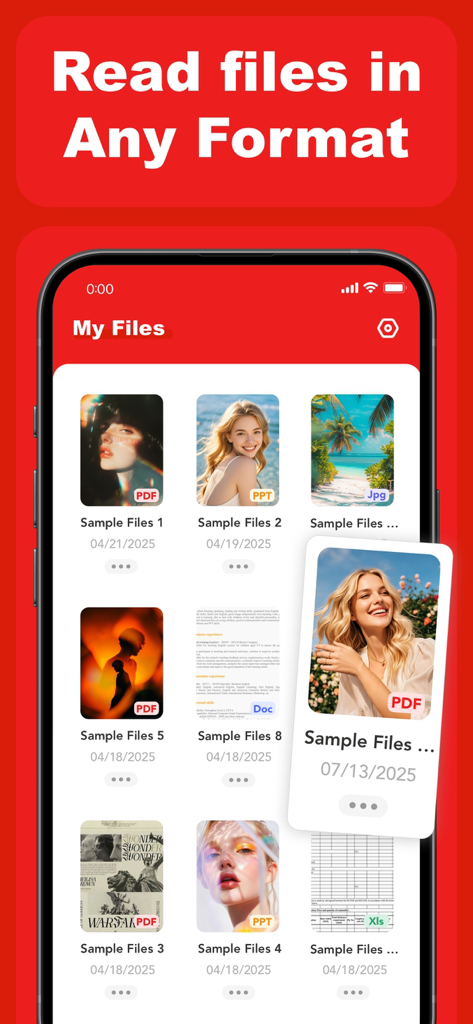
PDF Converter – Scan & Edit - PDF Word Excel PowerPoint形式のサポートを示すPDFコンバーターアプリのマイファイルセクションを表示するスマートフォン画面

PDF Word Excel PowerPoint形式のサポートを示すPDFコンバーターアプリのマイファイルセクションを表示するスマートフォン画面

説明

PDF Converter – Scan, Edit & OCR PDF Converter helps you create, convert, and manage PDF files directly on your mobile device. Designed for everyday work, study, and document handling, the app offers a practical set of tools for working with PDFs in a simple and efficient way. Key Features: Create & Edit PDFs Create PDF files from text, images, and documents Edit existing PDF content to adjust layout or text Scan Documents Use your device camera to scan documents and convert them into PDFs Suitable for paper documents, notes, receipts, and more OCR Text Recognition Extract text from scanned PDFs and images Make scanned content easier to read, copy, and edit PDF Management Split large PDFs into smaller files Merge multiple PDFs into a single document File Conversion Convert Word, Excel, PowerPoint, TXT, web content, images, and camera captures to PDF Convert PDF files back to Word, Excel, PowerPoint, TXT, or image formats Designed for Daily Use PDF Converter is built to support common document tasks such as sharing files, organizing documents, and converting formats for work or study. The interface focuses on clarity and ease of use. Subscription & Premium Access Upgrade to access advanced features and enhanced processing capabilities. Subscription options: Weekly: $2.99 Monthly: $8.99 Yearly: $29.99 (includes a 3-day free trial) Payment will be charged to your App Store account upon confirmation. Subscriptions renew automatically unless canceled at least 24 hours before the end of the current period. The free trial applies only to the yearly subscription. You can manage or cancel your subscription in your App Store account settings. Privacy & Terms Privacy Policy:https://efly.freshpdffileartic.com/freshprivacyPolicy.html Terms of Service: https://efly.freshpdffileartic.com/freshtermsOfService.html

Download

ダウンロード: App Store

このページはアプリまたはその開発者の公式ページではなく、情報提供および論評を目的として作成された独立した編集出版物です。明示的に別段の記載がない限り、アプリおよびその開発者は、MWM、Apple、Google Play、アプリのパブリッシャー、またはアプリの開発者と提携、承認、後援、認可、またはその他の公式的な関係はなく、このページのいかなる内容も、アプリがMWMのサービスを使用して開発されたことを意味するものではありません。すべての商標、ロゴ、スクリーンショット、その他のコンテンツはそれぞれの所有者の財産です。








