PDF Reader Auto Scroll

PDF Reader Auto Scroll

ダウンロード: App Store
ロゴ: PDF Reader Auto Scroll

PDFリーダー 自動スクロール:究極のハンズフリー読書体験

集中力を高めるために設計された、ミニマリストでプライバシーを最優先するツール。調整可能な自動スクロール、水平ロック、そして広告や邪魔なものなしで、本や文書を楽に読みましょう。

ダウンロード: App Store

開発元

Abdulkarim Nasir

カテゴリ

Utilities

ダウンロード

400

ユーザー評価

1.0/5

評価数

0

対応言語

1

純粋なハンズフリー集中

このインターフェースを利用する 400 人のユーザー.

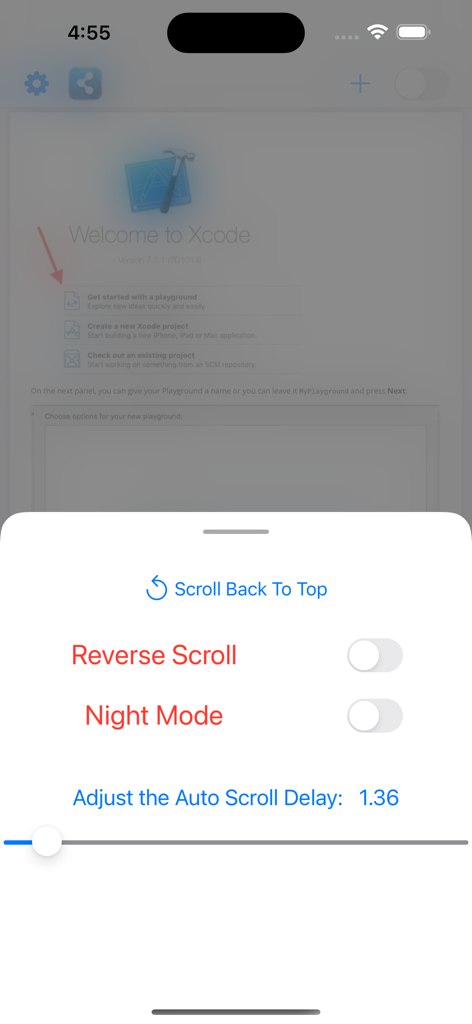
PDFリーダー 自動スクロールアプリの設定メニュー。逆スクロール、ナイトモード、自動スクロール遅延速度のコントロールが表示されています。
PDFリーダー 自動スクロールアプリの設定メニュー。逆スクロール、ナイトモード、自動スクロール遅延速度のコントロールが表示されています。

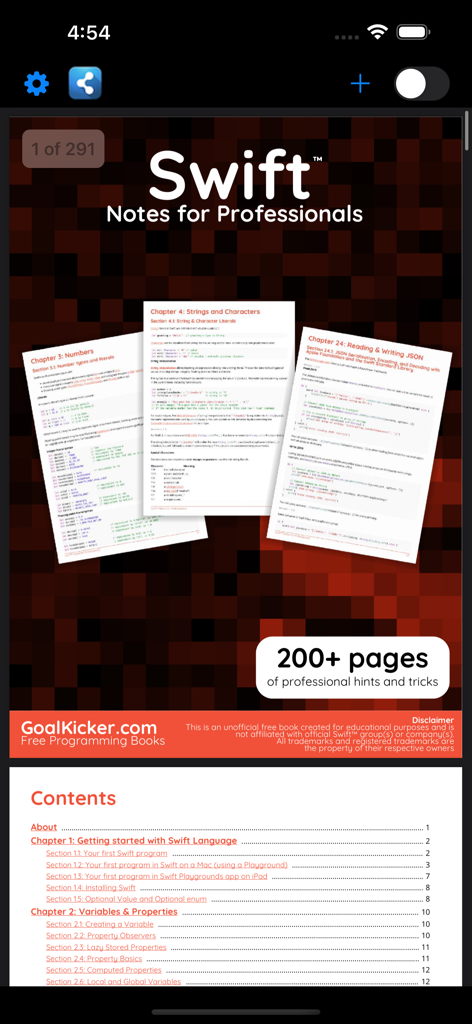
PDFリーダー 自動スクロールアプリのインターフェースのスクリーンショット。Swiftプログラミングの本とその目次が表示されています。
PDFリーダー 自動スクロールアプリのインターフェースのスクリーンショット。Swiftプログラミングの本とその目次が表示されています。

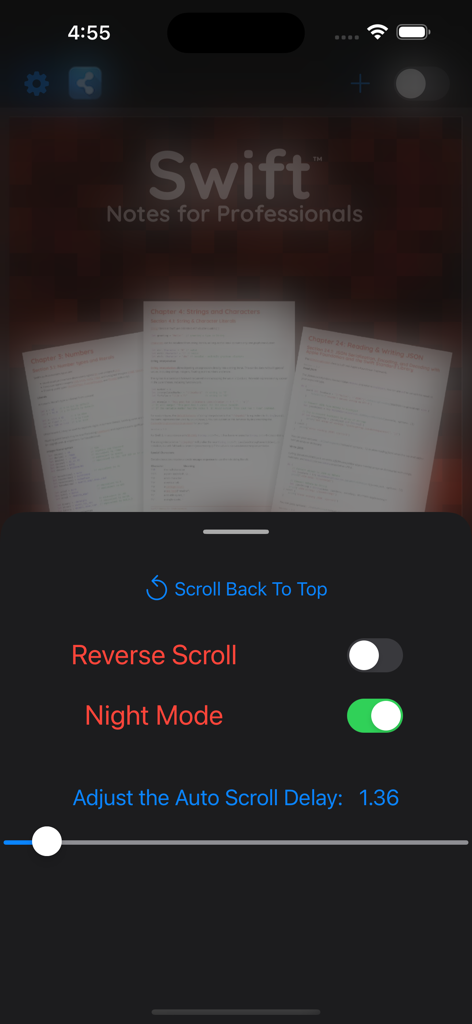
PDFリーダーアプリのインターフェース。自動スクロール設定とナイトモードが有効になり、技術文書を読んでいる様子が表示されています。
PDFリーダーアプリのインターフェース。自動スクロール設定とナイトモードが有効になり、技術文書を読んでいる様子が表示されています。

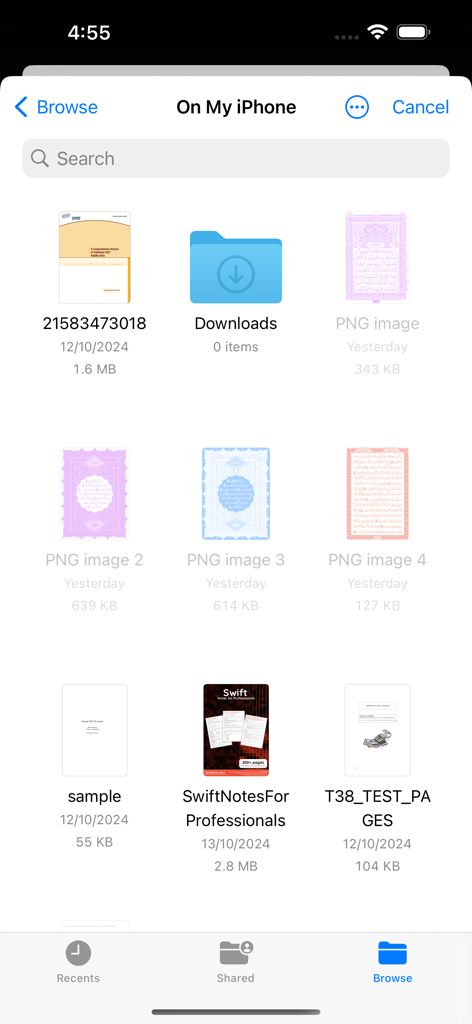
iOSファイルマネージャーのインターフェース。読書可能なPDFドキュメントとフォルダのリストが表示されています。

iOSファイルマネージャーのインターフェース。読書可能なPDFドキュメントとフォルダのリストが表示されています。

読書ワークフローをマスターする

このアプリを際立たせるツール、 400 人のユーザーが選択.

適応型ハンズフリースクロール

調整可能な自動スクロール速度で自分のペースで読みましょう。指一本動かさずに、専門的な論文、楽譜、またはレシピを勉強するのに最適です。

🔒

正確な水平ロック

厄介な左右のスライドを止めましょう。ビューを水平にロックすれば、明瞭にするためにズームインし、完璧なアライメントで垂直にスクロールできます。

🛡️

ゼロデータ・プライバシー&フォーカス

アカウント不要、広告なし、データ収集ゼロ。あなたのプライバシーとバッテリーを尊重する、軽量でミニマリストなインターフェースをお楽しみください。

アプリについて

について知っておくべきこと PDF Reader Auto Scroll.

説明

A small size PDF reader to view and manage your PDF files and books. Have you ever wondered if there was a PDF app where pages can scroll automatically? This is that app. This PDF reader - Auto-Scroll app will help you read books easily. You can easily view charts and view PDF files easily. Features in this PDF autoscroll App * Helping you reading without touching your phone * Manage your PDF files and books in one place. * Night Mode for better reading. * A special feature where on a button click, pages will scroll automatically. * Change autoscroll direction (scroll either up or down) * Manually scroll to a location and start autoscroll from there * Reopen last opened document and restore autoscroll from where you left off. * Select the characters for web searching * Open links in your pdfs externally in safari etc * Change auto scroll speed according to your preference. * Recent pdf on top of the list for easy access. * Scan your device for PDF files. * Search feature to search for PDF files easily. * Minimalist design approach. No fancy stuff. App just does what it says. * Simple and light pdf reader * It makes reading more efficient for you. By reading hands free with adjustable auto-scroll and reduced eye strain with dark mode. * Automatically bookmark the book or document, you are reading. * Show page numbers count as you scroll * You can restart auto scroll when end of pdf document is reached * Vertical auto-scrolling with adjustable speed, whose speed number/label you can see and gauge, so you can figure out your optimal speed for unique PDFs and quickly change to it instead of guessing what that speed is on a blind slider per PDF * Without any account login * None of your data is collected by using this app. * Horizontal lock: so if you must zoom in to hide margins, but then have to pan around from time to time during the auto-scrolling process, your document isn't gonna fly around horizontally as well and would only move vertically * Be able to scroll around with one finger while it's auto-scrolling, after which it resumes auto-scrolling * No conversion is made to your PDF, just pure scrolling! * Keep the screen awake without touching * No Ads in this app or annoying pop-ups. How to use: 1. Open the app 2. Click the + button on top-right corner to go to your device files folder. Select any pdf that's on your device 3. Click the switch on top-right to enjoy the auto scrolling of that pdf and more! 4. To pause the autoscroll, turn off the switch on top-right. 5. To resume autoscroll, re-enable the switch. 6. To change pdf, click the + button again and select a different one. Please tell your friends about this app! Send feedback and feature request to kareemtkb@gmail.com Disclaimer: By using this app, you agree to view only PDFs you're authorized or have the right to view.

最新バージョン

1.2

サイズ

0.8 MB

リリース日

2024年10月14日

今日からハンズフリー読書を始めましょう

調整可能な自動スクロール、ナイトモード、そして完全なプライバシーで深い集中力を体験してください。広告なし、アカウント不要—あなたとあなたの文書だけです。

ダウンロード: App Store

App information, icons, screenshots, and descriptions displayed on this page are sourced from the Apple App Store and are the property of their respective developers. Download estimates and rankings are based on MWM's proprietary models and may not reflect actual figures. This page is provided for informational and analytical purposes only.

Believe this page infringes your intellectual property? File a dispute