Photo Holder
Photo Holder
ダウンロード: App Store

このページはアプリまたはその開発者の公式ページではなく、情報提供および論評を目的として作成された独立した編集出版物です。明示的に別段の記載がない限り、アプリおよびその開発者は、MWM、Apple、Google Play、アプリのパブリッシャー、またはアプリの開発者と提携、承認、後援、認可、またはその他の公式的な関係はなく、このページのいかなる内容も、アプリがMWMのサービスを使用して開発されたことを意味するものではありません。すべての商標、ロゴ、スクリーンショット、その他のコンテンツはそれぞれの所有者の財産です。


ロゴ: Photo Holder
ダウンロード: App Store

Photo Holder

ディスプレイをアクティブでタッチプルーフに保ちます。スケッチ、レシピのフォロー、または誤ったスワイプの心配なしに単一の写真を共有するための究極のツールです。

主要数値

ダウンロード

4K+

ユーザー評価

3.7/5

評価数

0

開発元

Ryusuke Uchida

カテゴリ

Utilities

対応言語

2

最新バージョン

1.2.2

サイズ

10.0 MB

リリース日

2024年10月5日
機能

1枚の写真、ゼロの妨げ

デバイスを安定した参照ボードに変えます。誤ったスワイプや画面オフなしに必要な写真で画面をロックします。

スワイプ防止プライバシー

不安なく、携帯電話を友人や同僚に渡してください。私たちのロックモードは、誰もあなたのプライベートギャラリーを左または右にスワイプすることを防ぎます。

究極の参考ツール

アーティスト、シェフ、DIY愛好家に最適です。作業中に画面に誤って触れても、参照画像を固定して中央に配置します。

以下のスクリーンショットと説明は、アプリの公式ストアリスティングから直接取得されたものであり、アプリ開発者の所有物です。

アプリストア

スクリーンショット
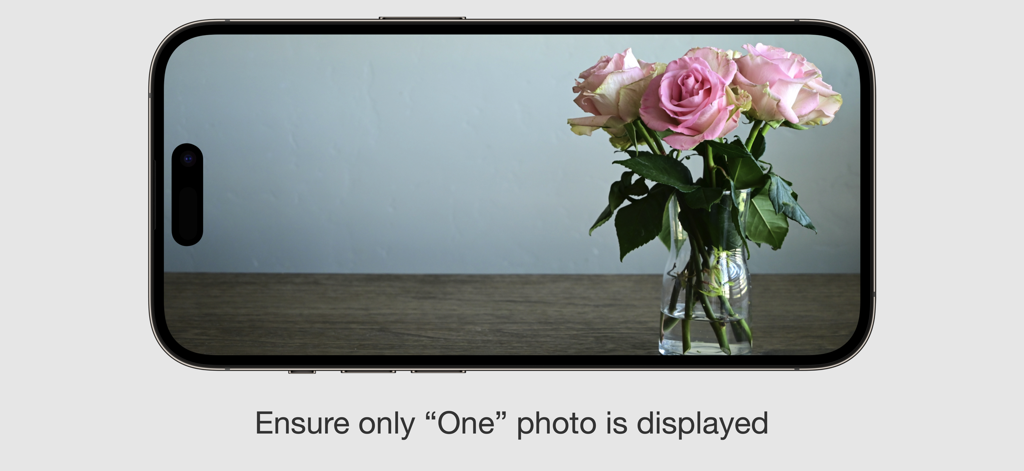
Photo Holder - ランドスケープモードのスマートフォンに、ピンクのバラのロックされた写真が表示され、「1枚の写真のみを表示するようにしてください」というキャプションが付いています
ランドスケープモードのスマートフォンに、ピンクのバラのロックされた写真が表示され、「1枚の写真のみを表示するようにしてください」というキャプションが付いています

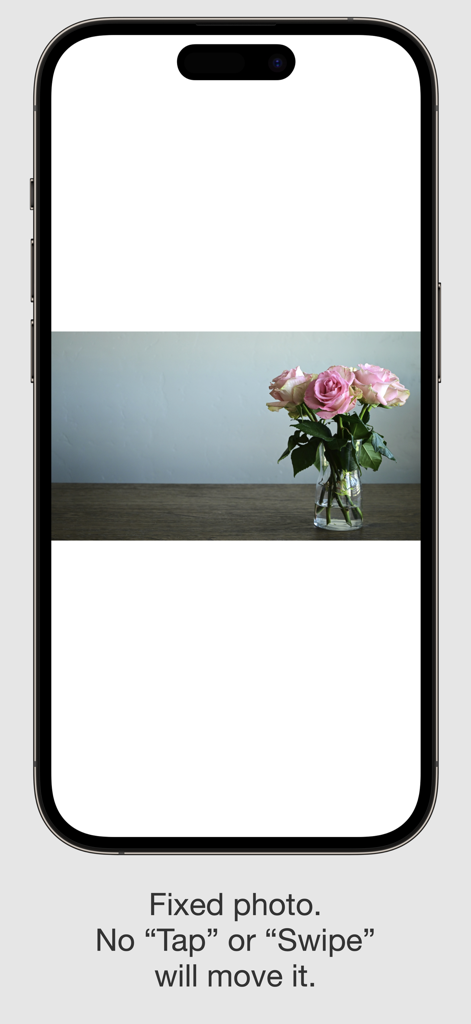
Photo Holder - フォトホルダーアプリのスクリーンショット。iPhone画面にピンクのバラの写真が固定表示され、画面ロック機能の説明テキストが付いています
フォトホルダーアプリのスクリーンショット。iPhone画面にピンクのバラの写真が固定表示され、画面ロック機能の説明テキストが付いています

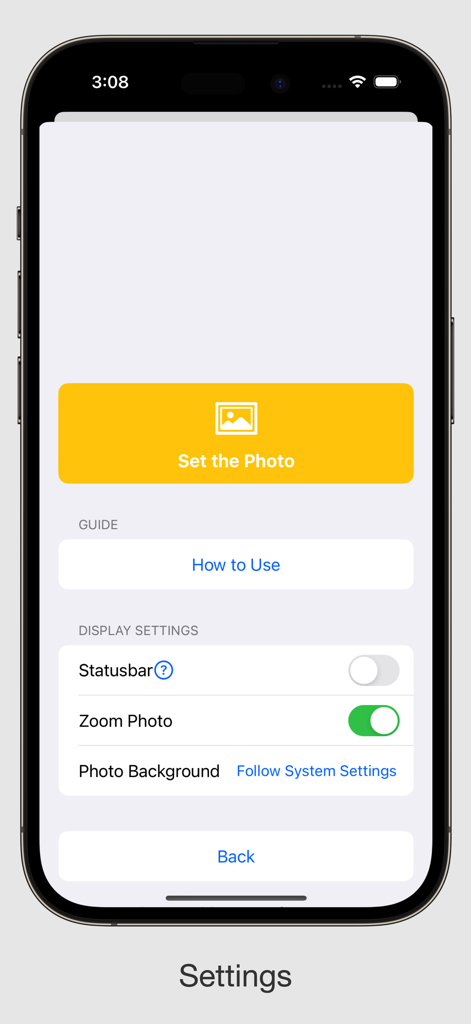
Photo Holder - フォトホルダーアプリの設定画面。写真の設定、ステータスバーやズームなどのディスプレイ設定の調整オプションが表示されます

フォトホルダーアプリの設定画面。写真の設定、ステータスバーやズームなどのディスプレイ設定の調整オプションが表示されます

説明

This app fixes only “One” photo, This app is useful when you want to display only “One” photo. When displaying a photo in Photos app, Tapping or Swiping the screen will cause the photo to go to another photo. It is surprisingly difficult to fix a photo so that nothing happens when you tap on it. Photos displayed with this app do not easily move to other screens even if you Tapping or Swiping the screen with your finger. So, for example, if you put a photo in your pocket or bag with the photo displayed, it will keep that screen all the time. +++ This may be useful in the following situations +++ * When you want to display the map image on the map while you are traveling. * When you are working with a photo for the time being. * When you want to work on various tasks while displaying the image of a memo all the time. * When you want to display photos as a photo frame at all times. * For drawing and sketching. +++ Advantages +++ * You can see the same picture every time when you start up the app. * Nothing happens even if you touch the screen. * Screen does not turn off by itself. +++ Detailed settings +++ * Zoom on / off * Statusbar display on / off * Change background color White / Black / Gray / Blur +++ How to use +++ Press and hold anywhere on the screen for 2 seconds to bring up the settings screen. From the settings screen, you can set the photo to be fixed and change the display settings, The following system-related items will be displayed even while the app is running. - Control Center - Swipe from the bottom to return to the home screen - Volume button - Side button - Home bar when the screen is touched - Notification and call dialogs - Notification when the battery is low etc.... There are many uses, aren't there? We hope you will make use of it!

Download

ダウンロード: App Store

このページはアプリまたはその開発者の公式ページではなく、情報提供および論評を目的として作成された独立した編集出版物です。明示的に別段の記載がない限り、アプリおよびその開発者は、MWM、Apple、Google Play、アプリのパブリッシャー、またはアプリの開発者と提携、承認、後援、認可、またはその他の公式的な関係はなく、このページのいかなる内容も、アプリがMWMのサービスを使用して開発されたことを意味するものではありません。すべての商標、ロゴ、スクリーンショット、その他のコンテンツはそれぞれの所有者の財産です。








