
このページはアプリまたはその開発者の公式ページではなく、情報提供および論評を目的として作成された独立した編集出版物です。明示的に別段の記載がない限り、アプリおよびその開発者は、MWM、Apple、Google Play、アプリのパブリッシャー、またはアプリの開発者と提携、承認、後援、認可、またはその他の公式的な関係はなく、このページのいかなる内容も、アプリがMWMのサービスを使用して開発されたことを意味するものではありません。すべての商標、ロゴ、スクリーンショット、その他のコンテンツはそれぞれの所有者の財産です。


Photo Scanner .
物理的なアルバムを高品質のデジタル記録に変換して、家族の遺産を保存しましょう。iPhoneカメラだけで、ビンテージ写真をお気に入りにスキャン、整理、共有できます。
ダウンロード
53K+ユーザー評価
評価数
4K+開発元
カテゴリ
Utilities対応言語
1最新バージョン
9.6サイズ
127.9 MBリリース日
2019年4月6日数秒で家族の遺産を保存
埃っぽい写真箱を活気あふれるデジタルライブラリに変えましょう。Photo Scannerは、面倒な技術なしで歴史をデジタル化、強化、整理するために必要なすべてのツールを提供します。
ワンショットデジタルスキャン
かさばる機材は必要ありません。iPhoneカメラを使って、物理的なプリントをワンタップで高品質のデジタル記録に変換します。
ストーリーを保存
各写真に特別なメモや日付を追加して、将来の世代が顔の背後にある名前や思い出を決して忘れないようにしましょう。
よくある質問
について知っておくべきこと Photo Scanner .
Photo Scannerとは何ですか?
Photo Scannerは、iPhoneカメラを使用して印刷された写真をデジタル化するアプリです。デジタルスキャンを作成し、ユーザーは編集、フィルターの適用、メモの追加、アルバムへの整理が可能です。
Photo Scannerはどのように写真をデジタル化しますか?
Photo Scannerは、iPhoneのカメラを使用して、印刷された写真から1回のショットでデジタルスキャンを作成することにより、写真をデジタル化します。その後、アプリで編集し、電話のギャラリーに自動保存できます。
Photo Scannerのユーザーは画像にフィルターを適用できますか?
はい、Photo Scannerのユーザーは画像に多くのフィルターを適用できます。このアプリは、フィルター、ホワイトバランス、色相、コントラスト、彩度、ビネット、切り抜きツールなど、さまざまな編集機能を提供します。
Photo Scannerは写真の整理をサポートしていますか?
はい、Photo Scannerは写真の整理をサポートしています。ユーザーはパーソナライズされたアルバムを作成・管理し、個々の写真に特別なメモを追加できるため、大切な思い出をアプリ内で保存・整理できます。
Photo Scanner Premiumで利用可能なサブスクリプションプランは何ですか?
Photo Scanner Premiumには、1年間(49.99ドル)、1か月(3.99ドル)、1週間(1.99ドル)の3つのサブスクリプションプランがあります。各プランには、請求開始前の無料トライアル期間が含まれています。
Photo Scannerは無料トライアルを提供していますか?
はい、Photo Scannerは無料トライアルを提供しています。1年および1か月のプレミアムプランには3日間の無料トライアルが含まれ、1週間のプランにはサブスクリプション開始前に2日間の無料トライアルが提供されます。
Photo Scannerのサブスクリプションを管理またはキャンセルするにはどうすればよいですか?
ユーザーは購入後にアカウント設定にアクセスしてPhoto Scannerのサブスクリプションを管理します。自動更新をキャンセルするには、現在の期間が終了する少なくとも24時間前にオフにする必要があります。これはiTunes経由でも可能です。
Photo Scannerアプリのプライバシーポリシーはどこにありますか?
Photo Scannerアプリのプライバシーポリシーは、https://bestcoolappsllc.wordpress.com/privacy-policy/でオンラインで確認できます。このドキュメントには、アプリケーションがユーザー情報およびデータをどのように処理するかが詳述されています。
スキャンされた写真はPhoto Scannerによって自動的に保存されますか?
はい、Photo Scannerは古い印刷された写真から作成されたデジタル写真を自動的に保存します。これらのデジタル化された画像は、便利なアクセスと共有のために電話のギャラリーに直接保存されます。
Photo Scannerからデジタル化された写真を共有できますか?
はい、ユーザーはPhoto Scannerからデジタル化された写真を簡単に共有できます。このアプリケーションは、スキャンされた写真を電話のギャラリーに自動的に保存し、家族や友人との簡単な共有を容易にします。
以下のスクリーンショットと説明は、アプリの公式ストアリスティングから直接取得されたものであり、アプリ開発者の所有物です。
アプリストア
スクリーンショット
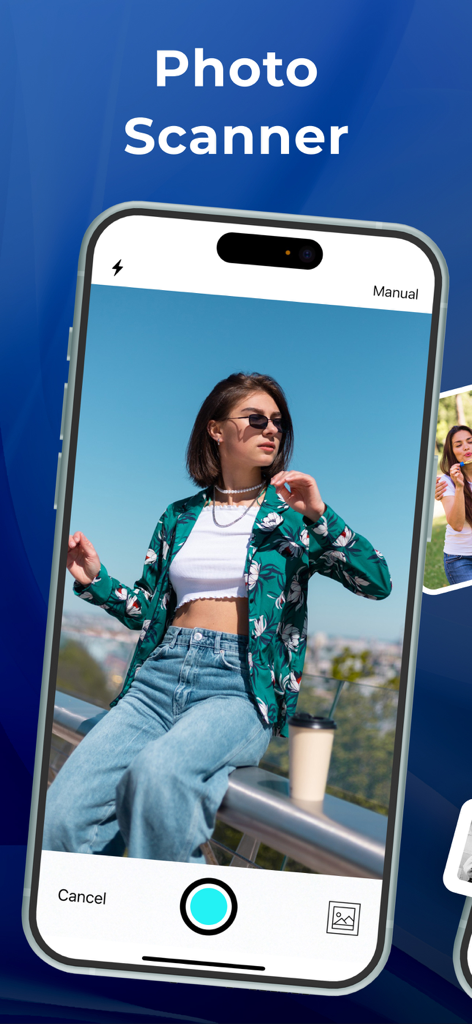
iPhone上のPhoto Scannerアプリのインターフェイス。写真がデジタル化されている様子を示しています。
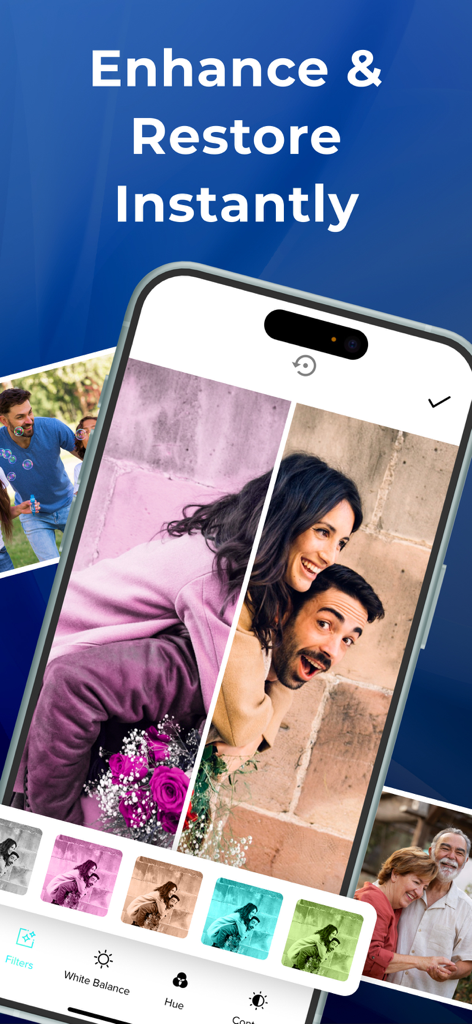
古い写真の復元前後の比較を含む写真スキャンアプリのインターフェイスを表示するスマートフォン。
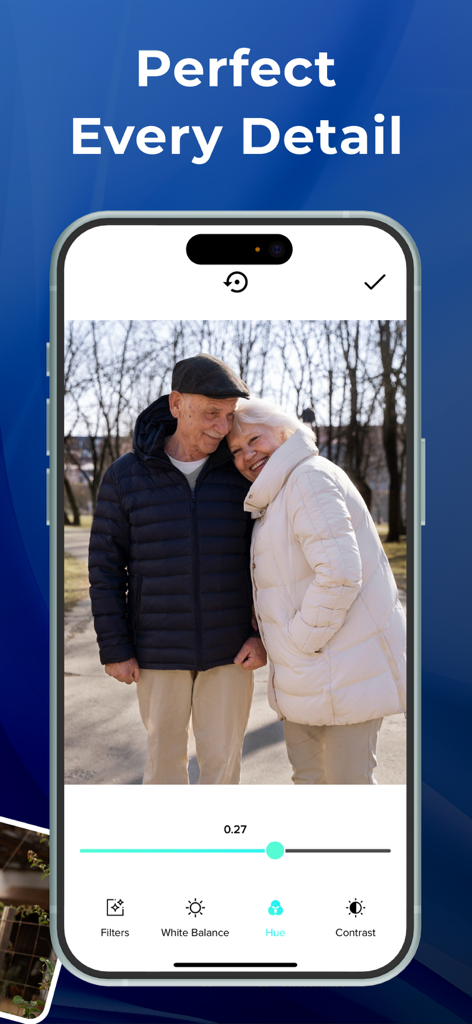
Photo Scannerアプリのインターフェイス。スキャンされた老夫婦の写真の色相調整を表示しています。
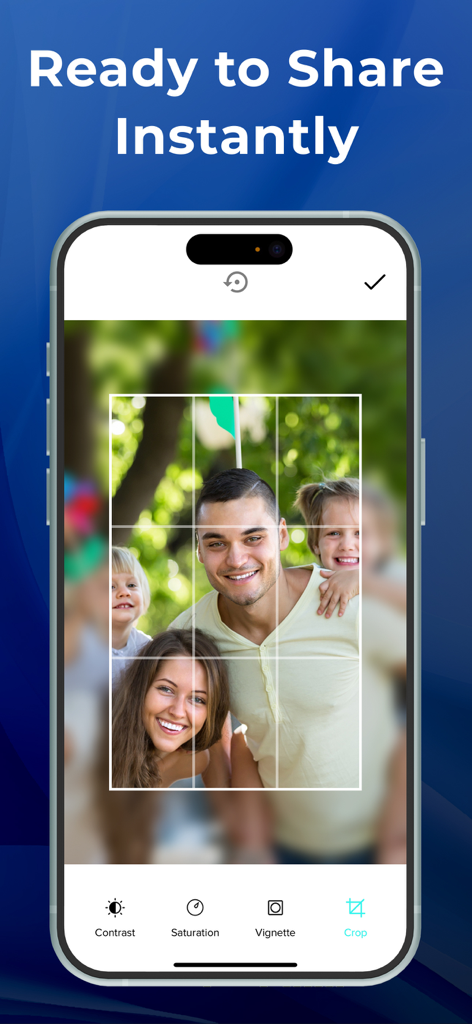
Photo Scannerアプリのインターフェイス。コントラストや彩度などの編集ツールを使用して、家族写真のトリミングを示しています。
説明
Download
類似アプリ
似た機能とユーザー体験を持つアプリ

instax UP! -Scan instax photos
FUJIFILM Corporation

エコー写真
ROLLCAKE Inc.

Photo Scanner Pro: Scan Albums
Maple Media Apps, LLC

Photo Scanner: Scan old Albums
Maple Media Apps, LLC

SlideScan - Slide Scanner App
Photomyne LTD

FilmBox by Photomyne
Photomyne LTD

Pic Scanner Gold: Scan photos
App Initio Limited
このページはアプリまたはその開発者の公式ページではなく、情報提供および論評を目的として作成された独立した編集出版物です。明示的に別段の記載がない限り、アプリおよびその開発者は、MWM、Apple、Google Play、アプリのパブリッシャー、またはアプリの開発者と提携、承認、後援、認可、またはその他の公式的な関係はなく、このページのいかなる内容も、アプリがMWMのサービスを使用して開発されたことを意味するものではありません。すべての商標、ロゴ、スクリーンショット、その他のコンテンツはそれぞれの所有者の財産です。