Piano⁺ Vault - Hide Photos
ダウンロード: App Store

このページはアプリまたはその開発者の公式ページではなく、情報提供および論評を目的として作成された独立した編集出版物です。明示的に別段の記載がない限り、アプリおよびその開発者は、MWM、Apple、Google Play、アプリのパブリッシャー、またはアプリの開発者と提携、承認、後援、認可、またはその他の公式的な関係はなく、このページのいかなる内容も、アプリがMWMのサービスを使用して開発されたことを意味するものではありません。すべての商標、ロゴ、スクリーンショット、その他のコンテンツはそれぞれの所有者の財産です。


ロゴ: Piano⁺ Vault - Hide Photos
ダウンロード: App Store

Piano⁺ Vault - Hide Photos

秘密のギャラリーを音楽のピアノに偽装しましょう。ステルスレベルのプライバシー、自動クラウドバックアップ、組み込みのプライベートブラウザで、写真、動画、メモを安全に隠します。

主要数値

ダウンロード

200

ユーザー評価

4.3/5

評価数

0

開発元

Manisha Lathiya

カテゴリ

Utilities

対応言語

9

最新バージョン

3.0

サイズ

56.7 MB

リリース日

2024年6月5日
機能

プライバシーに見えないプライバシー

機能的な音楽インターフェースの後ろに、最も個人的な写真、動画、ドキュメントを安全に保管しましょう。友人や家族と電話を共有するときも、完全に安心してお楽しみください。

ステルスセキュリティ

完全に機能するピアノアプリの後ろに隠されているため、ホーム画面をスクロールしている人にはあなたのプライベート金庫は完全に目立ちません。

インスタントパニックロック

予期せぬ中断?電話を伏せるだけで、金庫が即座にロックされ、プライベートメディアが詮索好きな目から遠ざかります。

以下のスクリーンショットと説明は、アプリの公式ストアリスティングから直接取得されたものであり、アプリ開発者の所有物です。

アプリストア

スクリーンショット
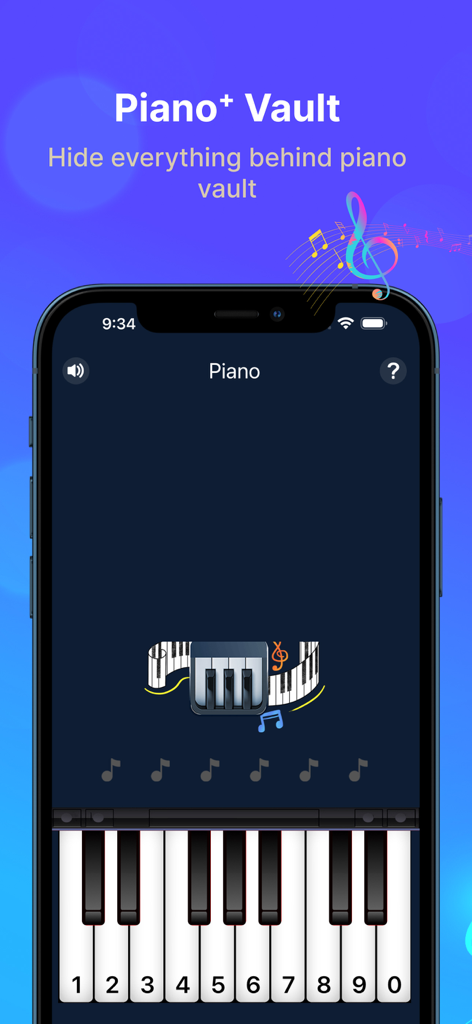
Piano⁺ Vault - Hide Photos -

Piano⁺ Vault - Hide Photos -

Piano⁺ Vault - Hide Photos -

Piano⁺ Vault - Hide Photos -

Piano⁺ Vault - Hide Photos -

説明

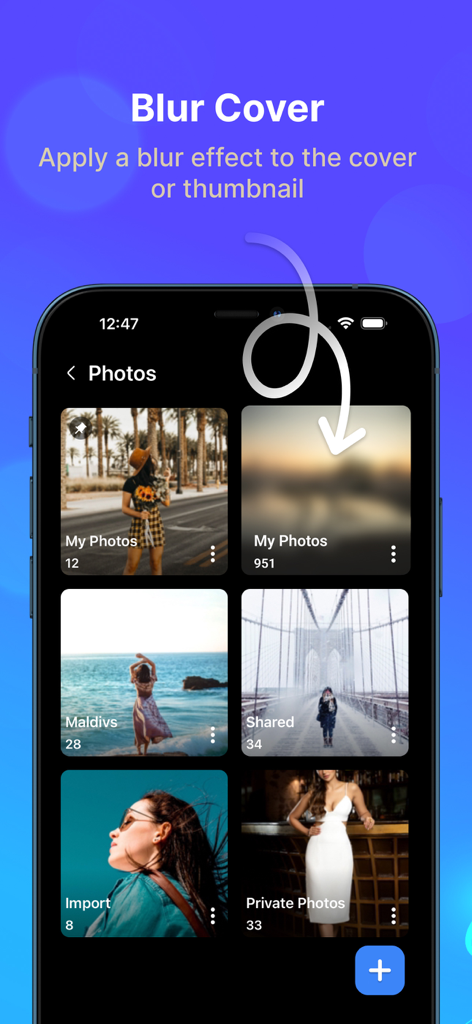
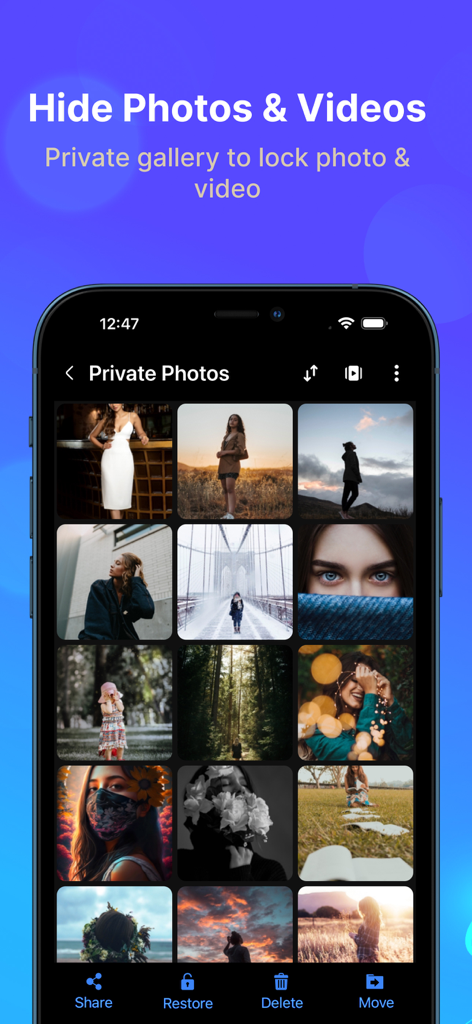
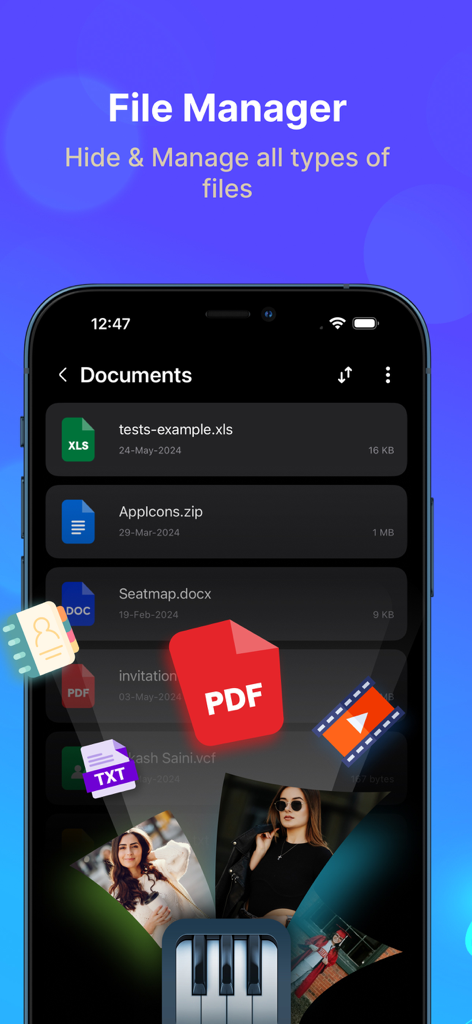
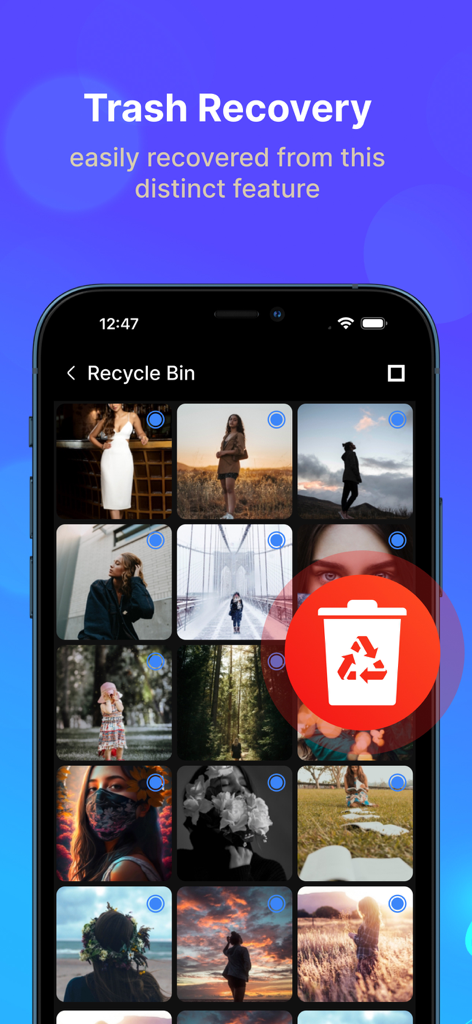
Piano Vault is a private gallery photos vault app to hide photos and hide videos while making your phone's gallery lock appear to be a musical piano. Your hidden photos remain to your friends & family. Everything will be truly protected in your piano photo lock app. Hide Photos & Hide Videos Piano Photo and Video Locker app lets you hide personal images and short videos or long movies with advanced protection. Secure personal photos, videos, sensitive documents, notes & contacts with PIN protection. Photo locker is the safest place to hide pictures. You can also hide audio files & private notes in the piano vault app. Cloud Backup Automatic backup videos, photos, music, contacts and important documents using cloud drive with one click. Never lose your data again when you hide files into photo lock app. Sync your files around multiple devices with Piano hide app. Built-in Photo Viewer Through Built-in Photo Viewer, you can easily view all hidden photos inside the piano locker app. File Transfer Easily transfer files from the old phone to a new phone or a tablet by scanning QR code using the same Wi-Fi or hotspot connection. You can also transfer files from computer to private gallery & vault without using internet data. Private Browser Download photos and videos from the privacy browser and hide photos into the Piano vault directly. Leave no traces of browsing history after you exit into video locker. Themes Support Light & Dark mode. Backup & Restore Privately hide photos and backup files in your device to prevent loss of any document. You can also restore files into gallery photos vault anytime in future. More Useful Tools: File management with sort, list, grid, rename, move, lock photos & export. Face down auto lock during a panic situation. Inbuilt image viewer inside photo hide app Set the folder cover image of your choice. Recycle bin feature to restore private video files deleted by mistake. Pin the most important and frequently used folders at the top. Piano gallery locker app comes with latest user experience & much needed features like Cloud Sync and Dark Mode to keep safe important media & documents. Disclosure: we do not collect and/or share any personal or sensitive user data using the Accessibility Services API. Question: How to retrieve your forgotten password? Answer: Please enter “112233” in piano to verify your security question or recovery email and then reset the password. Premium Subscription Piano Vault app includes an optional auto-renewable subscription to access current and future premium categories: Note: Check within the app for exact pricing for your region - 1 month subscription USD 2.99 - 1 year subscription USD 9.99 - Lifetime premium subscription USD 19.99 • Payment will be charged to your iTunes account at confirmation of purchase and will automatically renew (at the duration/price selected) unless auto-renew is turned off at least 24 hours before the end of the current period. • Account will be charged for renewal within 24-hours prior to the end of the current period, and identify the cost of the renewal. • Any unused portion of a free trial period, if offered, will be forfeited when the user purchases a subscription to that publication, where applicable. • You can manage your subscription and/or turn off auto-renewal by going to your iTunes Account Settings, but refunds will not be given for any unused portion of the term. Terms of Service: https://piano-vault.web.app/terms-apple.html Privacy Policy: https://piano-vault.web.app/privacy-policy-apple.html

Download

ダウンロード: App Store

このページはアプリまたはその開発者の公式ページではなく、情報提供および論評を目的として作成された独立した編集出版物です。明示的に別段の記載がない限り、アプリおよびその開発者は、MWM、Apple、Google Play、アプリのパブリッシャー、またはアプリの開発者と提携、承認、後援、認可、またはその他の公式的な関係はなく、このページのいかなる内容も、アプリがMWMのサービスを使用して開発されたことを意味するものではありません。すべての商標、ロゴ、スクリーンショット、その他のコンテンツはそれぞれの所有者の財産です。