PixVibe is an all-in-one AI photo editing app designed to effortlessly remove objects, people, text, and backgrounds from your images.
AI photo editor offers professional tools like AI photo eraser, background changer, retouch, avatar maker, and face editing.
Whether you're retouching photos, transforming your appearance, or adding color in photo, AI image editor makes it effortless.
The eraser app remove unwanted objects from your photos, The eraser app remove unwanted objects from your photos, text remove, tattoo remove. Our selfie editor and remover tool ensure seamless results with just a tap. You can also enhance blurry photos, retouch portraits, expand photo easily with AI image enlarger and apply creative edits — all in one place.
PixVibe Features
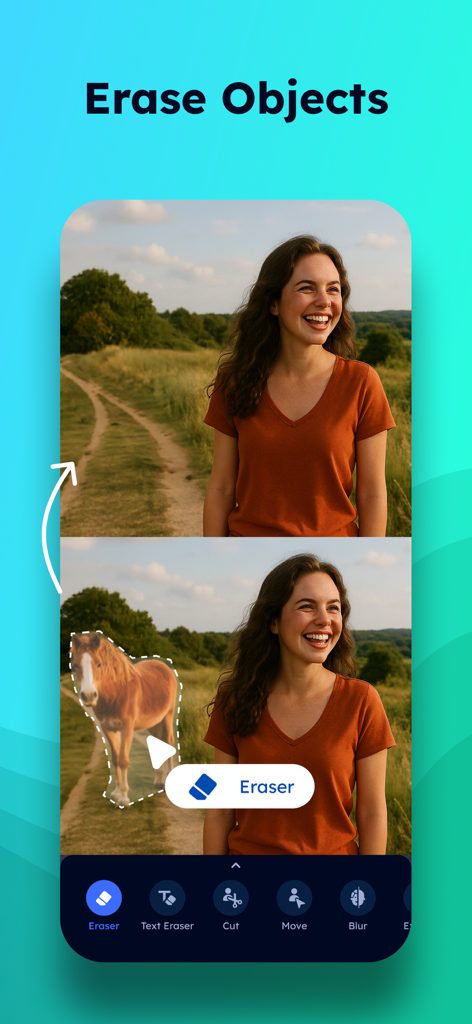
AI Object Removal
Erase unwanted objects and remove people from your photos using magic eraser editor. Delete text, remove logo and remove items from photo. Use the image cleanup tool to get rid of blemishes, stains, shadows, or other distractions from your visuals. The inpaint feature helps you naturally remove object, erase people, and remove blemish, try magic editing tool.
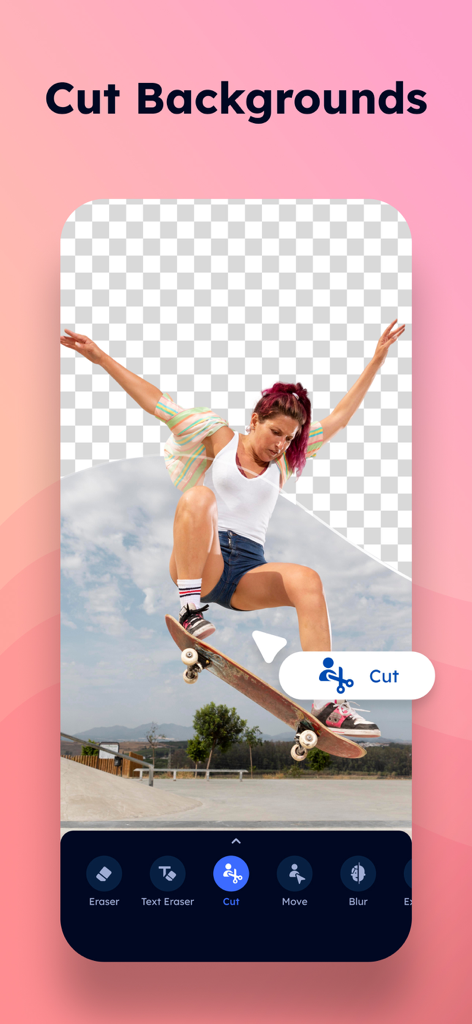
AI Background Remover
Remove backgrounds to create transparent backgrounds with magic background eraser app. White background remover is perfect for creating transparent photos. Use the AI cutout feature to object cut, generate transparent images and add backgrounds. Whether you're removing picture backgrounds, text-in backgrounds, or creating content for a transparent background app, image background remover offers full control with its background remover and editor.
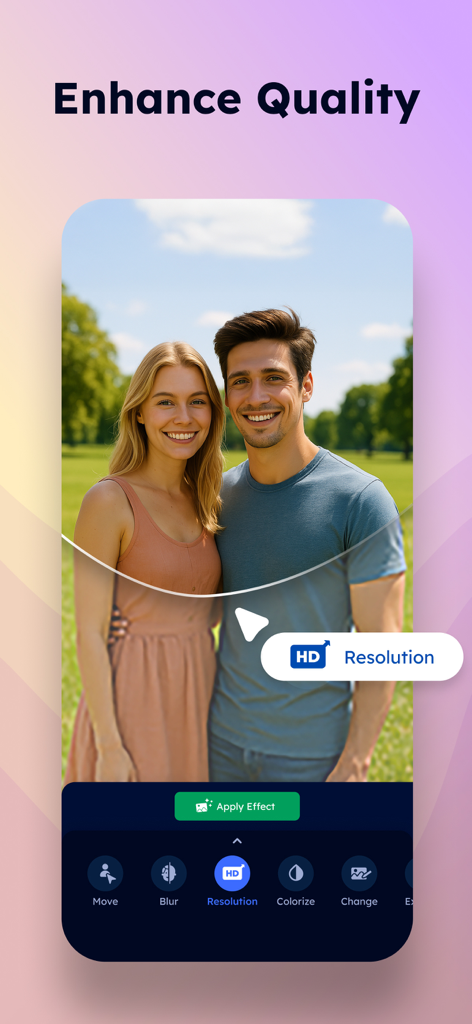
AI Photo Enhancement
Improve quality of your photos with photo sharpen tools that repair blur pic, restore old pictures , and build better quality photo. The photo quality enhancer helps improve image quality and turn your pictures into high-quality photos with high image clarity.
Photo Retouch
Retouch your selfies with picture editor designed for easy retouch. Smooth skin, whiten teeth, reshape facial features, and adjust body proportions with ease. Use the pimple remover, acne remover, face tuner, mole remover, wrinkle remover and eyebag remover to refine your look-all in face app editor.
AI Avatar Maker
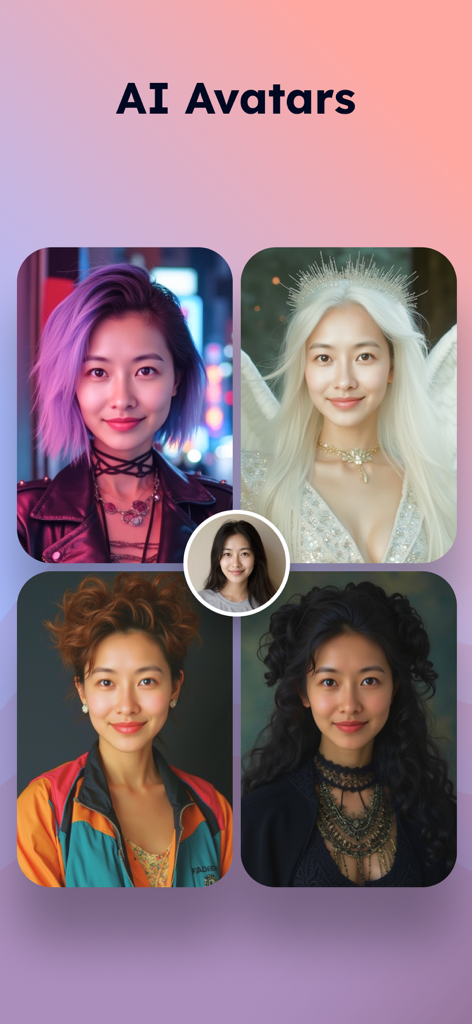
Create your own AI avatars with AI image creator. Choose from a wide range of artistic styles to transform your image into personalized avatars that reflect different characters, moods, or aesthetics.
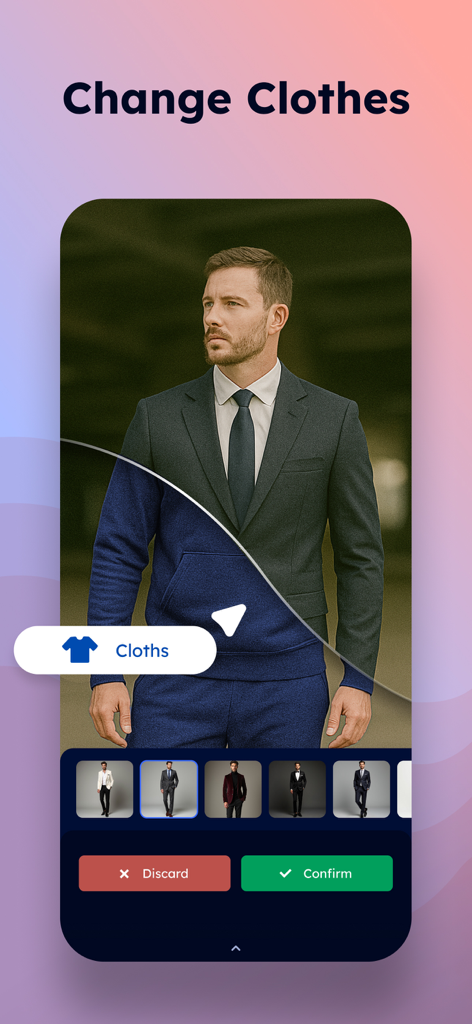
Style and Body Editing
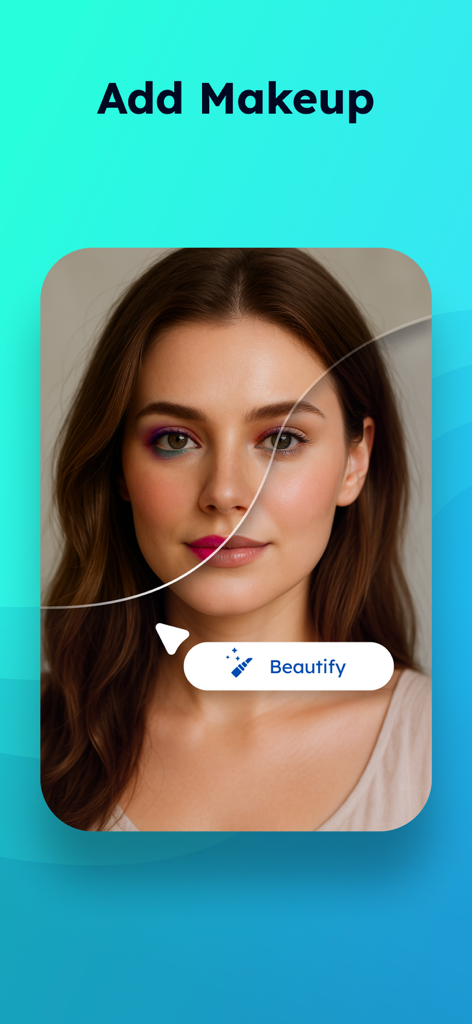
Retouch pictures with photo touch up tools that let you try on different hairstyles makeup, clothes, glasses, even tattoos and remove red eye. Use the muscle editor and body adjuster to fix body appearances. Use the photo makeup editor to achieve your best selfies. Photo retouch app is designed to help you fix photo.
Image Colorizer
Colorize old photos with the AI colorize tool. AI photo colorizer brings old memories back by transforming black and white pictures, helping you change photo colors with smart color editing, powered by color photo AI for stunning color restoration. Whether retouch old photos or colorize picture, the colorizer helps you preserve the past with vibrant detail.
Photo erase has never been easier. Use our erase app for best pic erase experience. Erase any imperfections with our image remover. Any disturbing object can easily be removed with our object remover. You can even remove shadow with our remove app. Anything can simply be removed from photo with our picture remover. Download now and enjoy the best photo remover app!
AI edit app to remove objects, erase background, touch up pictures, enhance quality, and sharpen photos.
A subscription is required to enjoy unlimited use of all premium features, including Magic Eraser, Background Removal, Enhance, Retouch, Outpaint, AI Avatar, and Colorize.
Terms of use: https://www.everpixel.org/apps/pixvibe/terms-of-use
Privacy policy: https://www.everpixel.org/apps/pixvibe/privacy-policy
Contact: support@everpixel.org