
このページはアプリまたはその開発者の公式ページではなく、情報提供および論評を目的として作成された独立した編集出版物です。明示的に別段の記載がない限り、アプリおよびその開発者は、MWM、Apple、Google Play、アプリのパブリッシャー、またはアプリの開発者と提携、承認、後援、認可、またはその他の公式的な関係はなく、このページのいかなる内容も、アプリがMWMのサービスを使用して開発されたことを意味するものではありません。すべての商標、ロゴ、スクリーンショット、その他のコンテンツはそれぞれの所有者の財産です。

Play: Create Better Apps
イノベーション部門で2025年Apple Design Awardを受賞。ネイティブ要素、リアルタイムデバイス同期、インスタントSwiftUIコード生成を使用して、高忠実度のモバイルエクスペリエンスを作成します。
ダウンロード
119K+ユーザー評価
評価数
100開発元
カテゴリ
Graphics & Design対応言語
1最新バージョン
4.2.1サイズ
64.5 MBリリース日
2024年9月13日ネイティブの力でデザイン
静的な画面を超えましょう。Playは、AppleのネイティブマテリアルとCore Animationを使用して、完成したアプリのように見え、感じられ、動作する高忠実度プロトタイプを作成するのに役立ちます。
ネイティブiOSマテリアル
実際のApple Maps、Swift Charts、Hapticsで構築します。静的なデザインツールでは再現できない、本物のエクスペリエンスをステークホルダーに提供します。
インスタントリアルタイム同期
MacとiPhoneの間のギャップを埋めます。デスクトップでインタラクションを調整し、手のひらで即座に応答を感じてください。
以下のスクリーンショットと説明は、アプリの公式ストアリスティングから直接取得されたものであり、アプリ開発者の所有物です。
アプリストア
スクリーンショット
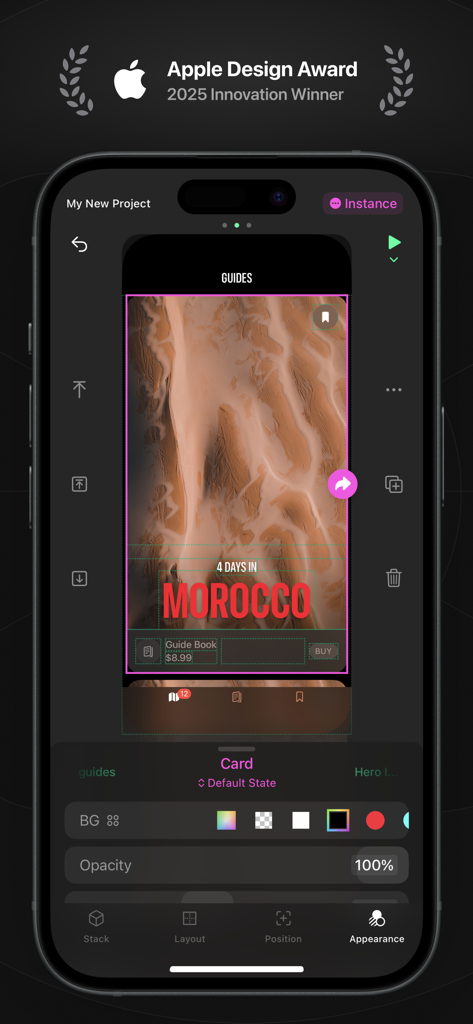
2025年Apple Design Awardロゴと旅行アプリのデザインワークスペースを特徴とするiPhone上のPlayアプリのインターフェイス
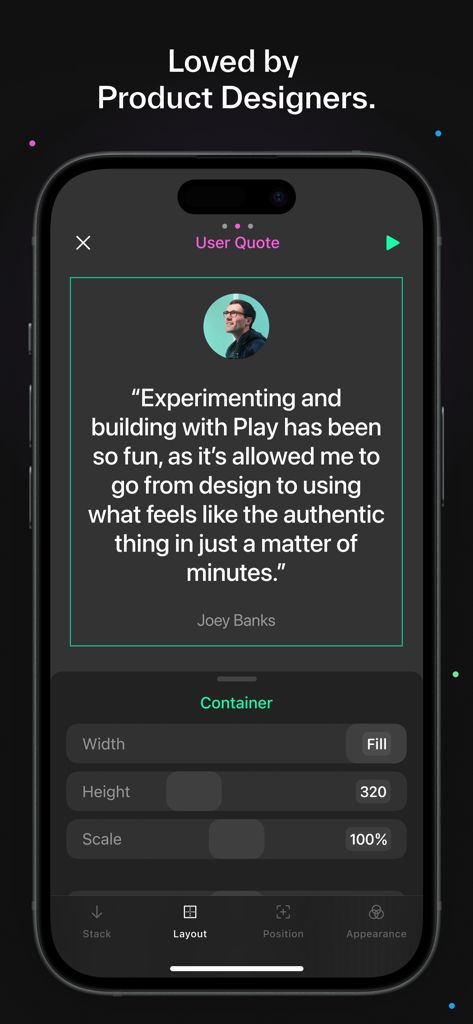
iPhone上のPlayアプリインターフェイスに表示されたプロダクトデザイナーJoey Banksからの証言
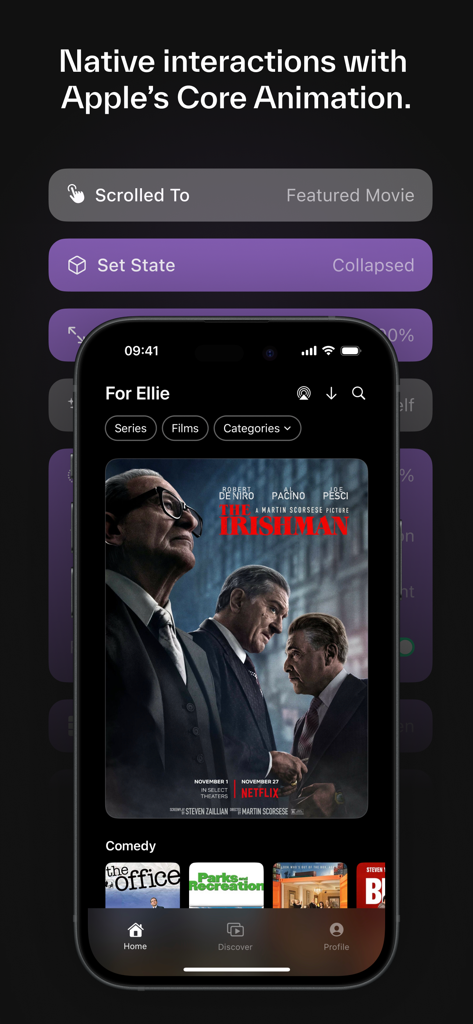
ビデオストリーミングレイアウトのネイティブiOSインタラクションとコアアニメーショントリガーを示す、Playアプリのモバイルインターフェイスプロトタイプ。
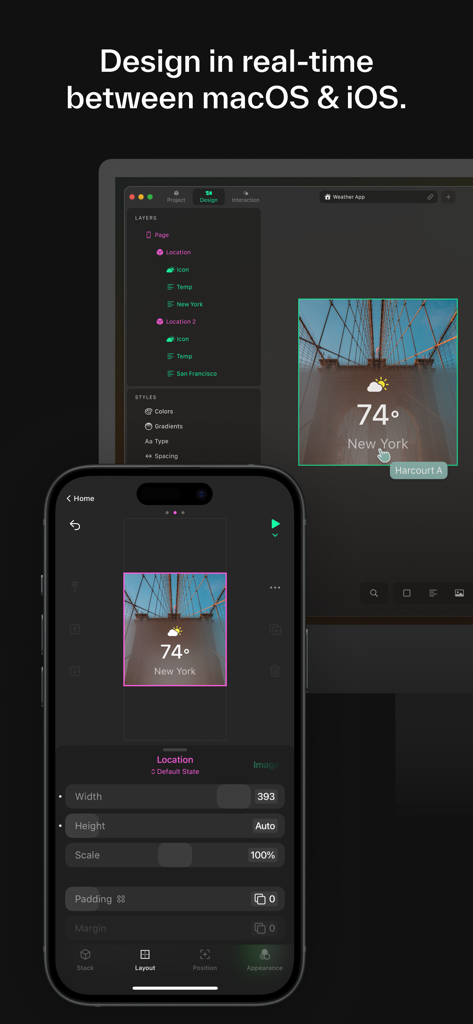
Playアプリインターフェイスを使用したmacOSとiOSデバイス間のリアルタイムデザイン同期
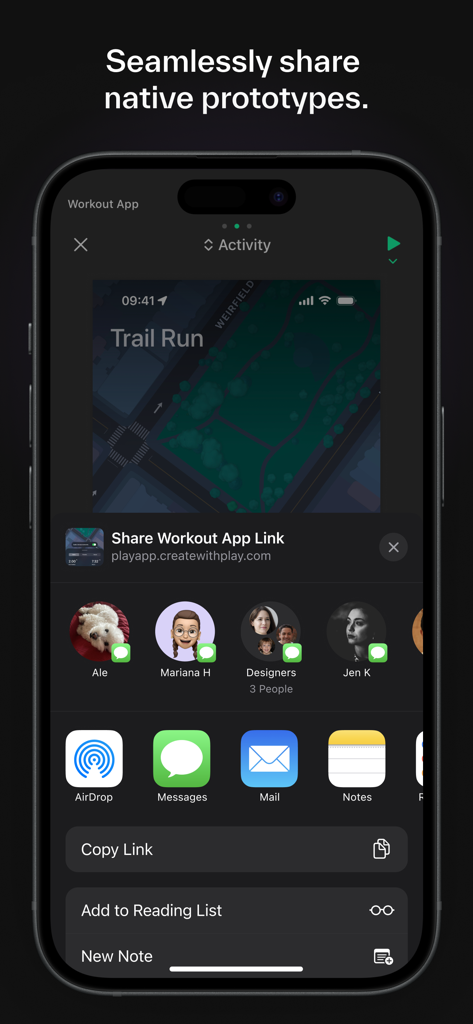
Playデザインツールからネイティブアプリプロトタイプを共有するためのiOS共有シート
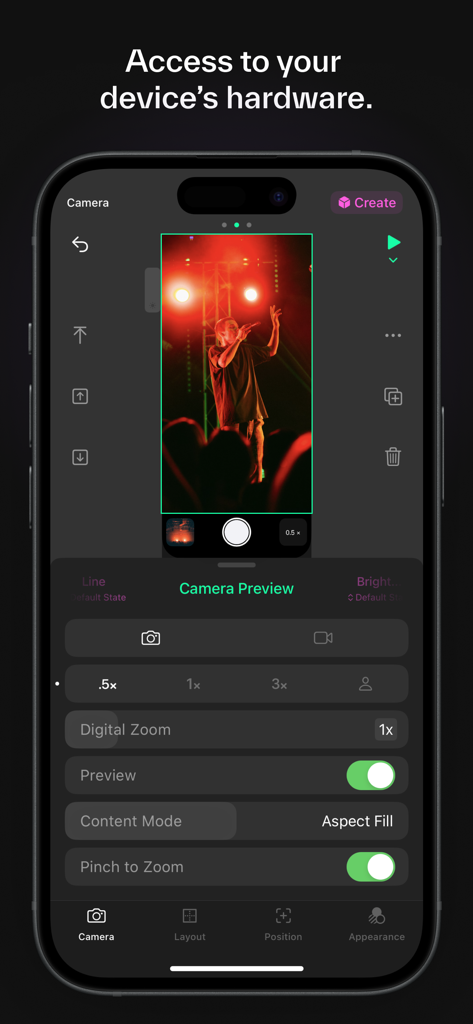
iOSプロトタイピング用のカメラプレビューとハードウェア制御設定を示す、Playアプリのスクリーンショット。
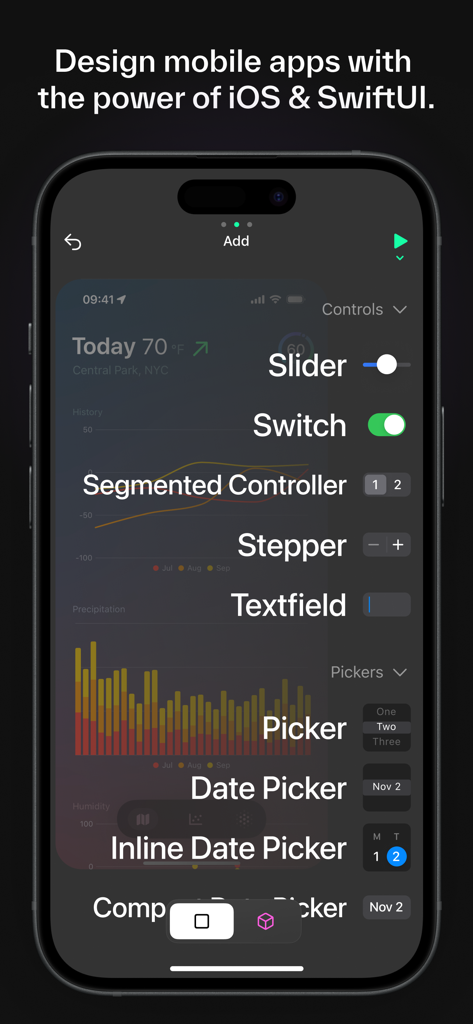
モバイルプロトタイピング用のSlider、Switch、Segmented ControllerなどのネイティブiOSデザインコンポーネントを示すPlayアプリのインターフェイス。
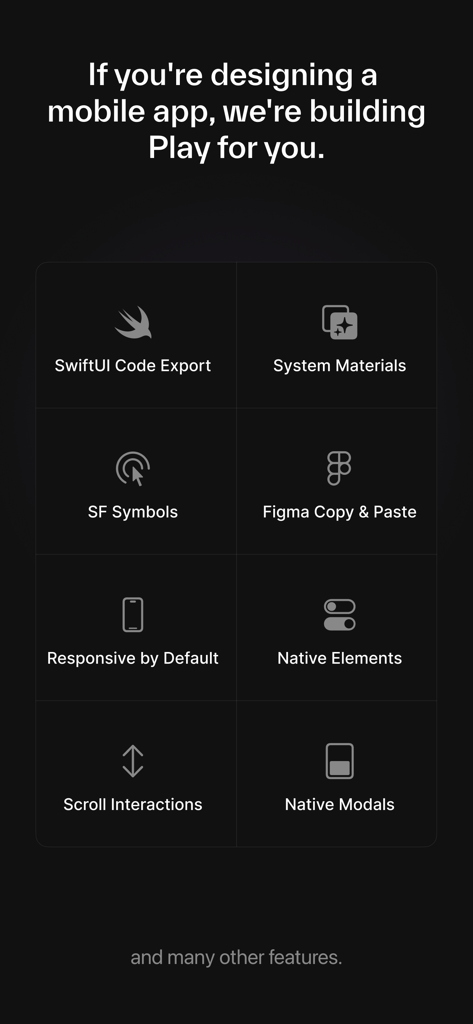
SwiftUIコードエクスポートとFigma統合を含むPlayアプリの主要機能のリスト
説明
Download
類似アプリ
同じカテゴリのトップランクアプリ

Kling AI: AI Image&Video Maker
LOHAS GAMES PTE. LTD.

iScreen - Widgets & Wallpaper
Xiamen ShenZhuo Information Technology Co., Ltd.

Dreamina AI: Image&Video Maker
BYTEDANCE PTE. LTD.

Home AI - AI Interior Design
HUBX YAZILIM HIZMETLERI ANONIM SIRKETI

ibis Paint X
ibis inc.

ThemeKit: Widget & Icon Themes
Woohoo Tech. Ltd.

Sketchbook®
Sketchbook, Inc.

Colorful Widget- Widget&Themes
Guangzhou ZHIFENG Information Technology Co.,Ltd.

ReRoom AI: Interior Design
GM UniverseApps Limited
このページはアプリまたはその開発者の公式ページではなく、情報提供および論評を目的として作成された独立した編集出版物です。明示的に別段の記載がない限り、アプリおよびその開発者は、MWM、Apple、Google Play、アプリのパブリッシャー、またはアプリの開発者と提携、承認、後援、認可、またはその他の公式的な関係はなく、このページのいかなる内容も、アプリがMWMのサービスを使用して開発されたことを意味するものではありません。すべての商標、ロゴ、スクリーンショット、その他のコンテンツはそれぞれの所有者の財産です。