Polaris Office Mobile

Polaris Office Mobile


ダウンロード: App Storeダウンロード: Google Play
ロゴ: Polaris Office Mobile
Polaris Office: ドキュメントとPDFのためのオールインワンモバイルワークスペース

デスクトップクラスの編集とMicrosoft Officeファイルの完璧な書式設定を体験してください。効率を求めるプロフェッショナルや学生のために設計された、強力な1つのアプリでGoogle Drive、Dropbox、iCloudにアクセスできます。

開発元

Polaris Office Corp.

カテゴリ

Productivity

ダウンロード

468K+

ユーザー評価

4.2/5

評価数

14K+

対応言語

17

効率的な運用

このインターフェースを利用する 468K+ 人のユーザー.

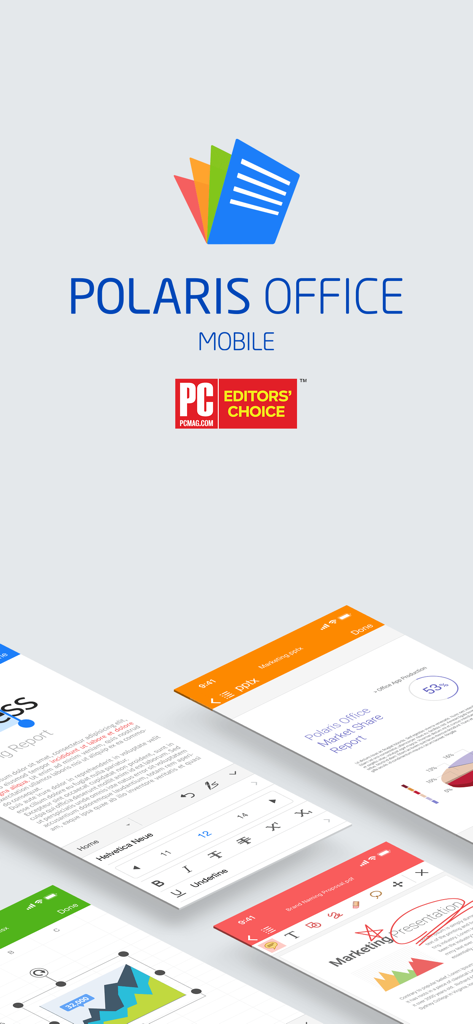
Polaris Office Mobileアプリのインターフェース。ドキュメント編集画面とPC Mag Editors Choice賞のバッジが表示されています。

Polaris Office Mobileアプリのインターフェース。ドキュメント編集画面とPC Mag Editors Choice賞のバッジが表示されています。

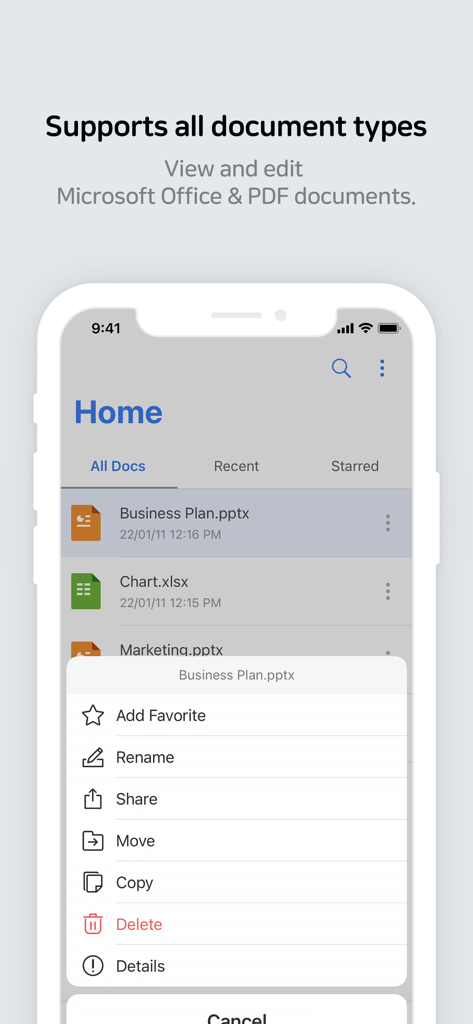
Polaris Office Mobileアプリのインターフェース。ドキュメントリストとファイル管理オプションが表示されています。

Polaris Office Mobileアプリのインターフェース。ドキュメントリストとファイル管理オプションが表示されています。

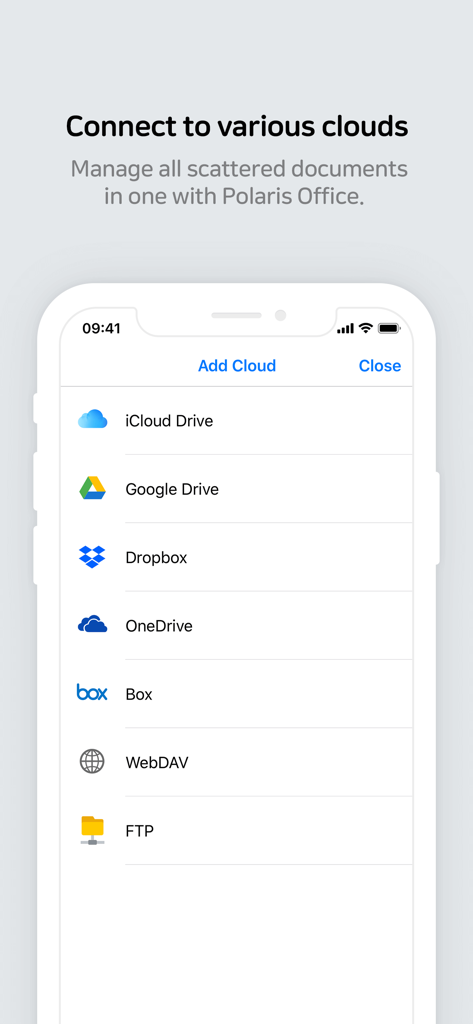
Polaris Office Mobileインターフェース。iCloud、Google Drive、Dropboxを含む複数のクラウドストレージサービスを接続するためのものです。

Polaris Office Mobileインターフェース。iCloud、Google Drive、Dropboxを含む複数のクラウドストレージサービスを接続するためのものです。

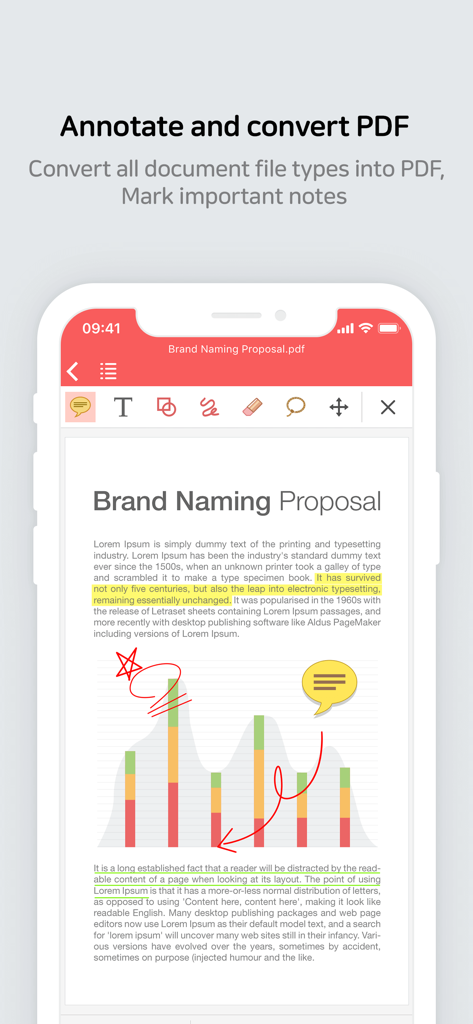
Polaris Office Mobileアプリのインターフェース。ドキュメント上でPDF注釈および変換ツールが表示されています。

Polaris Office Mobileアプリのインターフェース。ドキュメント上でPDF注釈および変換ツールが表示されています。

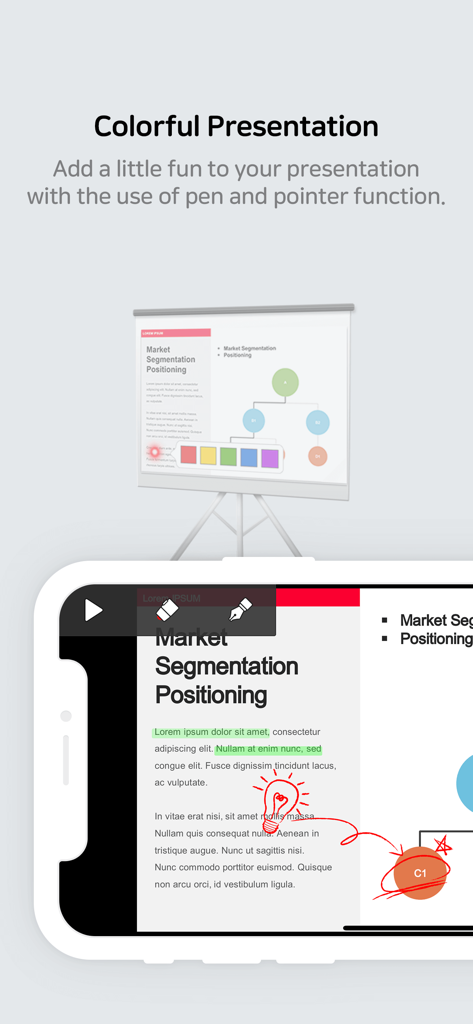
Polaris Officeでペンとポインタツールを使用してプレゼンテーションスライドを編集している携帯電話画面。

Polaris Officeでペンとポインタツールを使用してプレゼンテーションスライドを編集している携帯電話画面。

モバイルワークフローを強化

このアプリを際立たせるツール、 468K+ 人のユーザーが選択.

🚀

デスクトップクラスの互換性

Word、Excel、PowerPointファイルを完璧な書式設定の忠実度と500以上の高度な編集ツールで指先で編集できます。

☁️

統合クラウドハブ

アプリの切り替えをやめましょう。Google Drive、Dropbox、iCloud、OneDrive全体でファイルを1つの集中管理された場所でシームレスにアクセスおよび管理できます。

✍️

プロフェッショナルPDF&モバイルツール

契約書に注釈を付けたり、ファイルをPDFに変換したり、カメラを使ってドキュメントを即座にスキャンしたりできます。外出先でのプロフェッショナルに最適です。

アプリについて

について知っておくべきこと Polaris Office Mobile.

説明

* Polaris Office - the choice of more than 100 million users worldwide! * Meet the new and improved Polaris Office Mobile with more powerful document editing features, Microsoft Office compatibility, and a faster document loading speed. ■ Introduction to Polaris Office Mobile Polaris Office Mobile is the best mobile office solution — it makes it easy for you to view or edit documents in various formats on your iPhone or iPad, due to its compatibility with MS Office. It supports features such as Annotate and Export to PDF. It also improves the efficiency of your work by offering features that are optimized especially for mobile devices, such as supporting various cloud storage services (iCloud, Google Drive, Dropbox, WebDAV etc), opening email attachments, and File Manager. ■ Media Coverage - "Polaris Office is the best solution for editing MS Office documents on the go." - "Polaris Office is one of the best productivity apps for iPad with solid performance and a reasonable price tag." - "Polaris Office boasts the most advanced editing technologies among its peers." ■ Advantages of Polaris Office Mobile High compatibility with Microsoft Office document Annotate and convert PDF Set TXT file background color More than 500 powerful editing functions Capable of more than 300 data analysis instances and fast document loading Support a variety of cloud services (iCloud, Google Drive, Dropbox, OneDrive, Box, WebDAV, FTP etc) Stunning presentation Simple and elegant design 24 templates / 20 2D/3D charts / 173 shapes / More than 300 functions and automatic data calculation View Conditional Formatting and Pivot Tables / Provide a Custom Keyboard for editing sheets Apply and edit 37 slide transition effects / View object animation Pointer and memo for Slideshow / Slideshow notes Add and edit header, footer, endnote, and footnote / Ruler function Camera mode that can be used to take pictures and apply them to the document / Insert and play video clips / Directly open zip files Support Split Window mode Strengthen the security via App lock function Manage documents which often view or edit as favorites Save a ducument form that often use as template Support 3D touch ■ Have you ever had trouble with broken formatting or non-visible charts when viewing Microsoft Office files on your mobile device? : Polaris Office Mobile displays Microsoft Office files that are almost identical to their original format. It is now possible to view or edit documents from your PC on your mobile devices. ■ Supported Devices and Requirements Compatible with iPhone, iPad, iPod touch / iOS 10.0 and above ■ Supported Formats Edit & View (doc/docx, xls/xlsx, ppt/pptx, txt, hwp, csv) / View (pdf, pps, ppsx, odt) (NEW) Now we support CSV format. ■ Supported Languages Supported UI languages (Korean, English, Japanese, Simplified Chinese, Traditional Chinese, German, French, Italian, Spanish, Portuguese, Hebrew) / Input languages (Most languages supported by iOS) ■ Online Channel Facebook : www.facebook.com/Polarisoffice ■ Terms of Service and Privacy Policy This application does not collect personal information and data from users. - Terms of Service : https://www.polarisoffice.com/en/terms - Privacy Policy : https://www.polarisoffice.com/en/privacy ■ Information about permission to access File access permission is required to provide this service. * How to change sharing option Settings > Privacy > Allow additional permissions Select category > Revoke access to Polaris Office

最新バージョン

9.7.3

サイズ

117.6 MB

リリース日

2012年4月16日

あなたのオフィス全体をポケットに最適化

今すぐ1億人以上のユーザーに加わりましょう。外出先でデスクトップレベルのドキュメント編集とシームレスなクラウド統合を体験してください。今すぐPolaris Officeをダウンロードしましょう。

ダウンロード: App Storeダウンロード: Google Play

App information, icons, screenshots, and descriptions displayed on this page are sourced from the Apple App Store and are the property of their respective developers. Download estimates and rankings are based on MWM's proprietary models and may not reflect actual figures. This page is provided for informational and analytical purposes only.

Believe this page infringes your intellectual property? File a dispute