Projector AR Drawing - Creator
ダウンロード: App Store

このページはアプリまたはその開発者の公式ページではなく、情報提供および論評を目的として作成された独立した編集出版物です。明示的に別段の記載がない限り、アプリおよびその開発者は、MWM、Apple、Google Play、アプリのパブリッシャー、またはアプリの開発者と提携、承認、後援、認可、またはその他の公式的な関係はなく、このページのいかなる内容も、アプリがMWMのサービスを使用して開発されたことを意味するものではありません。すべての商標、ロゴ、スクリーンショット、その他のコンテンツはそれぞれの所有者の財産です。
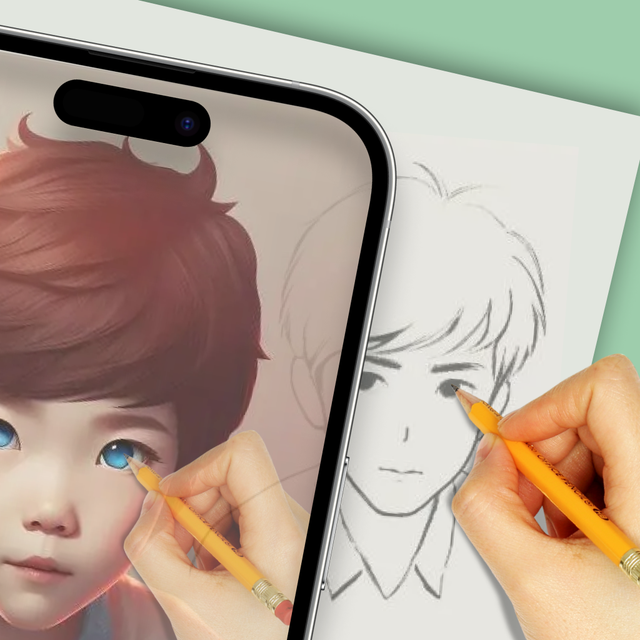

ロゴ: Projector AR Drawing - Creator
ダウンロード: App Store

Projector AR Drawing - Creator

AI搭載ARトレースで描画アートをマスター。紙のスケッチからストリートアートの壁画まで、プロのスキル不要で素晴らしい傑作を瞬時に作成。

主要数値

ダウンロード

313K+

ユーザー評価

4.0/5

評価数

1K+

開発元

Zipo Apps Ltd.

カテゴリ

Graphics & Design

対応言語

18

最新バージョン

1.9.3

サイズ

88.5 MB

リリース日

2022年3月17日
機能

数秒で創造の芸術をマスター

AI搭載ARテクノロジーで内なるアーティストを解き放ち、スケッチブックから寝室の壁まで、あらゆる表面にどんな画像でも投影します。

高精度ARトレース

デジタルアウトラインをキャンバスに直接投影することで、常に完璧なプロポーションを実現。あらゆる線にプロのガイドがいるかのようです。

DIYと副業に対応

あらゆる表面で創造性をレベルアップ。スニーカーのカスタマイズ、タトゥーのデザイン、都市の壁に巨大なグラフィティアートを作成するのに最適です。

以下のスクリーンショットと説明は、アプリの公式ストアリスティングから直接取得されたものであり、アプリ開発者の所有物です。

アプリストア

スクリーンショット
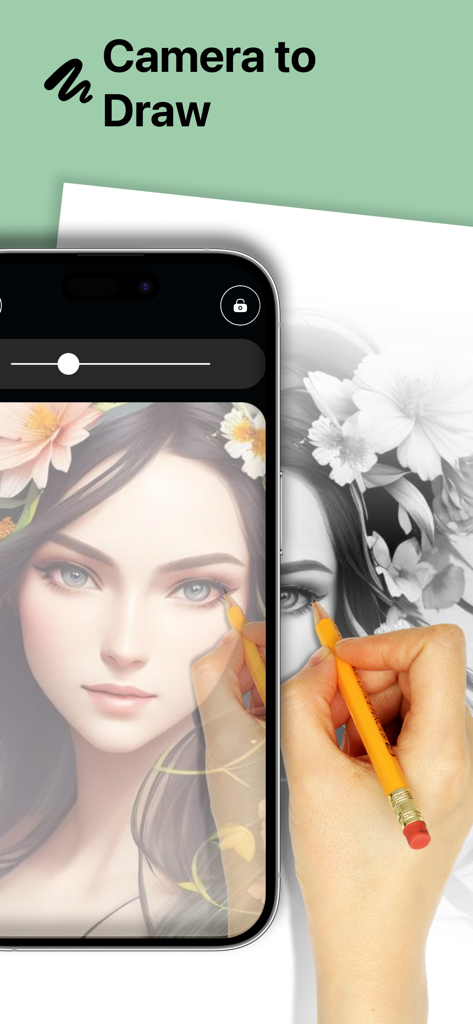
Projector AR Drawing - Creator - Projector AR Drawingアプリを使用して、人物が鉛筆で紙に詳細な肖像画をトレースしている様子
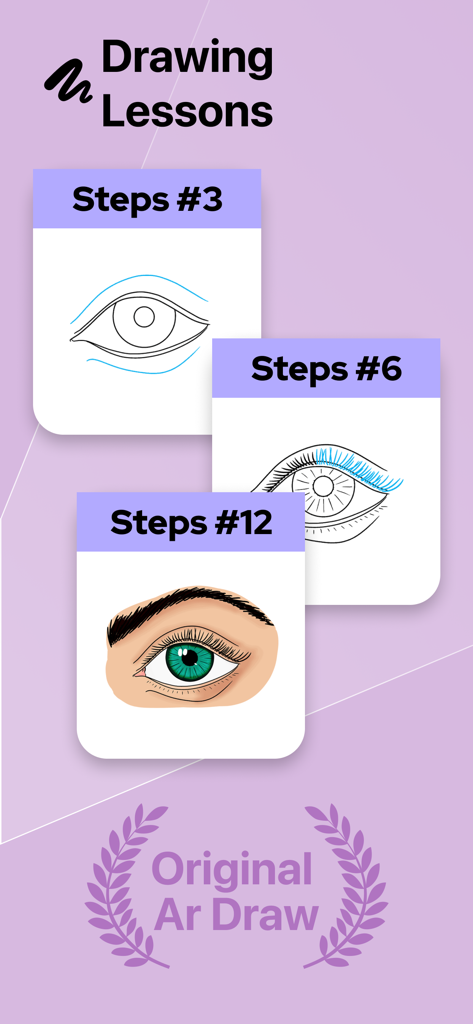
Projector AR Drawingアプリを使用して、人物が鉛筆で紙に詳細な肖像画をトレースしている様子

Projector AR Drawing - Creator - Projector AR Drawingアプリで目のスケッチと着色を進める様子を示す段階的な描画レッスン
Projector AR Drawingアプリで目のスケッチと着色を進める様子を示す段階的な描画レッスン

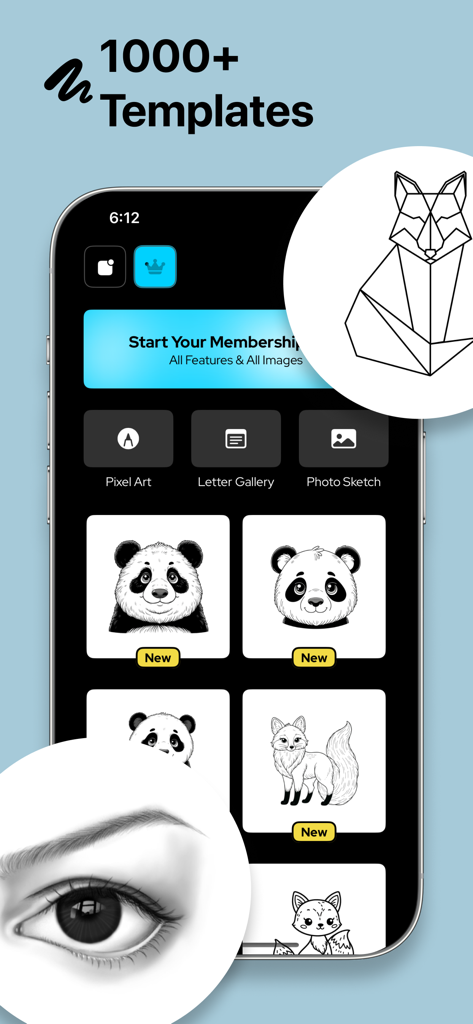
Projector AR Drawing - Creator - Projector AR Drawingアプリのインターフェースに、クリエイティブなスケッチのためのさまざまな描画テンプレートとカテゴリが表示されている
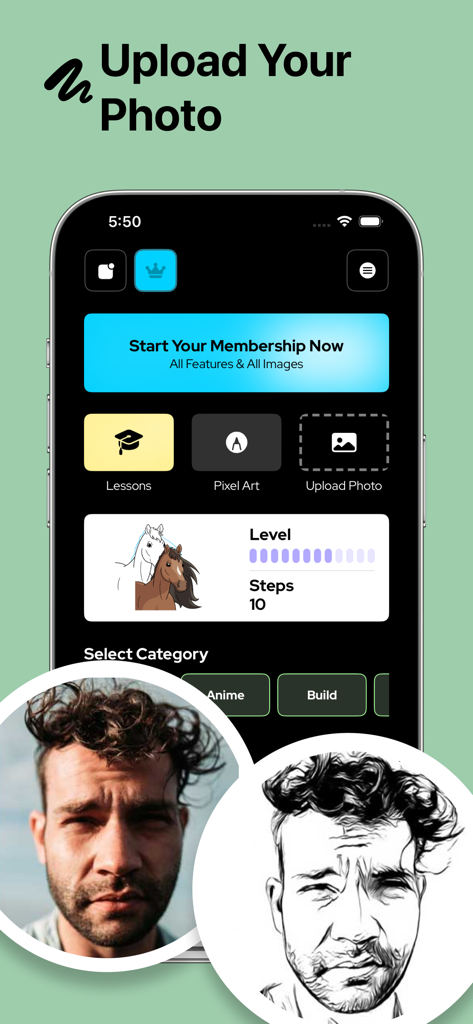
Projector AR Drawingアプリのインターフェースに、クリエイティブなスケッチのためのさまざまな描画テンプレートとカテゴリが表示されている

Projector AR Drawing - Creator - Projector AR Drawingアプリのユーザーインターフェースに、トレース用に白黒スケッチに変換された男性の写真が表示されている
Projector AR Drawingアプリのユーザーインターフェースに、トレース用に白黒スケッチに変換された男性の写真が表示されている

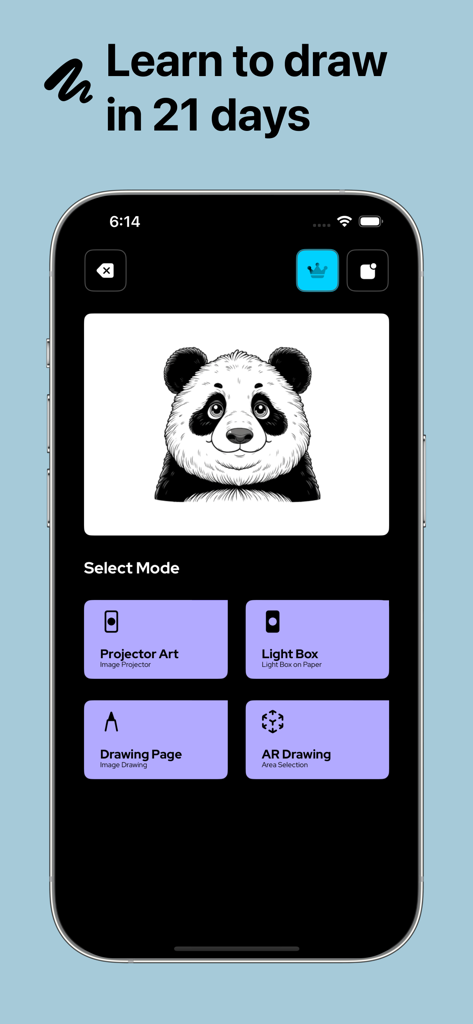
Projector AR Drawing - Creator - Projector AR Drawingアプリのメインメニューに、パンダのスケッチとさまざまな芸術的な描画モードが表示されている
Projector AR Drawingアプリのメインメニューに、パンダのスケッチとさまざまな芸術的な描画モードが表示されている

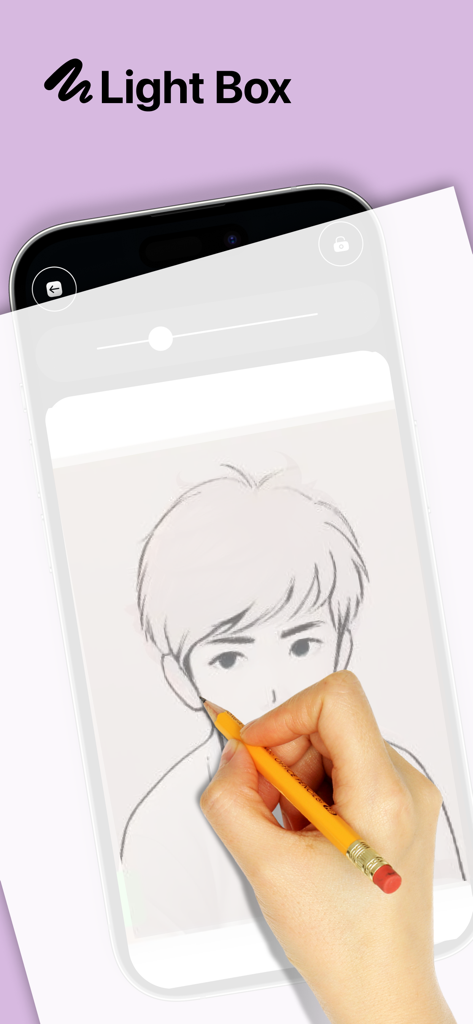
Projector AR Drawing - Creator - Projector AR Drawingアプリのライトボックス機能を使用して、スマートフォン画面からアニメキャラクターのスケッチをトレースしている手
Projector AR Drawingアプリのライトボックス機能を使用して、スマートフォン画面からアニメキャラクターのスケッチをトレースしている手

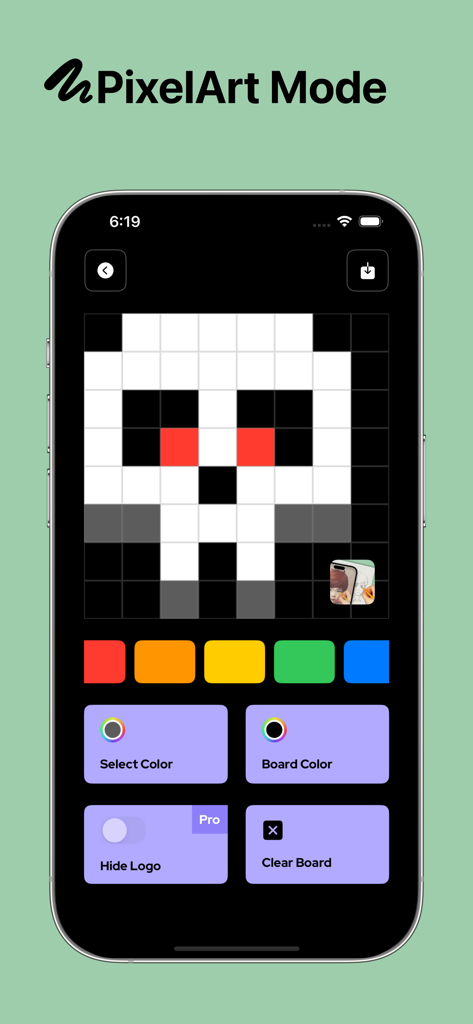
Projector AR Drawing - Creator - Projector AR Drawingアプリのピクセルアートモードインターフェースに、グリッド上にピクセル化された頭蓋骨のデザインが表示されている

Projector AR Drawingアプリのピクセルアートモードインターフェースに、グリッド上にピクセル化された頭蓋骨のデザインが表示されている

説明

Projector AR Drawing – Creator helps you in your drawing efforts and creates art masterpieces in no time or without any technical knowledge! We assure you that creating art was never easy before! You can even draw any NFT image you are going to pick from the gallery of your smartphone with the help of our augmented reality technology. Our application allows you to draw sketches on any surface you want with its AI-assisted algorithm. In this way, you can create any design you like with minimum effort. Moreover, you can also draw patterns by using the grid layout on any surface. Besides you can draw artistic images without any challenge on any paper, you can even use our application to create amazing graffiti art on the streets or any wall you like. Of course, besides paper and wall, you can use our application on any board. You have no limitation about creativity with Projector AR Drawing! All you need to do is pick any of the images you would like to draw then get your pens, pencils, or spray cans ready for the action. Here are some amazing features that Projector AR Drawing offers: Versatile Drawing Opportunity You can draw your images on any surface, including digital art. All you need to do is fix the image you would like to draw on your pad and follow the traces. If you are looking for traditional art, then you can also prefer brushes. Be An Artist in Seconds You can learn how to draw by following the trace on your screen. If you want, you can paint your images to keep practicing how to draw with our application. You can even start your own tattoo business with this application! Maximum Concordance You do not have to worry about compatibility since our application will handle everything for you! We have equipped Projector AR Drawing with every tool to provide maximum comfort and best results even for those who never drew in their lifetime. Ease of Use Our application is quite straightforward. All you need to do is pick an image from your gallery, allow its access to your camera, and start drawing. You do not even need additional lighting to draw since you can simply run your flash and enjoy drawing. It is like an AI draws on your behalf and all you need to do is follow the guidance of it. Thanks to our technology, you will be able to draw all the pictures you are going to find anywhere to anywhere at any time! Moreover, our application can be used in various industries such as fashion. It is an ideal application that will let you shorten the time you need to draw anything you find, even a prototype, or learn how to draw. Once you create your sketches, you can enjoy coloring your art the way you want. Any viewer will appreciate your drawing skills if they have no idea that you used our tracing application. All you need to do is pick the right colors to color your beautiful drawings and complete your art! Any surface including paper, board, pad, or wall can be covered with masterpieces with the help of our beautiful Projector AR Drawing application. Enjoy it! Privacy Policy: https://zipoapps.com/projectorarios/privacy/ Terms of Use: https://zipoapps.com/projectorarios/terms/

Download

ダウンロード: App Store

このページはアプリまたはその開発者の公式ページではなく、情報提供および論評を目的として作成された独立した編集出版物です。明示的に別段の記載がない限り、アプリおよびその開発者は、MWM、Apple、Google Play、アプリのパブリッシャー、またはアプリの開発者と提携、承認、後援、認可、またはその他の公式的な関係はなく、このページのいかなる内容も、アプリがMWMのサービスを使用して開発されたことを意味するものではありません。すべての商標、ロゴ、スクリーンショット、その他のコンテンツはそれぞれの所有者の財産です。







