Projector: TV Screen Mirroring

Projector: TV Screen Mirroring

ダウンロード: App Store
ロゴ: Projector: TV Screen Mirroring

Projector: TVスクリーンミラーリング – 究極のユニバーサルリモコン&HDキャストソリューション

iPhoneとあらゆるスマートTVの間のギャップを瞬時に埋めます。高解像度のビデオをキャストし、家族の写真を共有し、ユニバーサルリモコンでエンターテイメントを完全に制御しましょう。すべて、普段通りに携帯電話を使用しながら。

ダウンロード: App Store

開発元

Arpana Singh

カテゴリ

Utilities

ダウンロード

2K+

ユーザー評価

4.2/5

評価数

0

対応言語

14

実際に見てみましょう

このインターフェースを利用する 2K+ 人のユーザー.

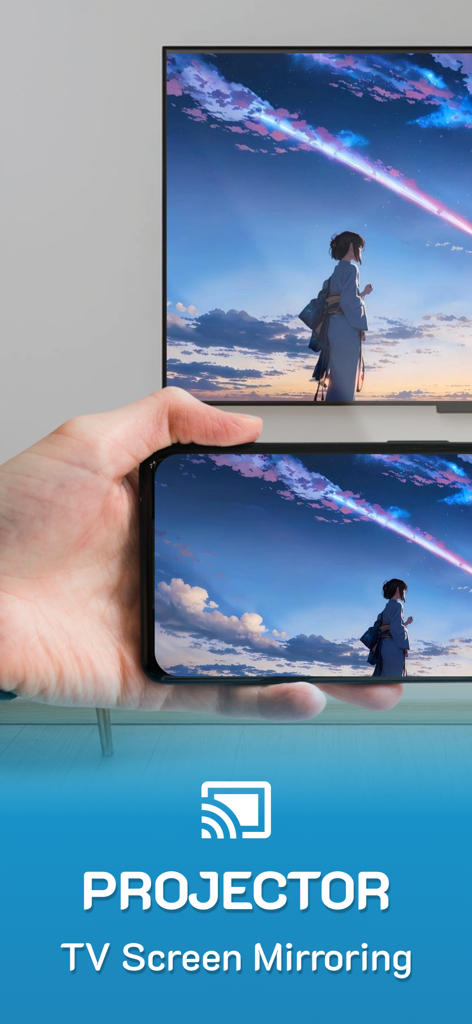
iPhoneがカラフルなアニメの風景を大画面のスマートTVにミラーリングしている
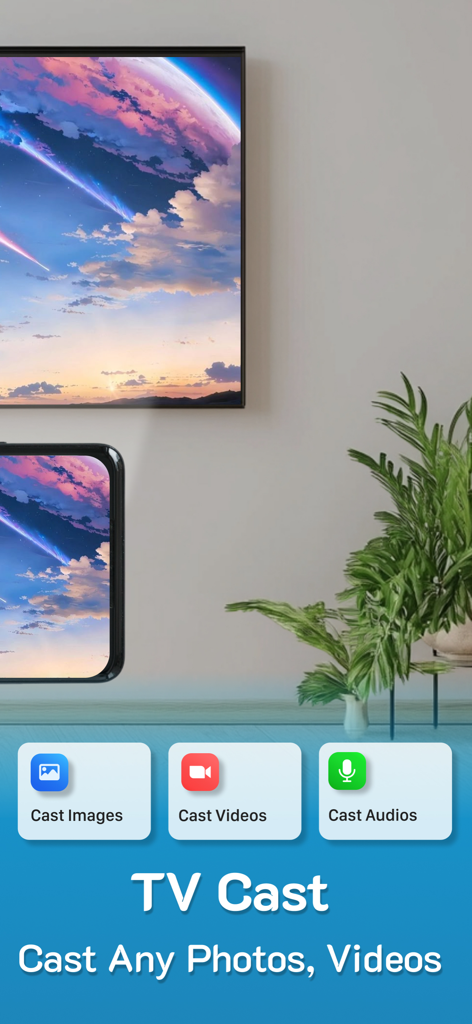
iPhoneがカラフルなアニメの風景を大画面のスマートTVにミラーリングしている

iPhoneがProjectorアプリを使用して、風光明媚な風景を大画面のスマートTVにミラーリングしている
iPhoneがProjectorアプリを使用して、風光明媚な風景を大画面のスマートTVにミラーリングしている

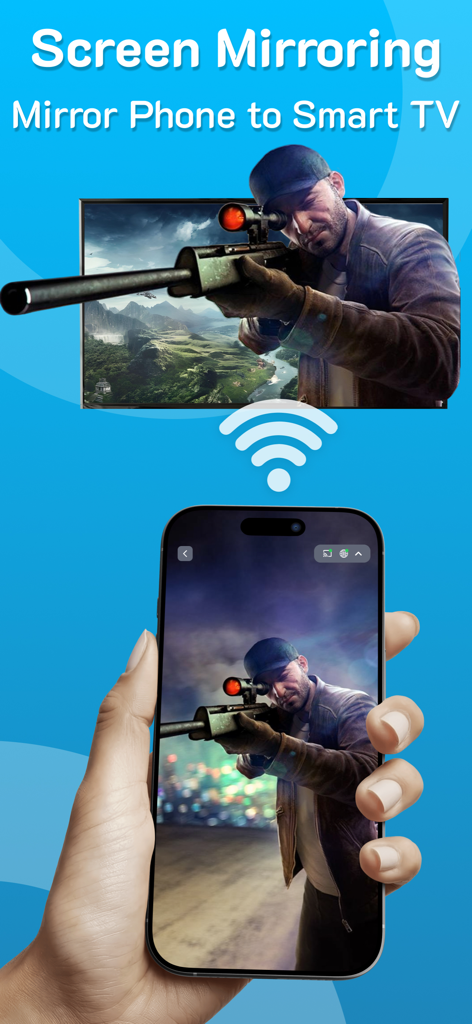
iPhoneを手に持ち、Wi-Fi経由で大画面のスマートTVにスナイパーゲームをミラーリングしている
iPhoneを手に持ち、Wi-Fi経由で大画面のスマートTVにスナイパーゲームをミラーリングしている

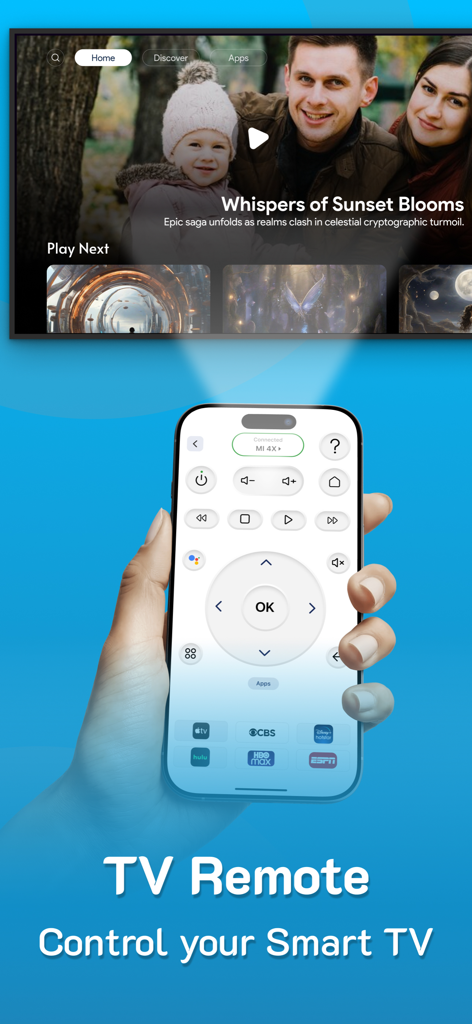
スマートテレビを操作するために使用されるユニバーサルTVリモコンインターフェースを表示するiPhone
スマートテレビを操作するために使用されるユニバーサルTVリモコンインターフェースを表示するiPhone

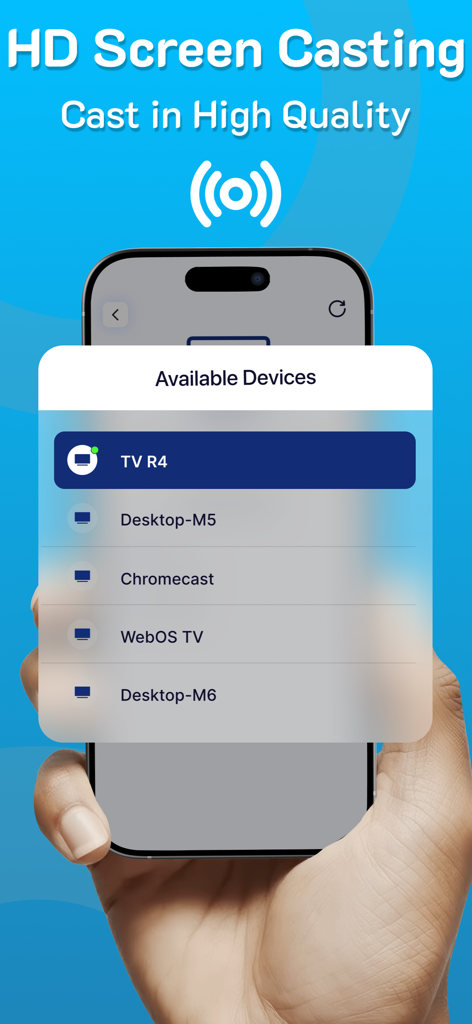
HDスクリーンキャスト用の利用可能なデバイスのリストを表示するiPhoneを手に持っている
HDスクリーンキャスト用の利用可能なデバイスのリストを表示するiPhoneを手に持っている

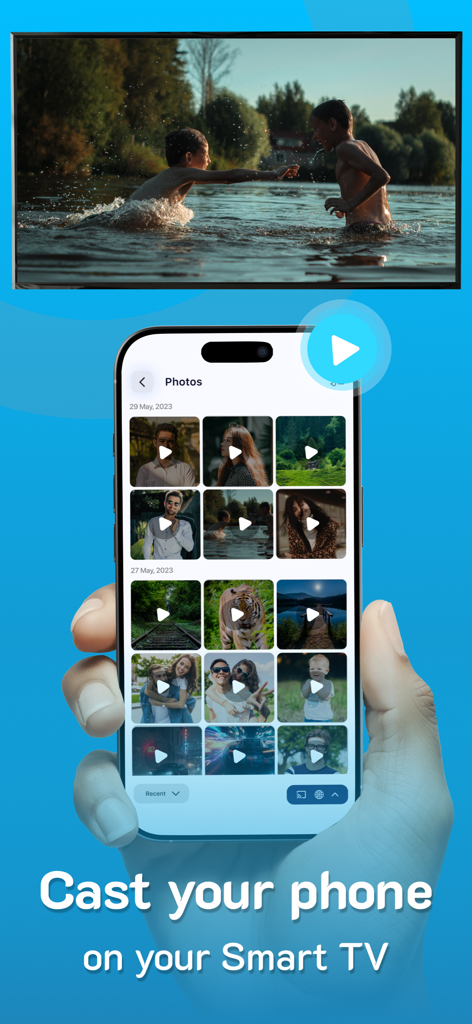
iPhoneが写真ギャラリーからビデオを大画面のスマートTVにキャストしている

iPhoneが写真ギャラリーからビデオを大画面のスマートTVにキャストしている

シームレスなエンターテイメントのためのスマート機能

このアプリを際立たせるツール、 2K+ 人のユーザーが選択.

📺

ユニバーサルHDミラーリング

写真、ビデオ、アプリを、ケーブルの手間なしに、瞬時にセットアップできる、驚異的な高解像度で大画面で共有します。

📱

オールインワン スマートリモコン

紛失したリモコンを探す必要はもうありません。携帯電話から直接、あらゆるブランドのテレビを制御し、ワンタップでお気に入りのチャンネルにアクセスできます。

🚀

マルチタスクの自由

バックグラウンドでテキストメッセージやブラウジングに携帯電話を引き続き使用しながら、お気に入りのコンテンツをあらゆるテレビ、モニター、またはラップトップにキャストします。

アプリについて

について知っておくべきこと Projector: TV Screen Mirroring.

説明

PROJECTOR TO Control your TV, CAST to TV, SCREEN MIRRORING, Universal TV REMOTE, SCREEN CASTING, Supports ALL TVs With PROJECTOR enjoy Casting to TV, screen mirroring & Universal remote control, All in one for helping you project on your screen. Projector, Screen mirroring revolutionizes the way you experience entertainment by facilitating a seamless transition of your cherished videos, photos, and even apps from your mobile directly onto your smart TV. From reminiscing on precious moments with loved ones to immersing yourself in a movie night marathon, this feature stands as your passport to a captivating world of entertainment. Ensure both devices are connected to the same WiFi network to utilize this casting function effortlessly. Moreover, you can continue utilizing your phone as usual while the casting continues in the background. Key Features of PROJECTOR: Screen Mirroring - Projector - Screen mirroring & screen casting - High-Quality Screen Projection - Facilitates casting of photos, videos, and audio - Swift & User-Friendly Interface - Universal TV remote Highlights of Screen Casting HD: - TV Casting: Dive into the spectacular world of TV casting. Effortlessly project your favorite videos, photos, and apps onto your smart TV, Roku TV and Miracast with a simple tap, bringing them to life in vibrant high resolution. - Support for MULTIPLE TVs: This app introduces an innovative feature allowing you to cast onto any TV, enhancing your viewing experience. Supports all TVs. - CAST on any devices: Cast your screen on tablets, monitors, laptops and even on other phones etc. Simple copy the unique IP Address and paste it in Google Chrome. The special part of this feature is that you can continue using the phone normally while you cast. - SCREEN CASTING HD: Redefine your Screen Casting HD adventures with our application. Project your smartphone screen onto your TV effortlessly, offering a mesmerizing and expansive visual experience. - UNIVERSAL COMPATIBILITY: Screen Casting HD extends its compatibility across a vast range of smart TVs, ensuring a hassle-free connection, irrespective of the make of your smart TV. - SIMPLE SETUP: Connecting is a breeze; just ensure both devices are on the same WiFi network. Choose your TV from the device list displayed within the app for a quick and easy pairing. - This app also has a UNIVERSAL REMOTE CONTROL for TV, users can easily access their favorite shows and movies at the touch of a button. This remote allows users to personalize their experience by setting up apps and creating a convenient list of their preferred channels and programs. Screencast Highlights: - Universal TV Casting: Cast to any model of smart TV. - High-Quality Display: Ensure clarity with high-definition casting. - Diverse Media Casting: Share photos, videos, and audio files effortlessly. - User-Friendly Interface: Quick and straightforward operations. Premium plans Monthly - $6.99 Yearly - $24.99 Subscription Info - The yearly subscription plan comes with a 3 day trial period. The user can cancel their subscription anytime during the trial period without being billed. They will be billed automatically after the trial period ends. - The user can cancel his/her subscription at any time by going into iTunes and App Store Apple ID Settings. - All prices include applicable local sales taxes. - Payment will be charged to your iTunes Account after confirmation of purchase. - Subscription automatically renews at least 24-hours before the end of the current period. - The user's account will be charged for renewal within 24-hours before the end of the current period. Privacy policy: https://www.q4umobileapps.com/web/screencastingios/privacy-policy Terms & conditions: https://www.q4umobileapps.com/web/screencastingios/tandc EULA: https://www.q4umobileapps.com/web/screencastingios/eula

最新バージョン

4.0

サイズ

76.7 MB

リリース日

2023年9月13日

家中のすべての画面を完全に制御する準備はできましたか?

数千人ものユーザーに加わり、紛失したリモコンを捨てて、シームレスなHDスクリーンミラーリングを体験してください。3日間の無料トライアルを開始し、iPhoneとあらゆるスマートTVの間の究極のブリッジを体験してください。

ダウンロード: App Store

App information, icons, screenshots, and descriptions displayed on this page are sourced from the Apple App Store and are the property of their respective developers. Download estimates and rankings are based on MWM's proprietary models and may not reflect actual figures. This page is provided for informational and analytical purposes only.

Believe this page infringes your intellectual property? File a dispute