Python Programming Interpreter
ダウンロード: App Store

このページはアプリまたはその開発者の公式ページではなく、情報提供および論評を目的として作成された独立した編集出版物です。明示的に別段の記載がない限り、アプリおよびその開発者は、MWM、Apple、Google Play、アプリのパブリッシャー、またはアプリの開発者と提携、承認、後援、認可、またはその他の公式的な関係はなく、このページのいかなる内容も、アプリがMWMのサービスを使用して開発されたことを意味するものではありません。すべての商標、ロゴ、スクリーンショット、その他のコンテンツはそれぞれの所有者の財産です。

ロゴ: Python Programming Interpreter
ダウンロード: App Store

Python Programming Interpreter

あなたのiPhoneやiPadを強力なコーディングワークステーションに変えましょう。学生やプロ向けに設計された当社の高度なエディタは、シンタックスハイライト、データサイエンスのための完全なプロットサポート、そして速度のために構築されたカスタムキーボードを備えています。

主要数値

ダウンロード

558K+

ユーザー評価

3.1/5

評価数

300

開発元

Ketan Appa

カテゴリ

Education

対応言語

1

最新バージョン

4.8

サイズ

14.4 MB

リリース日

2018年1月16日
機能

どこでもあなたのコーディングの可能性を解き放つ

構文の習得から複雑なデータ可視化の実行まで、当社のモバイルIDEはフル機能のPython環境をあなたのiPhoneとiPadにもたらします。

スマートコードエディタ

シンタックスハイライト、オートコンプリート、コーディング記号と外部ハードウェアに最適化されたカスタムキーボードで、ワークフローを高速化します。

統合されたグラフ作成&プロット

STEM学生やデータアナリストに最適です。プロットとグラフ作成の内蔵サポートにより、アルゴリズムとデータセットを視覚化します。

以下のスクリーンショットと説明は、アプリの公式ストアリスティングから直接取得されたものであり、アプリ開発者の所有物です。

アプリストア

スクリーンショット
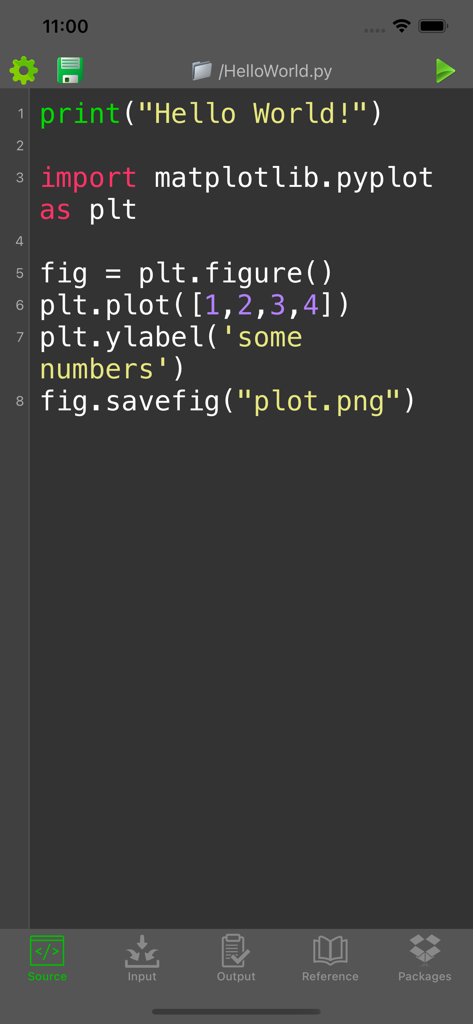
Python Programming Interpreter - matplotlibを使用したデータプロットのソースコードを表示するPythonコードエディタのインターフェース
matplotlibを使用したデータプロットのソースコードを表示するPythonコードエディタのインターフェース

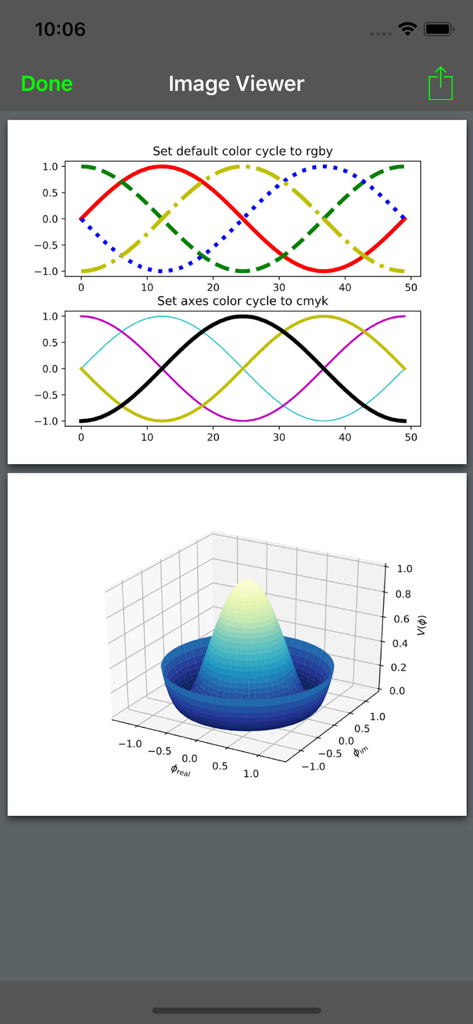
Python Programming Interpreter - 2Dおよび3Dデータ可視化プロットを表示するPythonインタプリタ

2Dおよび3Dデータ可視化プロットを表示するPythonインタプリタ

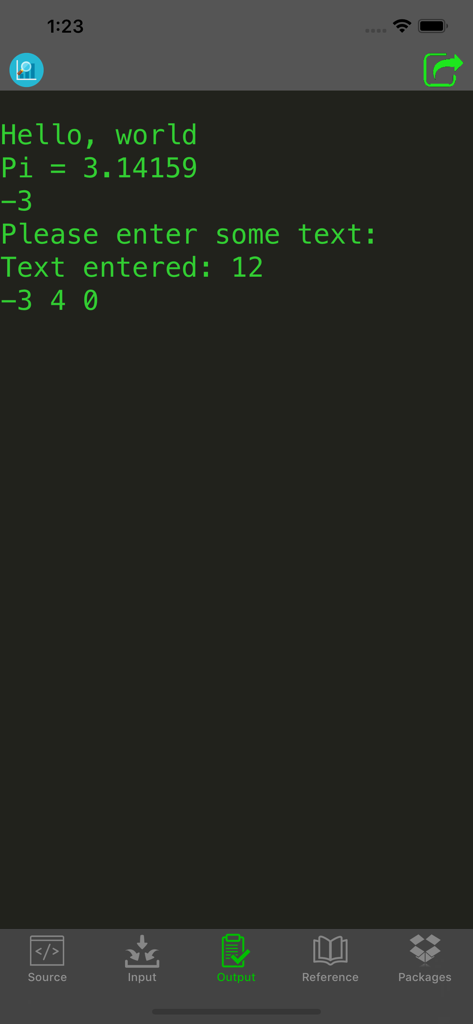
Python Programming Interpreter - Pythonプログラミングインタプリタアプリのスクリーンショットで、暗い背景に緑色のテキストでコンソール出力が表示されています。
Pythonプログラミングインタプリタアプリのスクリーンショットで、暗い背景に緑色のテキストでコンソール出力が表示されています。

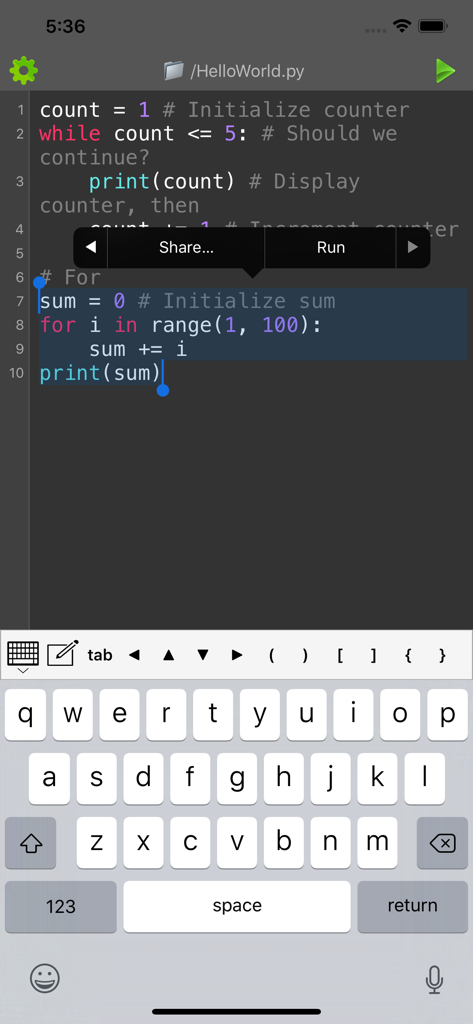
Python Programming Interpreter - シンタックスハイライトと専門的なプログラミングキーボードを備えたモバイルPythonコードエディタ
シンタックスハイライトと専門的なプログラミングキーボードを備えたモバイルPythonコードエディタ

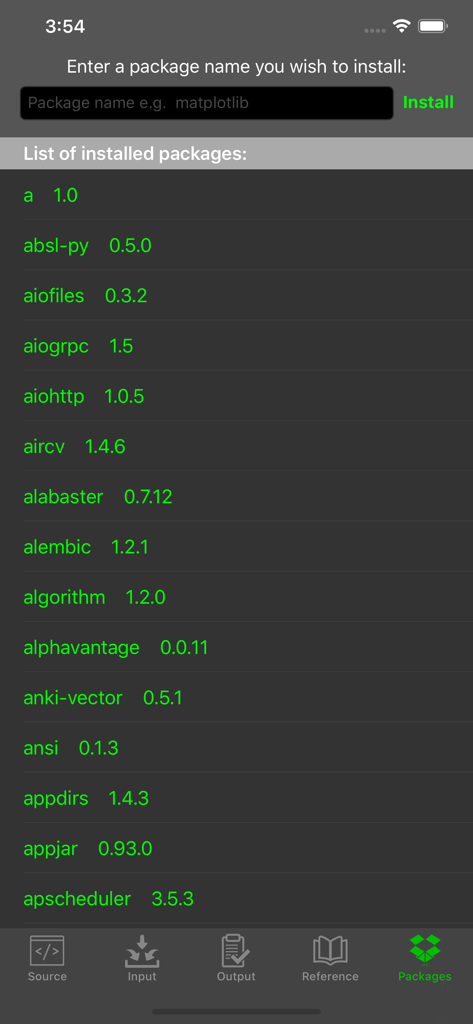
Python Programming Interpreter - Pythonプログラミングインタプリタアプリの画面で、インストールされているパッケージのリストと、matplotlibのような新しいライブラリをインストールするための入力フィールドが表示されています。
Pythonプログラミングインタプリタアプリの画面で、インストールされているパッケージのリストと、matplotlibのような新しいライブラリをインストールするための入力フィールドが表示されています。

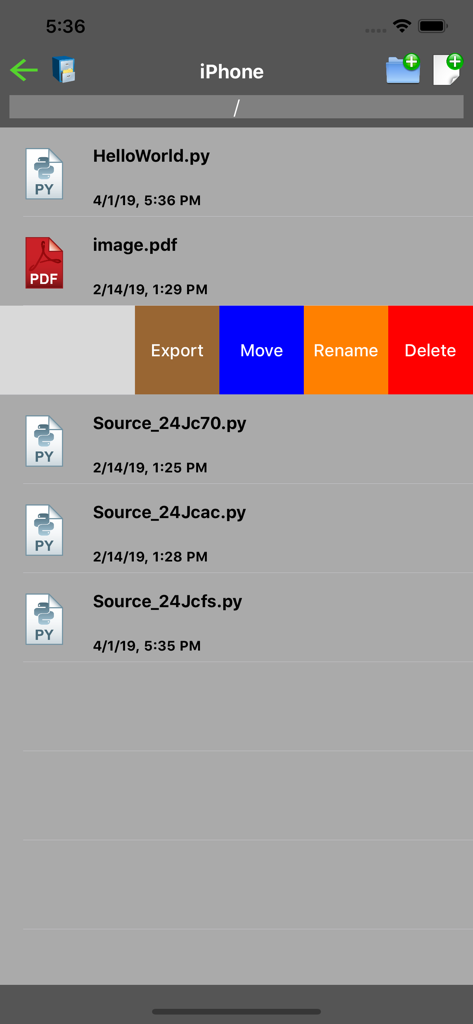
Python Programming Interpreter - Pythonアプリのファイル管理画面で、スクリプトファイルの一覧と、エクスポート、移動、名前変更、削除のオプションが表示されています。
Pythonアプリのファイル管理画面で、スクリプトファイルの一覧と、エクスポート、移動、名前変更、削除のオプションが表示されています。

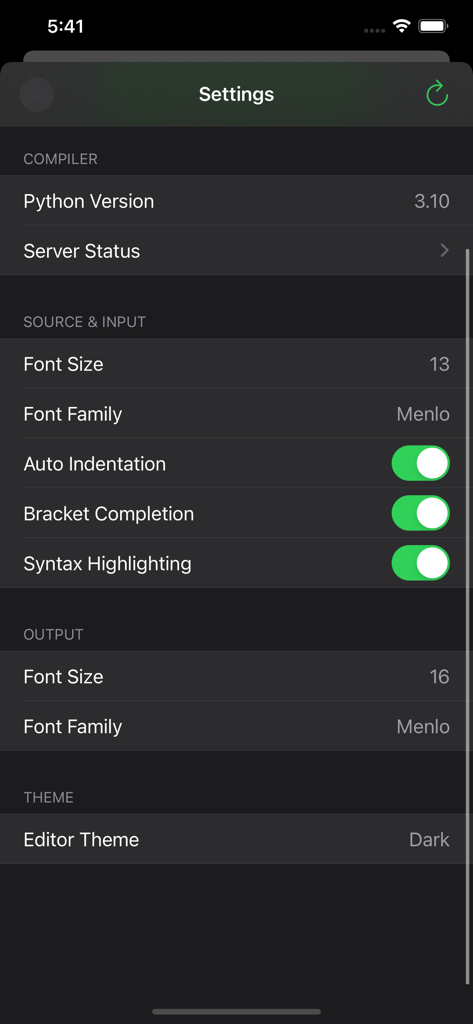
Python Programming Interpreter - Pythonプログラミングインタプリタアプリの設定画面で、コンパイラバージョンとエディタのカスタマイズオプションが表示されています。

Pythonプログラミングインタプリタアプリの設定画面で、コンパイラバージョンとエディタのカスタマイズオプションが表示されています。

説明

Write Python code directly on your iPhone, iPad and iPod Touch! This app is ideal for learning and testing code snippets! Python is an interpreted, high-level, general-purpose programming language. Created by Guido van Rossum and first released in 1991, Python's design philosophy emphasizes code readability with its notable use of significant whitespace. Its language constructs and object-oriented approach aim to help programmers write clear, logical code for small and large-scale projects. Features: - Compile and run your program - Supports plotting and graphing - View program output or detailed error - Select and run chunk of codes - Custom keyboard for easy input of frequently used characters - Optimized for connecting with external physical/bluetooth keyboard - Advanced source code editor with syntax highlighting, code completion and line numbers - Open, save, import and share Python files - Language reference - Access thousands of packages - Install additional packages Limitations: - Internet connection is required for compilation - Maximum program running time is 20s - One file can be run at a time - Some file system, network and graphics functions may be limited - This is a batch compiler; interactive programs are not supported. For example, if your program provides an input prompt, enter the input in the Input tab prior to compilation. GET FULL ACCESS Upgrade to a Premium Membership and Receive the Following Ongoing Value: • No ads • Unlimited plots • Install packages • Latest interpreters If you choose to purchase a subscription, payment will be charged to your iTunes account, and your account will be charged within 24-hours prior to the end of the free trial or current period. Subscription with a free trial period will automatically renew to a paid subscription. Any unused portion of a free trial period (if offered) will be forfeited when you purchase a premium subscription during the free trial period. You can cancel the automatic renewal of your subscription at any time by going to your settings in the iTunes store after purchase. The cancellation will take effect the day after the last day of the current subscription period, and you will be downgraded to the free service. Terms & Conditions: https://kappsmart.com/pythoncompiler/terms.html Privacy Policy: https://kappsmart.com/pythoncompiler/privacy_policy.html

Download

ダウンロード: App Store

このページはアプリまたはその開発者の公式ページではなく、情報提供および論評を目的として作成された独立した編集出版物です。明示的に別段の記載がない限り、アプリおよびその開発者は、MWM、Apple、Google Play、アプリのパブリッシャー、またはアプリの開発者と提携、承認、後援、認可、またはその他の公式的な関係はなく、このページのいかなる内容も、アプリがMWMのサービスを使用して開発されたことを意味するものではありません。すべての商標、ロゴ、スクリーンショット、その他のコンテンツはそれぞれの所有者の財産です。