Quick Scan Pro:Scanner for Doc
ダウンロード: App Store

このページはアプリまたはその開発者の公式ページではなく、情報提供および論評を目的として作成された独立した編集出版物です。明示的に別段の記載がない限り、アプリおよびその開発者は、MWM、Apple、Google Play、アプリのパブリッシャー、またはアプリの開発者と提携、承認、後援、認可、またはその他の公式的な関係はなく、このページのいかなる内容も、アプリがMWMのサービスを使用して開発されたことを意味するものではありません。すべての商標、ロゴ、スクリーンショット、その他のコンテンツはそれぞれの所有者の財産です。

ロゴ: Quick Scan Pro:Scanner for Doc
ダウンロード: App Store

Quick Scan Pro:Scanner for Doc

スマートフォンを安全なモバイルオフィスに変えましょう。高度な編集と100%オフラインプライバシーで、数秒でドキュメントをスキャン、署名、ブランド化できます。

主要数値

ダウンロード

2K+

ユーザー評価

1.0/5

評価数

0

開発元

Asadullah Yaseen

カテゴリ

Lifestyle

対応言語

1

最新バージョン

1.0.13

サイズ

113.4 MB

リリース日

2020年8月25日
機能

オフィス全体をポケットに

超高速スキャンからプロフェッショナルな電子署名まで、Quick Scan Proはインターネット接続なしでどこでもドキュメントを安全に管理するためのツールを提供します。

完全なプライバシーとオフライン制御

データはデバイスに残ります。インターネット接続なしで機密性の高いドキュメントをスキャンし、ファイルを100%プライベートで安全に保ちます。

インスタント電子署名&ブランディング

タップで契約に署名し、組織のロゴを追加します。アプリを切り替えることなく、ドキュメントを編集およびブランド化してワークフローを合理化します。

以下のスクリーンショットと説明は、アプリの公式ストアリスティングから直接取得されたものであり、アプリ開発者の所有物です。

アプリストア

スクリーンショット
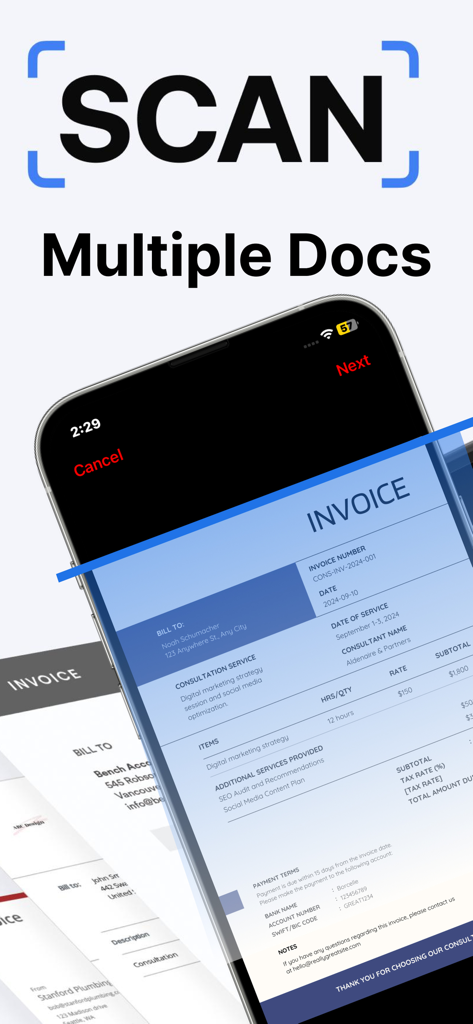
Quick Scan Pro:Scanner for Doc - iPhone画面で複数のプロフェッショナルな請求書をスキャンするQuick Scan Proアプリのインターフェース。
iPhone画面で複数のプロフェッショナルな請求書をスキャンするQuick Scan Proアプリのインターフェース。

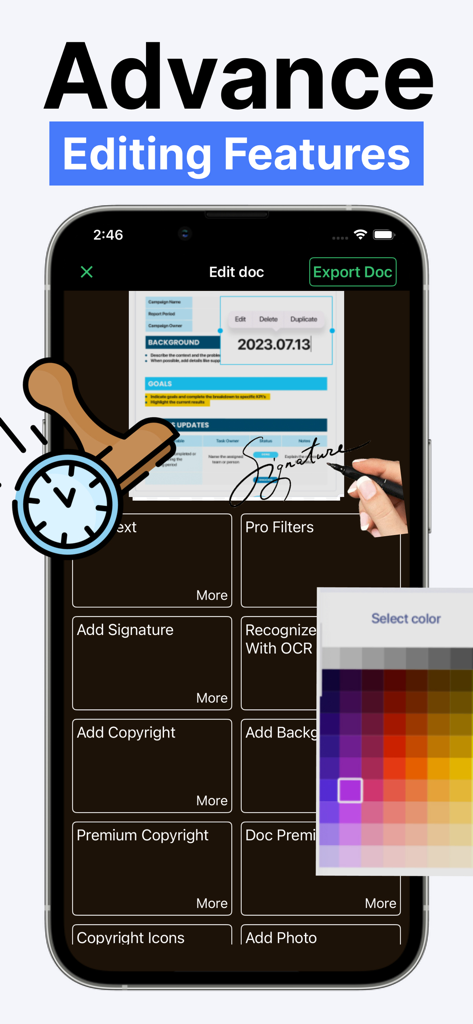
Quick Scan Pro:Scanner for Doc - 電子署名やOCRを含む高度なドキュメント編集ツールを示すQuick Scan Proアプリのインターフェース
電子署名やOCRを含む高度なドキュメント編集ツールを示すQuick Scan Proアプリのインターフェース

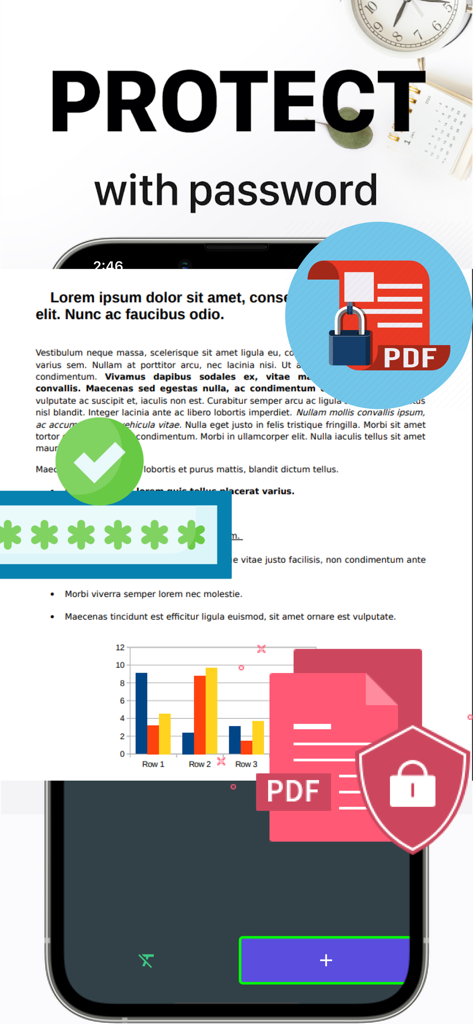
Quick Scan Pro:Scanner for Doc - プライバシーのためにPDFドキュメントをパスワードで保護する方法を示すモバイルアプリのインターフェース
プライバシーのためにPDFドキュメントをパスワードで保護する方法を示すモバイルアプリのインターフェース

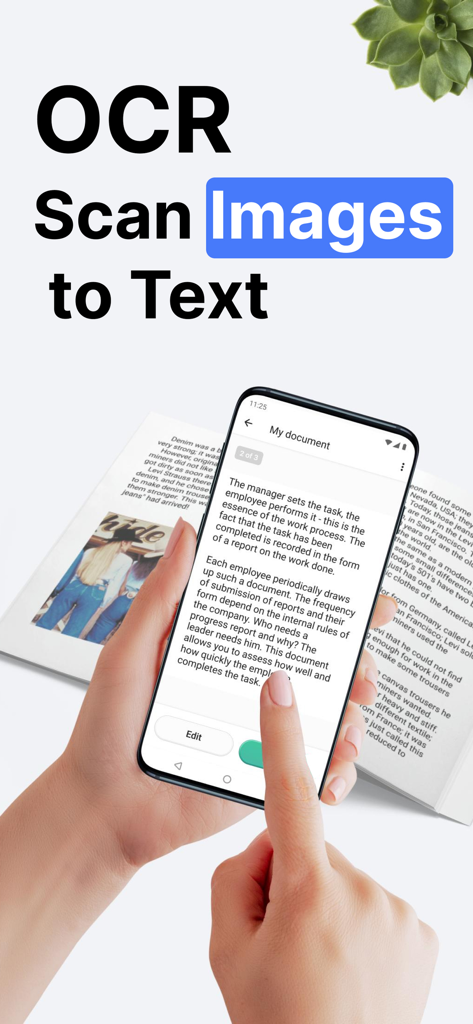
Quick Scan Pro:Scanner for Doc - Quick Scan Pro OCRを使用して画像をテキストに変換するためにドキュメントをスキャンするスマートフォン
Quick Scan Pro OCRを使用して画像をテキストに変換するためにドキュメントをスキャンするスマートフォン

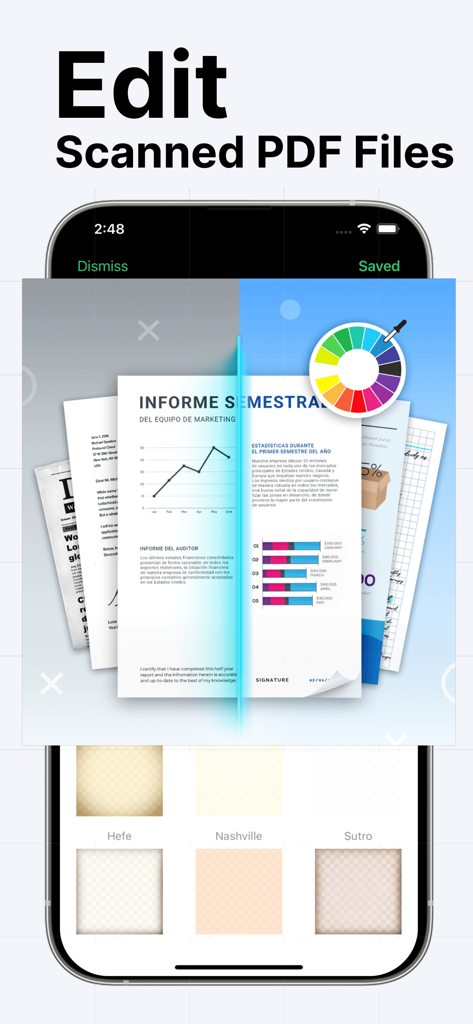
Quick Scan Pro:Scanner for Doc - Quick Scan Proのカラーホイールとドキュメントフィルターを備えたプロフェッショナルPDF編集ツールを示すインターフェース
Quick Scan Proのカラーホイールとドキュメントフィルターを備えたプロフェッショナルPDF編集ツールを示すインターフェース

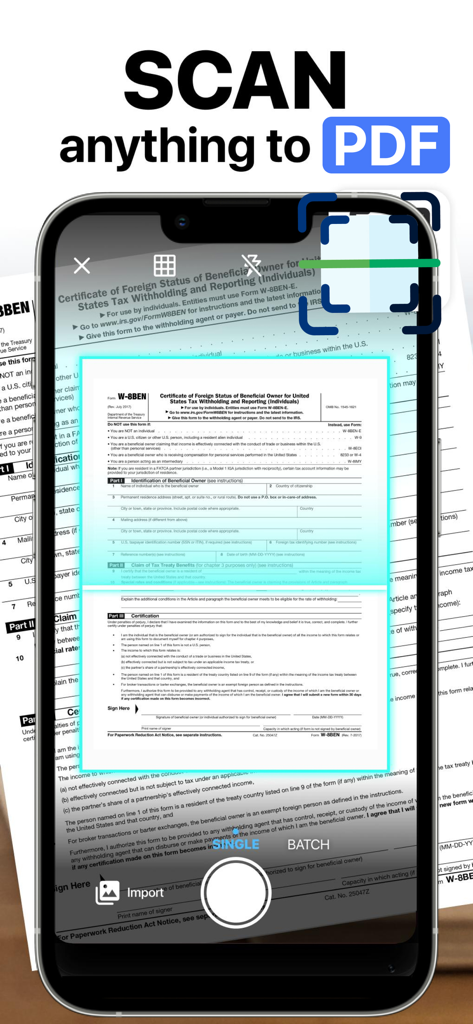
Quick Scan Pro:Scanner for Doc - 物理的な税務ドキュメントをスキャンしてデジタルPDF形式に変換するためにQuick Scan Proアプリを使用するスマートフォン。

物理的な税務ドキュメントをスキャンしてデジタルPDF形式に変換するためにQuick Scan Proアプリを使用するスマートフォン。

説明

Scan and share documents and photos with Quick Scan Pro, one of the best mobile scanner app with a lot of powerful editing features that you can’t find elsewhere. Scan any document, business cards, receipts, notes, faxes, books, photos, pictures at lightning-fast speed. Save and share scanned documents in PDF or JPEF formats, or edit them first with our built-in document editor and photo editor. One of our best features is the e-sign feature. You can add your e-signature to the electronic documents easily with just a few taps of your fingers. Quick Scan Pro also doesn’t require an internet connection to work, except when you want to share the files with other users. FEATURES OF QUICK SCAN PRO FOR DOCUMENT AND PHOTOS: 1. Advanced Document Scanner: - Works Offline, no connection is needed unless you want to share docs. - Ultra-fast, high quality document scanner for everyone - Scan and save documents in grayscale, black and white, or color. - Save in high quality PDF or JPEG. - Automatic shutter and border detection for any scannable object. - Professional document processing features: enhancement, color correction, noise removing, automatic perspective corrections and more! - Add Premium Logo of your Organizations to mark your documents. 2. Document Editing Tools: - E-sign your documents with your signature. - Change fonts, colors, sizes, and styles. - Change the thickness and color of the pen when you add an autograph. - Add different frames & backgrounds to your photos or documents. 3. Document Save and Sharing Tools: -Save scans to Photos. - Share files via Instagram, Facebook, Twitter, Whatsapp, etc -Share files via Email 4. Photo Editing Tools: - Photo adjustment for better result - Add Time Stamps - Add or Blur Background - Alpha Channel Effect - Create collages with your scanned photos -Rotate images and documents. Your scanned documents and photos are saved in your device unless you share them. We don’t have access to your documents. That’s why you can feel safe about your data and privacy. So, you see that Quick Scan Pro has functions beyond other similar apps that only offer the most basic scanning functions. With Quick Scan Pro, you don’t have to download multiple apps to get these tools. You will also be amazed with the quality of the scanned documents. That’s why we are confident that Quick Scan Pro is a leading document scanner for iOS Device. Try it out now and be confident that you can use your mobile phone as a powerful office scanner through Quick Scan Pro. We love to hear from you! Do you want any features that you think will improve Quick Scan Pro? Do you encounter any issue when using our app? Write to us! We try to solve the issue as fast as we can. If you love using Quick Scan Pro, please take a minute to leave us a rating and review.

Download

ダウンロード: App Store

このページはアプリまたはその開発者の公式ページではなく、情報提供および論評を目的として作成された独立した編集出版物です。明示的に別段の記載がない限り、アプリおよびその開発者は、MWM、Apple、Google Play、アプリのパブリッシャー、またはアプリの開発者と提携、承認、後援、認可、またはその他の公式的な関係はなく、このページのいかなる内容も、アプリがMWMのサービスを使用して開発されたことを意味するものではありません。すべての商標、ロゴ、スクリーンショット、その他のコンテンツはそれぞれの所有者の財産です。








