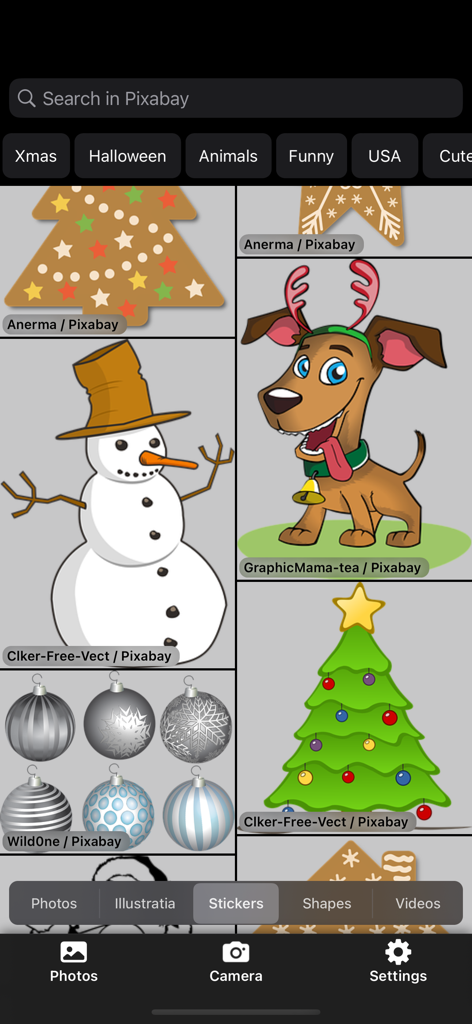
ReColor Art Photo Editorのステッカーライブラリインターフェース。お祝いのイラストとグラフィックを表示。
説明
Cartoon Creation for Everyone.
Selectively recolor images, videos and icons. Extract objects, shapes, and texts from images due to recoloring, tracing, and with the help of our magic eraser tool. Deform extracted shapes and re-colorings with the unique distortion tool to create caricatures and your Disney heroes. Finally, add motion to the extracted shapes, stickers, and logos to create stunning animations. Moreover, use advanced drawing and layer-based photo editing tools and filters to refine your creations to perfection. Access over a million high-resolution royalty-free photos from Unsplash and 400,000+ beautiful free illustrations, stickers, and shapes from Pixabay to mix and match for your masterpiece. Anyone can create stunning artwork with our tool - let your creativity soar!
"ReColor" Features:
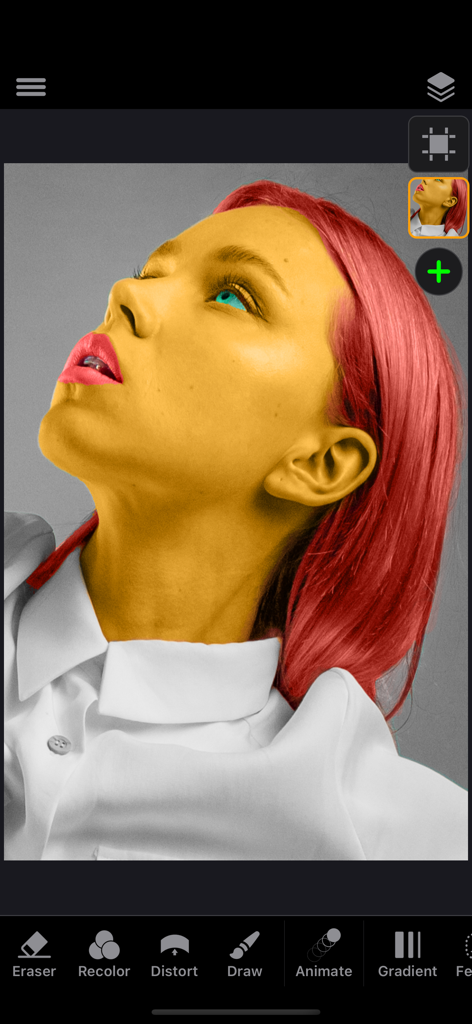
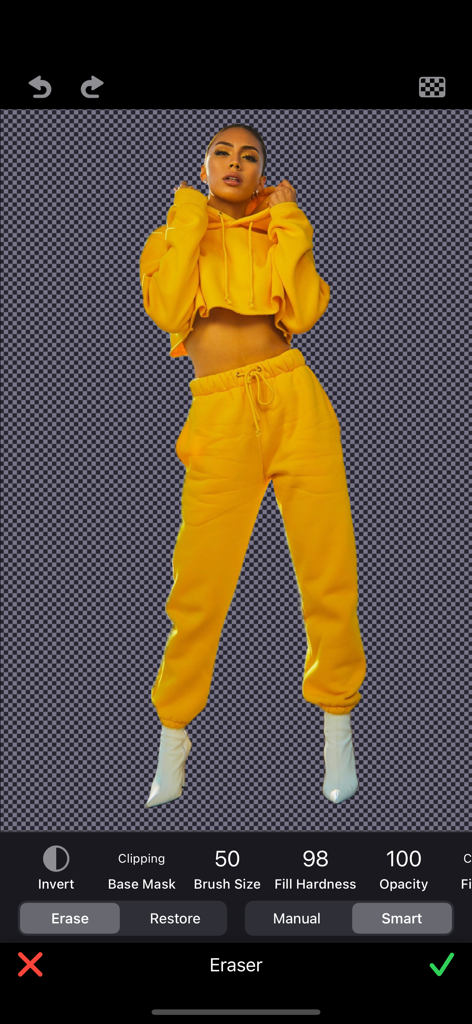
Recolor Tool & Eraser
• Selectively recolor images, icons, and texts with a smart(AI) brush.
• Video editing tools that allow for selective color changing.
• Selectively extract objects, shapes, and texts from images due to
recoloring, tracing, and with a help of the magic eraser tool.
• Adjust brushes hardness, blend modes.
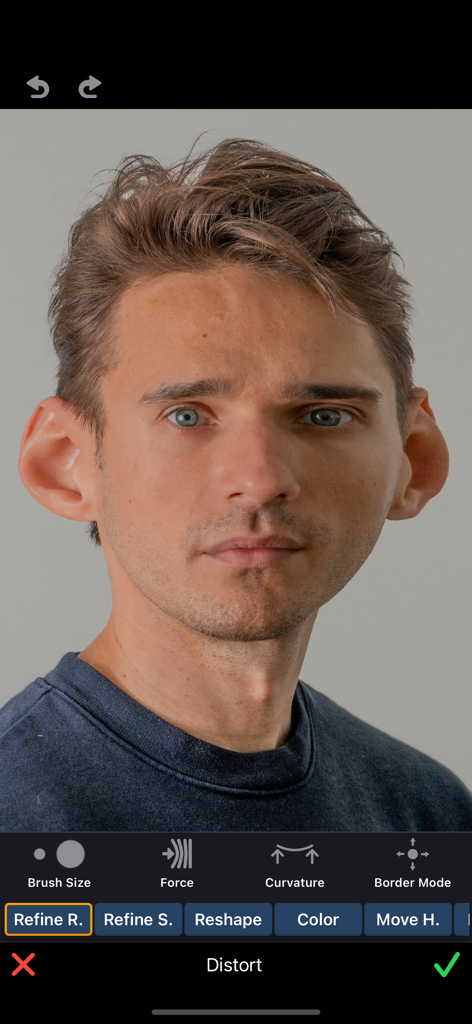
Distortion Tool
• Deform extracted shapes and re-colorings with a unique distortion
a tool to create caricatures and your Disney heroes.
• Adjust deformation curvature, force, and border mode.
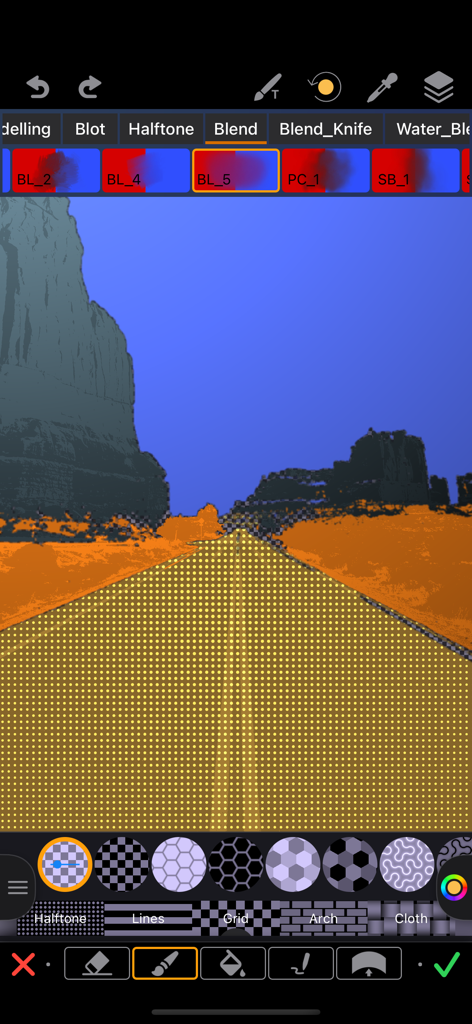
Draw Brushes
• Color, gradient & texture brushes.
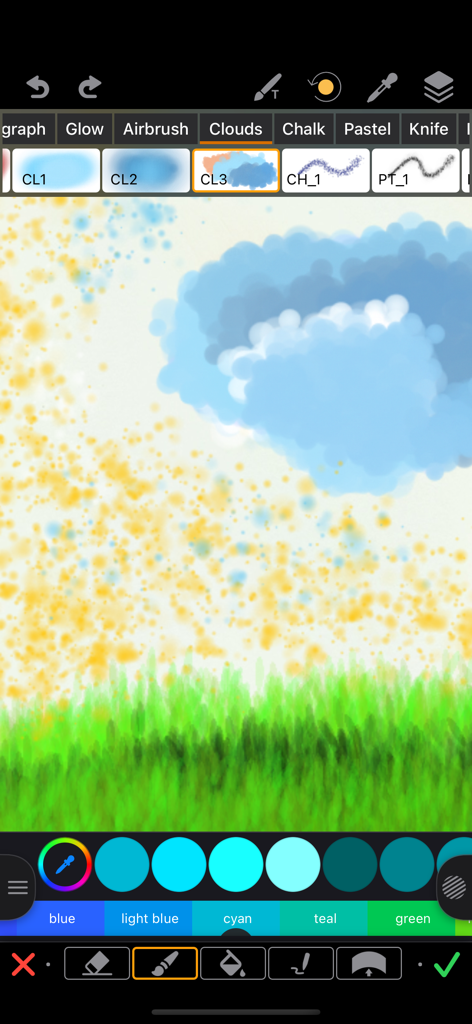
• Over 120+ professionally crafted brushes:
- Pencils, Charcoal, Text, Calligraphy, Ink, Knife, ...
- Watercolor, Oil, Chalk, Pastel, Blends, ...
- Spray, Glow, ...
- Clouds, Snow, Grass, ...
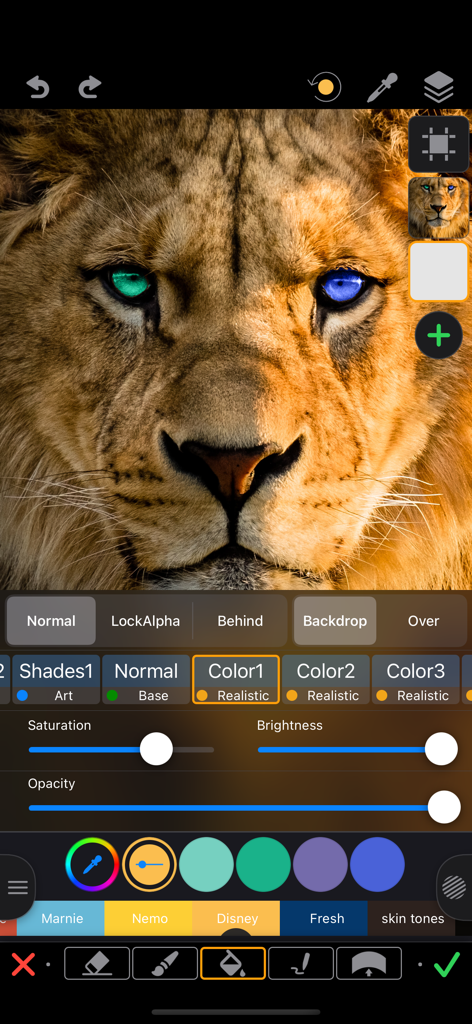
• Alpha lock, behind & over brush modes.
• Brush "Edges" with noise & width controls.
• Zoom to recolor & sketch any detail with the highest precision.
• Realistic recolor brush to create color pop effects and do realistic recoloring.
• Recolor with shaded overlay mode to extract details or texture from the image.
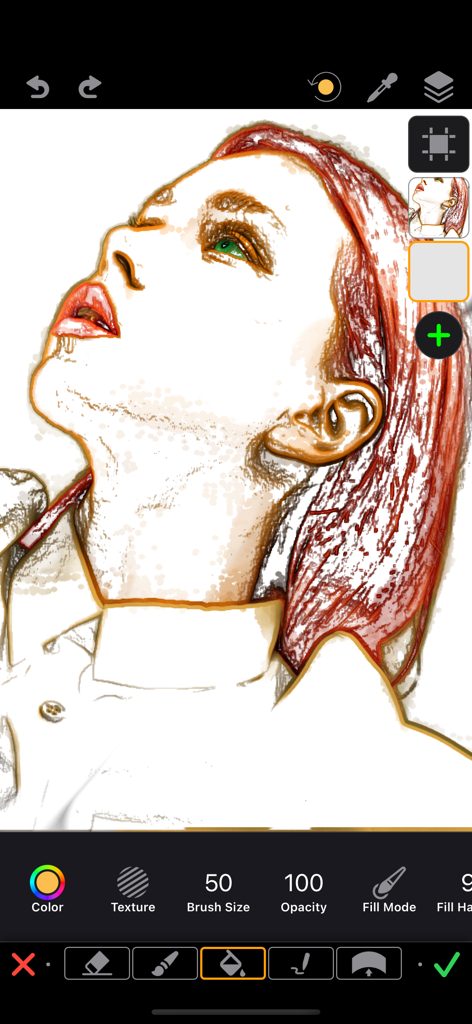
Layers
• Multi-Layer image editing with images up to 40 MP without losing quality.
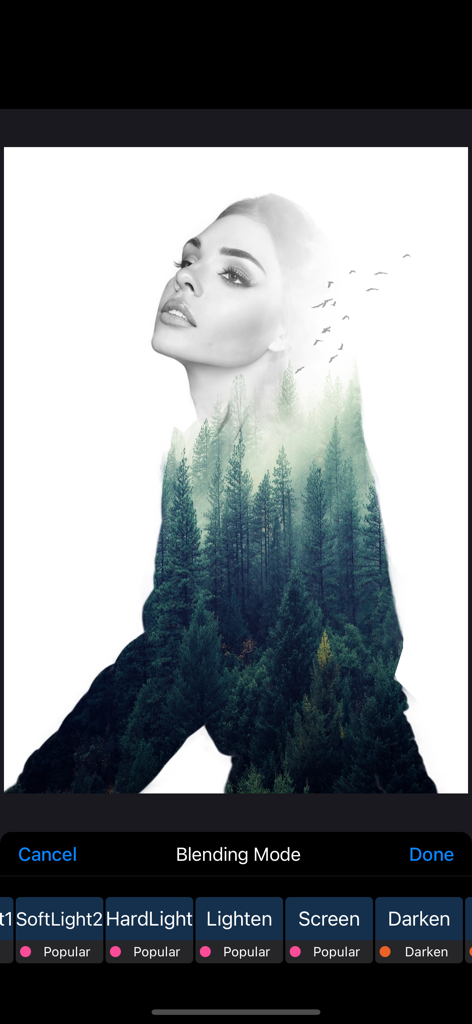
• More than 40 blend modes for brushes & layers: Photoshop's 27 + custom.
• Add borders and shadows to each layer.
• Outline stickers and cutouts.
• Adjust layers opacity and tint.
• Enhanced and comprehensible fill tool.
Video Editing
• KeyFrame Animations.
• Video editing tools that allow for selective color changing.
• Mix Video & Photo - one editor for photo and video editing.
• Edit video track - split, trim, transform, and adjust the speed.
• Adjust Video Tracks blending mode and opacity.
• Edit video export options - video containers, codecs, and frame rates.
• Supports HEVC video codec with transparency support(In iPhone 7 and later).
• Adjust video export resolution.
FEATURES
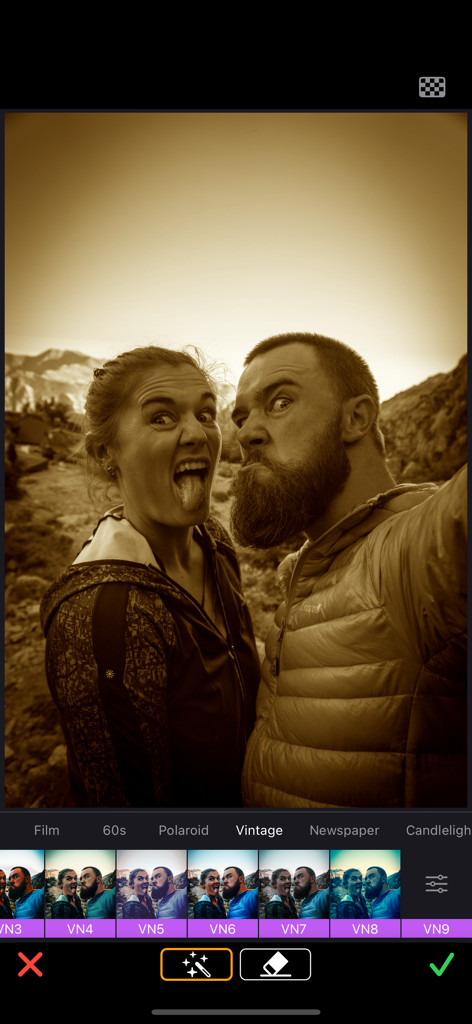
• Over 150+ professional filters & presets.
• Adjust white balance, exposure, shadow, highlight, contrast,
brightness, saturation, vibrance, hue, ...
• Gradient tool.
• Apply filters and adjust after with advanced control.
• Enhanced and comprehensible layer support.
• Set background canvas size.
• Get access to Unsplash's over a million free high-resolution royalty-free photos.
• Get access to Pixabay's over 400000 beautiful free illustrations and shapes.
• Export to PNG(transparent background) and JPG.
• Share on Instagram, Facebook, ... .
SUBSCRIPTION TERMS
ReColoring Pro!
No Watermarks.
Access to all upcoming pro features.
Subscriptions are billed monthly or annually at the rate selected depending on the subscription plan.
If you choose to purchase ReColoring Pro, payment will be charged to your iTunes account, and your account will be charged for renewal within 24-hours before the end of the current period. Auto-renewal may be turned off at any time by going to your settings in the Apple ID Account after purchase. Any unused portion of a free trial period, if offered, will be forfeited when you purchase a Premium subscription, where applicable.
Terms of service: https://bit.ly/3c9pDs1
Privacy policy: https://bit.ly/3cc2oO4
Support: support@recolor.us