
このページはアプリまたはその開発者の公式ページではなく、情報提供および論評を目的として作成された独立した編集出版物です。明示的に別段の記載がない限り、アプリおよびその開発者は、MWM、Apple、Google Play、アプリのパブリッシャー、またはアプリの開発者と提携、承認、後援、認可、またはその他の公式的な関係はなく、このページのいかなる内容も、アプリがMWMのサービスを使用して開発されたことを意味するものではありません。すべての商標、ロゴ、スクリーンショット、その他のコンテンツはそれぞれの所有者の財産です。


RedApp Lite: Private Browser
広告やトラッカーを削除し、バックグラウンドでビデオを再生し、スピードと美的コントロールのために設計されたオールインワンブラウザでデジタルフットプリントを保護しましょう。
ダウンロード
4K+ユーザー評価
評価数
1K+開発元
カテゴリ
Utilities対応言語
60最新バージョン
4.0サイズ
85.6 MBリリース日
2018年8月18日よりスマートに、より楽にブラウジング
内蔵の広告ブロック、バックグラウンドメディア再生、軍事グレードのプライバシーであなたをコントロールする、驚異的なスピードのブラウザを体験してください。
完全なプライバシーコントロール
シークレットモードを超えて。FaceIDまたはパスコードを使用してタブをロックし、データ収集を行うクロスサイトトラッカーをブロックします。
プレミアムメディアプレーヤー
バックグラウンドオーディオでビデオリンクをストリーミングし、煩わしい広告なしで楽しめます。月額料金なしでプレミアムコンテンツ体験をお楽しみください。
よくある質問
について知っておくべきこと RedApp Lite: Private Browser
Can I set RedApp Lite as my default browser on iOS?
はい、iOS 14以降ではRedApp Liteをデフォルトブラウザとして設定できます。設定に移動し、RedApp Liteまでスクロールダウンして、デフォルトのブラウザアプリとして選択してください。
What privacy protection features does RedApp Lite offer?
RedApp Liteは、HTTPS Everywhere、スクリプトブロック、Cookieブロック、プライベートタブ、広告、分析、ソーシャル、フィンガープリンティング、クリプトマイニングトラッカーに対する包括的なトラッキング保護により、プライバシー保護を提供します。
Is RedApp Lite customizable in terms of appearance?
はい、RedApp Liteは外観のカスタマイズが豊富です。ユーザーはシステムライト/ダークモード、プリセットテーマを選択し、テーマカラー、ツールバーカラーを変更し、ツールバーボタンをカスタマイズし、アドレスバーの位置を設定し、カスタム壁紙を使用できます。
Does RedApp Lite support background video playback or ad-free audio?
はい、RedApp Liteにはプレーヤーマネージャーが含まれています。これにより、YouTubeやVimeoなどのプラットフォームからビデオリンクを再生したり、バックグラウンドでオーディオを再生したり、迷惑な広告なしでコンテンツを楽しんだりできます。
Can RedApp Lite manage and share downloaded files?
はい、RedApp Liteにはダウンロードマネージャー、ファイルマネージャー、共有マネージャーが備わっています。これらのツールを使用すると、ユーザーはファイルをダウンロード、整理したり、Wi-FiまたはWebDAVを使用して近くのデバイスと共有したりできます。
Which search engines does RedApp Lite support?
RedApp Liteは、Wikipedia、Twitter、YouTube、Amazonなどのプロバイダーにすばやくアクセスできるインテリジェント検索をサポートしています。ユーザーは、DuckDuckGo、Google、Bing、Qwant、Ecosiaなどのさまざまなデフォルト検索エンジンから選択することもできます。
Does RedApp Lite offer security features like app locking?
はい、RedApp Liteは、パスコード/TouchIDまたはFaceID保護によりセキュリティを強化します。ユーザーは、画面がロックされているときにパスコード、TouchID、またはFaceIDを要求するようにアプリを設定して、プライバシーを維持できます。
Does RedApp Lite automatically block cookie consent pop-ups?
はい、RedApp LiteはデフォルトでCookie同意通知をブロックします。この機能により、同意ポップアップによる中断なしに、よりスムーズなブラウジング体験が得られます。
What types of widgets are available in RedApp Lite?
RedApp Liteは、カレンダー、トップサイト、ライブラリ、ビデオ会議、トラッキング保護、ウェブサイトリダイレクト、URLショートカットなど、さまざまな便利なウィジェットをサポートしており、生産性とクイックアクセスを向上させます。
以下のスクリーンショットと説明は、アプリの公式ストアリスティングから直接取得されたものであり、アプリ開発者の所有物です。
アプリストア
スクリーンショット
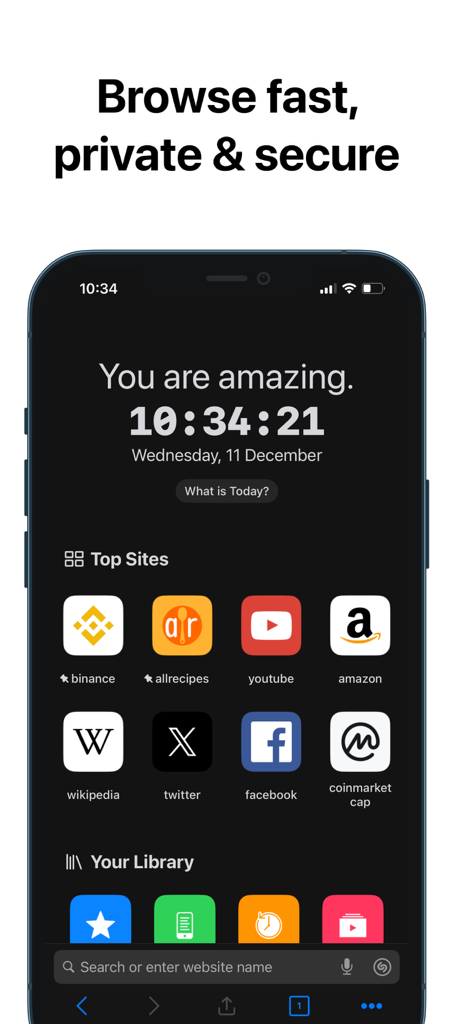
RedApp Liteのホーム画面。トップサイトのブックマークとプライベートブラウジング機能がダークモードで表示されています。
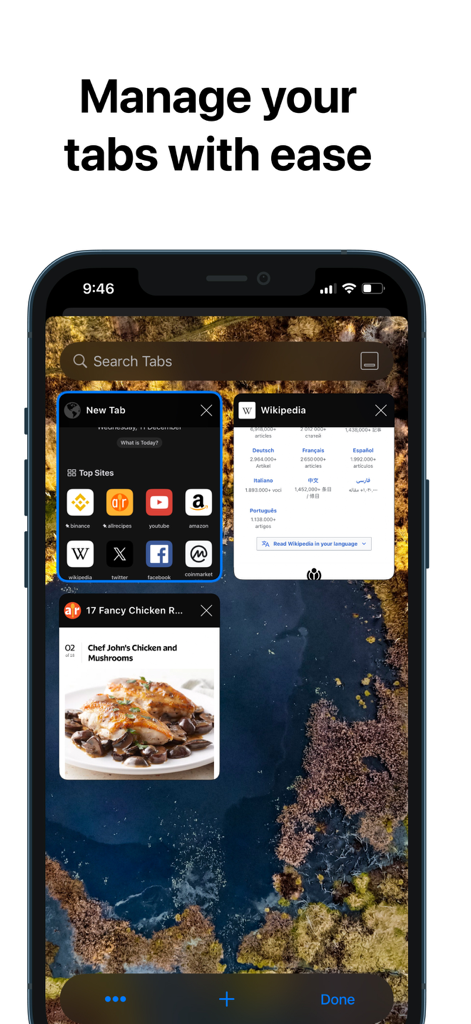
RedApp Liteプライベートブラウザのスクリーンショット。複数の開いているタブと検索バーが表示されたタブ管理機能を示しています。
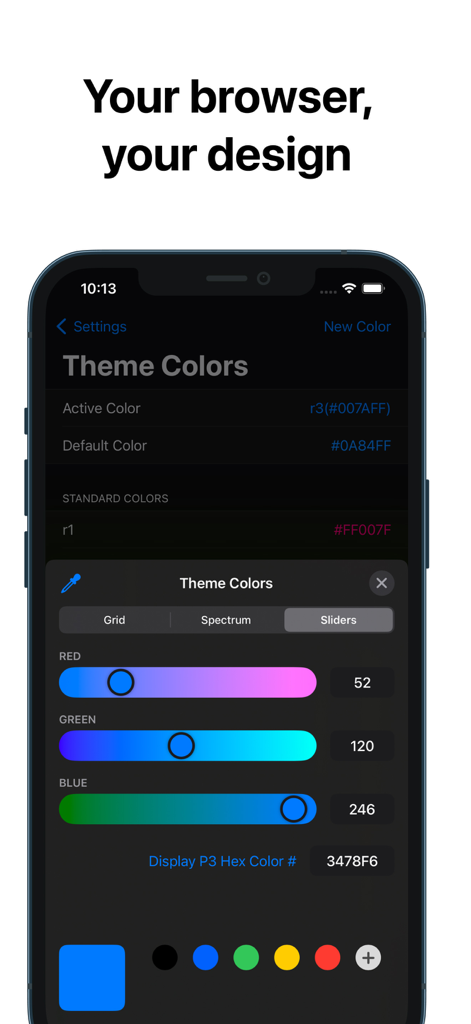
iPhone上のスライダーを備えたRedApp Liteテーマカラーカスタマイズインターフェース
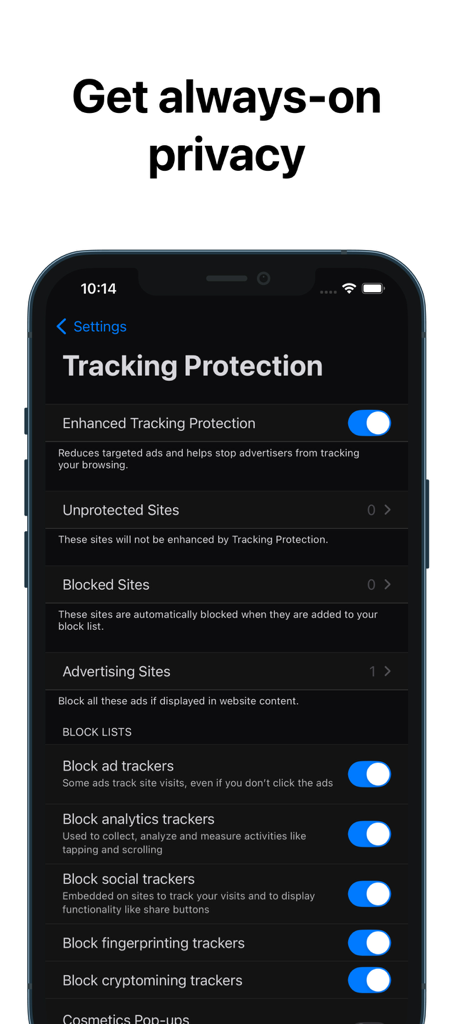
RedApp Liteプライベートブラウザのインターフェース。広告トラッカーとソーシャルトラッカーをブロックするためのトグルを備えたトラッキング保護設定が表示されています。
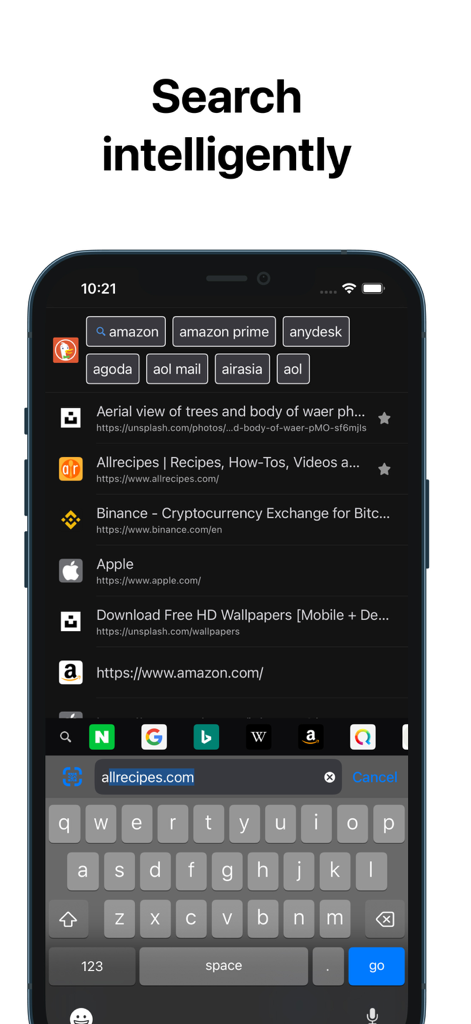
クイックアクセスリンクとダークテーマを備えたRedApp Liteインテリジェント検索インターフェース
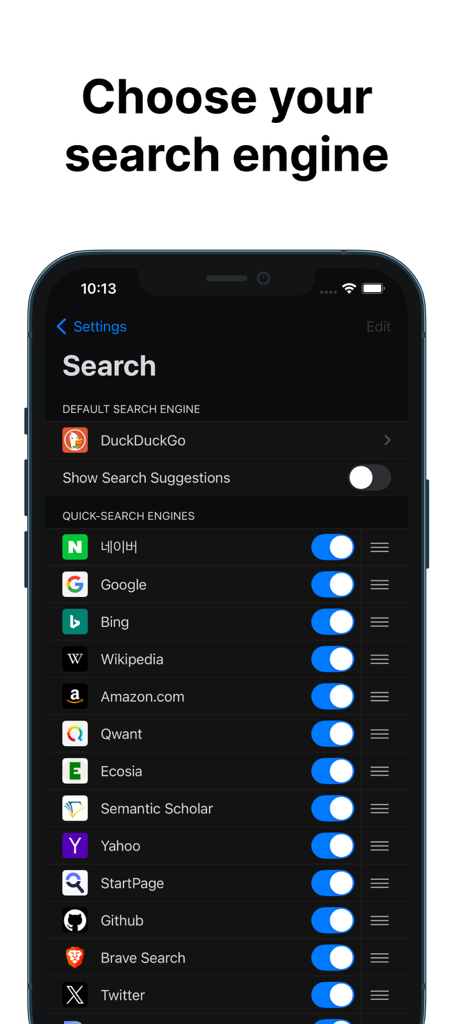
RedApp Liteプライベートブラウザのカスタマイズ可能な検索エンジン選択メニュー
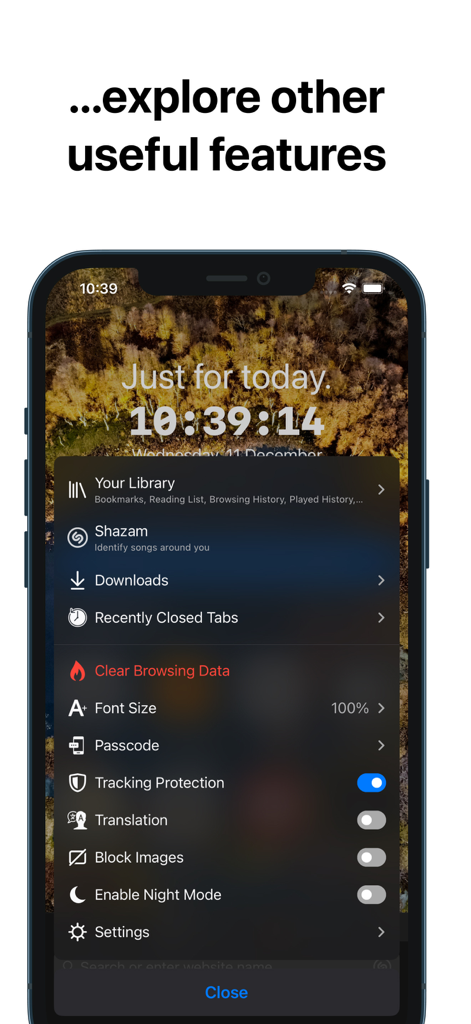
カスタマイズ可能なインターフェース上のブラウザユーティリティとプライバシー機能のリストを表示するRedApp Liteアプリのスクリーンショット。
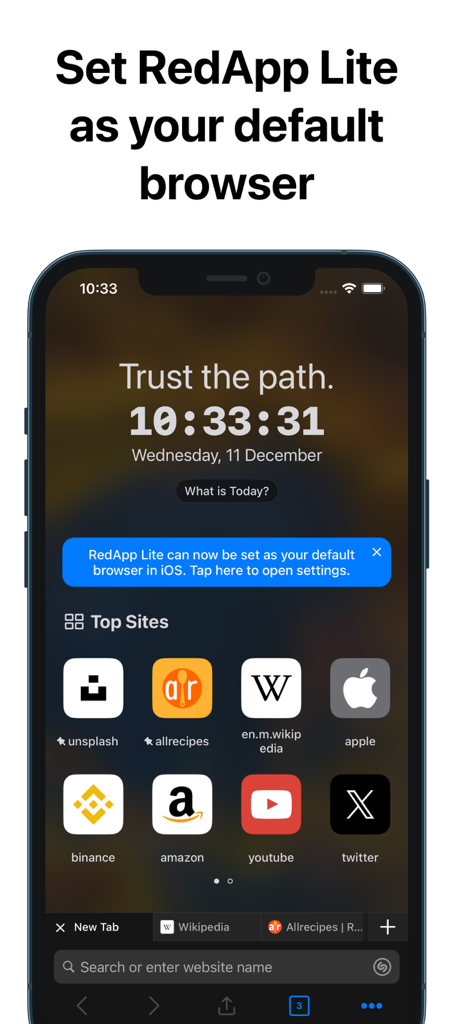
トップサイトのショートカットと、デフォルトのiOSブラウザとして設定するプロンプトが表示されたRedApp Liteホーム画面
説明
Download
類似アプリ
同じカテゴリのトップランクアプリ

Google LLC

Google Chrome
Google LLC

中国移动(手机营业厅)
China Mobile Online Services Co., Ltd.

Google Authenticator
Google LLC

CNH do Brasil
Servicos e Informacoes do Brasil

Cleanup: Phone Storage Cleaner
DEEP FLOW SOFTWARE SERVICES - FZCO

gov.br
Servicos e Informacoes do Brasil

中国电信-全国统一官方服务平台
CHINA TELECOM Corporation Ltd.

Microsoft Edge: AI Browser
Microsoft Corporation
このページはアプリまたはその開発者の公式ページではなく、情報提供および論評を目的として作成された独立した編集出版物です。明示的に別段の記載がない限り、アプリおよびその開発者は、MWM、Apple、Google Play、アプリのパブリッシャー、またはアプリの開発者と提携、承認、後援、認可、またはその他の公式的な関係はなく、このページのいかなる内容も、アプリがMWMのサービスを使用して開発されたことを意味するものではありません。すべての商標、ロゴ、スクリーンショット、その他のコンテンツはそれぞれの所有者の財産です。