Rekono OnePass
Rekono OnePass
ダウンロード: App Store

このページはアプリまたはその開発者の公式ページではなく、情報提供および論評を目的として作成された独立した編集出版物です。明示的に別段の記載がない限り、アプリおよびその開発者は、MWM、Apple、Google Play、アプリのパブリッシャー、またはアプリの開発者と提携、承認、後援、認可、またはその他の公式的な関係はなく、このページのいかなる内容も、アプリがMWMのサービスを使用して開発されたことを意味するものではありません。すべての商標、ロゴ、スクリーンショット、その他のコンテンツはそれぞれの所有者の財産です。


ロゴ: Rekono OnePass
ダウンロード: App Store

Rekono OnePass

超高速プッシュ認証、シームレスな3-Dセキュア決済、プロフェッショナルな書類署名で、指紋認証によって保護された摩擦のないセキュリティを体験してください。

主要数値

ダウンロード

40K+

ユーザー評価

4.8/5

評価数

5K+

開発元

Rekono d.o.o.

カテゴリ

Utilities

対応言語

1

最新バージョン

4.5.2

サイズ

106.1 MB

リリース日

2020年4月28日
機能

デジタルIDをマスターする

モバイルライフのために設計された、パワフルで摩擦のない1つのアプリで、セキュアなログイン、デジタル署名、支払い承認を合理化しましょう。

ワンタップ認証

手動のOTPコードはスキップ。セキュアなプッシュ通知と生体認証(FaceIDまたはTouchID)でログインを即座に承認します。

法的に有効な署名

デバイスのストレージから直接契約書や書類に署名できます。手のひらでプロフェッショナルグレードの署名ソリューションを利用できます。

以下のスクリーンショットと説明は、アプリの公式ストアリスティングから直接取得されたものであり、アプリ開発者の所有物です。

アプリストア

スクリーンショット
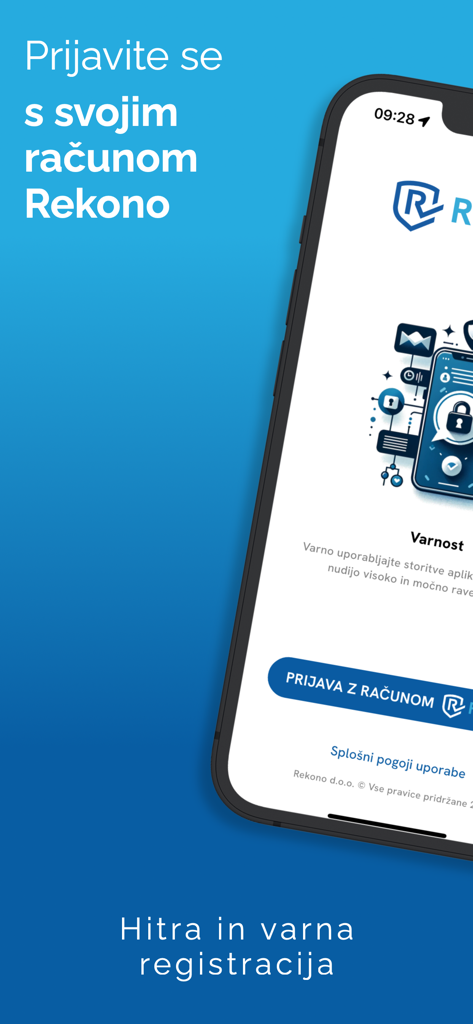
Rekono OnePass - Rekono OnePassモバイルアプリのログイン画面。セキュアなデジタルIDと認証用。
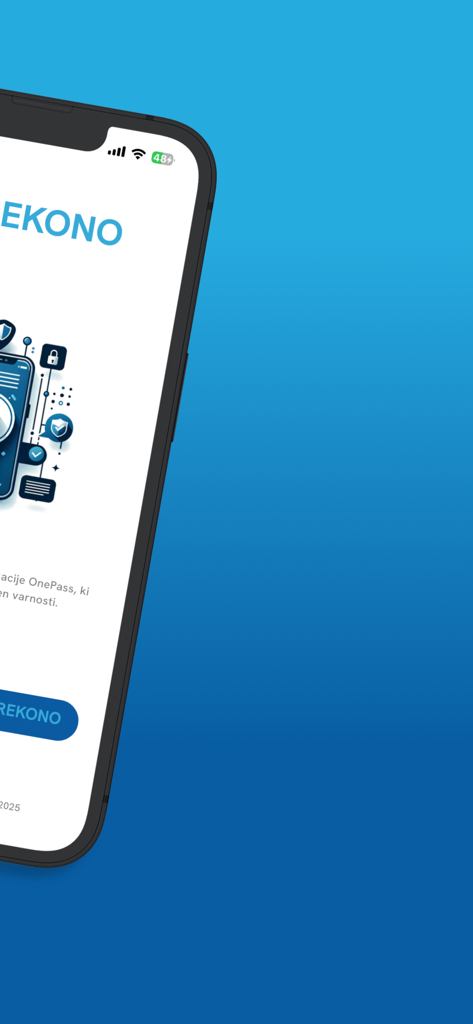
Rekono OnePassモバイルアプリのログイン画面。セキュアなデジタルIDと認証用。

Rekono OnePass - Rekono OnePassセキュリティアプリのウェルカムインターフェースを表示するスマートフォン画面。
Rekono OnePassセキュリティアプリのウェルカムインターフェースを表示するスマートフォン画面。

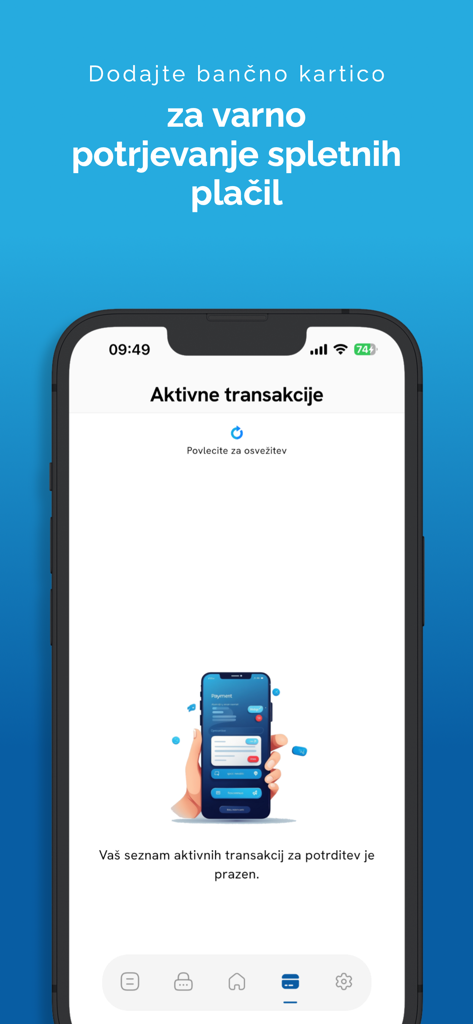
Rekono OnePass - セキュアなオンライン決済用のRekono OnePassアプリの有効な取引画面を表示するスマートフォン。
セキュアなオンライン決済用のRekono OnePassアプリの有効な取引画面を表示するスマートフォン。

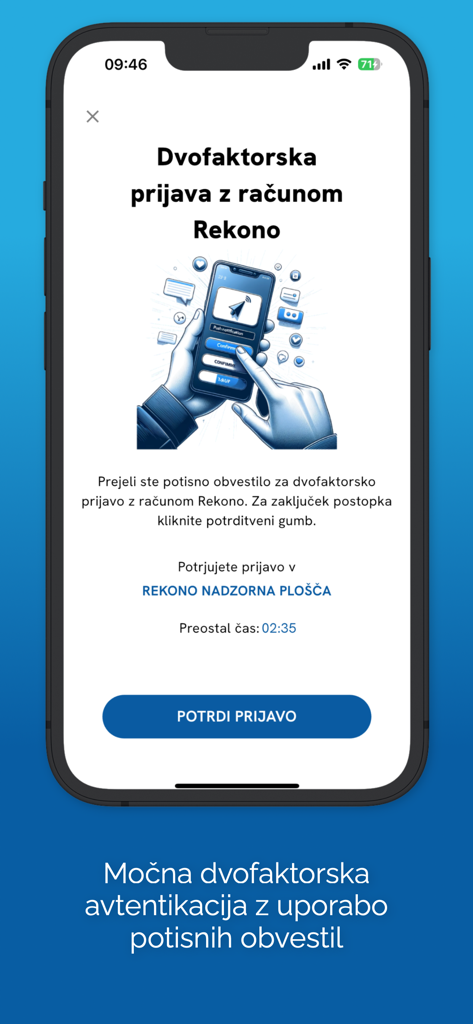
Rekono OnePass - Rekono OnePassアプリ画面。iPhone上で確認ボタン付きの2要素認証リクエストを表示。
Rekono OnePassアプリ画面。iPhone上で確認ボタン付きの2要素認証リクエストを表示。

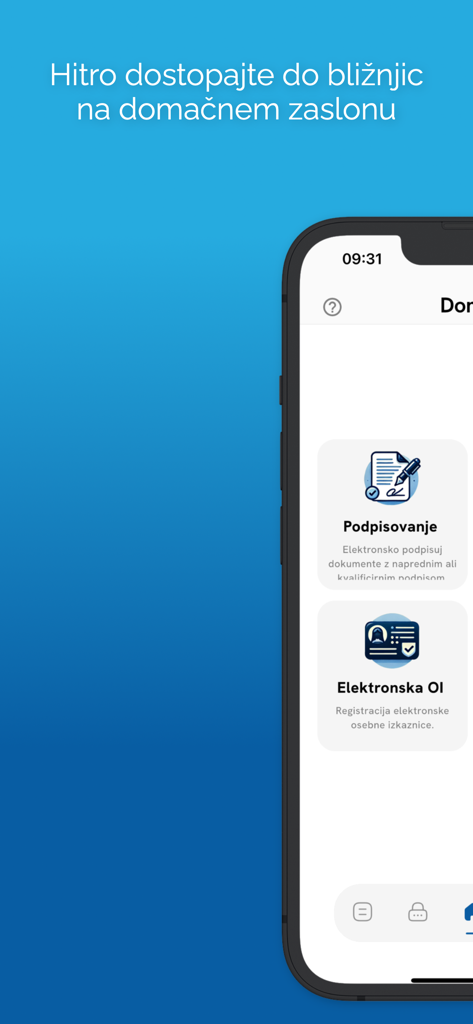
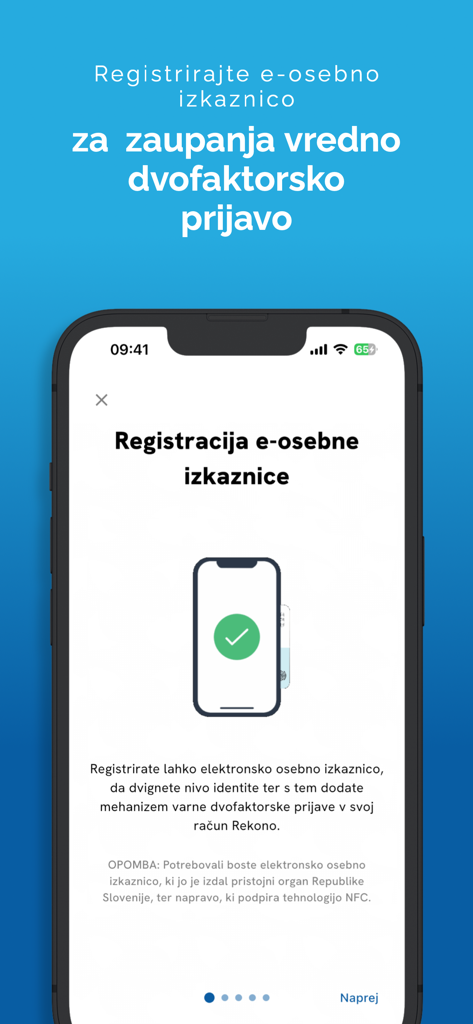
Rekono OnePass - セキュアな認証のために電子IDカードを登録するためのRekono OnePassアプリ画面。
セキュアな認証のために電子IDカードを登録するためのRekono OnePassアプリ画面。

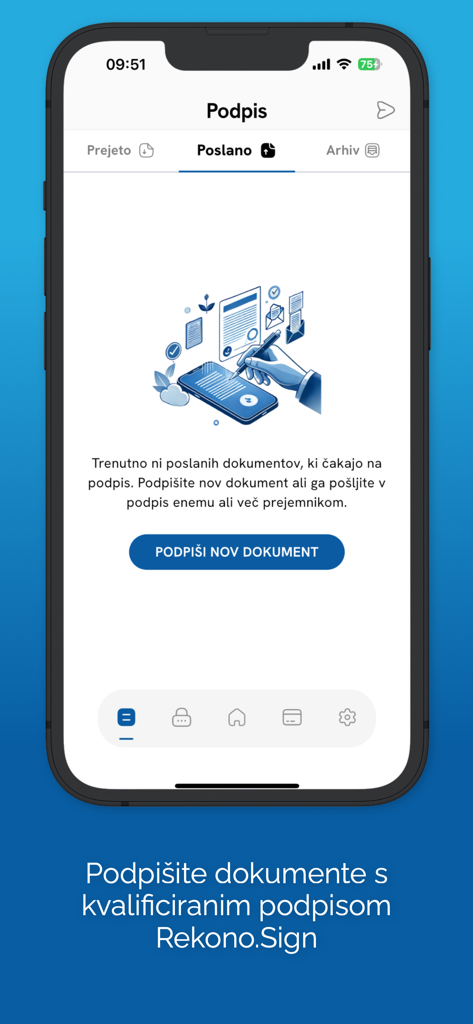
Rekono OnePass - Rekono OnePassモバイルアプリ画面。Rekono Signを使用して新しいドキュメントに署名するオプションが表示されたデジタルドキュメント署名セクションを表示。
Rekono OnePassモバイルアプリ画面。Rekono Signを使用して新しいドキュメントに署名するオプションが表示されたデジタルドキュメント署名セクションを表示。

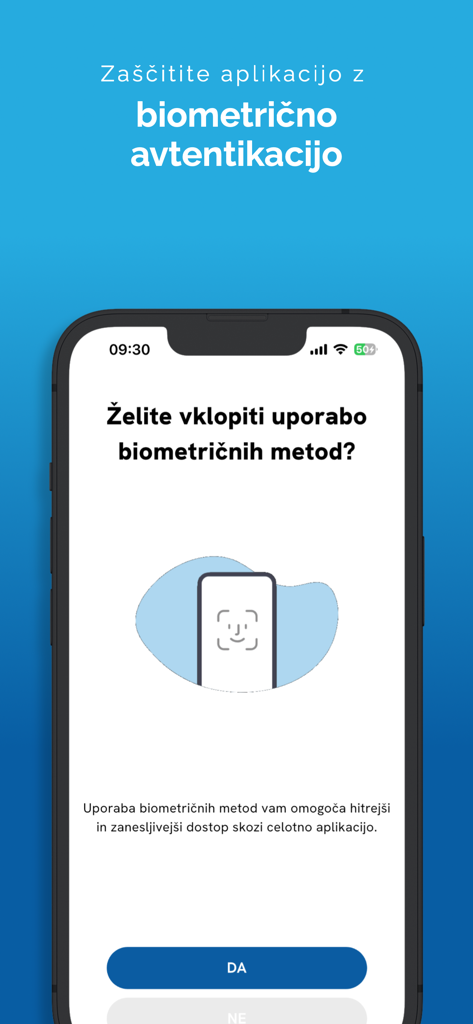
Rekono OnePass - Rekono OnePassモバイルアプリの生体認証設定画面。

Rekono OnePassモバイルアプリの生体認証設定画面。

Rekono OnePass - デジタル署名と電子IDカード機能を表示するRekono OnePassのモバイルインターフェース。
デジタル署名と電子IDカード機能を表示するRekono OnePassのモバイルインターフェース。

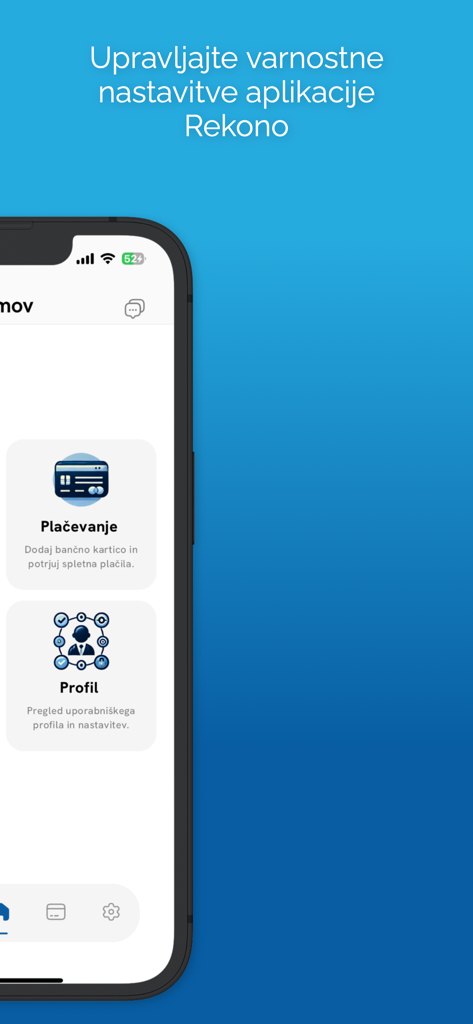
Rekono OnePass - 支払いとプロフィールのセキュリティ設定のメニューオプションを表示するRekono OnePassモバイルアプリインターフェース。

支払いとプロフィールのセキュリティ設定のメニューオプションを表示するRekono OnePassモバイルアプリインターフェース。

説明

Rekono OnePass application provides easier and faster access to your Rekono account, it’s management, features and usability. It is implemented to support the latest development standards, so it includes and utilizes all of the device’s functionalities and sensors (biometric authentication, QR code scanning using device’s camera, push notifications and other security features). Two-factor PUSH authentication You can now have much more control over your Rekono account as well as an improved and faster 2-factor authentication mechanism. With the implementation of push notifications, you can sign in to your Rekono accounts with your devices by simply clicking a button, which provides faster, if not even the fastest 2-factor authentication mechanism which is thoroughly secured by your device application’s PIN code or biometric authentication, if the device supports it. Rekono OnePass provides a simple and user-friendly design with a comfortable overview of your Rekono account information, OTP codes and settings, which you can freely adapt to your likes and needs. OTPs One-time passwords (OTPs) are now more clearly displayed on the main application screen when you log in to your Rekono account. By default, Rekono OTP code is automatically enrolled the moment you log in to the application and register your device, so OTP code cannot be deleted or erased. OTPs can now be added manually or automatically when scanning QR code with the QR code camera application scanner. This provides a simpler and faster way of adding OTP codes to the Rekono OnePass application. Manually adding OTPs is still supported in the application, when you must add OTP’s issuer shared secret and name with which OTP will be presented on the main screen. Due to various user’s likes and needs, you have the possibility to modify the application settings, themes, languages and security provisions to your own taste. Bank card enrollment using PIN/PAN You will now be able to enroll your bank provider for online transactions in the application by using your bank card credentials. The intuitive process of adding the bank is short and consists of simple understandable steps. 3-D Secure PUSH notifications With Rekono OnePass, you can now confirm online payments within the application, in quick and easy steps. To begin with, you make an online payment at a specific internet provider or merchant. After successfully executing the transaction, you then receive push notification to your device, which you click and navigate to the confirmation screen in the app. You then authenticate yourself with biometrics or a PIN code that you have set up in your application. A few moments later the transaction screen is displayed with all the information about the transaction. By confirming/rejecting the transaction, the 3-D Secure transaction process is completed. Local document signing and signing documents by using Push notifications One of the most prominent features in 2.0.0 release is the document signing. You can now digitally sign local documents right from the device's file system by simply selecting a file or a document from your device's storage and loading it in the app. With a click of a button the document will be securely signed by using Rekono Sign services on our secure servers. By means of PUSH notifications, you will be able to digitally sign documents on-the-fly when a service provider or a customer submits a document to the Rekono.Sign services. A few moments later you will receive a push notification informing you that there are documents waiting to be signed. After interacting with the notification, you will receive a detailed preview of the submitted documents, so you can decide to sign or reject the selected documents. After successful signing, the documents can be downloaded to your device or you can share them across other platforms or applications.

Download

ダウンロード: App Store

このページはアプリまたはその開発者の公式ページではなく、情報提供および論評を目的として作成された独立した編集出版物です。明示的に別段の記載がない限り、アプリおよびその開発者は、MWM、Apple、Google Play、アプリのパブリッシャー、またはアプリの開発者と提携、承認、後援、認可、またはその他の公式的な関係はなく、このページのいかなる内容も、アプリがMWMのサービスを使用して開発されたことを意味するものではありません。すべての商標、ロゴ、スクリーンショット、その他のコンテンツはそれぞれの所有者の財産です。