Remote control tv smart
ダウンロード: App Store

このページはアプリまたはその開発者の公式ページではなく、情報提供および論評を目的として作成された独立した編集出版物です。明示的に別段の記載がない限り、アプリおよびその開発者は、MWM、Apple、Google Play、アプリのパブリッシャー、またはアプリの開発者と提携、承認、後援、認可、またはその他の公式的な関係はなく、このページのいかなる内容も、アプリがMWMのサービスを使用して開発されたことを意味するものではありません。すべての商標、ロゴ、スクリーンショット、その他のコンテンツはそれぞれの所有者の財産です。

ロゴ: Remote control tv smart
ダウンロード: App Store

Remote control tv smart

リモコンを探すのをやめて、ストリーミングを始めましょう。自動WiFi検出、シームレスなキーボード入力、そして使い慣れたデザインで、iPhoneをあらゆるスマートTVの強力なコントローラーに即座に変えましょう。

主要数値

ダウンロード

248K+

ユーザー評価

4.4/5

評価数

3K+

開発元

yohan teixeira

カテゴリ

Utilities

対応言語

8

最新バージョン

1.7

サイズ

161.4 MB

リリース日

2022年4月13日
機能

ホームエンターテイメント全体を片手で

かさばる、紛失した、または壊れたリモコンを、iPhoneにそのまま搭載できるスマートでリアルなコントローラーに置き換えましょう。

インスタント自動検出

複雑なペアリングは不要です。WiFiに接続するだけで、アプリがTVを自動的に検出し、すぐに操作できます。

ユニバーサル互換性

Samsung、LG、Roku、Vizioのいずれをお持ちでも、家中のすべての画面を1つの直感的なインターフェースで管理できます。

以下のスクリーンショットと説明は、アプリの公式ストアリスティングから直接取得されたものであり、アプリ開発者の所有物です。

アプリストア

スクリーンショット
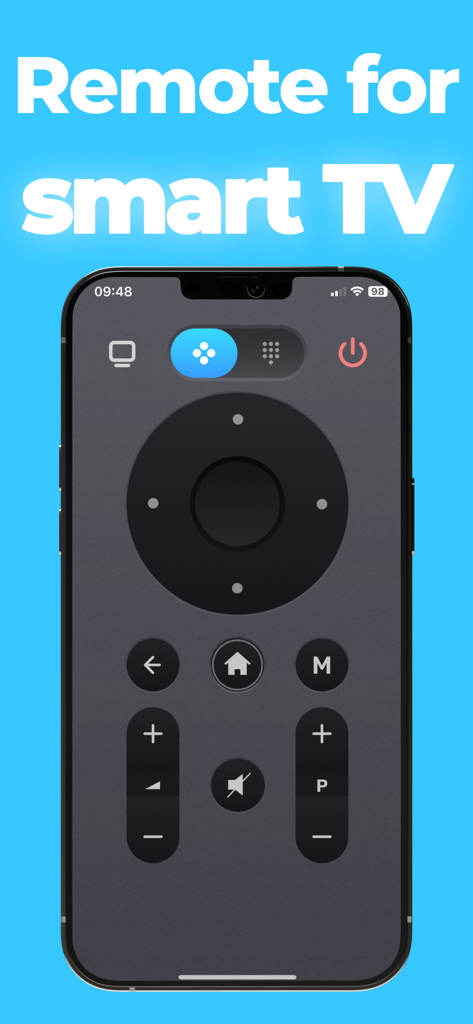
Remote control tv smart - 音量とチャンネルボタンを備えたリアルなスマートTVリモコンインターフェースを表示するiPhone画面
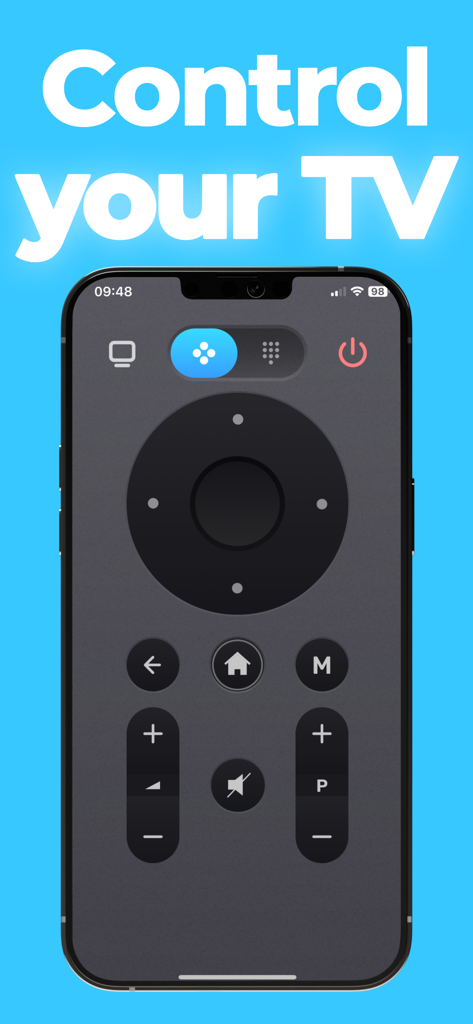
音量とチャンネルボタンを備えたリアルなスマートTVリモコンインターフェースを表示するiPhone画面

Remote control tv smart - スマートTVリモコンインターフェースを表示するiPhone画面

スマートTVリモコンインターフェースを表示するiPhone画面
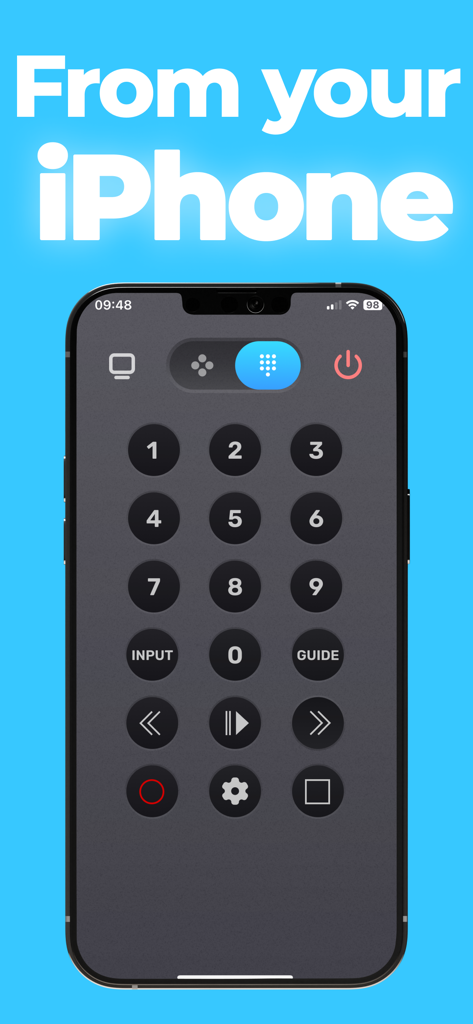
Remote control tv smart - 数字キーパッドとメディア再生ボタンを備えたデジタルTVリモコンインターフェースを表示するiPhone画面
数字キーパッドとメディア再生ボタンを備えたデジタルTVリモコンインターフェースを表示するiPhone画面

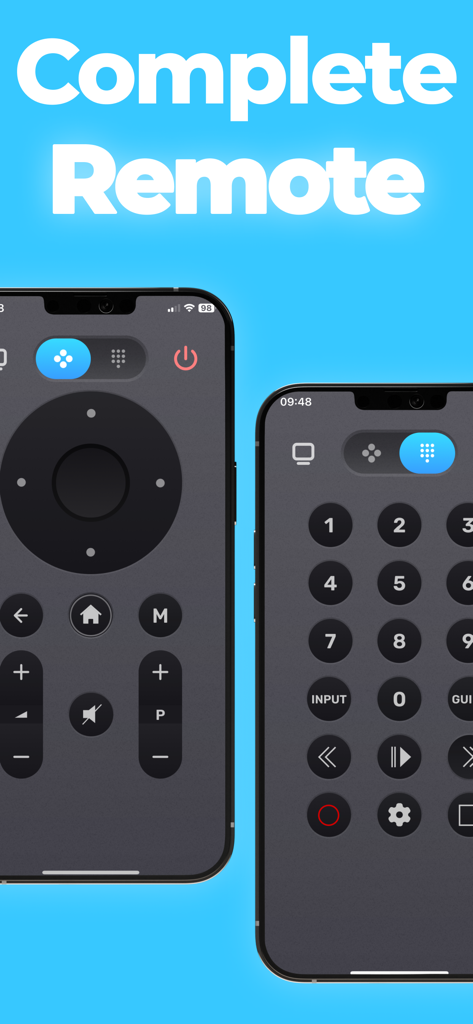
Remote control tv smart - 2つのiPhone画面に表示されたコントロールボタンを示すスマートTVリモコンアプリのインターフェース
2つのiPhone画面に表示されたコントロールボタンを示すスマートTVリモコンアプリのインターフェース

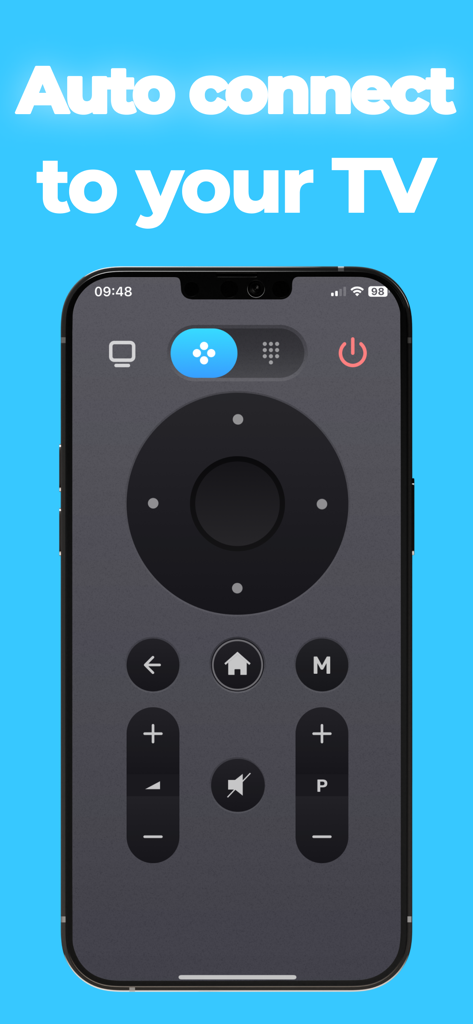
Remote control tv smart - 自動接続機能を備えたTVリモコンアプリを示すスマートフォンの画面

自動接続機能を備えたTVリモコンアプリを示すスマートフォンの画面

説明

Remote control tv smart is a tv remote app that allows you to easily control your device directly from your iPhone / iPad. Compatible with many TV brands. With a simple and realistic design, this app works directly. The app offers you a fully functional remote control with all controls available. Simple to use: Connect your iPhone / iPad to the same WiFi network as your tv device, the application automatically detects the device to control. The app offers you a fully functional remote control with all controls available. The application functions as the original remote control, take advantage of all the features for free. If you have any questions / comments please email us: contact@nstx.io SUBSCRIPTION: We offer auto-renewing subscription: - Length: yearly-monthly-weekly - Payment will be charged to iTunes Account at confirmation of purchase - You will be able to access the Premium features of the app for the duration of the subscription - Subscription automatically renews for the same price and duration period as the original period unless auto-renew is turned off at least 24-hours before the end of the current period - The account will be charged for renewal within 24-hours prior to the end of the current period at the cost of the chosen package. - Subscriptions may be managed by the user and auto-renewal may be turned off by going to the user's iTunes Account Settings after purchase - No cancellation of the current subscription is allowed during the active subscription period - You may cancel a subscription during its free trial period via the subscription setting through your Apple account. This must be done 24 hours before the end of the subscription period to avoid being charged. Please visit https://support.apple.com/en-us/HT202039 for more information on how to proceed. - You may turn off the auto-renewal of your subscription via your Apple Account Settings. However, you are not able to cancel the current subscription during its active period - Any unused portion of a free-trial period will be forfeited when the user purchases a subscription. Privacy Policy :https://nstx.io/TvRemoteApp/tvremote_policy.html Terms of Use : https://nstx.io/TvRemoteApp/tvremote_terms.html

Download

ダウンロード: App Store

このページはアプリまたはその開発者の公式ページではなく、情報提供および論評を目的として作成された独立した編集出版物です。明示的に別段の記載がない限り、アプリおよびその開発者は、MWM、Apple、Google Play、アプリのパブリッシャー、またはアプリの開発者と提携、承認、後援、認可、またはその他の公式的な関係はなく、このページのいかなる内容も、アプリがMWMのサービスを使用して開発されたことを意味するものではありません。すべての商標、ロゴ、スクリーンショット、その他のコンテンツはそれぞれの所有者の財産です。








