
このページはアプリまたはその開発者の公式ページではなく、情報提供および論評を目的として作成された独立した編集出版物です。明示的に別段の記載がない限り、アプリおよびその開発者は、MWM、Apple、Google Play、アプリのパブリッシャー、またはアプリの開発者と提携、承認、後援、認可、またはその他の公式的な関係はなく、このページのいかなる内容も、アプリがMWMのサービスを使用して開発されたことを意味するものではありません。すべての商標、ロゴ、スクリーンショット、その他のコンテンツはそれぞれの所有者の財産です。

Remote for AdGuard DNS
サーバーを管理し、ライブクエリログを監視し、Siriショートカットとホーム画面ウィジェットで保護を自動化するためのネイティブiOSダッシュボード。
ダウンロード
2K+ユーザー評価
評価数
0開発元
カテゴリ
Utilities対応言語
1最新バージョン
5.0.5サイズ
16.4 MBリリース日
2022年8月7日ネットワークを完全にコントロールする
真のネイティブiOS体験を通じて、AdGuard DNS設定に対する精度、速度、および詳細な洞察を要求するパワーユーザーのために設計されています。
インスタント保護トグル
究極の自動化のために、アプリ、ホーム画面ウィジェット、またはSiriショートカット経由でフィルタリング、ペアレンタルコントロール、またはセーフサーチを即座に切り替えます。
リアルタイムクエリインサイト
ライブログと高度な統計でデジタルフットプリントを監視し、どのドメインと宛先がブロックされているかを正確に可視化します。
以下のスクリーンショットと説明は、アプリの公式ストアリスティングから直接取得されたものであり、アプリ開発者の所有物です。
アプリストア
スクリーンショット
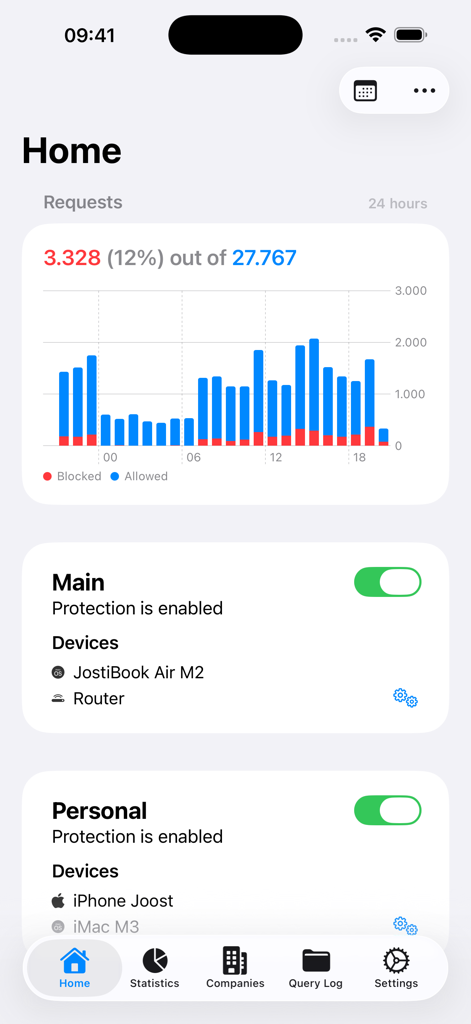
Remote for AdGuard DNSアプリのホーム画面。ネットワークリクエストの棒グラフと保護ステータスのトグルが表示されます。
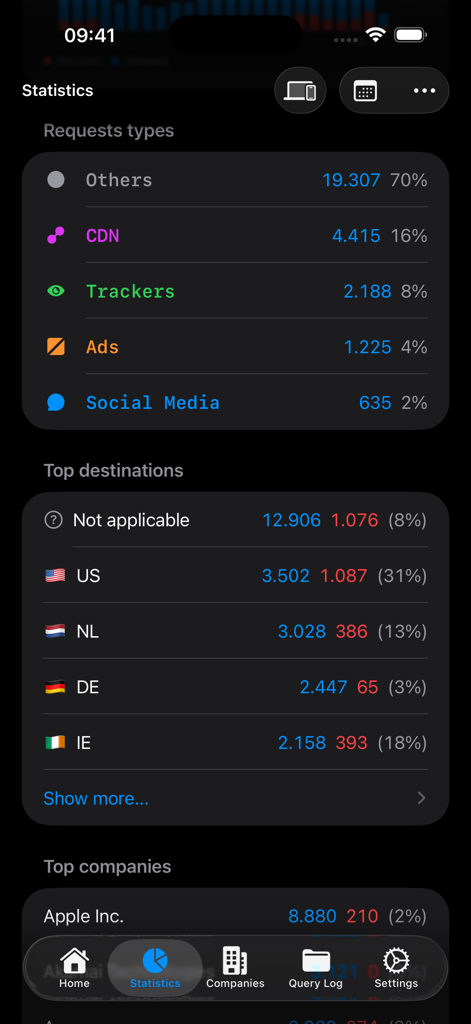
Remote for AdGuard DNSの統計ダッシュボード。ネットワークリクエストの種類と上位の地理的宛先が表示されます。
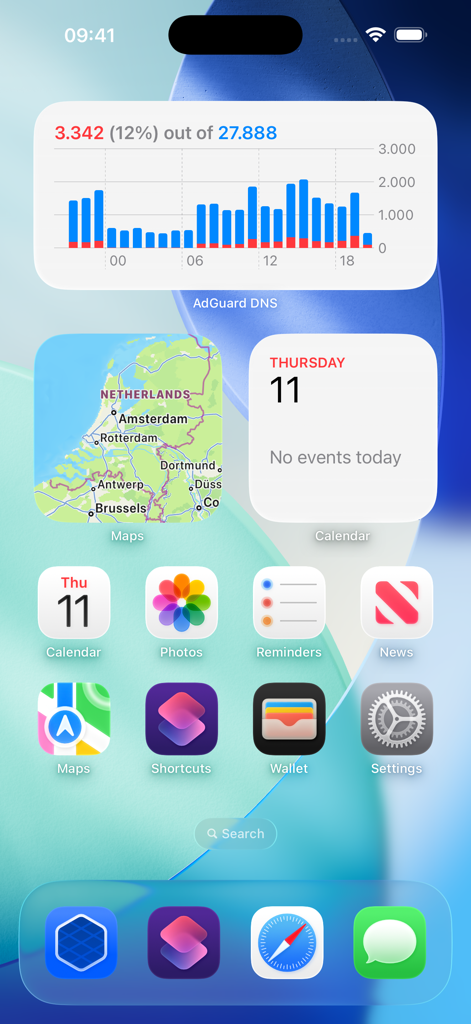
iPhoneホーム画面上のRemote for AdGuard DNSウィジェット。クエリ統計が表示されます。
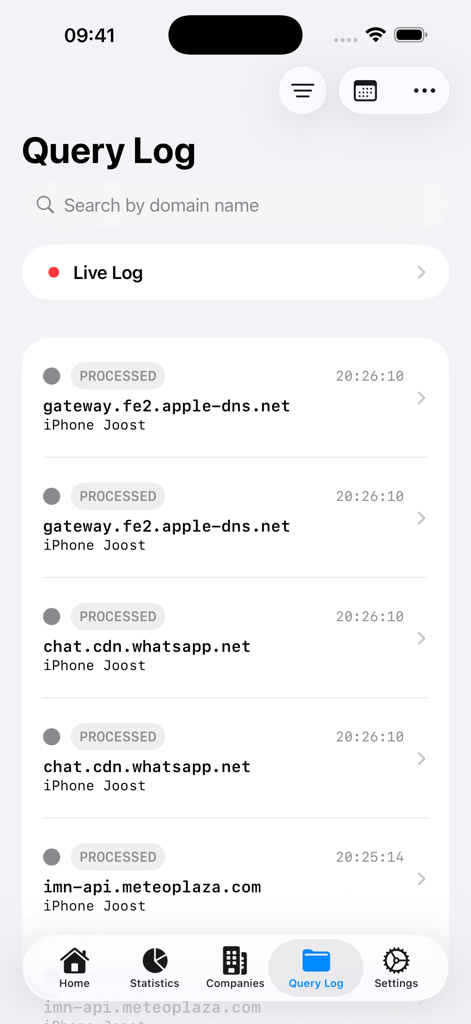
Remote for AdGuard DNSアプリのクエリログ画面。処理されたネットワークリクエストのリストとライブログオプションが表示されます。
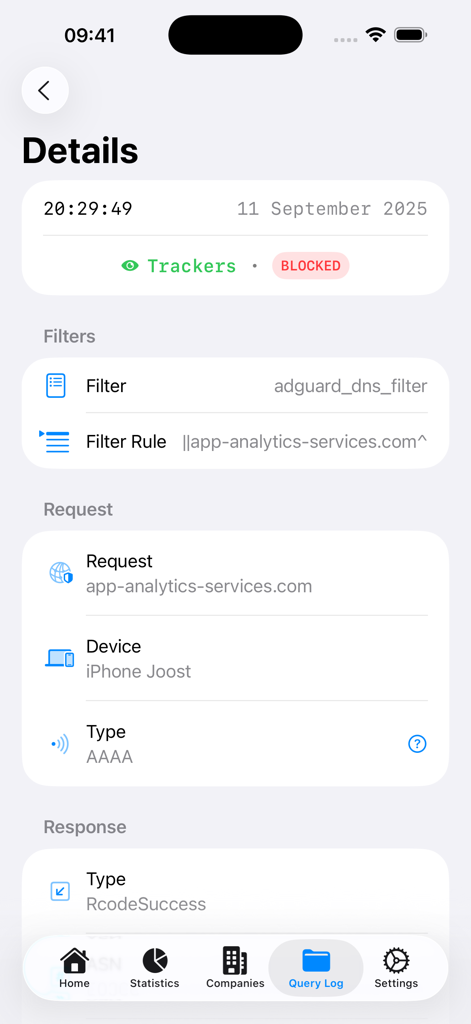
Remote for AdGuard DNSクエリログ画面でブロックされたトラッカーの詳細ビュー。
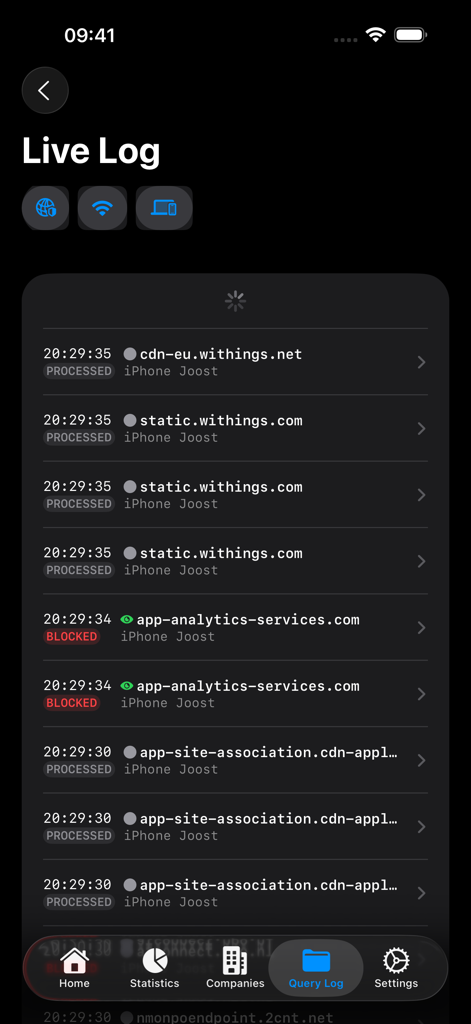
iPhone上のリアルタイムネットワークリクエストとブロックされたドメインを示すライブログ画面。
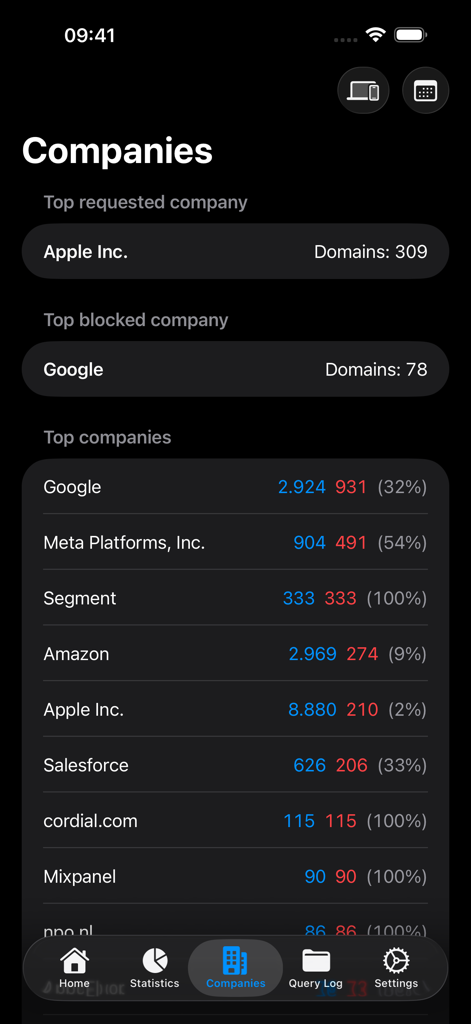
ブロックされたおよびリクエストされた企業のドメインの分析を示すRemote for AdGuard DNSインターフェース。
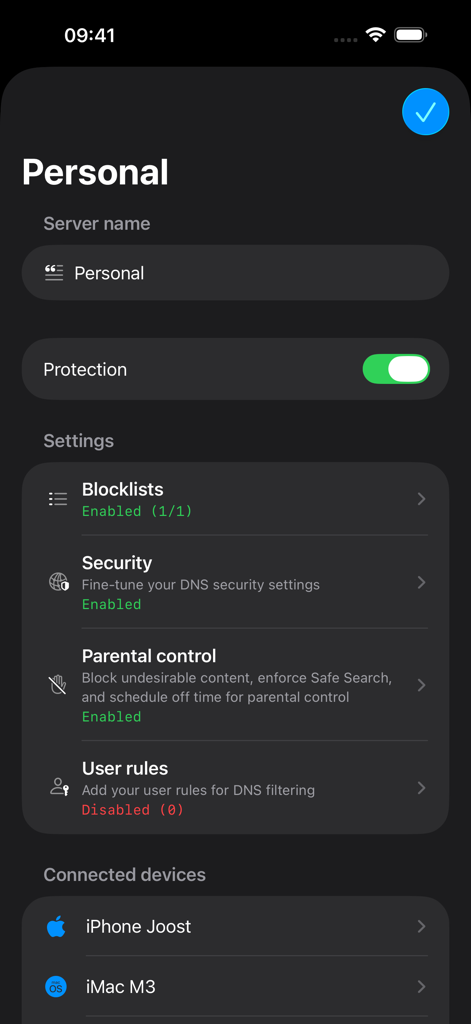
Remote for AdGuard DNSのサーバー設定画面。保護ステータスと接続されているデバイスが表示されます。
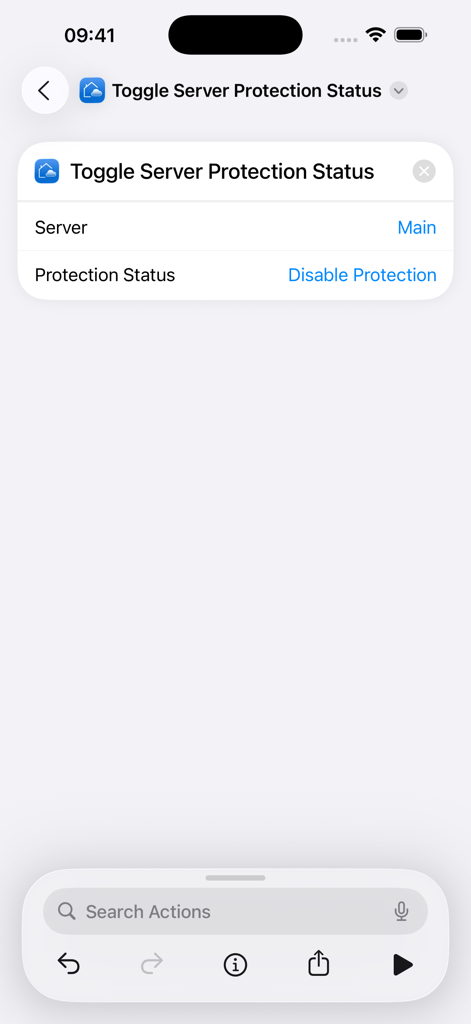
AdGuard DNSサーバー保護ステータスの切り替えのためのSiriショートカット設定画面。
説明
Download
類似アプリ
同じカテゴリのトップランクアプリ

Google LLC

Google Chrome
Google LLC

中国移动(手机营业厅)
China Mobile Online Services Co., Ltd.

Google Authenticator
Google LLC

CNH do Brasil
Servicos e Informacoes do Brasil

Cleanup: Phone Storage Cleaner
DEEP FLOW SOFTWARE SERVICES - FZCO

gov.br
Servicos e Informacoes do Brasil

中国电信-全国统一官方服务平台
CHINA TELECOM Corporation Ltd.

Microsoft Edge: AI Browser
Microsoft Corporation
このページはアプリまたはその開発者の公式ページではなく、情報提供および論評を目的として作成された独立した編集出版物です。明示的に別段の記載がない限り、アプリおよびその開発者は、MWM、Apple、Google Play、アプリのパブリッシャー、またはアプリの開発者と提携、承認、後援、認可、またはその他の公式的な関係はなく、このページのいかなる内容も、アプリがMWMのサービスを使用して開発されたことを意味するものではありません。すべての商標、ロゴ、スクリーンショット、その他のコンテンツはそれぞれの所有者の財産です。