Remote TV: TV Controller
ダウンロード: App Store

このページはアプリまたはその開発者の公式ページではなく、情報提供および論評を目的として作成された独立した編集出版物です。明示的に別段の記載がない限り、アプリおよびその開発者は、MWM、Apple、Google Play、アプリのパブリッシャー、またはアプリの開発者と提携、承認、後援、認可、またはその他の公式的な関係はなく、このページのいかなる内容も、アプリがMWMのサービスを使用して開発されたことを意味するものではありません。すべての商標、ロゴ、スクリーンショット、その他のコンテンツはそれぞれの所有者の財産です。


ロゴ: Remote TV: TV Controller
ダウンロード: App Store

Remote TV: TV Controller

指先一つでテレビを支配。このアプリは、失われたリモコンの混乱からあなたを解放する。

主要数値

ダウンロード

50k+

ユーザー評価

4.6/5

評価数

730

開発元

MAXLABS COMPANY LIMITED

カテゴリ

Utilities

対応言語

13

最新バージョン

3.2.0

サイズ

72.8 MB

リリース日

2025年11月12日
機能

スマートTV操作を革新する主要機能の評価

「Remote TV: TV Controller」主要機能分析

オールインワンリモート機能

本アプリは、複数の物理リモコンを一つの強力なスマートフォンアプリに統合し、ユーザーはデバイスの切り替えやリモコンを探す手間から解放されます。

タッチパッドとキーボード入力

ユーザーは、スムーズで直感的なタッチパッド操作と、高速な文字入力が可能なソフトウェアキーボードを利用して、スマートTVのナビゲーションや検索を快適に行うことができます。

包括的なTV操作

本ツールは、チャンネルの切り替え、音量調整、入力ソースの変更、各種メニューへのアクセスといった、スマートTVのあらゆる基本的な操作をスマートフォンから簡単に行える機能を提供します。

以下のスクリーンショットと説明は、アプリの公式ストアリスティングから直接取得されたものであり、アプリ開発者の所有物です。

アプリストア

スクリーンショット
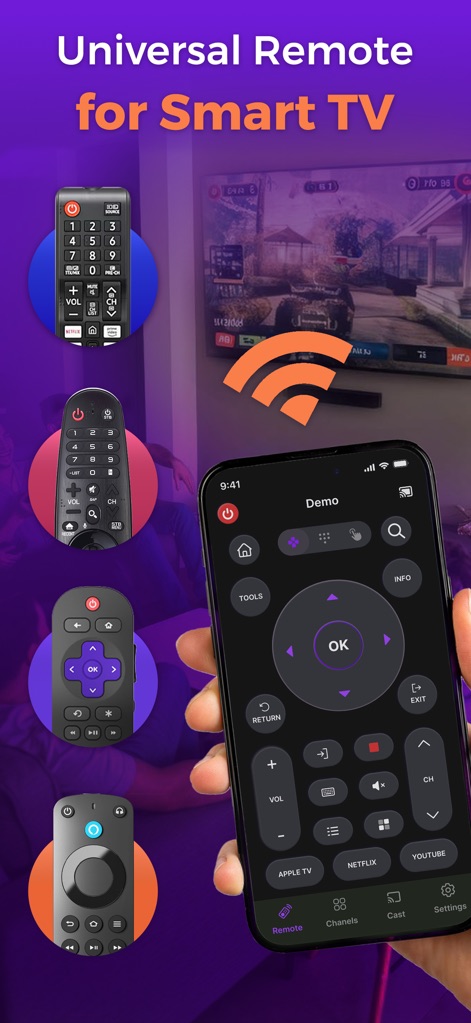
Remote TV: TV Controller - ユーザーは、統一されたリモートインターフェースを通じて、主要アプリへのショートカットや基本的なTV操作を直感的に実行できます。

ユーザーは、統一されたリモートインターフェースを通じて、主要アプリへのショートカットや基本的なTV操作を直感的に実行できます。

スマートTVを統合
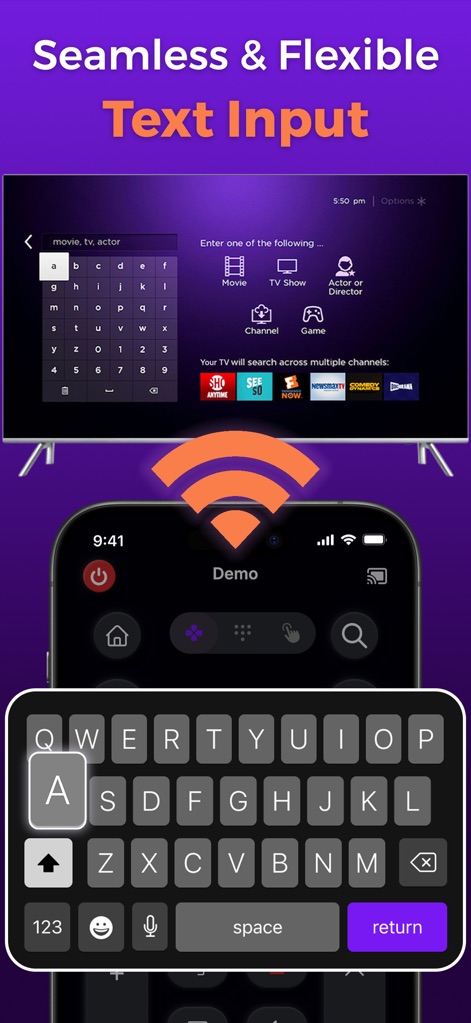
Remote TV: TV Controller - このアプリは、スマートフォンのQWERTYキーボードを使用して、スマートTVでの検索入力や情報の素早い入力を可能にします。

このアプリは、スマートフォンのQWERTYキーボードを使用して、スマートTVでの検索入力や情報の素早い入力を可能にします。

簡単な文字入力
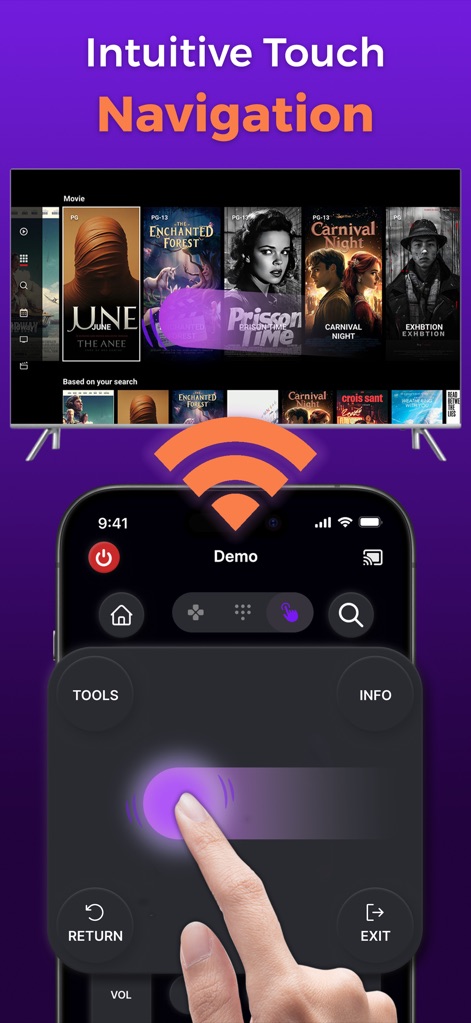
Remote TV: TV Controller - 直感的なタッチパッド操作により、ユーザーはテレビのメディアコンテンツの閲覧画面をスムーズにナビゲートし、目的のコンテンツに素早くアクセスできます。

直感的なタッチパッド操作により、ユーザーはテレビのメディアコンテンツの閲覧画面をスムーズにナビゲートし、目的のコンテンツに素早くアクセスできます。

直感的な操作感
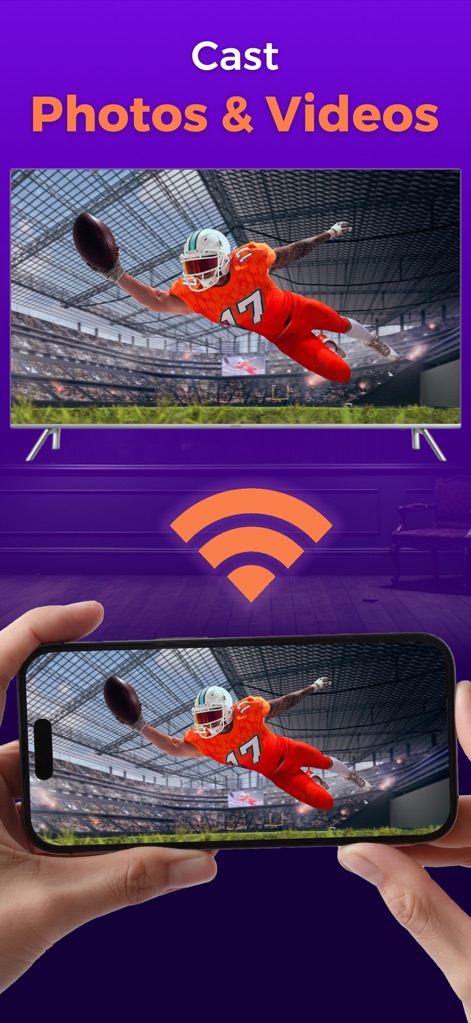
Remote TV: TV Controller - ユーザーはスマートフォンの写真を簡単にテレビ画面へキャストし、大切な思い出を家族や友人と共有することができます。

ユーザーはスマートフォンの写真を簡単にテレビ画面へキャストし、大切な思い出を家族や友人と共有することができます。

写真を大画面で
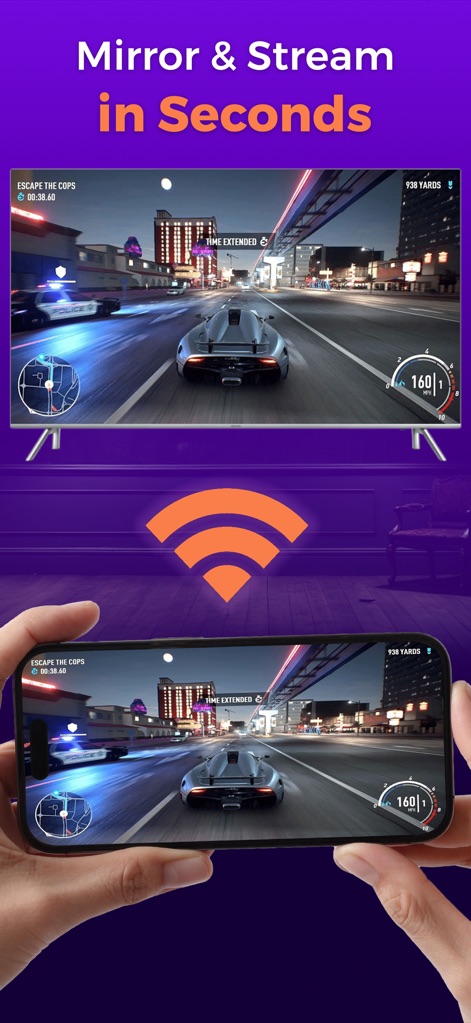
Remote TV: TV Controller - スマートフォンの画面ミラーリング機能により、ゲームや動画コンテンツを大画面でのゲームプレイとして、遅延なくテレビで楽しめます。

スマートフォンの画面ミラーリング機能により、ゲームや動画コンテンツを大画面でのゲームプレイとして、遅延なくテレビで楽しめます。

画面をミラーリング

説明

Turn your phone into a smart TV remote. Control channels, volume & apps on compatible smart TVs with ease! Introducing Remote TV: TV Controller – Your Smart TV Companion Transform the way you watch TV with Remote TV: TV Controller — a smart remote app designed to replace traditional remotes and make your home entertainment smarter, faster, and more convenient. With just your smartphone, you can control your compatible Smart TV and streaming services seamlessly from one sleek app. Remote TV: TV Controller is more than just a remote — it’s your gateway to effortless TV management and a connected home experience. Streamline your entertainment setup and enjoy full control without juggling multiple remotes or worrying about misplaced devices. Key Features of Our Remote TV: TV Controller All-in-One Remote: Replace multiple remotes with a single powerful app for your Smart TV. Easy Connection: Connect to your Smart TV via WiFi in seconds, no complicated setup required. Complete Control: Navigate channels, adjust volume, switch inputs, and access menus with ease. Touchpad & Keyboard: Smooth, intuitive touchpad for navigation plus a fast-input keyboard for typing. Media Casting: Instantly stream photos, videos, and music from your phone to your TV screen. No more searching for remotes or worrying about dead batteries. Remote TV: TV Controller keeps your TV control at your fingertips. Enjoy movies, shows, and games with complete ease, all from the convenience of your smartphone. Disclaimer - Remote TV: TV Controller is an independent application designed to provide remote control features for compatible Smart TVs. - It is not affiliated with or endorsed by any TV brand or manufacturer. - All copyrights are duly respected and reserved to their respective owners. - If you observe any content in our app that violates copyrights, kindly notify us, and we will promptly rectify the issue. Remote TV: TV Controller provides simplicity and convenience for your TV-watching experience. With its all-in-one features and intuitive interface, you can control your TV with ease. It’s a must-have tool for anyone who loves watching TV and wants a smarter, more convenient experience. Download Remote TV: TV Controller now and enjoy effortless control of your Smart TV! Privacy Policy: https://www.maxlabs.hk/remote-tv/privacy-policy Terms of Use: https://www.maxlabs.hk/remote-tv/terms-of-use Apple End User License Agreement (EULA): https://www.apple.com/legal/internet-services/itunes/dev/stdeula/

Download

ダウンロード: App Store

このページはアプリまたはその開発者の公式ページではなく、情報提供および論評を目的として作成された独立した編集出版物です。明示的に別段の記載がない限り、アプリおよびその開発者は、MWM、Apple、Google Play、アプリのパブリッシャー、またはアプリの開発者と提携、承認、後援、認可、またはその他の公式的な関係はなく、このページのいかなる内容も、アプリがMWMのサービスを使用して開発されたことを意味するものではありません。すべての商標、ロゴ、スクリーンショット、その他のコンテンツはそれぞれの所有者の財産です。