Repeat Timer: Interval Remind
ダウンロード: App Store

このページはアプリまたはその開発者の公式ページではなく、情報提供および論評を目的として作成された独立した編集出版物です。明示的に別段の記載がない限り、アプリおよびその開発者は、MWM、Apple、Google Play、アプリのパブリッシャー、またはアプリの開発者と提携、承認、後援、認可、またはその他の公式的な関係はなく、このページのいかなる内容も、アプリがMWMのサービスを使用して開発されたことを意味するものではありません。すべての商標、ロゴ、スクリーンショット、その他のコンテンツはそれぞれの所有者の財産です。

ロゴ: Repeat Timer: Interval Remind
ダウンロード: App Store

Repeat Timer: Interval Remind

フィットネス、集中力、健康のためのNo.1リピートインターバルタイマー。邪魔されることなく、順調に進むためのハンズフリーアラートで一日を自動化しましょう。

主要数値

ダウンロード

4K+

ユーザー評価

4.5/5

評価数

7K+

開発元

Applorium Ltd

カテゴリ

Utilities

対応言語

1

最新バージョン

3.1.3

サイズ

92.7 MB

リリース日

2011年11月22日
機能

一日のすべての分をマスターする

ワークアウトに励むときも、忙しい家庭を管理するときも、プロジェクトに集中するときも、Repeat Timerは最高の効率のためにルーティンを自動化します。

シームレスな自動リピート

アプリが残りを処理する間、タスクに集中しましょう。手動リセットや中断なしで、タイマーがバックグラウンドで自動的にサイクルします。

カスタムインターバルのパワー

HIIT、学習セッション、または家庭のタスクに合わせて、正確なタイミングと柔軟なリピートサイクルで作業時間と休憩時間を簡単に設定できます。

以下のスクリーンショットと説明は、アプリの公式ストアリスティングから直接取得されたものであり、アプリ開発者の所有物です。

アプリストア

スクリーンショット
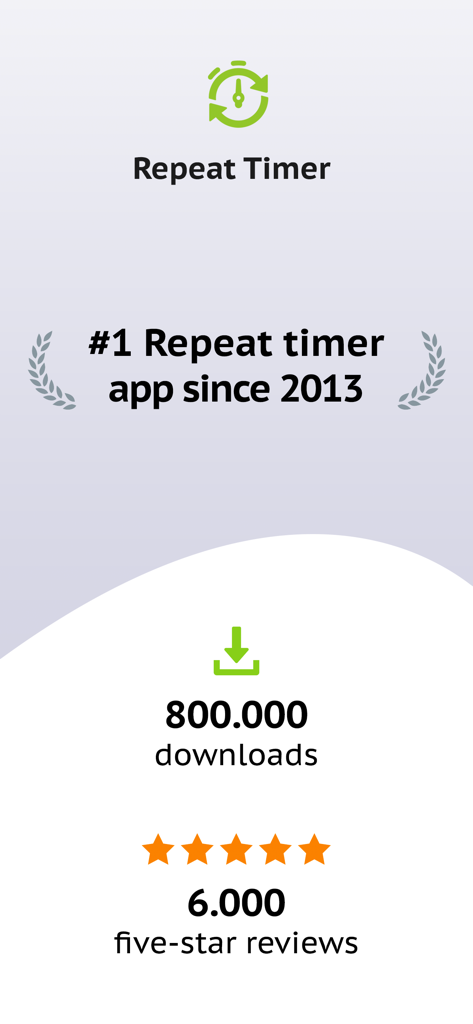
Repeat Timer: Interval Remind - Repeat Timerアプリの統計画面。800,000ダウンロードと6,000件の5つ星レビューが表示されています。
Repeat Timerアプリの統計画面。800,000ダウンロードと6,000件の5つ星レビューが表示されています。

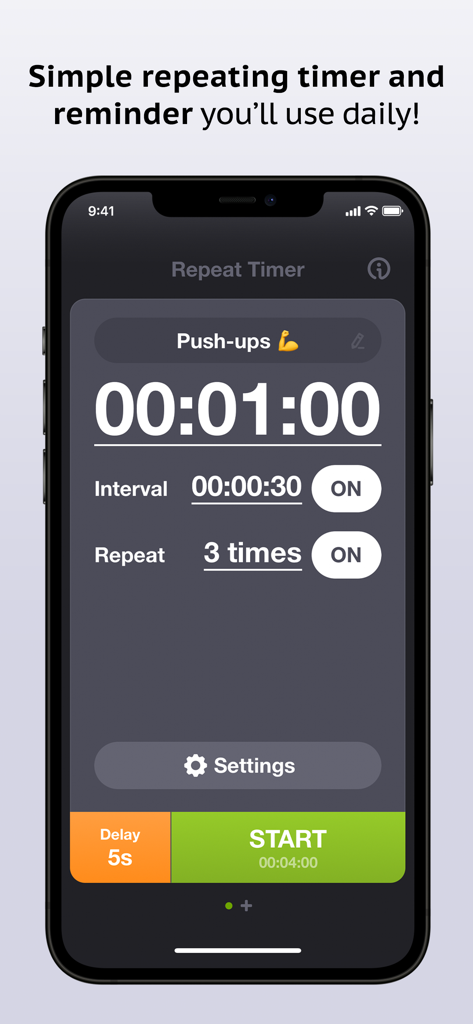
Repeat Timer: Interval Remind - Repeat Timerアプリのプッシュアップルーチン画面。1分タイマーとインターバル設定が表示されています。
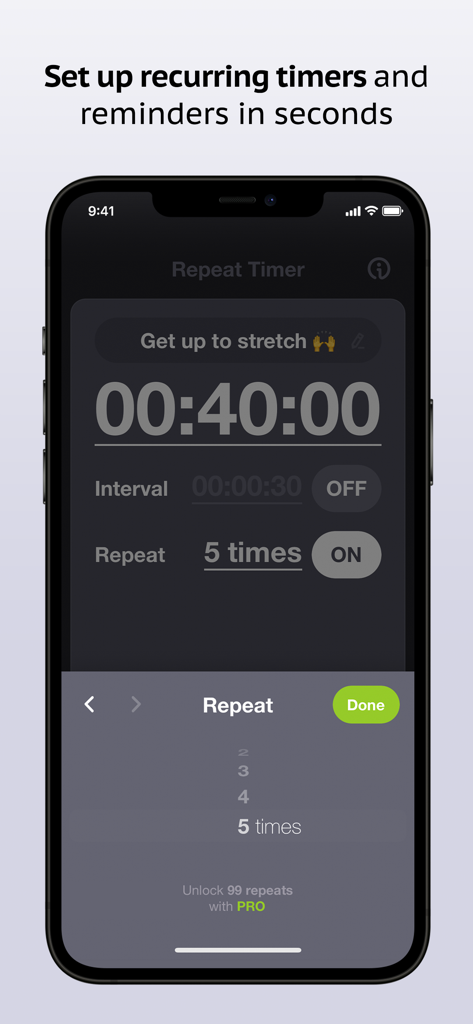
Repeat Timerアプリのプッシュアップルーチン画面。1分タイマーとインターバル設定が表示されています。

Repeat Timer: Interval Remind - iPhone上のRepeat Timerアプリの繰り返しタイマー設定画面

iPhone上のRepeat Timerアプリの繰り返しタイマー設定画面

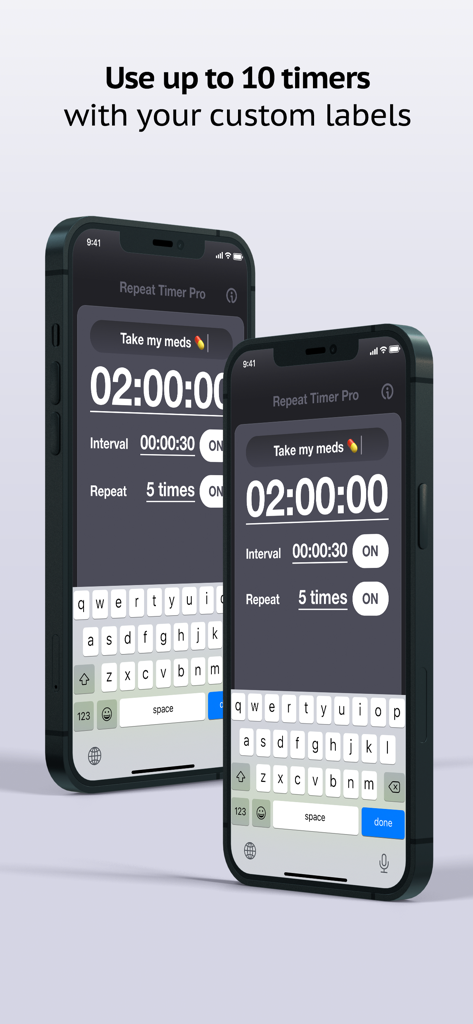
Repeat Timer: Interval Remind - iPhone上のRepeat Timer Proアプリのインターフェース。薬のリマインダーとインターバル設定のカスタムラベルが表示されています。
iPhone上のRepeat Timer Proアプリのインターフェース。薬のリマインダーとインターバル設定のカスタムラベルが表示されています。

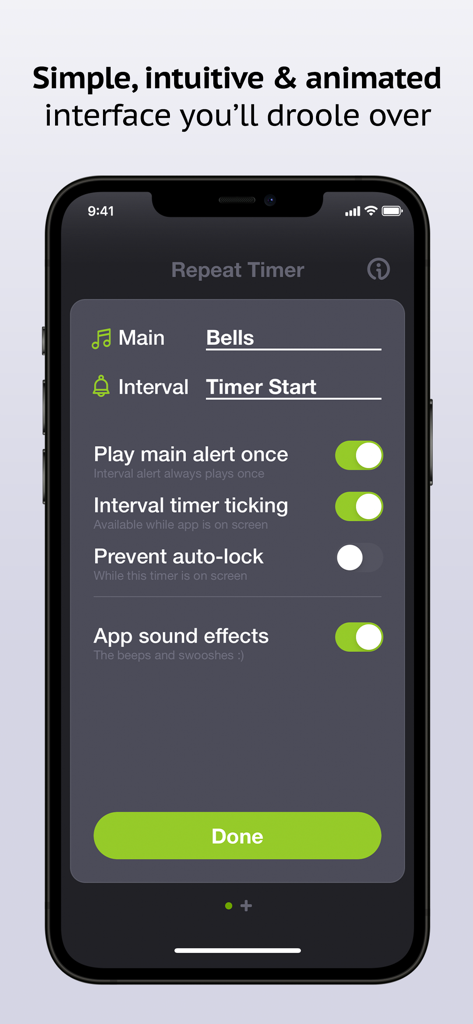
Repeat Timer: Interval Remind - iPhone上のRepeat Timerアプリの設定画面。サウンドとインターバルカスタマイズオプションが表示されています。
iPhone上のRepeat Timerアプリの設定画面。サウンドとインターバルカスタマイズオプションが表示されています。

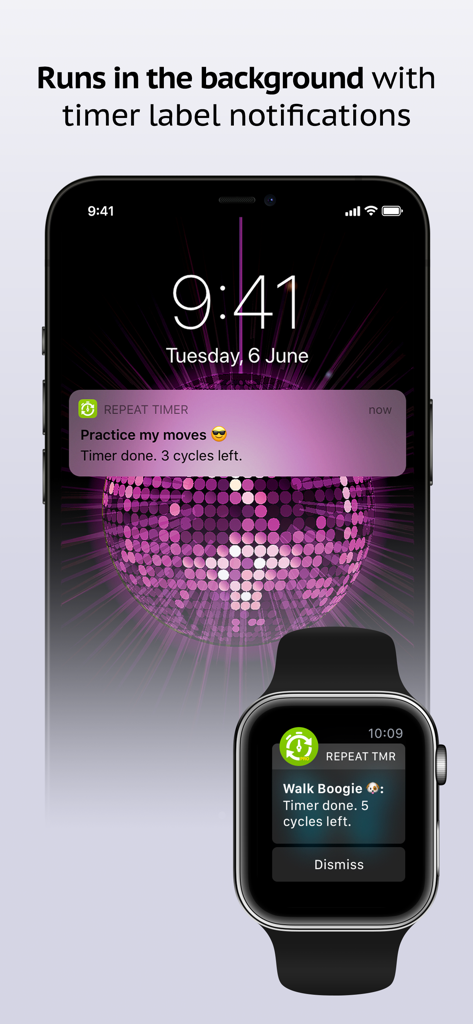
Repeat Timer: Interval Remind - iPhoneのロック画面とApple Watchに表示されるRepeat Timerアプリのバックグラウンド通知。ルーチン追跡用
iPhoneのロック画面とApple Watchに表示されるRepeat Timerアプリのバックグラウンド通知。ルーチン追跡用

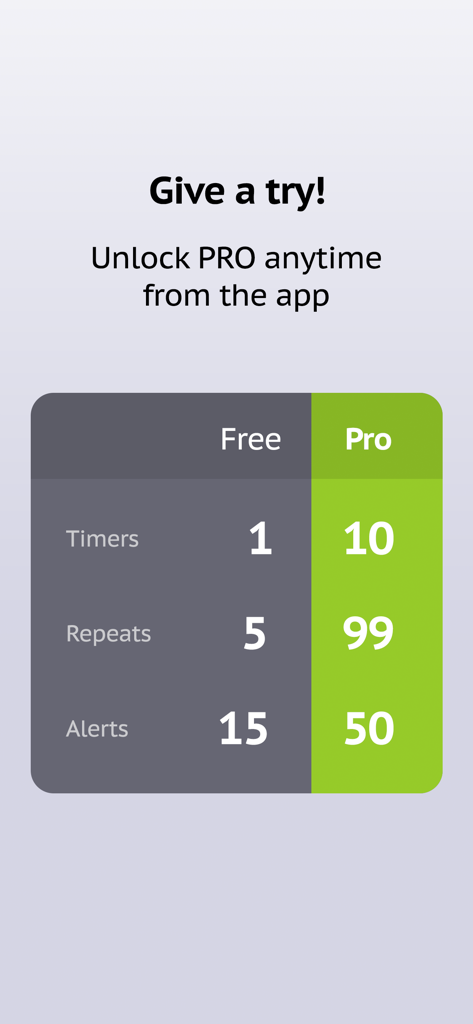
Repeat Timer: Interval Remind - Repeat Timerアプリの無料版とプロ版の違いを示す比較表

Repeat Timerアプリの無料版とプロ版の違いを示す比較表

説明

The #1 best-selling repeating timer app since 2013 with over 500,000 downloads, Repeat Timer is a simple recurring reminder for all of your repeating tasks and routines – taking your medications, getting up from your desk to stretch, cooking, yoga and meditation, TV time for kids, workouts and more! –– Easy to use: Simply name your timer, set the main timer duration, choose number of repeats and press Start! –– Optional interval timer: Use the optional interval timer that runs between main timer cycles (for example, 2min – 30sec – 2min – 30sec – 2min). Great for interval workouts! –– Works in the background: Run your timer while using other apps or with the phone in sleep mode. You’ll get hands-free visual and audio notifications that you don’t need to stop or dismiss. Downloaded over 600,000 times, our Repeat Timer apps are relied on daily by parents, teachers, coaches and more around the world. Get the app and join them to stay on track with your routines, minimize stress and make your days more productive and efficient! Download Repeat Timer today to streamline all of your routines: ––––––––––––––––––––––– • Easily configure and start your timers in seconds • Repeat timer cycles up to 5 times (up to 99 when you unlock Pro) • See your timer title in notification alerts to avoid confusing them • Choose from 15 high quality alert sounds, including voice commands (40 in Pro) • Engage the optional interval timer for more versatility • Runs in the background with sound and notification alerts • Enjoy the beautiful interface with animations and sound effects • Set your precise duration to the second Thousands of people use Repeat Timer every day: ––––––––––––––––––––––– • Fitness enthusiasts use it for interval, tabata and circuit workouts • Teachers use it to time quizzes, breaks and classroom activities • Coaches use it for drills and practice sessions • Students use it for flash cards study, exams and more • Office workers use it as a reminder to get up and stretch every hour and to look away from the screen to relax your eyes every 20 minutes • Yogis use it for practice and meditation • Parents use it for TV and computer time for the kids • Seniors use it to remember to take their medications and to measure their blood sugar • Productive people use it for the Pomodoro® technique to time work/break intervals Lite / Pro differences: – 1 timer / Up to 10 timers – 5 repeats / 99 repeats – 15 alert sounds / 50 alert sounds Try Lite free and easily upgrade to Pro via in-app purchase. Thank you for taking a look and enjoy! Subscription terms: - The subscription auto-renews at the end of each term. - Payment will be charged to iTunes Account at confirmation of purchase. - The subscription automatically renews unless auto-renew is turned off at least 24-hours before the end of the current period. - Account will be charged for renewal within 24-hours prior to the end of the current period. - You may manage your subscription and turn off auto-renewal by going to your Account Settings after purchase. Privacy policy and Terms of Use: https://www.repeattimerapp.com/privacy/

Download

ダウンロード: App Store

このページはアプリまたはその開発者の公式ページではなく、情報提供および論評を目的として作成された独立した編集出版物です。明示的に別段の記載がない限り、アプリおよびその開発者は、MWM、Apple、Google Play、アプリのパブリッシャー、またはアプリの開発者と提携、承認、後援、認可、またはその他の公式的な関係はなく、このページのいかなる内容も、アプリがMWMのサービスを使用して開発されたことを意味するものではありません。すべての商標、ロゴ、スクリーンショット、その他のコンテンツはそれぞれの所有者の財産です。